Introduction
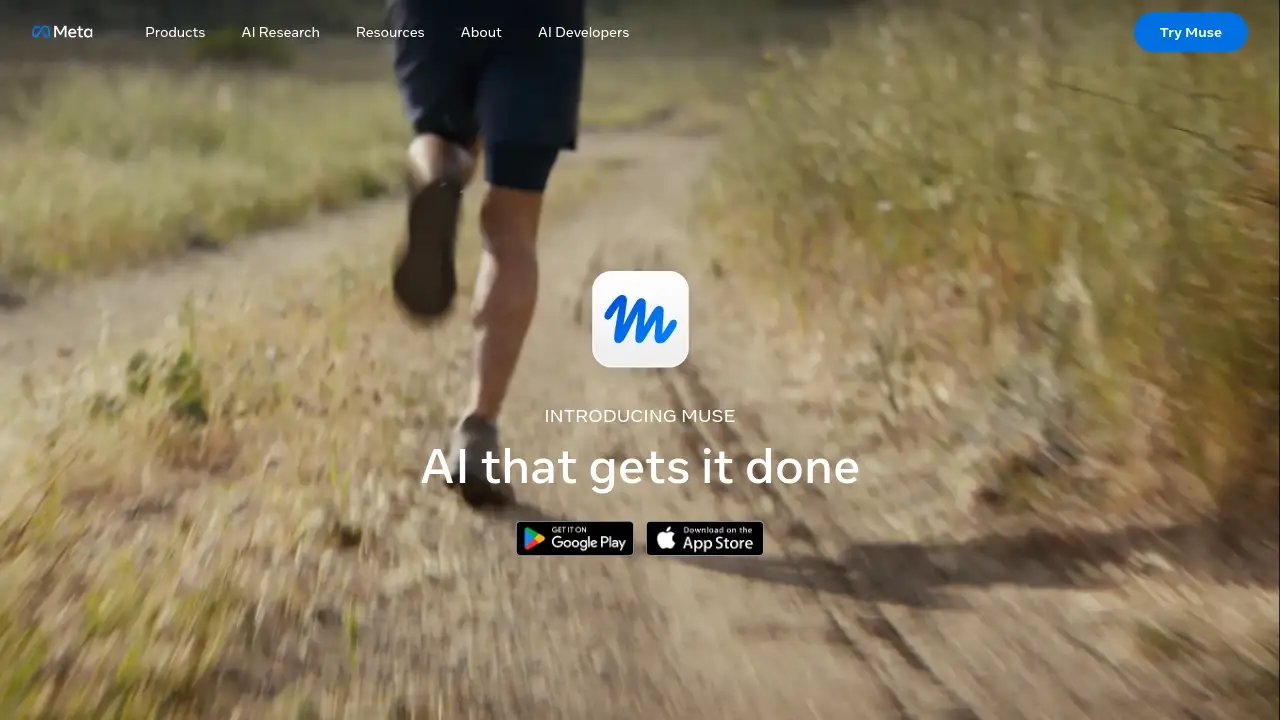
Muse is Meta's personal AI agent built to take busywork off your plate. This Muse AI agent can browse the web, connect to everyday apps, and complete multi-step tasks with user approval. It is designed for people who want a secure, capable personal AI agent that keeps working in the background.
What is Muse?
Muse is a personal AI agent from Meta. Unlike a simple chatbot, it is agentic AI that can plan, act, and keep working on tasks even after the app is closed. Muse runs in the Muse app on mobile, Mac, or WhatsApp, so users can hand off tasks in a natural conversation. It helps with booking appointments, filling forms, handling customer service, shopping, research, reminders, and more.
The product matters because it combines automation with control: users can set permissions, review critical actions, and see an audit trail. Muse also includes strong privacy and security features, such as a secure credential store, one-time card numbers for shopping, and Link purchase protections. For anyone overwhelmed by digital chores, Muse offers a practical way to get more done while staying in charge.
Key Features of Muse
Conversational AI Agent
Chat with Muse like messaging a person. The app works on mobile and Mac, and the agent is also available directly in WhatsApp.
Muse Secure VM and Browser
Muse Secure VM runs on a persistent, dedicated virtual machine with a state-of-the-art browser. It can navigate the web, book appointments, fill out forms, and handle customer service tasks.
Approvals and Audit Trail
Review and approve critical actions before the agent takes them, such as sending emails or making purchases. Users can also see a complete audit trail of what the personal AI agent has done and what it plans to do.
Privacy and Security Controls
Logins are kept in a secure credential store that the agent cannot read, with 1Password integration coming soon. For shopping, the agent generates a one-time card number at checkout, and eligible purchases are covered by Link’s purchase protections.
Goal Tracking and Proactive Help
Give the personal AI agent a goal or task, and it builds an action plan, tracks progress, and proactively takes tasks off the plate. It learns over time and suggests ideas based on user needs.
App Connections and Custom Tools
Connect email, calendar, Instagram, and other daily apps. If a task needs a tool that does not exist, Muse can build it.
Background Operation
The agent keeps working in the background whether the app is open or closed. For example, it can monitor weather reports and alert users about rain.
Use Cases for Muse
Personal Task Management
The agent can set reminders, track goals, and manage to-do lists. It works as a personal AI agent that helps users stay organized across life and work.
Online Shopping and Booking
The agent can browse the web, compare options, make purchases, and book appointments. Its secure checkout features help protect card details during eligible transactions.
Research and Document Creation
Users can ask the agent to research topics, summarize information, create documents, and generate images. This makes Muse useful for students, writers, and knowledge workers.
Inbox and Calendar Support
By connecting email and calendar apps, the agent can help draft messages, manage schedules, and prepare for meetings. Critical actions like sending emails still require approval.
Monitoring and Alerts
The agent can monitor prices, weather, or other topics in the background. It then alerts users when something important changes.
Social and Content Workflows
With Instagram and other app connections, Muse can support content planning and routine social tasks. It can also build simple tools when a workflow needs one.
How to Use Muse
- Download the Muse app on mobile or Mac, or open the agent in WhatsApp.
- Connect everyday apps such as email, calendar, and Instagram through Connectors.
- Tell the agent what to get done in a natural message. For example, ask it to book an appointment, monitor a price, or create a document.
- Set permissions and review critical actions before they happen. Users can allow once, always allow, or deny.
- Let the personal AI agent work in the background, then check the audit trail and adjust goals as needed.
Target Audience for Muse
- Busy professionals who want to delegate digital chores
- Entrepreneurs and small business owners managing many tasks
- Freelancers and creators who need research, documents, and reminders
- Students and researchers handling information-heavy work
- Families and personal planners tracking goals and schedules
- Mac, mobile, and WhatsApp users who want a secure personal AI agent
Is Muse Free?
Muse is available for free with a usage limit. If the free limit is reached, users can upgrade to a paid subscription or wait until the free usage limit refreshes.
| Plan | Price | Features |
|---|---|---|
| Free | $0 | Core Muse access with a usage limit |
| Paid subscription | Not specified in the reference information | More usage after the free limit; check the official Muse page for current details |
Muse's Pros and Cons
| Aspect | Pros | Cons |
|---|---|---|
| Pricing | Free tier available with a usage limit | Paid plan price and limits are not clearly listed in the reference information |
| Features | Agentic AI can handle multi-step tasks, connect apps, and build tools | Some actions require manual approval, which may slow fully hands-off workflows |
| Security | Secure credential store, one-time card numbers, Link purchase protections, and no ad sharing of conversations | 1Password integration is listed as coming soon |
| Platform | Works on mobile, Mac, and WhatsApp | Desktop download is highlighted for Mac; other desktop platforms are not mentioned |
| Control | Users can review actions, set permissions, and view an audit trail | Users who want complete automation may find approval steps restrictive |
Frequently Asked Questions about Muse
What can Muse do?
It can answer questions, complete tasks, browse the web, make purchases, generate images, create documents, and connect with apps and services. It can also set reminders, track goals, and monitor things users care about.
How does Muse work?
It is agentic AI, so it figures out which built-in skills a task needs and then works through multiple steps. It can browse the web, pull information from connected apps, and act while users review and approve key actions.
Is Muse safe?
It is built with automated protections, agentic AI security standards, and user controls. It uses a secure credential store, one-time card numbers for shopping, and a protective layer designed to stop information from being shared without approval.
Does Muse keep working after the app is closed?
Yes. When users ask it to do something, it keeps working in the background whether the app is open or not. For example, it can monitor daily weather reports and alert users about rain.
Does Muse ask before it acts?
Yes. It is designed to ask permission before certain actions, such as sending messages, making purchases, or sharing information with a connected app. Users can allow once, always allow, or deny.
Is Muse free?
It is free with a usage limit. Users who reach the free limit can upgrade to a paid subscription or wait for the free usage limit to refresh.
Muse Tags
Muse, Meta Muse, Muse AI agent, personal AI agent, agentic AI, Meta AI agent, AI assistant, Muse Secure VM, AI task automation, secure AI agent, Muse app, Meta AI personal agent