Introduction
Explore AIChangeHair, a free AI hairstyle changer online that lets you preview new haircuts and colors from a single portrait.
What is AIChangeHair?
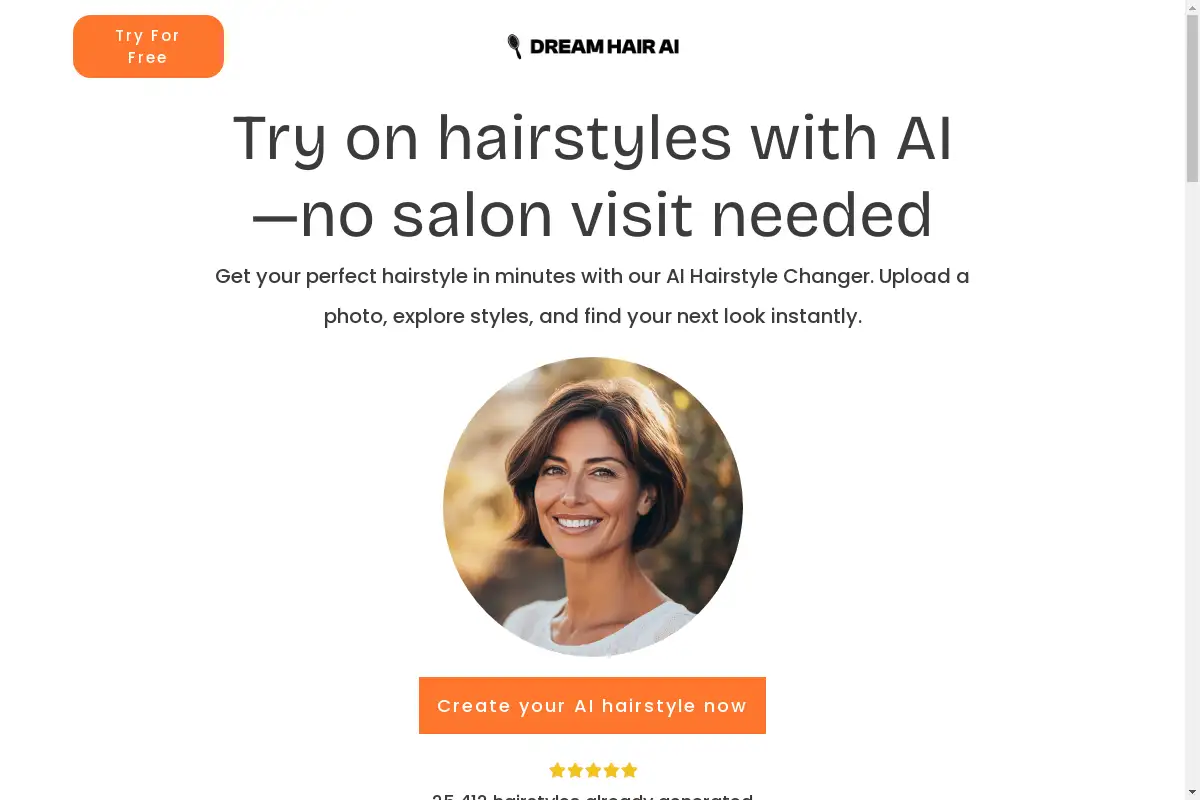
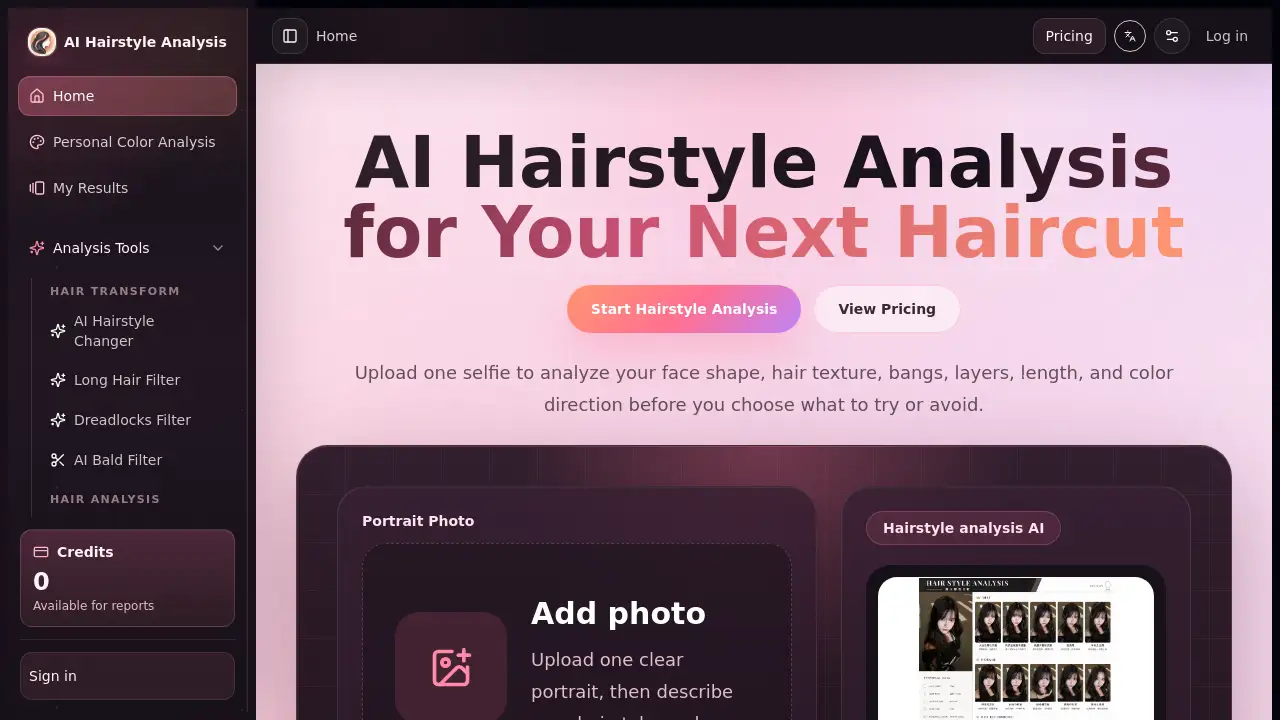
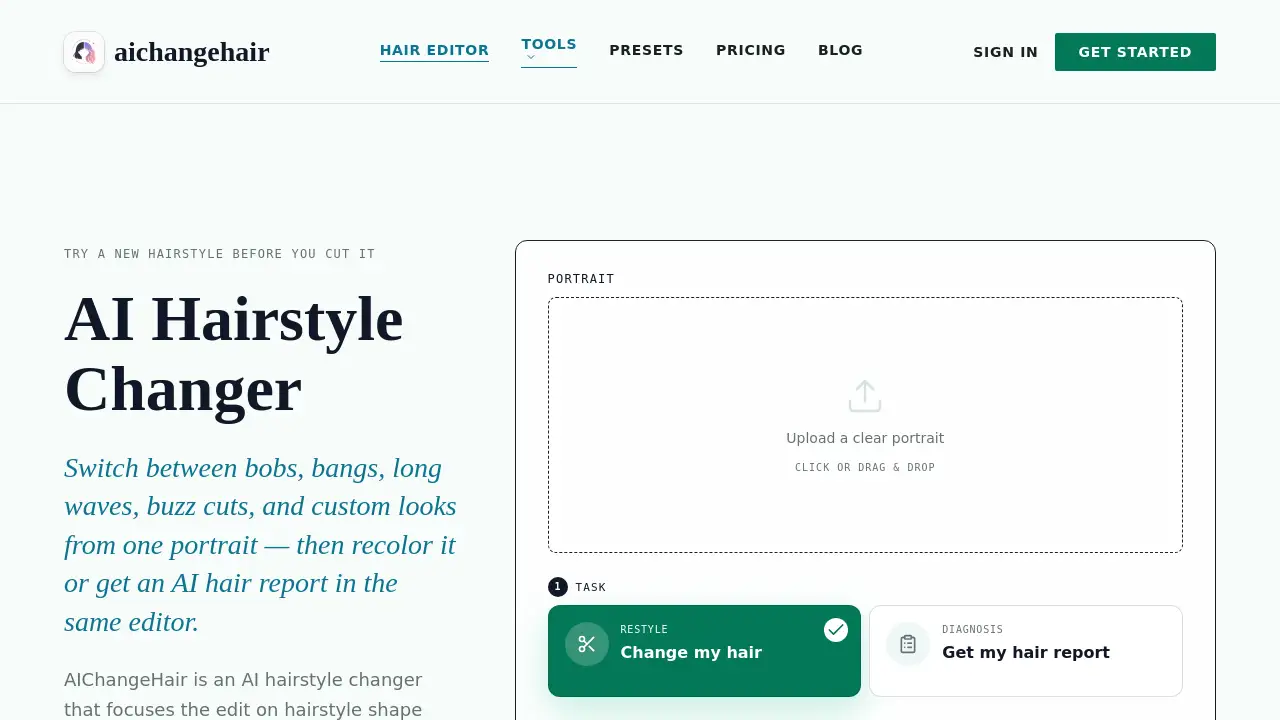
AIChangeHair is an AI hairstyle changer that allows users to upload a portrait and instantly preview different hairstyles – from bobs and bangs to waves, pixie cuts, and buzz cuts – while keeping the face, clothing, and lighting completely natural. The tool addresses a common dilemma: wondering how a new haircut or color will look before actually committing to it. Suitable for anyone considering a style change, it matters because it eliminates guesswork and salon regret. This free AI hairstyle changer online uses advanced image processing to focus edits strictly on hair shape, length, and color, preserving the rest of the photo for a realistic preview. Users can also generate an AI hair report for personalized style guidance based on face shape.
Key Features of AIChangeHair
Free Daily Credits
New users receive 20 free credits upon sign-up, plus 10 additional credits every day they log in, making it easy to try the service without any upfront cost.
180 Hairstyle Presets
Browse a large library of presets covering female, male, and children's hairstyles, including bobs, pixie cuts, bangs, long waves, braids, buns, buzz cuts, and fades.
Custom Text Prompts
Describe any desired hairstyle using free-form text, such as "soft curtain bangs" or "glossy copper bob," and the AI focuses the edit exclusively on hair.
AI Hair Report
Generate a visual consultation that recommends a flattering hairstyle and color based on face shape, shown from front, side, and back angles, with a unique result every time.
Color Controls
Keep the original color, choose from preset shades like blonde, copper, raven black, rose pink, turquoise, or silver, or enter a custom HEX color for precise matching.
High-Resolution Output
Edits are available in multiple resolutions – 1K, 2K, and 4K – ensuring quality suitable for social posts, portfolios, or salon consultation mockups.
Use Cases for AIChangeHair
Salon Consultation Preparation
Clients can generate realistic previews of suggested styles to discuss with their stylist, ensuring clear communication and reducing the risk of dissatisfaction.
Personal Style Exploration
Individuals curious about drastic changes like buzz cuts or bold colors can experiment virtually from home without any commitment.
Social Media Content Creation
Users can generate multiple styled portraits for profile updates, transformation posts, or creative projects that require realistic hair edits.
How to Use AIChangeHair
- Upload Your Portrait: Drag and drop or select a clear, well-lit portrait with visible hair. A front-facing or three-quarter angle yields the most natural result.
- Choose Your Edit: Select a hair color, pick from the 180 hairstyle presets, describe a custom look with text, or generate an AI hair report for personalized guidance.
- Generate and Preview: The AI processes the edit, focusing only on hair while preserving face, clothing, background, and lighting. Results typically appear in 1–2 minutes.
- Download or Share: Save the final image, copy a shareable link, or start a new hair edit from your in-app gallery.
Target Audience for AIChangeHair
- Individuals considering a new haircut or color change who want a realistic preview before visiting a salon.
- Salon professionals who present style and color options to clients during consultations.
- Social media users looking to refresh profile photos or create engaging content.
- Fashion and beauty enthusiasts who experiment with different looks for personal or creative projects.
- Parents who want to preview age-appropriate hairstyles for children without a visit.
Is AIChangeHair Free?
Yes, AIChangeHair offers a free AI hairstyle changer online tier with no credit card required. The free plan includes 20 credits on sign‑up and 10 free daily credits. Each standard hair edit costs 10 credits. For higher volume or higher resolution needs, the following paid plans are available:
| Plan | Price | Credits | Key Features |
|---|---|---|---|
| Starter | $0 | 20 sign‑up + 10 daily | 1K edits, presets, custom prompts, AI hair reports |
| Monthly | $14.99 / month | 800 credits per month | 1K/2K/4K, all features, cancel anytime |
| Yearly (first year) | $6.99 / month ($83.88) | 14,400 credits upfront | 53% off, 50% more credits than monthly, all features |
| Starter Pack (one‑time) | $9.90 | 300 credits | No expiry, no recurring charge |
| Value Pack (one‑time) | $19.90 | 650 credits | No expiry, popular choice |
| Bulk Pack (one‑time) | $39.90 | 1,400 credits | Best value per credit, no expiry |
AIChangeHair's Pros and Cons
| Aspect | Pros | Cons |
|---|---|---|
| Pricing | Free tier available with daily credits; one‑time packs with no expiry | High‑volume use requires a paid plan |
| Features | 180 presets, custom prompts, color controls, and AI reports | Free tier limited to 1K resolution |
| Ease of Use | Simple upload‑edit‑download workflow; works in mobile browser | Best results require well‑lit, front‑facing portraits |
| Output Quality | Preserves face, clothing, lighting, and background; up to 4K | Results can vary with low‑quality source images |
Frequently Asked Questions about AIChangeHair
How does the AI hairstyle changer work?
Upload a clear portrait, choose a hairstyle preset or describe a custom look, and optionally select a color. The AI builds a focused prompt that edits only the hair while preserving face, pose, clothing, background, and lighting for a realistic preview.
Is the AI hairstyle changer safe to use with my photos?
Yes. Uploads are encrypted in transit and at rest. They are used only to generate your result and are never used to train public models. Users can delete source photos and generations from their gallery at any time.
Can I use the AI hairstyle changer online on my phone?
Absolutely. The tool runs entirely in mobile browsers on iOS Safari and Android Chrome with no app installation needed. The interface adapts for one‑handed use, allowing upload from camera roll or direct capture.
Can I try hairstyles and hair colors together?
Yes. Users can keep the current style, keep the current color, combine a hairstyle with a new color, write a custom text prompt, or generate an AI hair report for face‑shape‑aware guidance before committing to an edit.
What kind of photos work best for the free AI hairstyle changer online?
Clear, well‑lit portraits with visible hair produce the most accurate results. Front‑facing or three‑quarter angles are ideal. Avoid hats, heavy shadows, or cropped hair when you need precise style or color previews.
Can I share or sell the images created with the AI hairstyle changer?
Yes. Generated hair previews can be used for social posts, salon consultation mockups, profile updates, portfolios, or creative projects, provided you have the rights to the original uploaded photo.
AIChangeHair Tags
AI hairstyle changer, free AI hairstyle changer online, virtual hairstyle try-on, AI hair color changer, hairstyle presets, AI hair report, custom hair prompts, try hairstyles online, haircut preview tool, hairstyle simulation, hair color preview, face shape hair analysis