Introduction
AIClothSwap is a fast AI clothes changer for realistic outfit swaps online.
What is AIClothSwap?
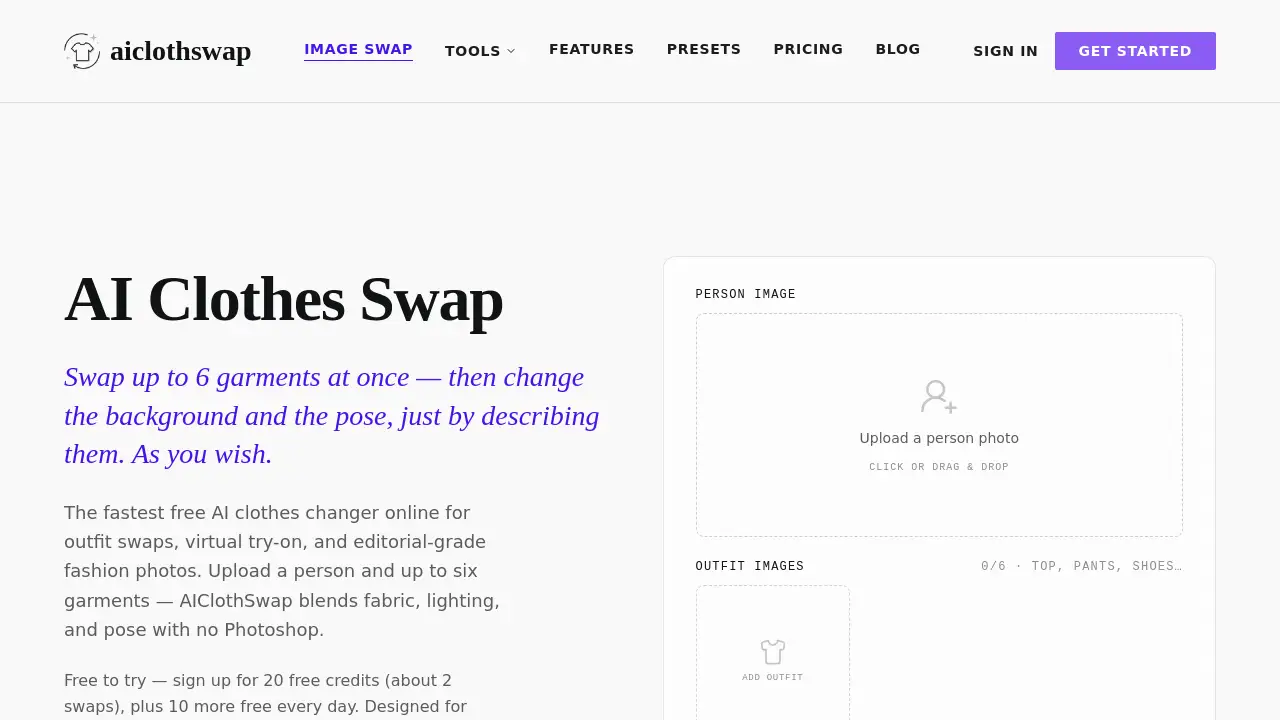
AIClothSwap is an online tool that lets you change clothes in a photo using artificial intelligence. Instead of editing with Photoshop or other complex software, you upload a portrait and one or more garment images – the AI blends fabric, lighting, and pose automatically. The result is a natural-looking clothing swap that preserves the original person, background, and proportions.
This AI outfit swap tool solves a common problem for fashion professionals and content creators: quickly visualizing how different garments look on a real model without physical photoshoots. It is suitable for stylists planning looks, ecommerce sellers creating product photos, and social media creators generating outfit variations. Unlike basic dress-up apps, AIClothSwap can swap up to six garments at once – top, bottom, shoes, hat, bag – and even change the background or pose through simple text instructions.
The free AI clothes changer offers 20 credits on signup (about two full swaps) plus 10 more free credits every day, making it accessible for occasional use. For heavier workloads, paid plans remove watermarks and add high-resolution output. The entire service runs in a browser, requiring no downloads or technical knowledge.
Key Features of AIClothSwap
Swap a Whole Outfit at Once
Instead of changing just one garment, AIClothSwap allows swapping tops, bottoms, footwear, and accessories together in a single generation. The AI keeps skin texture, lighting, and proportions consistent across every swapped piece for a cohesive look.
Change Background and Pose with Text
An optional instruction box lets you describe new backgrounds or poses. Type “studio backdrop” or “hands in pockets” – the AI restyles the outfit, scene, and model’s pose together. You can also lock the person and pose and only change clothes if preferred.
AI-Powered Precision
The automatic body and garment detection identifies contours and fits new clothes naturally. Texture, folds, and shadows are aligned with the original lighting, avoiding the unnatural flatness common in other virtual try-on tools.
Curated Presets for Specific Needs
Presets like “Perfect Text” blend text and graphics into images without blur, while “Editorial Draping” converts flat-lay photos into on-model shots. “Complex Textures” handles patterns, stitching, and cut details accurately.
High-Resolution Output
Paid plans support up to 4K resolution, suitable for commercial use. The free tier outputs fast high-quality images with a subtle watermark.
Use Cases for AIClothSwap
Virtual Try-On for Ecommerce
Online retailers can upload a model photo and swap in different garments without physical samples. Customers see how an outfit looks on a real person, reducing return rates.
Social Media Content Creation
Influencers and creators can generate multiple outfit variations from one base photo. Changing the background and pose with text adds variety without new photoshoots.
Editorial Fashion Photos
Stylists and photographers can quickly test different looks for lookbooks or magazine shoots. The AI clothes changer saves time during pre-production.
Personal Wardrobe Exploration
Consumers can use the free AI outfit swap to see how their own clothes might look in new combinations before buying or styling.
How to Use AIClothSwap
- Upload a photo – Choose a clear portrait of the person you want to dress. Drag and drop into the web interface.
- Add garment images – Upload up to six garment photos (tops, bottoms, shoes, accessories) each showing the item clearly.
- Write optional instructions – Describe any background or pose changes, e.g., “white studio backdrop” or “arms crossed.”
- Click “Start” – The AI clothes changer processes the swap, generating a new image in seconds.
- Preview and download – Check the result. If you have remaining credits, you can fine-tune and download. Free outputs include a small watermark.
Target Audience for AIClothSwap
- Fashion stylists – Quickly visualize complete outfits on models without physical fittings.
- Ecommerce sellers – Produce product photos with minimal overhead.
- Social media creators – Generate varied clothing content from a single base image.
- Photographers – Speed up post-production for editorial shoots.
- Clothing brands – Test designs on different poses and backgrounds.
- Everyday users – Experiment with virtual try-on for personal shopping.
Is AIClothSwap Free?
Yes, AIClothSwap offers a free tier with 20 credits on signup and 10 free credits daily. Swaps on the free plan include a watermark. Paid plans offer more credits, no watermark, and higher resolution.
| Plan | Price | Credits & Features |
|---|---|---|
| Starter (Free) | $0 | 20 credits on signup + 10/day, watermarked, fast & HQ |
| Monthly | $19.99/month | 1,500 credits/month, no watermark, up to 4K, commercial use |
| Yearly | $89.90 first year ($7.49/mo) | 20,000 credits upfront, no watermark, priority queue |
| Studio Unlimited | $34.99/month | Unlimited fast HQ 1K generation; 4,000 credits for 4K/2K; no watermark |
AIClothSwap's Pros and Cons
| Aspect | Pros | Cons |
|---|---|---|
| Pricing | Free tier available; yearly plan saves $150 | Free outputs watermarked; credits limited |
| Features | Swap up to 6 garments at once; text-controlled background/pose | Requires clear portrait; complex backgrounds may reduce accuracy |
| Ease of Use | No Photoshop skills needed; browser-based | Text instructions sometimes need refinement |
| Output Quality | Realistic fabric, lighting, and folds; up to 4K resolution | Free tier limited to fast high-quality (no 4K) |
| Target Audience | Wide appeal for stylists, sellers, creators | May not satisfy professional retouching standards without manual edits |
Frequently Asked Questions about AIClothSwap
What exactly does an AI clothes changer do?
An AI clothes changer replaces the outfit in a photo while keeping the person, pose, lighting, and background unchanged. You upload a person image and garment images – the AI fits the new clothing with realistic fabric, folds, and shadows.
Can I swap more than one garment at a time?
Yes. AIClothSwap allows swapping up to six garments in a single generation. You can change the top, bottom, shoes, hat, and bag together for a complete outfit.
How many free credits do I get and how often?
You receive 20 free credits upon signup, which covers about two full outfit swaps. Additionally, you get 10 free credits every day you log in. Credits do not roll over.
Are the results watermarked on the free plan?
Yes. The free Starter plan adds a small watermark to outputs. Paid plans remove the watermark and include a commercial use license.
Can I change the background or pose without changing clothes?
No, the tool is designed to swap clothes by default, but you can lock the pose and background by leaving the instruction box empty. Alternatively, you can use instructions to change only the scene while keeping the original outfit – though results may vary.
Is AIClothSwap safe to use with my photos?
The service is cloud-based. Uploaded images are processed temporarily for generation. For specific privacy details, review the official privacy policy on the AIClothSwap website.
AIClothSwap Tags
AI clothes changer, AI outfit swap, virtual try-on, free AI clothes swap, clothing swap AI, AI fashion generator, online dress changer, photo clothing editor, AI stylist tool, outfit creator AI, background change AI, pose change AI