Introduction
AI-powered image transformation for professional creative workflows.
What is Image to Image AI?
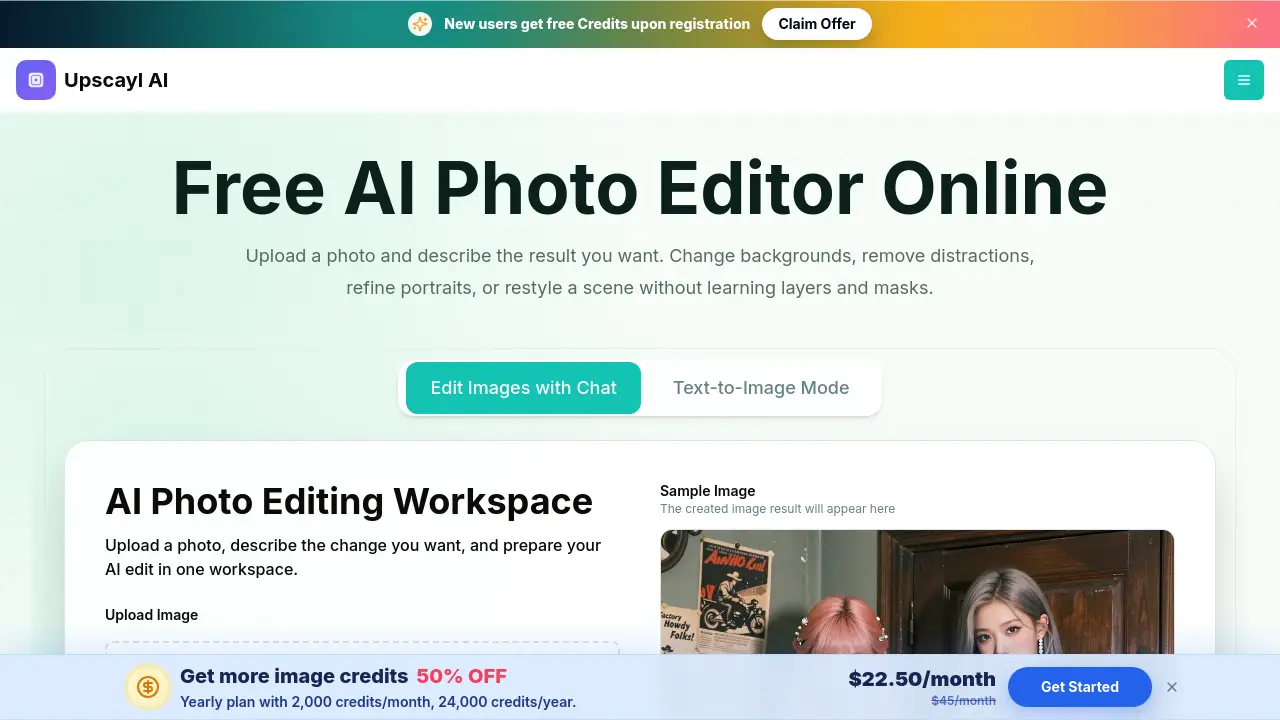
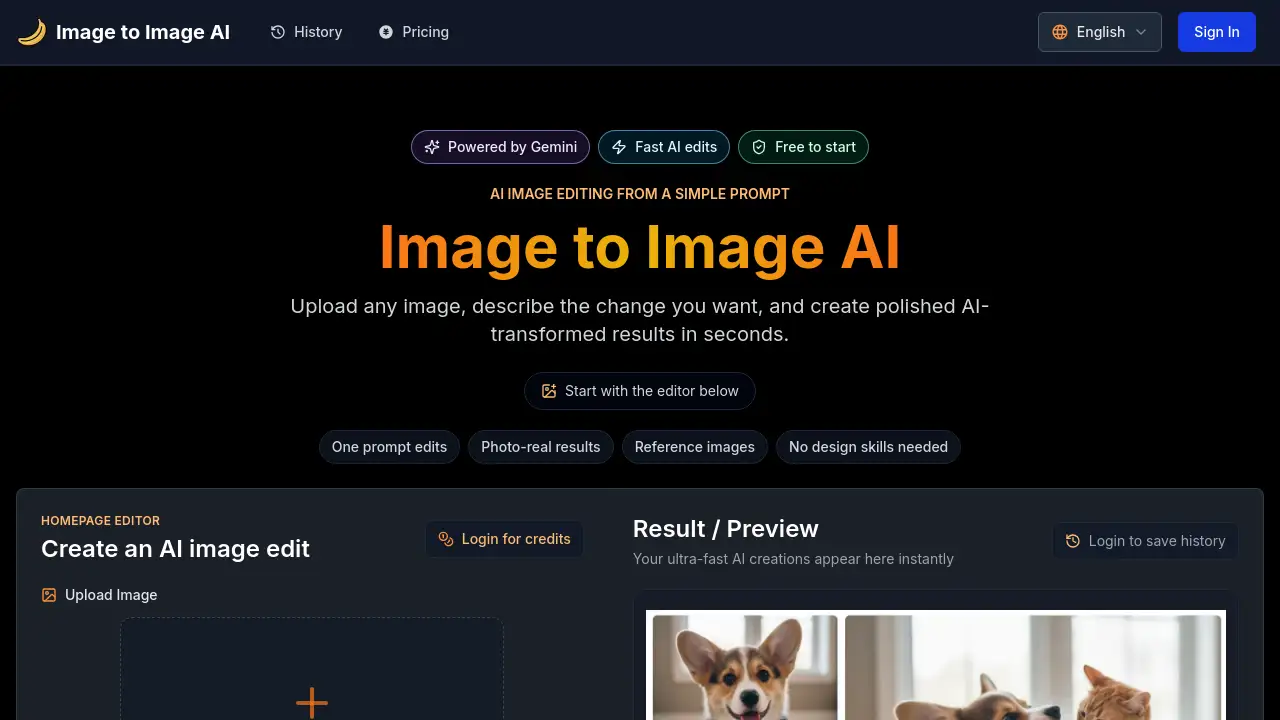
Image to Image AI is an advanced platform that uses artificial intelligence to transform and edit images based on simple text prompts. This tool is designed to solve the time-intensive and costly challenges of manual image editing, particularly for businesses and creative teams that handle large volumes of visual content. By uploading an image and describing the desired change, users can generate polished, photo-real results in seconds without needing design skills. It is especially suitable for professionals in e-commerce, marketing, real estate, and content creation who need to scale their visual production while maintaining brand consistency. The platform’s core value lies in accelerating workflows, reducing production costs, and enabling creative possibilities that were previously difficult or expensive to achieve.
Key Features of Image to Image AI
Smart Bulk Operations
Users can apply complex edits to thousands of images simultaneously with a single command, significantly speeding up large-scale projects like updating product catalogs.
Custom Brand Templates
This feature allows teams to create reusable templates that automatically enforce specific brand guidelines, ensuring visual consistency across all marketing and product images.
Intelligent Background Processing
The AI can contextually remove, replace, or enhance backgrounds in images, which is ideal for creating clean product shots or professional headshots.
Real-Time Collaboration
Teams can work together in shared workspaces with built-in approval workflows and version control, streamlining the review and editing process for collaborative projects.
Advanced API & Webhooks
For full automation, the platform offers a robust REST API and webhooks, enabling seamless integration with existing business systems and custom workflow triggers.
Analytics & Reporting
Detailed dashboards provide insights into usage, performance, and workflow efficiency, helping teams track ROI and optimize their visual content strategy.
Use Cases for Image to Image AI
E-commerce Automation
Online retailers can standardize product images, remove backgrounds, and generate multiple color or style variants at scale to keep their catalogs fresh and professional.
Marketing Personalization
Marketing teams can quickly produce thousands of personalized ad assets, social media graphics, and campaign materials tailored to different audiences or regions.
Real Estate Staging
Agents and agencies can use virtual staging to furnish empty properties in photos, enhancing appeal and potentially increasing listing views and engagement.
Fashion & Retail Visualization
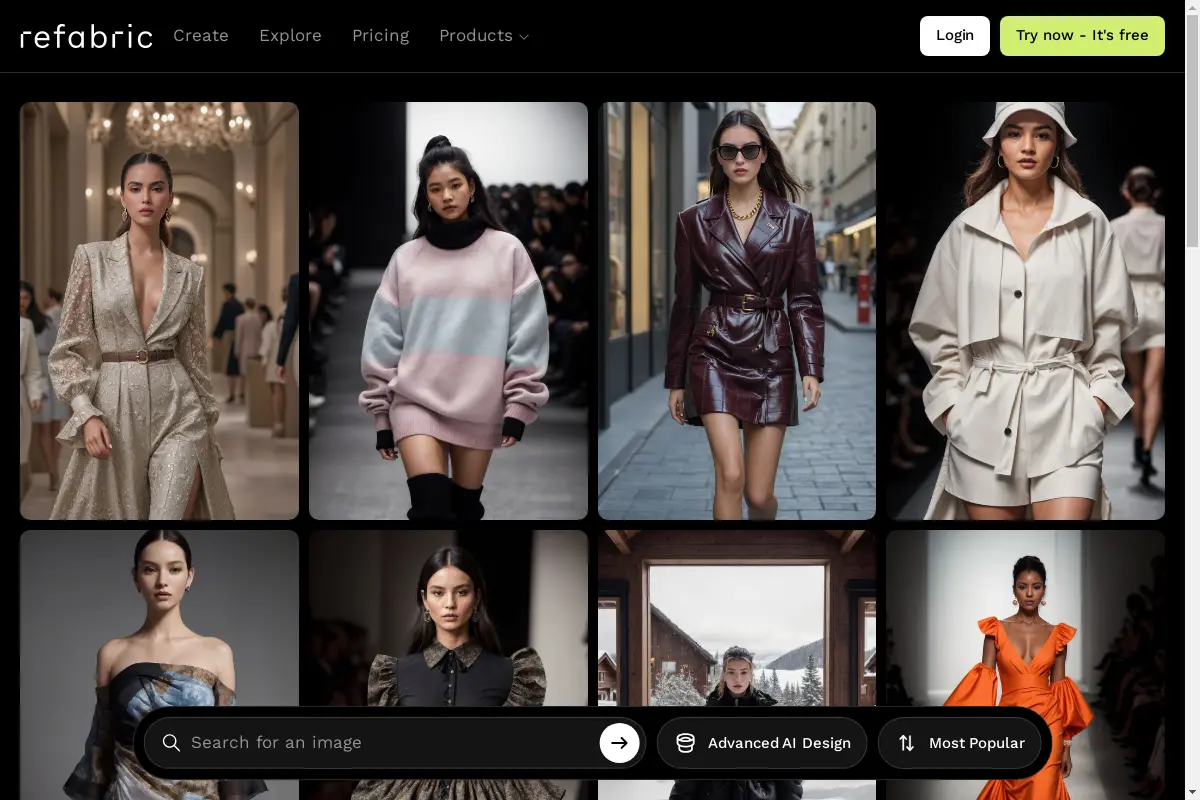
Brands can showcase clothing and accessories on virtual models, allowing for diverse representation without the need for costly and time-consuming photoshoots.
Scalable Content Creation
Content creators and social media managers can generate unlimited variations of images for posts, ads, and blogs, maintaining a consistent and engaging online presence.
How to Use Image to Image AI
Using the platform is straightforward and accessible even for beginners.
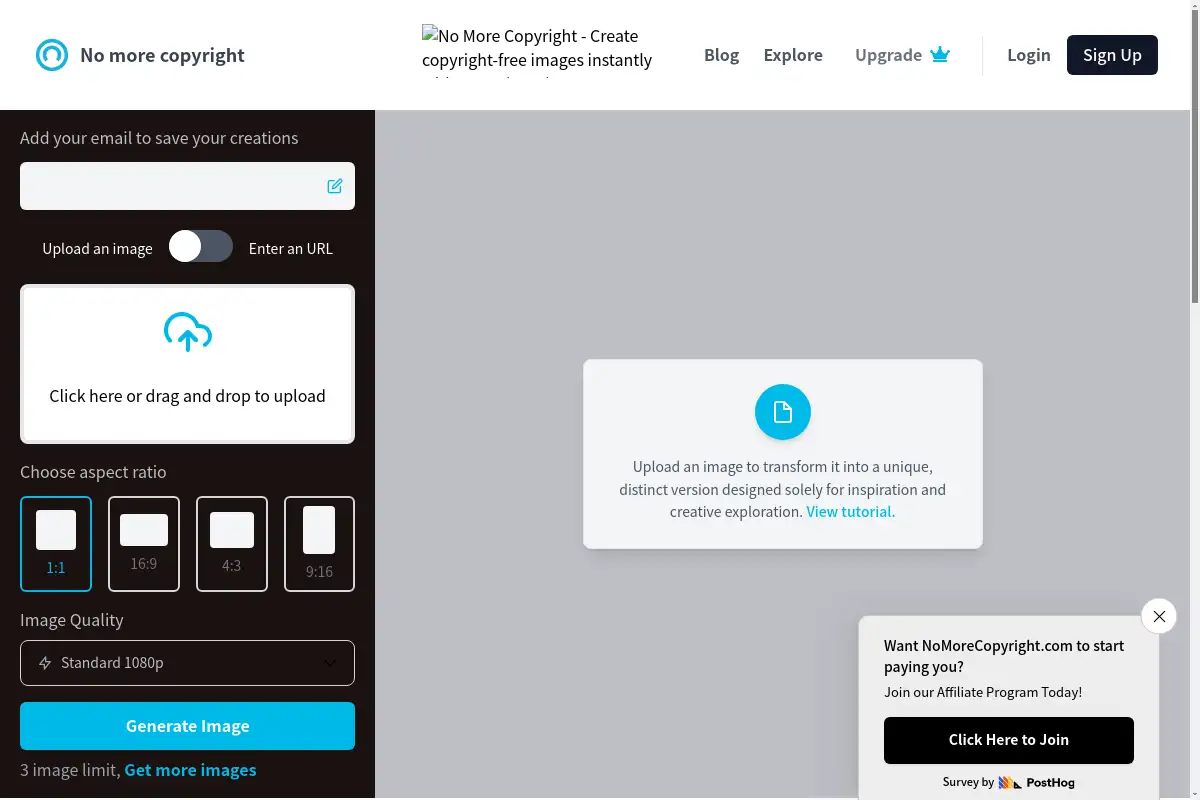
- Upload an Image: Start by uploading any image you wish to edit directly into the web-based editor.
- Describe Your Edit: In the prompt box, type a simple, clear description of the change you want, such as "change the background to a beach" or "make the model wear a blue jacket."
- Generate & Review: The AI processes your request and displays the transformed image in seconds. You can then accept the result, make adjustments to the prompt, or use additional editing tools.
- Batch Process or Download: For single images, download the final version. For larger projects, utilize the batch processing feature to apply the same edit to multiple uploads at once.
Target Audience for Image to Image AI
- E-commerce Directors and Managers: Professionals who need to manage large online product catalogs efficiently.
- Marketing and Creative Agency Teams: Teams responsible for producing high volumes of campaign and advertising assets.
- Real Estate Professionals: Agents and agencies looking to enhance property listings with virtual staging.
- Fashion and Retail Brands: Companies that require versatile product visualization without physical photoshoots.
- Content Creators and Social Media Managers: Individuals and teams needing a steady stream of varied, high-quality visual content.
- Developers and Tech Teams: Those seeking to integrate automated image processing into custom applications or workflows via API.
Is Image to Image AI Free?
The platform offers a free starting tier, allowing users to test core features. For professional and business use, paid plans with advanced capabilities like batch processing, API access, and brand templates are available. Prospective users are encouraged to visit the official website for detailed and up-to-date pricing information on various subscription tiers.
| Aspect | Pros | Cons |
|---|---|---|
| Efficiency | Drastically reduces image editing time with bulk AI processing. | Advanced features may require initial setup and learning. |
| Cost-Effectiveness | Can significantly lower creative production and photoshoot budgets. | Premium enterprise features represent an ongoing operational cost. |
| Consistency | Excellent for enforcing brand guidelines across large image sets. | Output quality is dependent on the clarity of the user's text prompt. |
| Scalability | Infrastructure handles volume from tens to millions of images seamlessly. | Primarily optimized for business workflows, potentially overkill for casual users. |
Frequently Asked Questions about Image to Image AI
How quickly can a business integrate this tool?
Most businesses can be operational within 24 hours. The platform offers a well-documented REST API with SDKs for popular programming languages, and enterprise clients can access dedicated onboarding support.
What is the typical ROI for using Image to Image AI?
Clients often report seeing a return on investment within 30 days, with common outcomes including an 85% reduction in image editing time, a 40% decrease in creative production costs, and faster campaign deployment.
Can the platform handle high-volume image processing?
Yes, the infrastructure is built to scale automatically, capable of processing from a few images to millions per month with a guaranteed 99.9% uptime and global content delivery for performance.
How does it ensure brand consistency across images?
Users can create custom brand presets or templates that define specific colors, styles, and quality standards. The AI then automatically applies these rules to every image processed.
Is data and image security a priority?
Security is a top concern. The platform is SOC 2 Type II certified and GDPR compliant, using end-to-end encryption and processing images in isolated, secure environments.
Is there a free trial available?
Yes, there is a free tier to test basic functionality. The platform also offers a 14-day enterprise trial with full feature access and support for a comprehensive evaluation.
Image to Image AI Tags
AI image editing, image to image AI, bulk image processing, brand consistency tool, e-commerce image automation, virtual staging AI, marketing asset generation, AI background removal, content creation AI, image transformation API, professional photo editing, scalable AI tools