Introduction
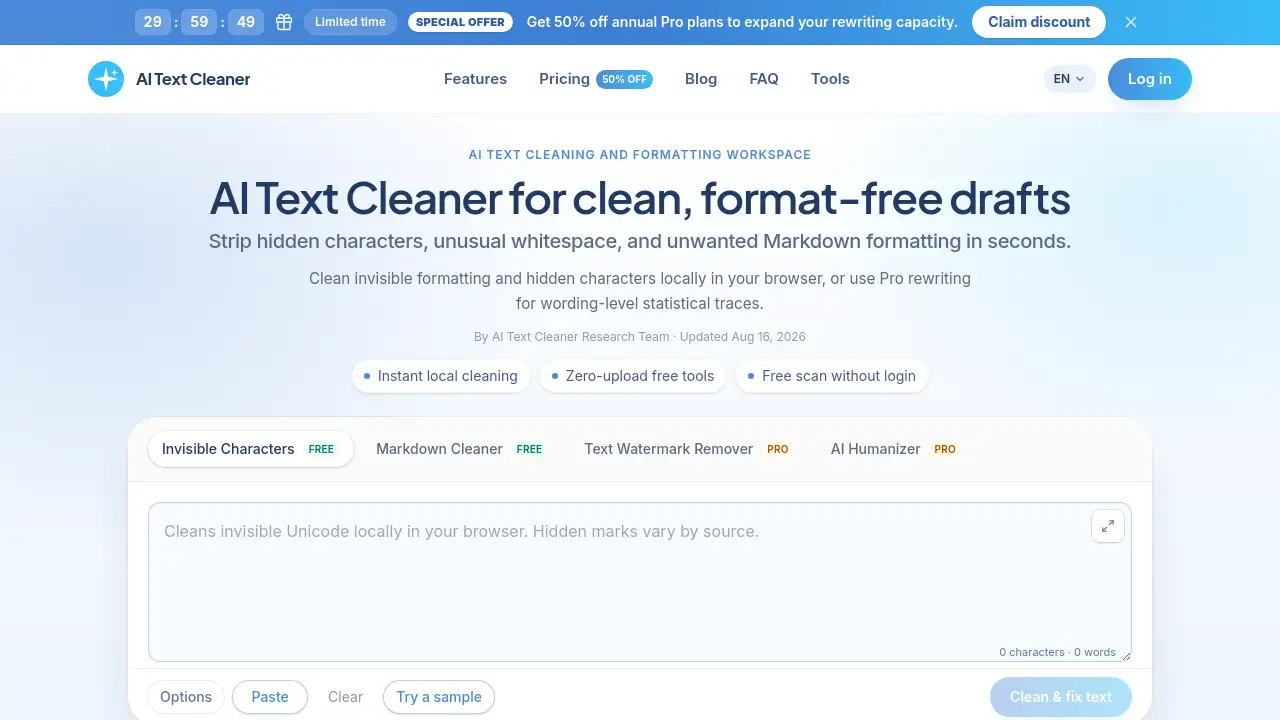
AI Text Cleaner is a browser-based utility that removes hidden Unicode characters, zero-width spaces, and Markdown residue from AI drafts. As an AI text cleaner, it scans text locally in seconds, so writers can prepare clean copy for publishing without uploading sensitive work.
What is AI Text Cleaner?
AI Text Cleaner is a formatting hygiene tool for anyone who produces or edits machine-generated writing. When users copy text from ChatGPT, Claude, Gemini, or document editors, the clipboard often carries invisible characters such as zero-width spaces, narrow no-break spaces, and byte order marks. These hidden artifacts can break CMS layouts, disrupt database queries, and create messy typography.
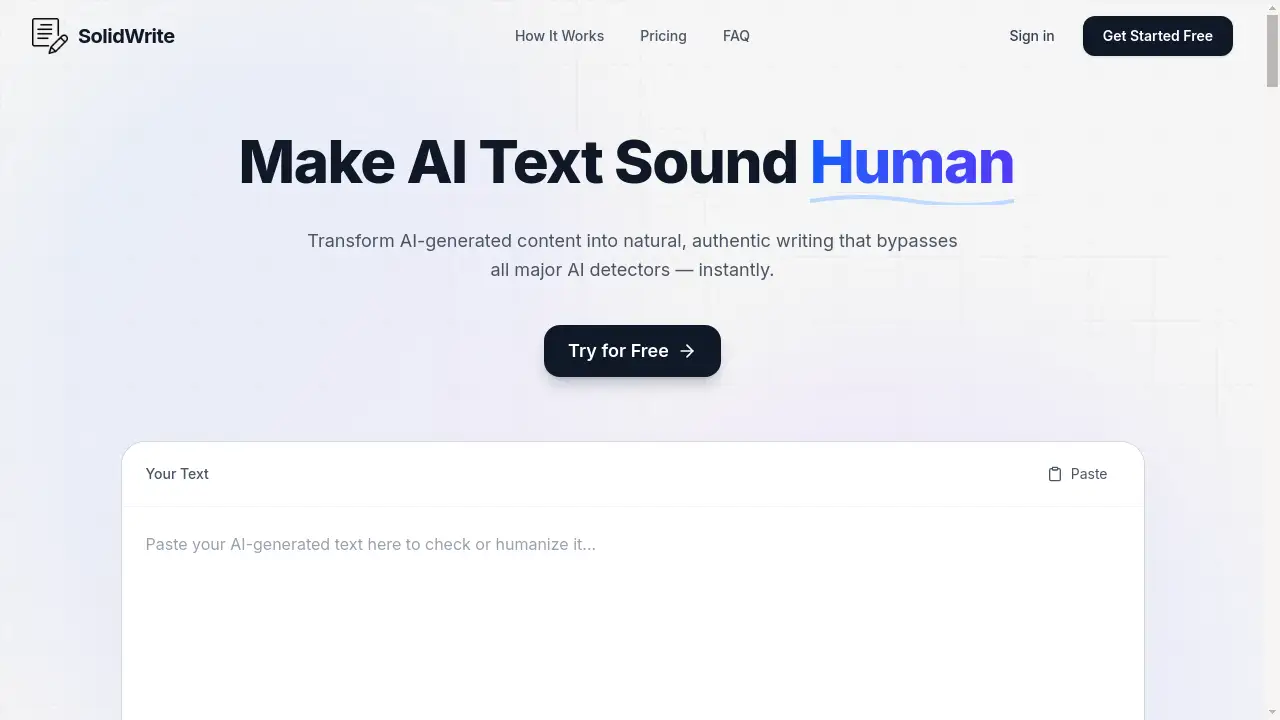
This AI text cleaner solves that problem by scanning drafts locally and pinpointing 60+ hidden Unicode codepoints without changing visible wording. It also strips Markdown syntax like heading hashes, asterisks, blockquotes, and list markers. For deeper issues, the Pro plan includes a text watermark remover and AI humanizer, which rewrite full sentences when AI models embed statistical sampling patterns in word choice.
Key Features of AI Text Cleaner
Invisible Character Cleaner
This free feature removes zero-width spaces, non-breaking spaces, and 60+ non-printing codepoints directly in the browser. Users can remove invisible characters without ever uploading their draft.
Markdown Stripper
The Markdown stripper flattens formatting markers into plain text. It removes asterisks, header hashes, blockquotes, code fences, and list markers, making pasted text ready for any editor or CMS.
Text Watermark Remover
This Pro tool rewrites full sentences when AI models embed statistical sampling signatures into word choice. It targets watermarks that operate at the token level rather than through hidden characters.
AI Humanizer
The AI humanizer refines formulaic phrasing and repetitive sentence patterns. It helps create a natural cadence while keeping the original meaning intact.
Client-Side Privacy Scanning
All free tools run in the browser with zero upload, which makes the text cleaning process safe for confidential drafts and compliance-sensitive workflows.
Model-Specific Workflows
The platform offers targeted guides for cleaning outputs from major AI platforms, such as ChatGPT text cleaning, Claude watermark removal, and general AI output cleanup.
Use Cases for AI Text Cleaner
SEO and Content Marketing
Content teams can clean articles before publishing to Webflow or WordPress. Removing hidden Unicode characters prevents broken metadata, schema markup issues, and layout shifts.
Publishing and Copy Editing
Editors can strip chat formatting from drafts and convert bullet-heavy AI output into clean paragraphs. This reduces the time spent fixing formatting residue before human review.
Documentation and Engineering
Developers and technical writers can standardize exported prompts and AI-generated explanations before adding them to knowledge bases, avoiding character encoding problems.
Agencies and Content Studios
Agencies can deliver polished client drafts by running a local character scan for free, then using Pro rewriting when a distinct tone adjustment is required.
How to Use AI Text Cleaner
Using this AI text cleaner is straightforward:
- Paste your draft – Copy raw text from ChatGPT, Claude, Gemini, or any writing assistant into the workspace.
- Inspect hidden artifacts – Review the detailed counts of invisible characters, non-standard whitespace, and formatting markers found by the local scanner.
- Clean or rewrite – Remove Unicode noise and Markdown formatting instantly for free, or use Pro rewriting to address statistical sampling traces.
The entire workflow is designed for speed, so users can process multiple drafts in minutes.
Target Audience for AI Text Cleaner
- Content editors and copywriters who need clean drafts for publishing
- SEO and content marketing teams managing WordPress, Webflow, or other CMS platforms
- Publishing professionals who handle large volumes of AI-assisted writing
- Developers and technical writers who need consistent formatting in documentation
- Agencies and content studios that deliver client-ready copy
Is AI Text Cleaner Free?
Yes, AI Text Cleaner offers free browser-based tools with no login required. The invisible character scanner and Markdown stripper are available at no cost. For advanced rewriting features, paid plans provide monthly credits for the text watermark remover and AI humanizer.
| Plan | Price | Features |
|---|---|---|
| Starter | $3/month (billed $35.94/year) | 200 credits/mo (~20,000 Pro words), watermark remover, humanizer, all free tools |
| Professional | $5/month (billed $59.94/year) | 420 credits/mo (~42,000 Pro words), watermark remover, humanizer, all free tools |
| Advanced | $10/month (billed $119.94/year) | 1,000 credits/mo (~100,000 Pro words), watermark remover, humanizer, all free tools |
Credits refresh monthly and billing is handled securely through Stripe.
AI Text Cleaner's Pros and Cons
| Aspect | Pros | Cons |
|---|---|---|
| Privacy | Free cleaning runs entirely in the browser with zero upload | Pro rewriting requires sending text to secure AI endpoints |
| Pricing | Affordable paid tiers starting at $3/month | Annual billing only; no monthly option mentioned |
| Features | Scans 60+ hidden Unicode codepoints; free Markdown stripping | Advanced rewriting requires a paid subscription |
| Usability | Simple three-step workflow, no login for free tools | Pro features require credit tracking |
Frequently Asked Questions about AI Text Cleaner
What does an AI text cleaner remove from draft text?
An AI text cleaner detects and removes invisible Unicode characters, such as zero-width spaces and narrow no-break spaces, plus unwanted Markdown formatting. It also flags non-standard whitespace that can disrupt CMS layouts.
Is my draft private when I use the free cleaning tools?
Yes. All free tools run entirely in the user's browser, so draft text is never uploaded to a server during scans. Only Pro rewriting features send requested text to secure AI endpoints.
Will cleaning my text change my vocabulary or arguments?
No. The free character and Markdown cleaning tools leave words, grammar, and sentence structure unchanged. Only the Pro text watermark remover and AI humanizer rewrite phrasing.
Can AI Text Cleaner remove statistical watermarks like Claude's?
Claude's 2026 text watermark uses token-sampling bias rather than hidden characters. Free Unicode scanning cannot detect this type of watermark, but the Pro full-text rewriting feature can adjust the statistical token distribution.
Is there a free version of AI Text Cleaner?
Yes, the invisible character scanner and Markdown stripper are free with no login required. Users can scan and clean unlimited text for formatting residue; Pro features require a paid plan.
AI Text Cleaner Tags
AI text cleaner, remove invisible characters, text cleaning tool, Markdown stripper, clean AI text, Unicode character remover, AI text humanizer, text watermark remover, remove Claude watermark, clean ChatGPT text, AI output cleaner, text formatting cleaner