Introduction
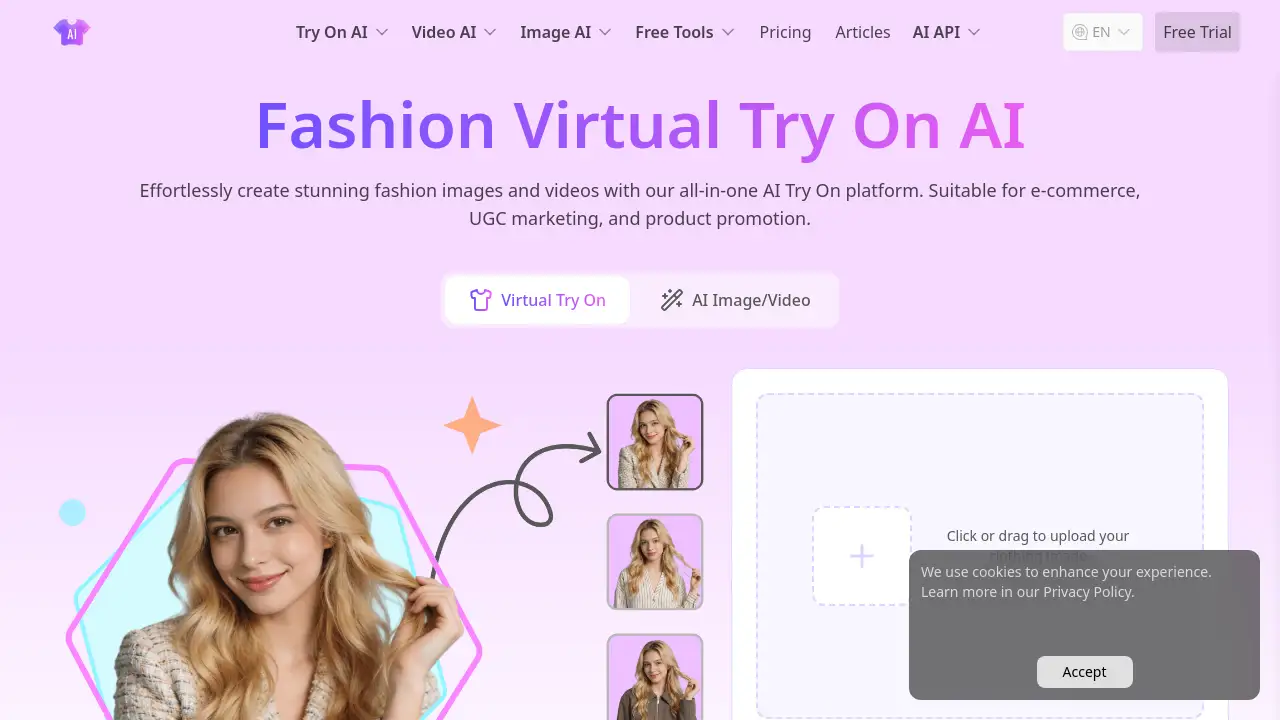
A free, AI-powered platform for creating realistic fashion images and videos through virtual try-on technology.
What is AI Try On?
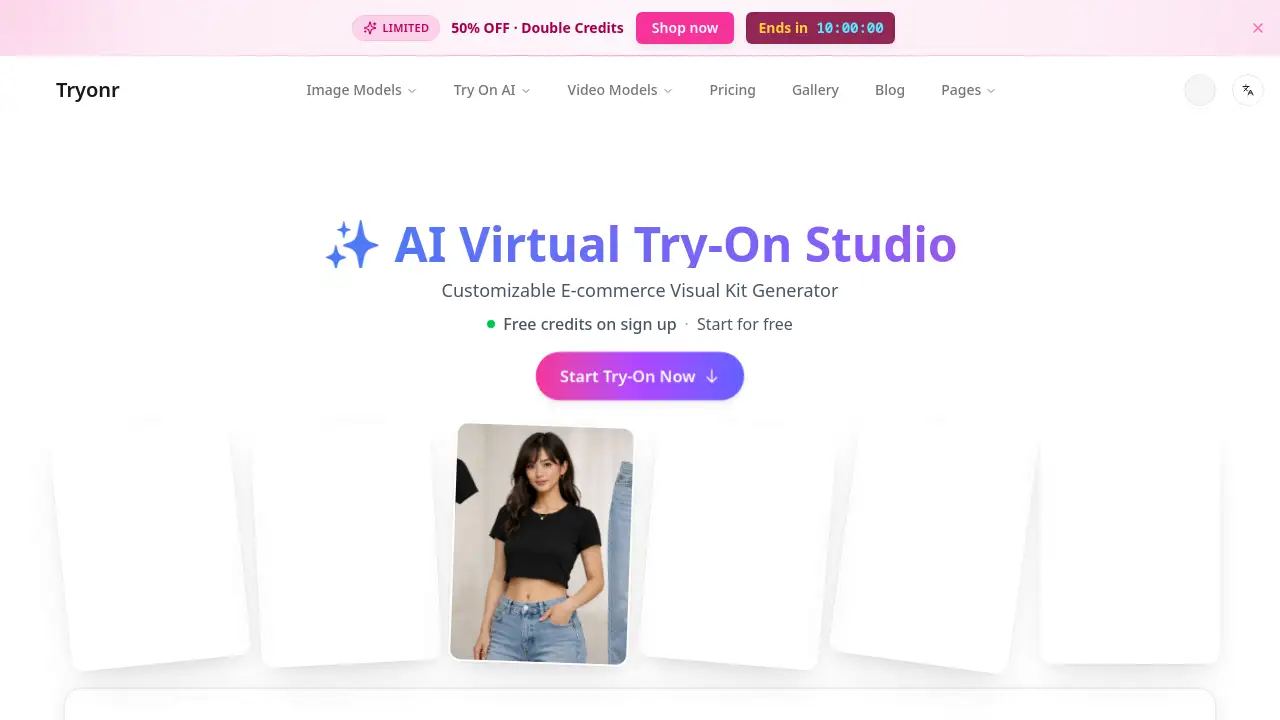
AI Try On is an online platform that leverages advanced artificial intelligence to enable users to visualize how clothing, accessories, and even tattoos would look on a person or model. This tool addresses a common challenge in fashion and e-commerce: the inability to physically try on items before purchase or creation. By uploading a photo, users can instantly see ultra-realistic simulations of different outfits, streamlining the styling, shopping, and design process. It is particularly suitable for fashion designers, content creators, e-commerce platforms, and individuals interested in personal style exploration. The platform's significance lies in its ability to reduce guesswork, enhance creative workflows, and improve online shopping confidence by providing a tangible preview of fashion items.
Key Features of AI Try On
AI Clothes Changer
This core virtual try-on feature allows users to upload a single photo and try on multiple outfits within seconds, powered by advanced AI models like Nano Banana Pro for ultra-realistic results without any complex setup.
AI UGC Maker
Designed for content creation, this tool helps users generate personalized videos, UGC ads, and product demos featuring AI-generated avatars with natural voice and facial expressions for authentic marketing content.
Profile Picture Maker
An AI image generator integrated with models like Seedream 4.0 and Nano Banana AI, supporting both text-to-image creation and image editing with strong consistency for professional avatars and portraits.
AI Tattoo Try On
This specialized tool uses Flux Kontext AI to allow tattoo enthusiasts and artists to design and preview custom tattoos in various styles and placements on a realistic model, facilitating inspiration and customization.
Multi-Model AI Engine
The platform aggregates leading AI technologies, including Google Veo, OpenAI Sora, Kling AI, and Seed AI models, providing users with diverse, high-quality options for both image and video generation tasks.
Use Cases for AI Try On
Personal Styling & Exploration
Individuals can quickly preview different outfits on their own photo to discover styles that best match their body shape and personal taste, making online shopping and wardrobe planning more efficient.
Brand Marketing & Customwear Showcasing
Apparel brands and designers can utilize AI try-on to visually present new collections or custom designs on virtual models for official websites, advertising campaigns, and virtual launch events.
Design Creation & Content Generation
Fashion designers and digital creators can rapidly apply their concepts to realistic models, generating high-quality fashion visuals and videos to accelerate creative projects and portfolio development.
Enhanced E-Commerce Shopping
E-commerce platforms can integrate this technology to let customers virtually try on clothing before buying, which can significantly increase conversion rates and reduce return rates due to poor fit or style mismatch.
How to Use AI Try On
Using the AI Try On platform is a straightforward process designed for accessibility.
- Visit the Platform: Navigate to the official AI Try On website.
- Select a Tool: Choose the specific tool you need, such as the AI Clothes Changer, AI UGC Maker, or AI Tattoo Try On.
- Upload Your Input: For try-on features, upload a clear photo of yourself or a model. For generative tools, input a text prompt or reference image.
- Customize & Generate: Select the clothing item, tattoo design, or video style you wish to apply. Adjust settings if available.
- Download or Share: Review the AI-generated result and download the high-quality image or video for your personal or professional use.
Target Audience for AI Try On
- Individual Consumers & Fashion Enthusiasts interested in personal styling and virtual shopping.
- Fashion Designers & Stylists who need to prototype and visualize designs quickly.
- Content Creators & Social Media Influencers looking to produce engaging fashion and UGC video content.
- E-commerce Businesses & Retail Brands aiming to enhance their online shopping experience and reduce returns.
- Marketing & Advertising Agencies that require high-quality visual assets for campaigns.
- Tattoo Artists & Enthusiasts exploring custom tattoo designs and placements.
Is AI Try On Free?
AI Try On operates on a freemium model. Users can start for free with basic access to its tools. For extended use and premium features like higher-quality generation and more credits, the platform offers paid plans. The official pricing page mentions that premium memberships are valid for one month from the payment date. For specific plan details and current pricing, it is best to visit the official AI Try On pricing page.
| Aspect | Available Information |
|---|---|
| Free Tier | Yes, with limited credits/features. |
| Premium Plans | Available, with monthly subscriptions. |
| Payment | Processed securely via Stripe. |
| Details | Check the official pricing page for exact plan features and costs. |
AI Try On's Pros and Cons
| Aspect | Pros | Cons |
|---|---|---|
| Accessibility | Free to start, no complex software installation required. | Advanced features and high-volume usage require a paid subscription. |
| Technology | Integrates multiple cutting-edge AI models (e.g., Seedream, Kling AI, Sora) for diverse, high-quality output. | Output quality can vary depending on the input photo quality and the specific AI model used. |
| Use Cases | Serves a wide range of users from individuals to enterprises across styling, design, and e-commerce. | As an AI tool, it may not perfectly simulate complex fabric drapes or fits on every unique body type. |
| Ease of Use | The process is generally simple and fast, designed for users without technical expertise. | Mastering prompt engineering for the best results in video or advanced image generation may have a learning curve. |
Frequently Asked Questions about AI Try On
Is AI Try On really free to use?
Yes, the AI Try On platform offers a free tier that allows users to access and test its core virtual try-on and image generation tools with a limited number of credits or generations, making it easy to start without any cost.
What kind of photos work best for the AI Clothes Changer?
For the best and most realistic virtual try-on results, use a clear, well-lit front-facing photo with the person standing against a relatively plain background. The clothing in the original photo should not be too loose or obstructive.
Can I use AI Try On for commercial purposes, like my online store?
Many users, including brands and e-commerce platforms, utilize AI Try On for commercial showcasing and marketing. It is advisable to review the platform's terms of service regarding commercial usage rights for the generated content.
How does AI Try On compare to other virtual fitting room apps?
AI Try On distinguishes itself by offering a suite of tools beyond basic clothing try-on, including AI video generation with avatars (UGC Maker), tattoo try-ons, and access to a variety of top-tier AI models like Seedream and Kling AI in one platform.
What AI models power the video generation on AI Try On?
The AI UGC Maker and other video features are powered by advanced models available on the platform, which include options like Google Veo, Kling AI (versions 2.1 & 2.6), Seedance, and Hailuo AI, known for generating high-definition, realistic videos.
Is there a mobile app for AI Try On?
Yes, the platform offers the "TryOn Art App" for mobile devices, allowing users to experience online try-on and create images or videos directly from their smartphones for greater convenience and on-the-go creativity.
AI Try On Tags
AI Try On, virtual try on, AI clothes changer, AI fashion, online shopping, try on clothes online, AI video generator, UGC Maker, AI image generator, fashion design tool, e-commerce solution, virtual fitting room, AI tattoo try on