Introduction
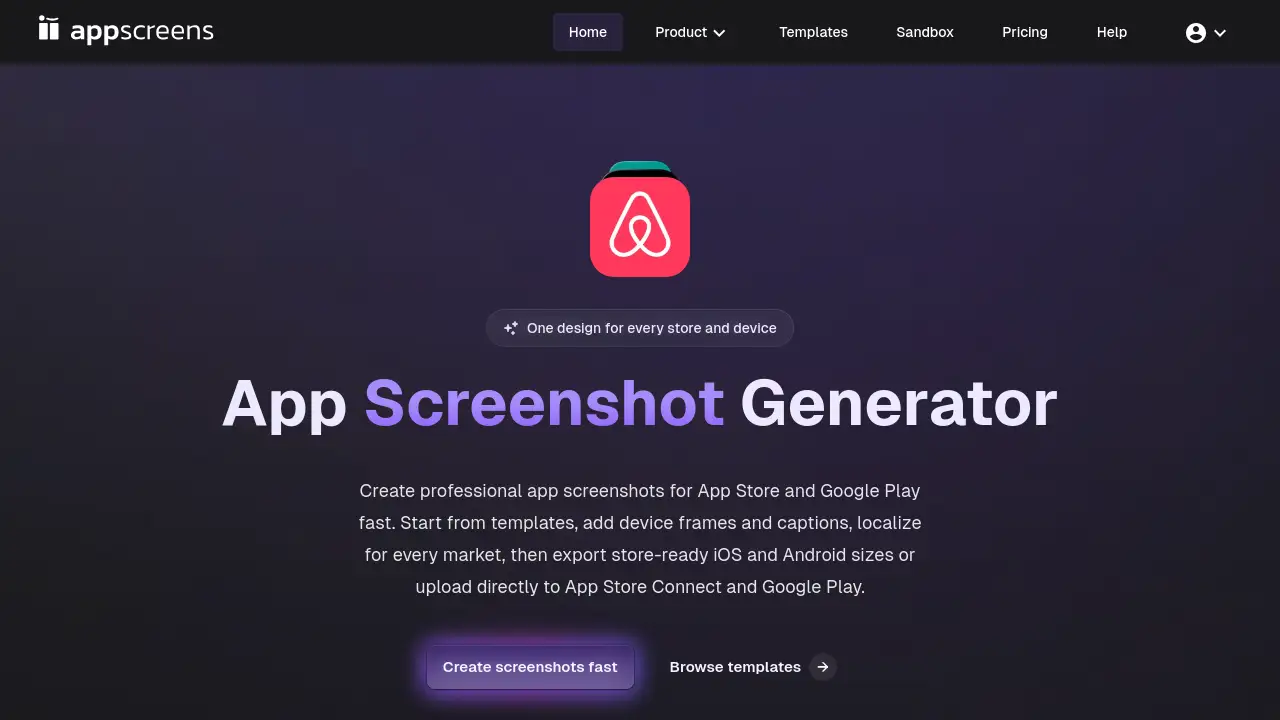
AppScreens is a professional app screenshot generator for creating and localizing visuals for the App Store and Google Play.
What is AppScreens?
AppScreens is an online tool designed to streamline the creation of marketing visuals for mobile applications. It solves the time-consuming and technically complex problem of generating app screenshots for different app store platforms, device sizes, and languages. The product is suitable for app developers, marketers, and designers who need to produce professional, store-ready images efficiently. It matters because high-quality, localized screenshots are critical for app store optimization (ASO) and user acquisition, directly impacting an app's success.
Key Features of AppScreens
Responsive Design Engine
The core technology adapts a single design layout to automatically fit all required iOS and Android screenshot sizes, from iPhone to iPad and various Android phones and tablets.
Extensive Template Library
Users can start from over 150 template sets and 500+ editable layouts, providing a professional starting point that can be customized to match their app's branding.
Bulk Localization for Global Markets
The tool supports localization into 80+ languages, including right-to-left (RTL) scripts, allowing creators to generate screenshot variants for every target market from one project.
Direct Store Upload
Finished screenshot sets can be exported as pixel-perfect files or uploaded directly to App Store Connect and Google Play Console with one click, eliminating manual file handling.
AI-Powered Caption Generation
An optional feature helps draft benefit-led captions for screenshots quickly, which can then be edited to perfectly convey the app's value proposition.
Real-Time Multi-Device Preview
Creators can preview how their screenshots will look across every target device and language locale in a single dashboard before finalizing.
Use Cases for AppScreens
Launching a New App
Developers can quickly create a complete, professional set of screenshots for their app's debut on both major app stores, ensuring a polished first impression.
Localizing an Existing App
Teams expanding into new international markets can use the bulk localization feature to generate translated screenshot sets efficiently, maintaining visual consistency.
A/B Testing Store Listings
Marketers can easily create multiple visual variants for Custom Product Pages (CPP) or Product Page Optimization (PPO) tests to optimize conversion rates.
Updating Seasonal Promotions
App publishers can swiftly redesign their store visuals for holiday sales or special events by customizing templates and re-exporting all required sizes.
How to Use AppScreens
The process to create app screenshots with AppScreens is straightforward:
- Select Your App: Begin by pulling in your app's listing details from the app stores to pre-populate metadata.
- Choose a Template: Browse the library and select a professional template set that fits your app's style.
- Customize Your Layout: Bulk import your app screens, add device frames, customize text captions (using AI generation if desired), and adjust layouts.
- Preview and Localize: Check your designs across all device previews and add translations for your target languages.
- Export or Publish: Finally, download store-ready image files in all correct sizes or use the one-click upload to publish directly to Apple and Google's platforms.
Target Audience for AppScreens
- Indie App Developers and Small Teams who need professional results without a dedicated designer.
- App Marketing Managers and ASO Specialists responsible for optimizing store listings across multiple regions.
- Mobile App Design Agencies that handle client app launches and updates.
- Product Managers overseeing app releases and international expansion.
Is AppScreens Free?
AppScreens offers a free sandbox to try the tool. For full functionality, including exports, localization, and direct uploads, paid subscription plans are required. Users should visit the official AppScreens pricing page for the most current plan details and costs.
| Plan | Price | Features |
|---|---|---|
| Free Sandbox | $0 | Access to try the editor and templates with watermarked exports. |
| Paid Plans | Varies | Full access to exports, localization, direct uploads, and premium templates. |
AppScreens's Pros and Cons
| Aspect | Pros | Cons |
|---|---|---|
| Efficiency | Dramatically reduces the time and effort needed to create and manage app store screenshots across devices and languages. | The extensive feature set may have a learning curve for users completely new to ASO or design tools. |
| Quality & Consistency | Ensures pixel-perfect, professional results that adhere to Apple and Google's stringent size requirements. | Creativity is bounded by the available templates, though they are highly customizable. |
| Workflow Integration | The direct upload feature to App Store Connect and Google Play Console removes a significant manual step. | Requires a paid subscription for serious, ongoing use, which may be a cost consideration for very small developers. |
Frequently Asked Questions about AppScreens
What image sizes does AppScreens support for App Store and Google Play?
AppScreens automatically generates screenshots in all required dimensions for iOS (iPhone, iPad) and Android devices, as specified by Apple and Google's latest guidelines. The responsive engine handles all size conversions.
Can I use my own design with AppScreens?
Yes. While you can start with a professional template, the platform is fully customizable. You can upload your own app screens, adjust layouts, change device frames, fonts, colors, and backgrounds to match your brand.
How does the localization feature work?
You can add translations for your captions and text within the project. AppScreens will then generate a complete set of screenshots for each language you specify, including adapting layouts for RTL languages like Arabic or Hebrew.
Does AppScreens handle video previews for app stores?
The primary focus of AppScreens is on generating static app screenshots. For creating app preview videos or screen recordings, you would typically need to use a complementary video editing tool.
Is there a limit to how many screenshot sets I can create?
Usage limits, such as the number of projects or exports, are typically defined by your chosen subscription plan. The free sandbox version has limitations to allow for testing.
Can teams collaborate on a project in AppScreens?
The platform is built for app professionals and teams, facilitating collaboration on screenshot projects, though specific collaboration features would be detailed in the plan descriptions on their website.
AppScreens Tags
AppScreens, app screenshot generator, App Store screenshots, Google Play screenshots, app store optimization, ASO tool, screenshot templates, localize app screenshots, mobile app marketing, direct upload, app store connect, google play console, app launch, responsive design