Introduction
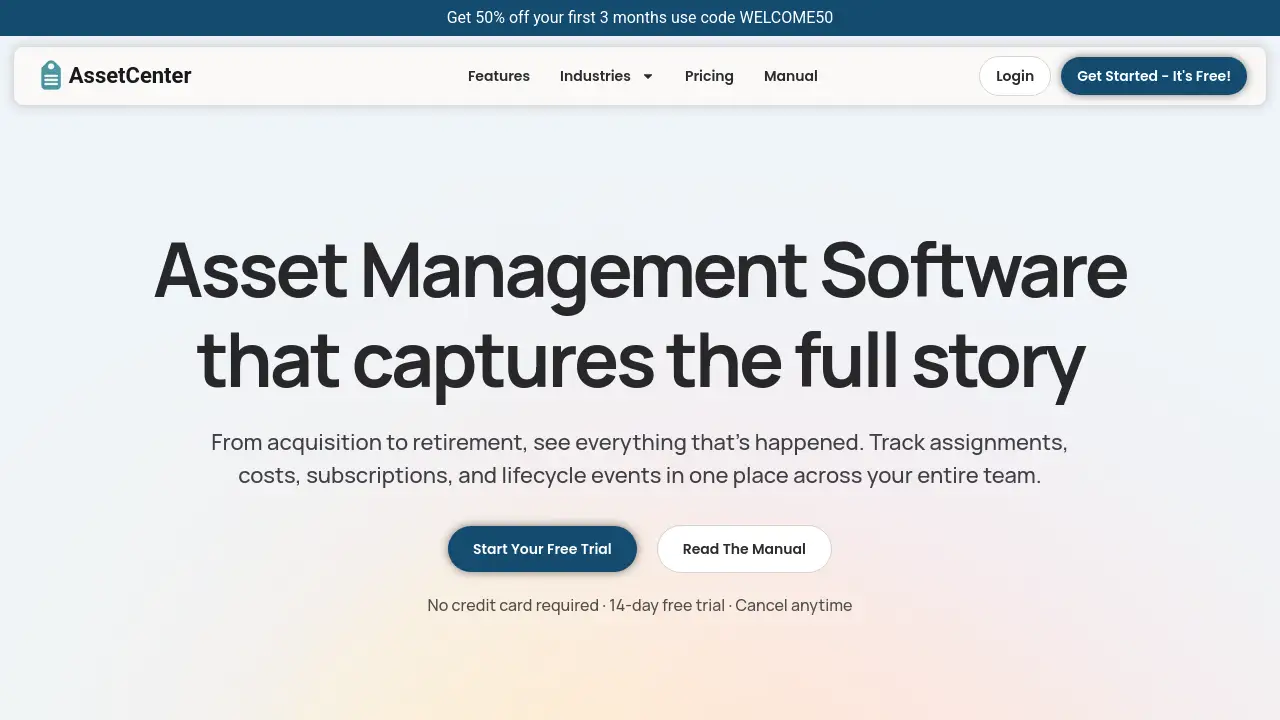
AssetCenter is a comprehensive asset management software designed to track resources across their entire lifecycle.
What is AssetCenter?
AssetCenter is a modern, web-based asset tracking software solution. It addresses the common organizational challenge of managing physical assets, software subscriptions, and associated costs across disparate systems and spreadsheets. The platform provides a centralized, unified view of all resources—from acquisition to retirement—enabling teams to track assignments, lifecycle events, and recurring costs in one place. This is crucial for businesses and institutions seeking better financial control, operational efficiency, and visibility into their resource utilization. It is particularly suitable for IT departments, facilities managers, and operations teams across various industries.
Key Features of AssetCenter
Unified Timeline for All Events
Every asset, subscription, person, and location has a dedicated timeline that visually logs every event, from purchase and assignment to maintenance and decommissioning, providing a complete history at a glance.
Customizable Timeline Events
The software includes pre-built event templates for the three core stages of an asset's lifecycle but allows full customization or creation of new events to perfectly match any organization's unique workflows and terminology.
Centralized Organization Dashboard
A comprehensive dashboard aggregates key metrics, tracking total costs, highlighting upcoming subscription renewals, and displaying recent activity across all resources without needing to navigate between different pages.
Subscription Cost Tracking
AssetCenter helps organizations stop losing money on forgotten subscriptions by providing clear visibility into every recurring cost, its assigned user, and its renewal date, ensuring nothing slips through the cracks.
Custom Asset Categories
Users can create unlimited, industry-specific categories to organize assets and subscriptions, whether they are tracking vehicles, machinery, software licenses, or office equipment, allowing for precise and scalable organization.
Bulk Import with Templates
To facilitate quick setup, the platform offers downloadable Excel templates for bulk importing assets, subscriptions, people, and locations, significantly reducing initial data entry time.
Use Cases for AssetCenter
IT Hardware and Software License Management
IT teams can track laptops, servers, and peripherals, manage software license assignments, and monitor renewal dates to optimize spending and ensure compliance.
Facility and Equipment Maintenance Tracking
Operations managers can schedule and log maintenance, repairs, and inspections for machinery, vehicles, or building systems directly on each asset's timeline for proactive upkeep.
Subscription Oversight and Cost Control
Finance and department heads can gain a single-pane-of-glass view of all organizational subscriptions—from SaaS tools to service contracts—to identify redundancies and control recurring expenses.
Asset Lifecycle Management for Compliance
Industries like healthcare, education, and government can document the full history of regulated assets for audit trails, from acquisition to secure decommissioning or resale.
How to Use AssetCenter
- Create a Free Account: Visit the AssetCenter website and sign up for a free trial. No credit card is required to start.
- Define Your Structure: Create custom asset categories (e.g., Vehicles, Laptops, Software) that fit your organization's needs.
- Import Your Data: Download the provided Excel bulk import templates, fill them with your existing asset, subscription, people, and location data, and upload them into the platform.
- Start Tracking: Begin logging acquisitions, assigning resources to people or locations, adding notes, scheduling tasks (Todos), and recording lifecycle events like maintenance.
- Monitor and Report: Use the central dashboard to monitor costs, track upcoming renewals, and review activity across your entire asset portfolio.
Target Audience for AssetCenter
- IT Managers and System Administrators
- Operations and Facilities Managers
- Finance and Procurement Officers
- Nonprofit, Educational, and Government Administrators
- Small to Medium-Sized Business Owners
- Managers in industries like Healthcare, Construction, Manufacturing, and Agriculture
Is AssetCenter Free?
AssetCenter offers a free trial plan that allows users to explore the platform's capabilities. For full pricing details on paid plans that support more assets and advanced features, users should visit the official AssetCenter pricing page.
| Plan | Details |
|---|---|
| Free Trial | Includes access to the entire platform for 14 days with 25 assets. No credit card required. |
| Paid Plans | Pricing scales based on the number of assets and subscriptions managed. Specific tiers and features are listed on the official website. |
AssetCenter's Pros and Cons
| Aspect | Pros | Cons |
|---|---|---|
| Ease of Use | Intuitive timeline view, quick setup with bulk import. | Customization options may require initial configuration time. |
| Features | Comprehensive lifecycle and subscription tracking in one tool. | The free trial is limited to 25 assets. |
| Pricing & Value | Free trial with no credit card lowers the barrier to try. | Pricing for larger asset inventories is not publicly listed on the homepage. |
| Flexibility | Highly customizable categories and events fit many industries. | May be more feature-rich than needed for very simple, small-scale tracking. |
Frequently Asked Questions about AssetCenter
What is the main purpose of AssetCenter?
AssetCenter is an asset management software designed to provide a single source of truth for tracking physical assets, software subscriptions, costs, and their complete lifecycle history from acquisition to retirement.
Does AssetCenter require a credit card for the free trial?
No, the 14-day free trial does not require a credit card. You can sign up and explore the platform with 25 assets at no cost.
Can I customize AssetCenter for my specific industry?
Yes, a core feature is the ability to create unlimited custom asset categories and tailor timeline events, making it adaptable for industries like healthcare, construction, education, IT, manufacturing, and more.
How do I get my existing asset data into AssetCenter?
The platform provides Excel templates for bulk import. You can download these templates, fill in your data for assets, subscriptions, people, and locations, and upload them to quickly populate your account.
What happens at the end of the free trial?
After the 14-day trial, you will need to choose a paid subscription plan to continue using AssetCenter beyond the 25-asset limit. You can cancel the trial at any time.
Can I track software subscriptions with AssetCenter?
Absolutely. Tracking subscription costs, assignments, and renewal dates is a key feature to help organizations maintain visibility and control over recurring software and service expenses.
AssetCenter Tags
asset management software, asset tracking, lifecycle management, subscription tracking, IT asset management, equipment tracking software, fixed asset management, asset tracking system, inventory management software, operational efficiency, cost control, free trial asset management