Introduction
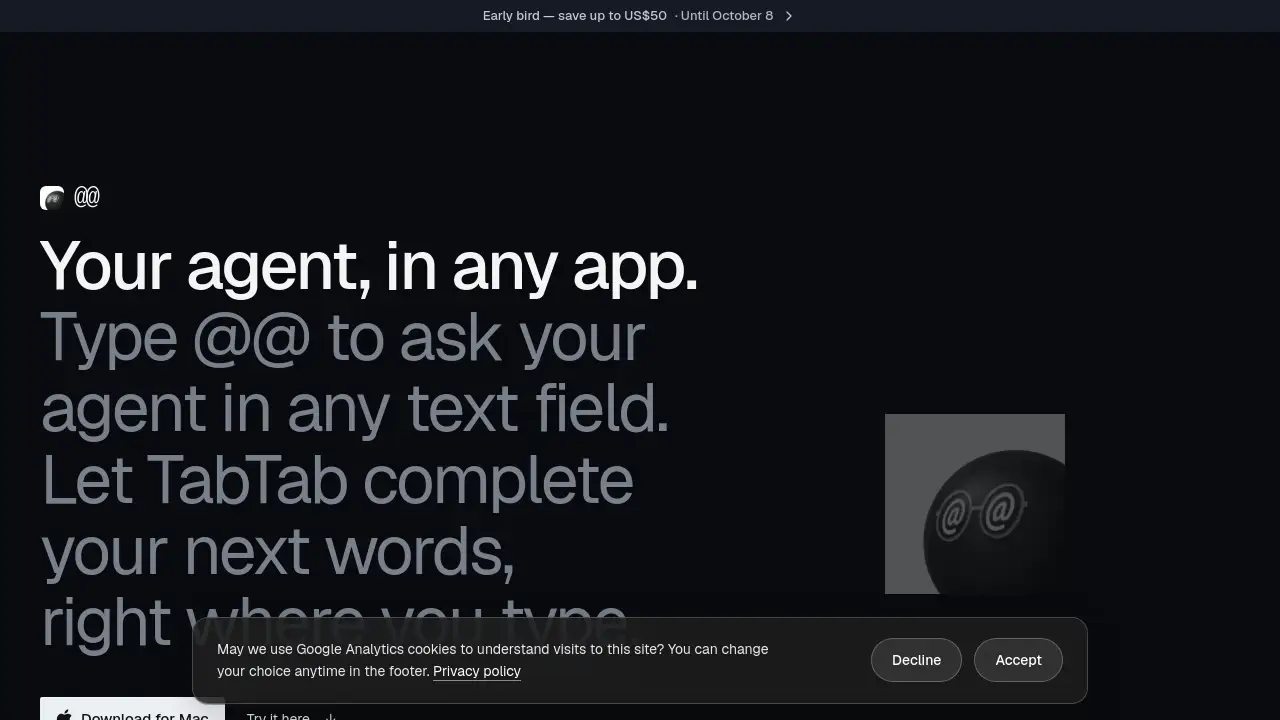
The AtAt app turns any Mac text field into a place to talk with your AI agent. Type @@, ask a question, and the answer appears right at your cursor — no switching windows, no copy-paste.
What is AtAt?
AtAt is a macOS utility built around one simple idea: the AI agent should come to you, not the other way around. Instead of opening a separate chat window, copying context into it, and pasting the result back, AtAt lets you type a short trigger — @@ — inside whatever text field you are already using. The prompt, plus your screen, clipboard, and Finder selection, goes to the agent you have connected, and the response returns directly where you typed.
That matters because most writing and coding work happens inside other apps: an email client, a chat window, a document, an editor, a terminal. AtAt removes the round trip. It also adds TabTab, an autocomplete layer that suggests your next words across the Mac, so the tool covers both asking and writing.
AtAt is designed for people who already use command-line AI agents or API-based models and want faster access to them, as well as for users who simply want practical Mac tools like screenshots, OCR, screen recording, and clipboard history in one place. It requires an Apple silicon Mac running macOS 15 or later, and some visual features need macOS 26.
Key Features of AtAt
Ask Your Agent With @@
Type @@ in any editable, non-secure text field and describe what you need. AtAt sends the request to your connected AI agent and inserts the answer at your cursor. Password and secure fields are never read.
TabTab Autocomplete Everywhere
TabTab suggests your next words as you type, in native apps, browser fields, terminals, and code editors. It works in the same text fields that support the @@ trigger, so writing and asking stay in one flow.
Built-In Screenshot and Recording Tools
Without connecting an agent, AtAt still functions as a full screenshot tool. It supports ⌘⇧3, ⌘⇧4, and an all-in-one ⌘⇧5 with area, window, and scrolling capture, plus screen recording and OCR text recognition.
Clipboard History and Selection Actions
A searchable clipboard history opens with ⌘⇧V, and a small action bar appears for text you select in compatible apps. Both features keep day-to-day copying, pasting, and reformatting quick.
Flexible Agent and Model Support
Claude Code, Codex, Grok, Cursor, Pi, Hermes, OpenCode, and Antigravity are supported out of the box, and another CLI can be added as a custom provider. AtAt also accepts your own OpenRouter, OpenAI, Anthropic, or DeepSeek API key, plus local models through Ollama and Siri AI on supported systems.
Local-First Storage and Optional Sync
History, clipboard data, copied attachments, and settings stay on your Mac by default. iCloud Sync is off until enabled per Mac, and prompts travel directly from your device to the provider you choose — never through an AtAt server.
Use Cases for AtAt
Replying Without Leaving Messages
Draft a reply inside the conversation itself by typing @@ and describing the tone or content you want. The finished text lands in the message box, ready to send or edit.
Turning a Thought Into Feedback
When reviewing a document or design note, select the text, call the action bar, and ask for comments. This keeps review work inside the app where the material lives.
Finishing Emails Faster
TabTab completes sentences in mail clients, which helps when replying to routine threads. Users who write many short messages often notice the biggest time savings here.
Coding and Terminal Work
Because TabTab works in terminals and code editors, developers can complete commands and comments without breaking focus. Connecting a CLI agent such as Claude Code or Codex adds inline answers during a session.
Capturing and Reusing Screen Content
Screenshots, scrolling captures, OCR text, and clipboard history support research, support work, and documentation. Captured items can be reviewed later from a read-only local history.
How to Use AtAt
- Download the disk image from the official site, open it from your Downloads folder, and drag AtAt into Applications. Homebrew users can install it with a single cask command instead.
- Launch AtAt from Applications and grant only the permissions the features you use require. Input Monitoring enables the
@@trigger, Accessibility handles focus reading and result insertion, and Screen Recording powers captures. - Connect an agent, an API key, or a local model if you want question-and-answer behavior. Without an agent, AtAt still works as a screenshot, OCR, recording, and clipboard tool.
- Open any editable text field, type
@@, and describe what you need. The reply is inserted at your cursor. - Start typing normally to see TabTab suggestions, and accept the ones you want.
Target Audience for AtAt
- Writers, editors, and marketers who draft inside email, docs, and social tools
- Developers and technical users who already run CLI agents such as Claude Code or Codex
- Customer support and operations staff who reply to many messages each day
- Researchers and analysts who capture screens, text, and links frequently
- Privacy-conscious Mac users who prefer local storage and their own API keys
- Anyone on an Apple silicon Mac who wants autocomplete beyond a single app
Is AtAt Free?
AtAt offers a 7-day free trial that needs no account or payment card. After the trial, you choose a subscription or a one-time purchase.
| Plan | Price | Features |
|---|---|---|
| 7-Day Trial | $0 | Full access for 7 days, no card required |
| AtAt Yearly | $59 per year (about 45% off monthly) | Full access to every feature, 30-day refund promise |
| AtAt Lifetime | $169 one-time | Every future update included, use on up to 3 Macs |
Early-bird pricing of US$10 off yearly and US$50 off lifetime was available until October 8. Listed prices exclude taxes and VAT, which are calculated at checkout. Purchases run through Dodo Payments and include a 30-day money-back guarantee.
AtAt's Pros and Cons
| Aspect | Pros | Cons |
|---|---|---|
| Pricing | Trial without account or card; lifetime option; 30-day refund | Yearly and lifetime prices exclude tax; no free tier after the trial |
| Features | Works in nearly any text field; autocomplete plus screenshot, OCR, and clipboard tools in one app | Some features depend on the agent or model you connect |
| Compatibility | Wide agent support, custom CLI providers, local models via Ollama | Requires Apple silicon and macOS 15 or later; some features need macOS 26 |
| Privacy | Prompts go straight to your chosen provider; local storage by default; sync is opt-in | Remote providers handle your data under their own policies |
| Setup | No account needed to start; simple drag-and-drop or Homebrew install | Several system permissions must be granted for full functionality |
Frequently Asked Questions about AtAt
Which AI agents work with AtAt?
Claude Code, Codex, Grok, Cursor, Pi, Hermes, OpenCode, and Antigravity work out of the box, and you can add another CLI as a custom provider. AtAt also supports OpenRouter, OpenAI, Anthropic, and DeepSeek API keys, plus local models through Ollama.
Do I need an agent to use AtAt?
No. Without an agent, AtAt still provides screenshot capture, scrolling capture, screen recording, OCR, clipboard history, and a selection action bar. You can connect an agent later to enable the @@ question-and-answer flow.
Which apps does AtAt work in?
The @@ trigger works in any editable, non-secure text field on your Mac, including native apps and browser fields such as a Google Doc or a reply box. TabTab suggestions appear in the same fields, terminals and code editors included.
Does my work go through an AtAt server?
No. Prompts and context travel directly from your Mac to the CLI, API provider, Ollama service, or Apple model you select. A remote provider still processes what you send under its own privacy policy.
What does AtAt require to run?
An Apple silicon Mac with macOS 15 or later. Liquid Glass surfaces and Siri AI require macOS 26 or later, and Siri AI also needs an available Apple Intelligence model.
How do I install AtAt on my Mac?
Open the download page and the disk image begins downloading automatically. Drag AtAt into Applications and launch it, or run the Homebrew cask command for the same result in one line.
AtAt Tags
AtAt, AtAt app, AtAt for Mac, AI agent for Mac, @@ trigger, TabTab autocomplete, macOS AI assistant, text field AI agent, clipboard history Mac, screenshot tool for Mac, Claude Code integration, Codex integration, local AI models, Mac productivity app