Introduction
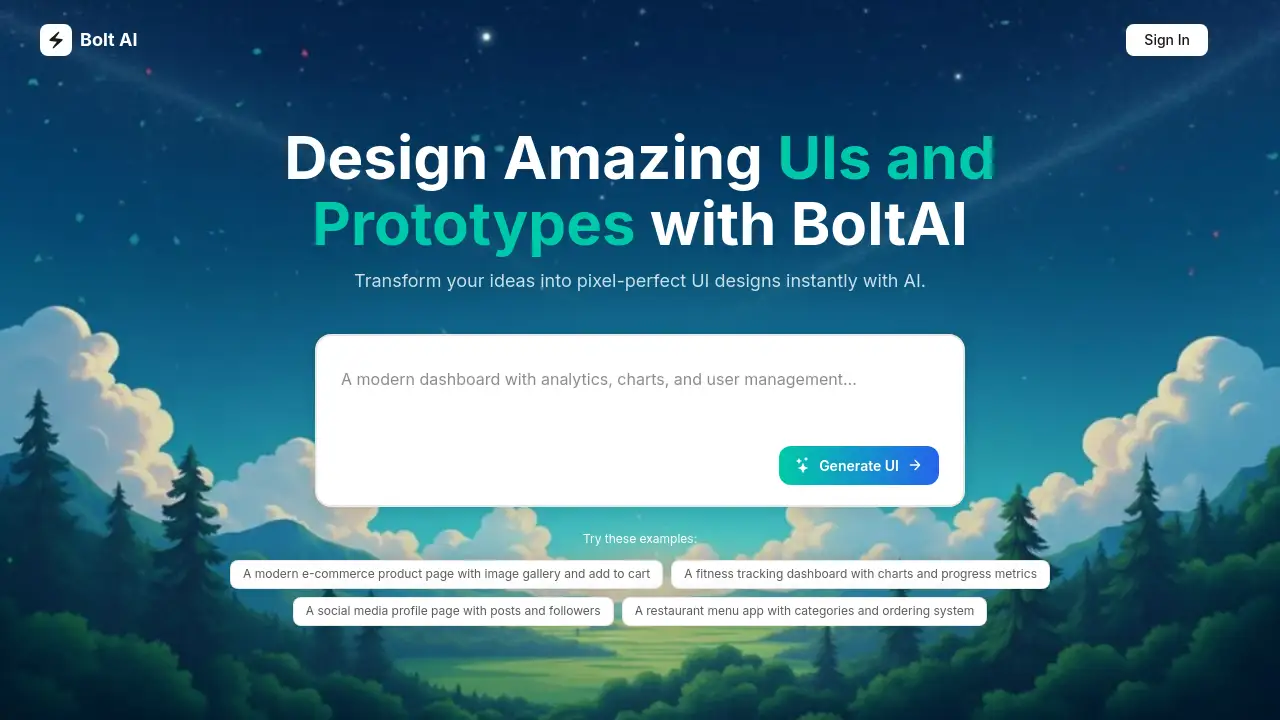
Bolt AI is a free AI-powered tool that instantly transforms ideas into web page designs.
What is Bolt AI?
Bolt AI is an AI Web App Builder designed to streamline the initial stages of web design and development. It addresses the common challenge of translating abstract ideas or concepts into tangible, visual prototypes. By leveraging artificial intelligence, the tool allows users to generate pixel-perfect UI designs and wireframes from simple text prompts or examples. This makes it highly suitable for designers, developers, entrepreneurs, and product managers who need to quickly visualize a website or app concept without starting from a blank canvas. The importance of Bolt AI lies in its ability to accelerate the design process, reduce the initial friction in project creation, and serve as a powerful brainstorming and prototyping companion.
Key Features of Bolt AI
Instant AI-Powered UI Generation
Users can input a text description of their desired web page, and Bolt AI's engine will generate a corresponding user interface design in moments, providing a solid visual starting point.
Example-Based Inspiration
The platform offers a library of example prompts that users can try, which helps spark ideas and demonstrates the range of possible designs the AI design tool can create.
Free Forever Access
A core feature is its commitment to a free plan, allowing individuals and small teams to experiment with AI-generated wireframes and prototypes without any financial barrier to entry.
Effortless Prototyping
The tool focuses on transforming ideas into interactive prototypes quickly, enabling rapid iteration and visualization of user flows and page layouts.
Simple, Intuitive Workflow
Bolt AI emphasizes a user-friendly experience, requiring no prior design expertise to begin generating basic layouts and UI concepts for web pages.
Use Cases for Bolt AI
Rapid Concept Visualization
Designers and product managers can use Bolt AI to quickly create visual mockups for client presentations or internal reviews, turning discussions into concrete visuals.
Website Wireframing
Developers and entrepreneurs can generate foundational wireframes for new website projects, establishing layout and component structure before detailed design or coding begins.
Design Sprint Acceleration
Teams conducting design sprints can employ this AI design tool to produce multiple prototype variations in a short time, facilitating faster decision-making and user testing.
Learning and Experimentation
Beginners in UI/UX design can use the platform to understand how different prompts translate into visual elements, serving as an educational tool for design principles.
How to Use Bolt AI
Using Bolt AI to create a web page design is a straightforward process designed for speed.
- Visit the Platform: Navigate to the Bolt AI website.
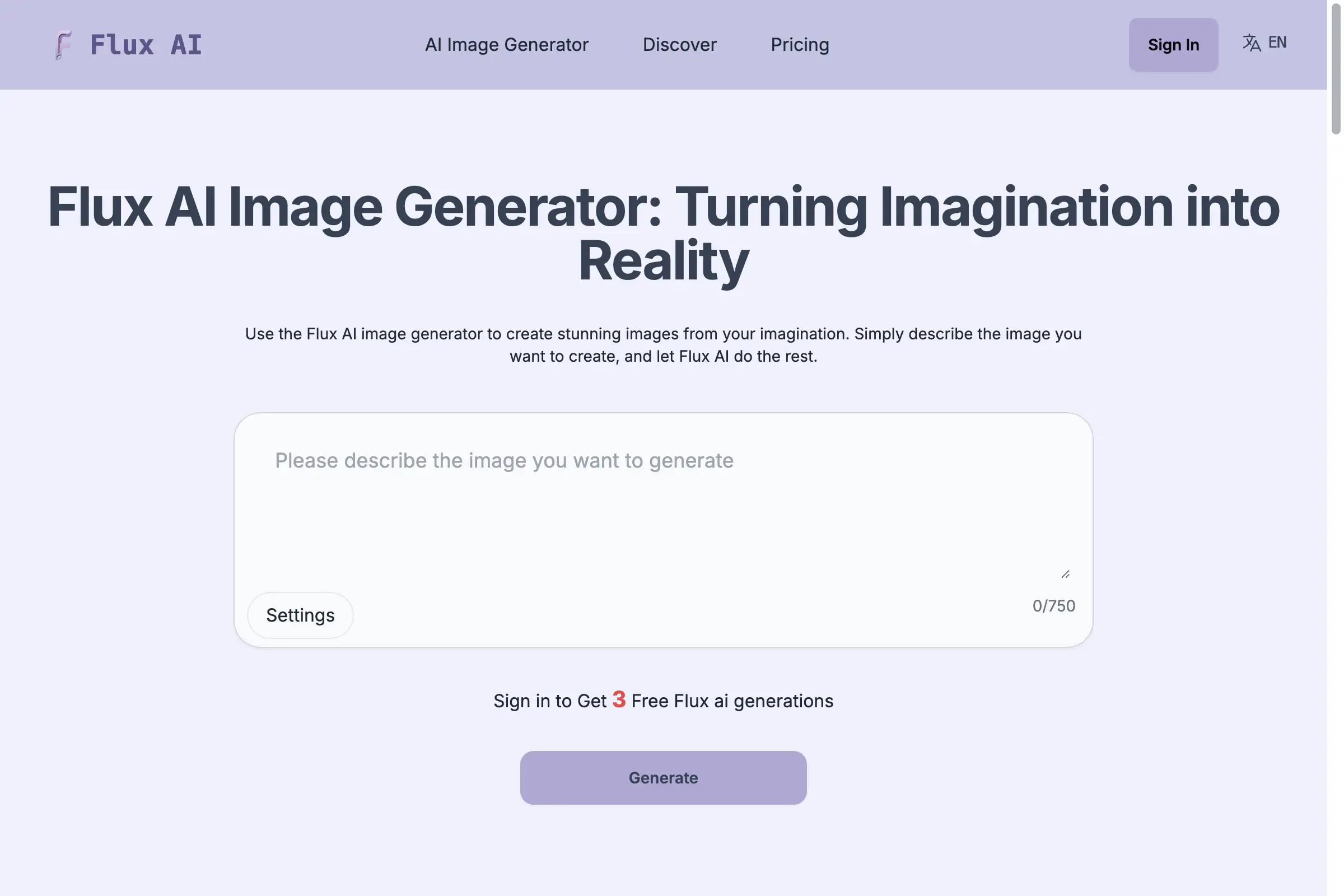
- Describe Your Idea: In the provided input field, type a clear text description of the web page you want to create (e.g., "a landing page for a productivity SaaS app with a hero section, features grid, and testimonial carousel").
- Generate the Design: Click the "Generate UI" button. The AI will process your prompt and produce a corresponding UI layout.
- Review and Iterate: Examine the generated design. You can then refine your text prompt and generate new versions or use the output as a base for further customization in other tools.
- Explore Examples: If unsure where to start, try the provided example prompts to see the AI Web App Builder in action and inspire your own ideas.
Target Audience for Bolt AI
- UI/UX Designers seeking a rapid ideation and prototyping tool.
- Web Developers who need quick wireframes before diving into code.
- Startup Founders and Entrepreneurs validating product concepts.
- Product Managers creating mockups for feature specifications.
- Marketing Professionals designing landing page concepts.
- Design Students and Beginners learning the basics of interface layout.
Is Bolt AI Free?
Based on the available information, Bolt AI offers a "Free forever" plan with no credit card required to start. The reference material does not detail any paid "Pro" tiers or specific feature limitations on the free plan. For the most current and detailed pricing information, users should refer to the official Bolt AI website.
Bolt AI's Pros and Cons
| Aspect | Pros | Cons |
|---|---|---|
| Accessibility | Completely free to start, with no immediate paywall. | Advanced features or higher usage limits may require a future paid plan. |
| Speed & Efficiency | Dramatically accelerates the initial UI design and wireframing phase. | Output is a starting point and will require refinement for polished, final designs. |
| Ease of Use | Very low learning curve; suitable for non-designers to visualize ideas. | Customization of generated designs likely happens outside the tool in dedicated design software. |
| Idea Validation | Excellent for quickly testing the look and feel of a website concept. | The quality and accuracy of AI-generated wireframes depend heavily on the clarity of the user's prompt. |
Frequently Asked Questions about Bolt AI
What is Bolt AI?
Bolt AI is a free, AI-powered web application that functions as an AI Web App Builder. It is designed to help users transform textual descriptions of website ideas into visual UI designs and wireframes instantly.
How does Bolt AI work?
The tool uses artificial intelligence to interpret a user's text prompt. It analyzes the description of desired elements, layout, and purpose, then generates a corresponding web page design or prototype with AI, providing a visual representation of the concept.
Who can use Bolt AI?
Bolt AI is built for a wide audience. It is suitable for professional designers and developers looking to speed up their workflow, as well as for complete beginners, entrepreneurs, and product managers who want to visualize an idea without design skills.
Can I customize the AI-generated designs?
While the reference information does not specify in-built advanced editors, the generated designs serve as a foundational prototype. Users typically export these designs to fully-featured design tools like Figma or Sketch for detailed customization, styling, and interaction design.
Can I export my designs?
The product homepage suggests export functionality is a key feature, allowing users to take their AI-generated wireframes into other platforms for further development. The specific export formats would be confirmed on the official site.
Is Bolt AI suitable for beginners?
Absolutely. The core value proposition is its simplicity. With no complex interface to learn, beginners can start by typing what they imagine and immediately see a visual result, making it an accessible entry point into design thinking.
Bolt AI Tags
Bolt AI, AI Web App Builder, AI design tool, free UI generator, prototype with AI, website wireframe tool, AI mockup generator, instant UI design, design tool for beginners, rapid prototyping software, AI for designers, no-code design AI