Introduction
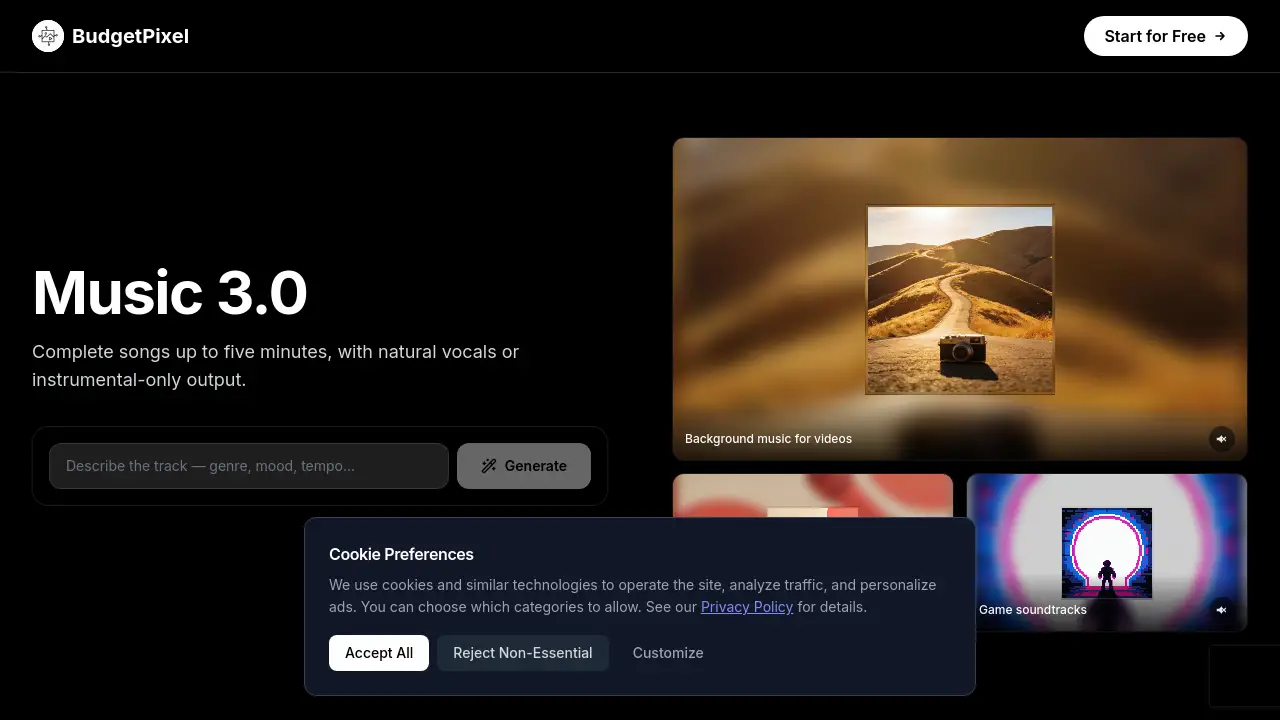
Minimax Music 3.0 on BudgetPixel AI is an AI music generator that creates complete songs with vocals, custom lyrics, or pure instrumental music. It supports tracks up to five minutes and outputs WAV or MP3. Music 3.0 is designed for video backgrounds, podcast intros, game soundtracks, and ads. The same Music 3.0 model is available through a developer API and MCP server, making it useful for creators who need AI music generation in their workflow.
What is Minimax Music 3.0 on BudgetPixel AI?
Minimax Music 3.0 on BudgetPixel AI is the latest AI music model from MiniMax, offered through the BudgetPixel AI platform. The tool turns a text prompt into a structured track that can include sung vocals, custom lyrics, or no vocals at all. Music 3.0 is an AI music generator that aims to produce complete songs with real arrangement, clear instrumentation, and consistent rhythm across intro, verse, chorus, bridge, and outro sections.
The main problem it solves is workflow speed. Instead of searching through stock libraries or editing loops, creators can describe the genre, mood, tempo, instruments, and vocal style, then generate a finished track in one pass. This makes AI music generation practical for video editors, podcasters, game developers, advertisers, and wellness content teams.
Key Features of Minimax Music 3.0 on BudgetPixel AI
Full Songs Up to Five Minutes
Music 3.0 supports complete tracks up to five minutes long. The model can carry an idea through an intro, verses, a chorus, a bridge, instrumental passages, and an outro, which helps creators place the music under a complete video or episode.
Vocal or Instrumental Mode
Music 3.0 can generate sung lead vocals with a chosen tone, delivery, harmonies, and backing vocals. Instrumental mode removes generated singing and lyric input, making Music 3.0 a useful AI music generator for background music that needs to stay out of the way.
Custom Lyrics and Section Tags
Users can paste their own lyrics into Music 3.0 and add tags such as Intro, Verse, Chorus, Bridge, Solo, and Outro. The lyrics optimizer can also write lyrics from a prompt or polish an existing lyric idea.
WAV and MP3 Output
Music 3.0 offers WAV download for editing and MP3 download for quick publishing. The generated arrangement is designed to have defined instrument layers, cleaner transients, and clear rhythmic details.
Developer API and MCP Access
Music 3.0 is available through the BudgetPixel developer API and the BudgetPixel MCP server. This means developers can integrate this AI music generator into their own tools, and Claude, Cursor, or other MCP-compatible agents can generate tracks on request.
Use Cases for Minimax Music 3.0 on BudgetPixel AI
Background Music for Videos
As an AI music generator, Music 3.0 can create instrumental beds that support narration, tutorials, travel edits, and product footage. These tracks are designed not to compete with spoken content.
Podcast Intros and Stingers
Podcasters can use Music 3.0, an AI music generator, to generate a recognizable opening theme and clean transition cues. The track can carry the brand feel of an episode without overpowering the conversation.
Game Soundtracks
Game developers can use this AI music generator to create energetic themes for levels, menus, battles, or character scenes. Music 3.0 can produce a clear mood and instrumental identity for each part of a game.
Ad and Promo Music
Music 3.0, as an AI music generator, can create upbeat vocal or instrumental tracks shaped around a campaign mood, product launch, or social promo. This gives advertisers a fast way to test music options.
Meditation and Ambient
The instrumental mode of Music 3.0 works well for guided sessions, wellness content, sleep videos, and calm in-app moments. It can create spacious, low-distraction ambient audio.
How to Use Minimax Music 3.0 on BudgetPixel AI
Using Music 3.0 is straightforward. This AI music generator works in three simple steps.
- Describe the track. Enter the genre, mood, tempo, instruments, and destination for the music. Add vocal style and arrangement details when you need a song rather than background music.
- Add lyrics or go instrumental. Paste your own structured lyrics, ask the lyrics optimizer to write or polish them, or select instrumental mode.
- Generate and download. Generate the full Music 3.0 track, listen for the right mood and pacing, then download WAV for editing or MP3 for quick delivery.
Target Audience for Minimax Music 3.0 on BudgetPixel AI
- Video creators and editors
- Podcasters and audio producers
- Game developers and indie studios
- Marketers and advertisers
- Wellness and meditation content creators
- Developers using AI music generation APIs
- Teams that need an AI music generator inside Claude, Cursor, or other MCP-enabled agents
Is Minimax Music 3.0 on BudgetPixel AI Free?
The reference material does not list a free plan for Music 3.0 on BudgetPixel AI. The AI music generator uses credits instead. Each full track costs 200 credits. This is the same rate for the web studio and API, and no per-model surcharge is mentioned. API usage is charged only on success. For current plan details, check the official BudgetPixel pricing page.
| Plan Type | Price | Features | | Credit-based | 200 credits per track | Web studio generation, vocals or instrumental, WAV/MP3 output | | API | 200 credits per successful track | Developer API access, same credit balance, API key on Premium plans and above |
Minimax Music 3.0 on BudgetPixel AI's Pros and Cons
| Aspect | Pros | Cons | | Pricing | Credit-based, no surprise per-model surcharges; API only charges successful generations | No free plan mentioned in reference; exact plan pricing is not shown | | Features | Generates complete songs up to five minutes; supports vocals, custom lyrics, and instrumental mode | Generative output may vary, so review and revision may be needed | | Output | WAV for editing and MP3 for publishing | Maximum track length of five minutes may not suit longer projects | | Access | Available in web studio, API, and MCP server | API key requires Premium plan and above |
Frequently Asked Questions about Minimax Music 3.0 on BudgetPixel AI
What is Music 3.0?
Music 3.0 is MiniMax's latest AI music generation model, available on BudgetPixel AI. It is an AI music generator that creates complete songs from a musical description and optional lyrics, with support for sung vocals, structured arrangements, and instrumental-only tracks.
Does Music 3.0 generate vocals?
Yes. Music 3.0 can generate sung lead vocals as part of a complete song. Users can describe vocal tone, delivery, harmonies, and backing vocals in the prompt. Results remain generative, so exact performance details may vary.
Can I use my own lyrics with Music 3.0?
Yes. Paste your lyrics into Music 3.0 and add section tags such as Intro, Verse, Chorus, Bridge, Solo, and Outro to guide the arrangement. The lyrics optimizer can also write or polish lyrics from the track description.
Can Music 3.0 make instrumental music?
Yes. Instrumental mode in Music 3.0 creates music without sung vocals and does not require lyric input. This AI music generator is useful for video backgrounds, podcast beds, game soundtracks, meditation content, and other projects where speech or action needs space.
Does Music 3.0 have an API?
Yes. Music 3.0 is available through the BudgetPixel developer API at the POST /v1/audios/music-3.0 endpoint. An API key is available on Premium plans and above. The MCP server also lets Claude, Cursor, or other MCP-enabled agents generate with Music 3.0.
How much does Music 3.0 cost?
Music 3.0 uses BudgetPixel credits. Each full track costs 200 credits. API usage uses the same credit balance and rate, and failed generations are not charged. For exact plan pricing, check the official BudgetPixel pricing page.
Minimax Music 3.0 on BudgetPixel AI Tags
Minimax Music 3.0, Music 3.0, AI music generator, AI music generation, AI song generator, instrumental music, custom lyrics, background music, BudgetPixel AI, WAV MP3, developer API, MCP server