Introduction
Dradra AI art generator turns photos into artistic visuals and videos. Users can apply creative AI effects in seconds. The platform is simple enough for personal use and flexible for content creation. It focuses on making photo transformations easy.
What is Dradra?
Dradra is a web-based tool that uses artificial intelligence to transform photos. The Dradra AI art generator helps people create unique visual content without using complex editing software. It solves the problem of needing design skills before making attractive images.
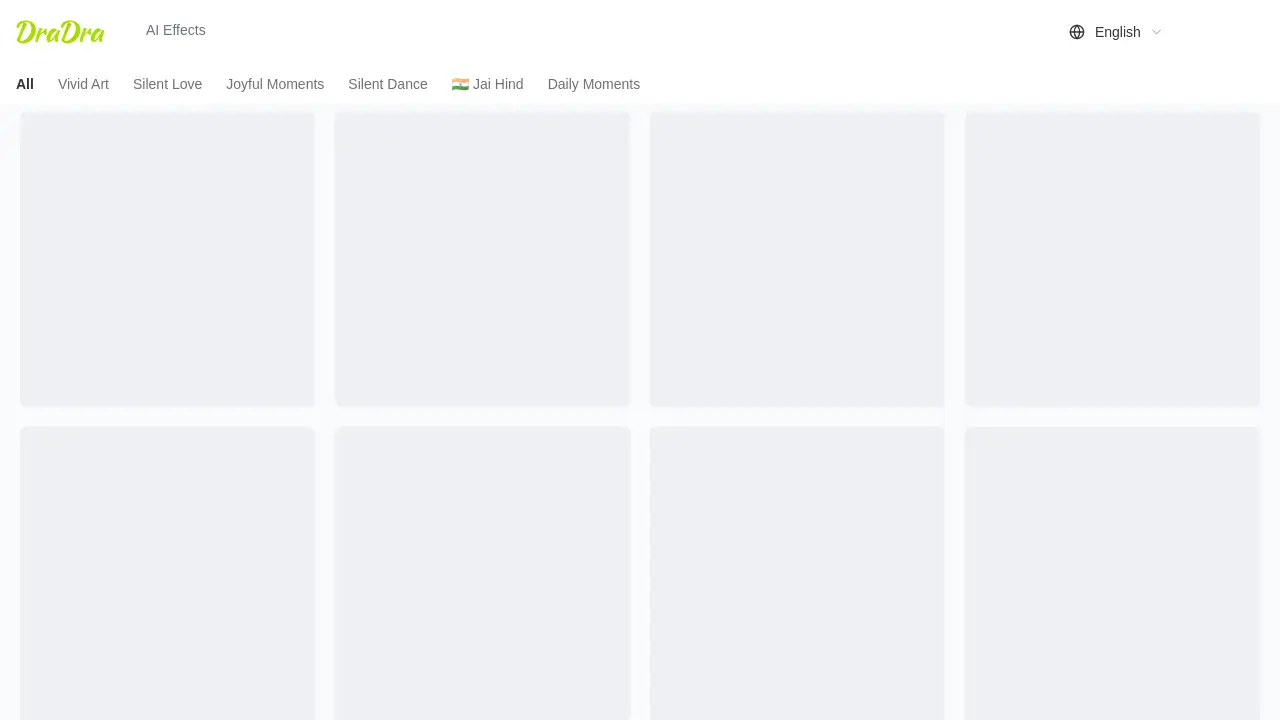
The homepage presents a variety of AI effects, including Vivid Art, Silent Love, Joyful Moments, Silent Dance, Jai Hind, and Daily Moments. Users can log in and start creating. For anyone who wants to make social media posts, gifts, or personal projects, this AI photo effects platform offers a quick path from ordinary image to stylish artwork.
Dradra matters because it lowers the barrier to creative expression. A single photo can be turned into a painted look, a themed visual, or a short animated scene. This same Dradra AI art generator supports video output as well, so a simple image can become a moving story. This combination of AI art and videos makes Dradra useful for producing content in seconds.
Key Features of Dradra
AI Photo to Art Conversion
The core feature of this Dradra AI art generator is converting photos into art. Users can choose an effect, upload a photo, and receive a new visual style quickly.
AI Video Creation
Dradra can also turn a photo into a short video. This helps users create AI art and videos from one image, adding motion to special moments.
Creative AI Effects Library
The homepage lists AI photo effects such as Vivid Art, Silent Love, Joyful Moments, Silent Dance, Jai Hind, and Daily Moments. These presets give users different moods without manual editing.
Fast Results
The tool is designed for speed. The product description says users can bring ideas to life in seconds, making it a practical option for quick projects.
Web-Based Access
Dradra is available through a browser. Users can log in from the official site and access effects from a central page, which removes installation steps.
Simple Creative Workflow
The interface appears straightforward. Users choose a category and apply it to a photo, which is helpful for beginners who do not know how to use professional design programs.
Use Cases for Dradra
Social Media Content
Marketers and creators can use Dradra to make eye-catching posts. The AI photo effects in the library can add an artistic touch to profile images, stories, and video clips.
Personal Memories
People can transform family photos into art or short videos. A birthday picture can become a cinematic scene, and a travel shot can look like a painting. This makes sharing memories more fun.
Themed Events and Celebrations
Effects like Jai Hind and Silent Dance suggest cultural and festive uses. Users can prepare visual greetings for holidays, national days, or celebrations without hiring a designer.
Creative Experiments
Artists and hobbyists can explore different art styles. The Dradra AI art generator gives them a starting point for posters, digital paintings, or concept images.
How to Use Dradra
Using Dradra is simple because the main tasks happen on one website.
- Visit the official Dradra site and click Log in if you have an account.
- Open the AI Effects section from the homepage.
- Pick a category such as Vivid Art, Silent Love, Joyful Moments, Silent Dance, Jai Hind, or Daily Moments.
- Upload a photo that you want to change.
- Generate the result. The output can be an artistic image or a video based on the effect you selected.
The process is designed for speed, so most steps take only a few seconds. This Dradra AI art generator keeps the workflow short for regular users.
Target Audience for Dradra
- Social media creators who need quick visuals.
- Photography enthusiasts who want creative versions of their images.
- Event planners looking for themed visual content.
- Small business owners who create simple marketing images.
- Hobbyists exploring AI art tools for fun.
- Anyone who wants to turn personal photos into AI art and videos without editing skills.
Is Dradra Free?
The official homepage does not clearly list pricing details. It shows Log in and AI Effects sections, but no definite free plan or paid plan is stated in the public content reviewed. Some similar AI photo tools offer free limited credits or a trial, but Dradra's exact pricing should be checked on its official website. If a user wants to know about costs, the best step is to log in or visit https://dradra.live/ for the latest plan information.
Dradra's Pros and Cons
| Aspect | Pros | Cons |
|---|---|---|
| Ease of use | Simple web interface with pre-set effects | No detailed customization info available |
| Creative options | Offers multiple AI photo effects and video creation | Limited to the categories shown on the site |
| Speed | Designed to generate results in seconds | Needs login before use |
| Pricing | Not enough details to judge | Pricing transparency is lacking |
Frequently Asked Questions about Dradra
What is a Dradra AI art generator?
A Dradra AI art generator is a web tool that uses artificial intelligence to change an uploaded photo into a new art style or video. It works with preset effects and does not require professional design knowledge.
Which AI photo effects are available on Dradra?
The website lists categories called Vivid Art, Silent Love, Joyful Moments, Silent Dance, Jai Hind, and Daily Moments. These are the AI photo effects visible on the homepage at the time of this review.
Can Dradra create videos from photos?
Yes. According to the product description, Dradra turns photos into stunning AI art and videos. Users can select an effect and generate a short moving result from a static image.
Is Dradra suitable for beginners?
Dradra is designed for simple use. The process involves choosing an effect, uploading a photo, and generating a result, so beginners can use it without learning complex software.
Does Dradra require an account?
The homepage includes a Log in link, and the AI Effects section is part of the site. This suggests that users need to log in to use the generator, though the exact account requirements are not fully described on the public page.
Where can I see Dradra's pricing?
Pricing is not clearly listed on the homepage. To get accurate pricing details, users should visit the official website or log in to the platform to see any available plans.
Dradra Tags
Dradra AI art generator, AI photo effects, photo to art, AI video creation, AI art and videos, Vivid Art effect, Silent Love effect, Daily Moments, AI photo editor, art style generator, Dradra review