Introduction
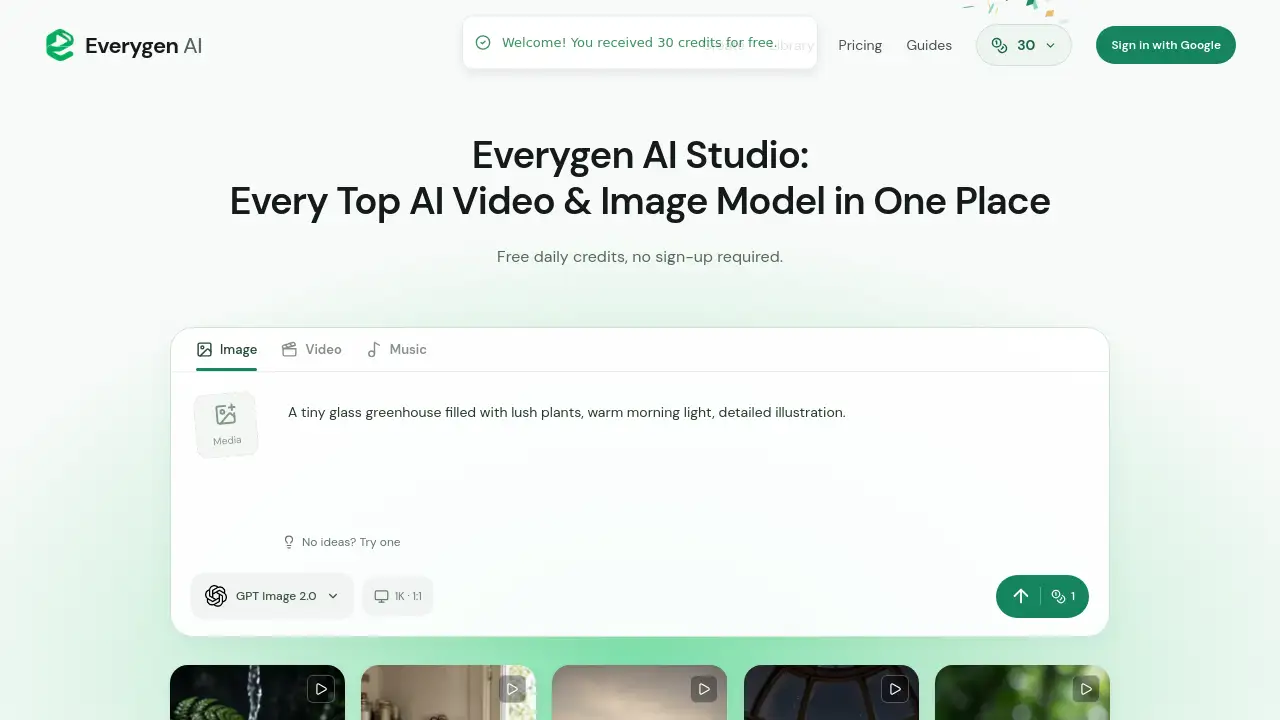
Everygen AI is a browser-based creative studio for generating AI videos, images, and music. It offers free daily credits and lets eligible visitors start without signing up. The platform brings multiple AI models and editable templates into one workspace. For anyone exploring AI media creation, Everygen AI provides a simple starting point.
What is Everygen AI?
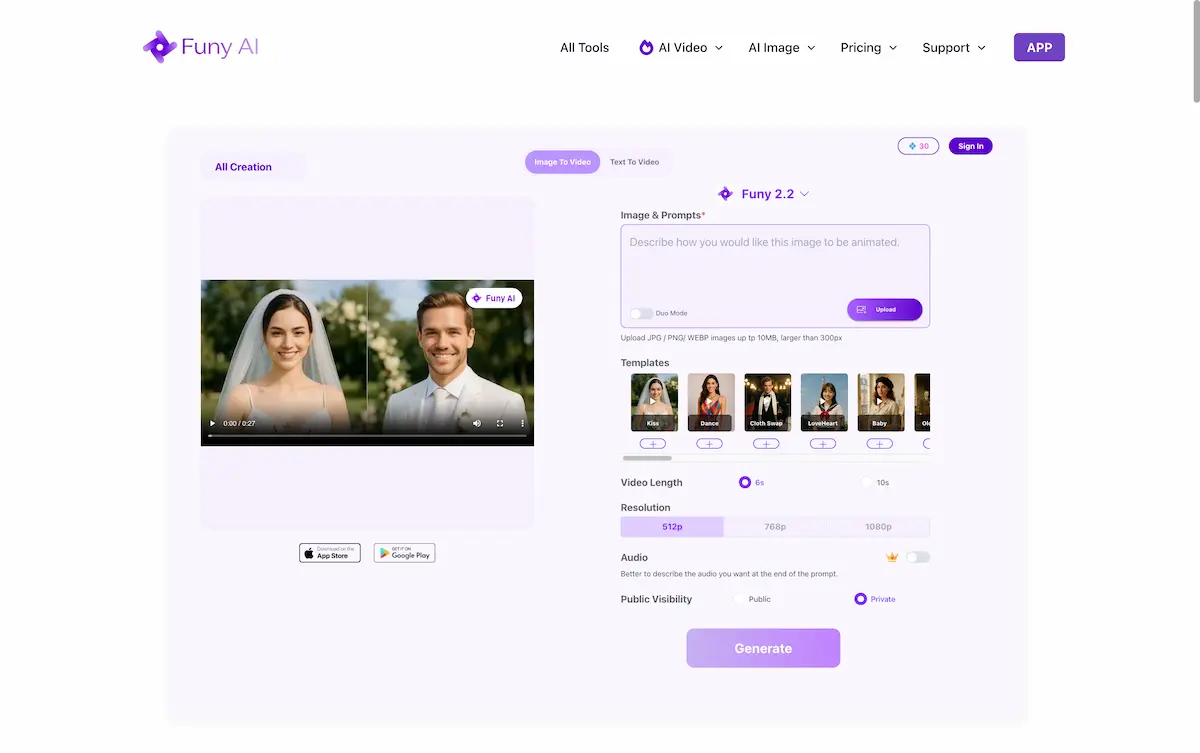
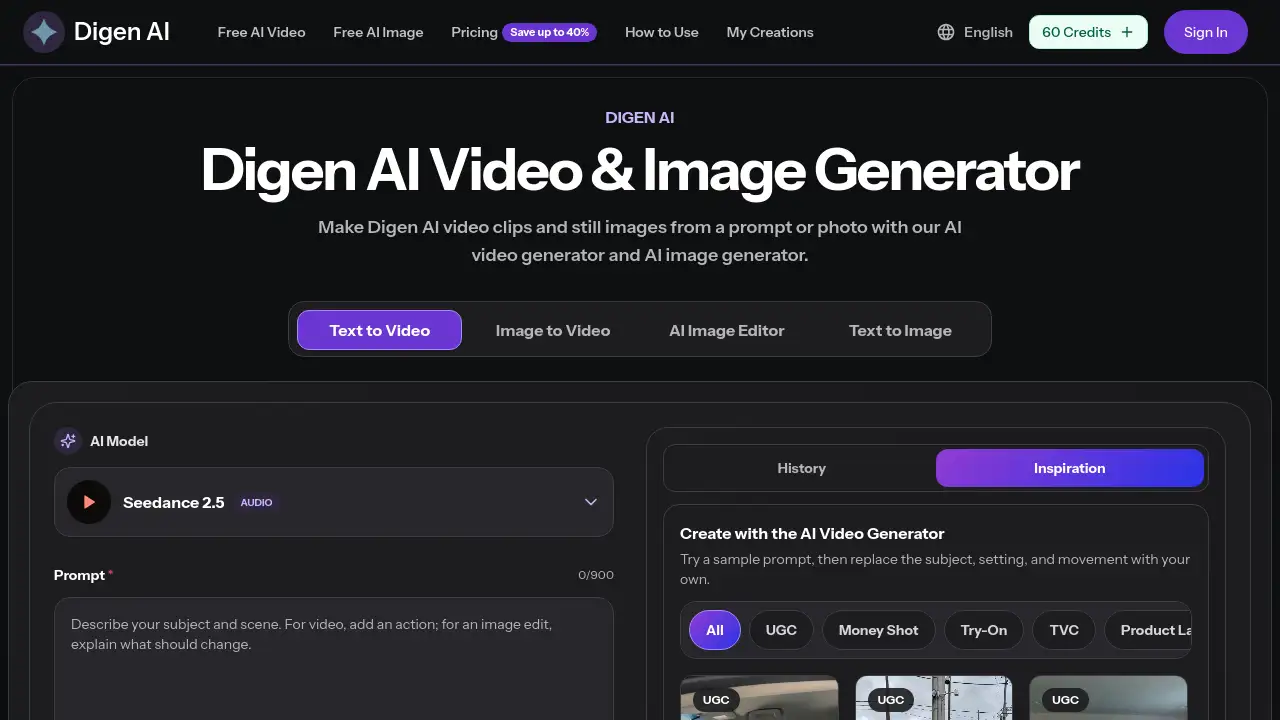
Everygen AI is an independent AI creation studio available at everygenai.io. It solves a common problem: AI media tools are often scattered across separate apps. Everygen AI works as an AI video generator, AI image generator, and AI music generator in one browser workspace. It combines text-to-video, image-to-video, AI image generation, and music creation in one place. Users can choose from models such as Grok Imagine, Kling, Seedance, GPT Image, Qwen Image, Nano Banana, and Seedream, depending on what is live at the time. The studio is designed for creators, marketers, hobbyists, and small teams that want to test visual or musical ideas quickly. It also provides free daily credits and a no-sign-up start for eligible visitors. Important note: Everygen AI is not the official Everygen or Viewmax product. The official Everygen product, formerly Viewmax AI, is at everygen.ai and is operated by Viewmax LLC. This independent studio has its own accounts, generation limits, and model access. Accounts or credits from another Everygen service do not transfer here. Everygen AI MCP resources are also explained on the site, but the current browser studio does not expose an MCP connection.
Key Features of Everygen AI
Multi-Model AI Video Generator
Generate cinematic AI video with models like Grok Imagine, Kling, Seedance, Veo 3.1, or MiniMax H3 Max. Use text-to-video or image-to-video to create scenes with deliberate camera movement and atmosphere.
AI Image Generator Studio
Create portraits, illustrations, and product concepts with GPT Image, Grok Imagine, Qwen Image, Nano Banana, or Seedream. Set composition, aspect ratio, and reference images to guide the result.
AI Music Generation
Compose a song or musical idea inside the same workspace. Images, videos, and music share one wallet, and the credit price is shown before submission.
Editable AI Video Templates
Start with reusable AI video templates for scenes, shorts, and campaign concepts. Each template loads a prompt, model, and settings that can be adjusted before generating.
AI UGC Scenes and Product Shots
Explore AI UGC scenes and product video concepts for campaign planning. These are generated creative examples, not real customer reviews, endorsements, or footage of a specific product.
Free Daily Credits and No-Sign-Up Start
Eligible new visitors receive welcome credits without signing in. A free account can add a one-time reward and daily credits after a 24-hour wait, while guests do not receive daily credits.
Browser Workspace with History
Preview and download creations, then return through history or reuse a prompt. The workspace lets users save and revisit visual or musical ideas.
Use Cases for Everygen AI
YouTube Shorts and Vertical Video
Choose Video and a 9:16 aspect ratio to make a vertical clip. AI video templates for nature, characters, sports, travel, and other topics provide a quick starting point.
Social Media Ads and Product Concepts
Test product shots, beauty scenes, sneaker ads, food visuals, or interior ideas before planning a shoot. AI UGC scenes can help explore a campaign angle early.
Storyboarding and Previsualization
Direct a video scene with a clear subject, setting, and one action. Use image-to-video or text-to-video to preview camera movement and lighting.
Music and Visual Experiments
Compose a song, then pair it with generated images or video for a creative project. The shared wallet keeps image, video, and music credits in one place.
Prompt Practice and Creative Learning
Use templates and guides, such as the video prompt guide, to learn how prompt structure affects output. This makes Everygen AI useful for beginners and experienced creators.
How to Use Everygen AI
- Open the Everygen AI studio and choose a media type: image, video, or music.
- Select a template or model. A template loads its prompt and settings, and selecting it does not submit a request.
- Describe the subject, setting, and style. For video, add one action and a camera movement; a reference image can guide the look.
- Generate with available free credits. Eligible visitors can start without signing in, then preview and download the result.
- Return through history or reuse the prompt. Sign in if you want to claim an account reward and daily credits when eligible.
Target Audience for Everygen AI
- Content creators and YouTube Shorts makers
- Social media marketers and small business owners
- Graphic designers and art directors
- Musicians and audio creators
- Hobbyists and AI enthusiasts
- Educators and students exploring AI media tools
Is Everygen AI Free?
Everygen AI offers free access with limits. Eligible new visitors receive welcome credits without signing in. A free account can provide a one-time account reward and daily credits after a 24-hour wait. New free grants are valid for 24 hours from the successful claim and do not roll over. Guests do not receive daily credits. Images, videos, and music use the same wallet, and generation remains subject to shared capacity. Optional memberships and pricing terms are listed on the official pricing page. For the official Everygen product formerly Viewmax, check everygen.ai directly, because its pricing and credit system are separate.
| Plan | Price | Features |
|---|---|---|
| Free Guest | $0 | Welcome credits without sign-up; no daily credits; shared wallet for images, videos, and music; subject to shared capacity. |
| Free Account | $0 | One-time account reward plus daily credits after a 24-hour wait; new free grants valid for 24 hours; no stacking or catch-up credits. |
| Optional Membership | Not specified | Terms and availability are listed on the pricing page; premium services are planned. |
Everygen AI's Pros and Cons
| Aspect | Pros | Cons |
|---|---|---|
| Pricing | Free daily credits and no-sign-up start for eligible users | Free generation is subject to shared capacity; new credits expire in 24 hours |
| Features | Multiple AI models for video, image, and music in one workspace | Live model choices may change over time |
| Ease of use | Browser-based, template-driven, and includes prompt guides | No mobile app is mentioned; the studio does not currently expose MCP |
| Account | Free account reward and daily credits after waiting period | Guests do not receive daily credits; rewards do not stack or catch up |
| Output | Preview, download, history, and prompt reuse | Generated examples are not real customer reviews or endorsements |
Frequently Asked Questions about Everygen AI
Is Everygen AI the official Everygen or Viewmax website?
No. everygenai.io is an independent creation studio and resource. The official Everygen product, formerly called Viewmax, is at everygen.ai and is operated by Viewmax LLC. Accounts or credits from another Everygen service do not transfer to Everygen AI.
Is Everygen AI free to use?
Everygen AI offers free access with limits. Eligible new visitors receive welcome credits without signing in. A free account can add a one-time reward and daily credits after a 24-hour wait. Free generation uses daily credits and remains subject to shared capacity.
Can Everygen AI make YouTube Shorts?
Yes. Choose Video and a 9:16 aspect ratio to create a vertical clip. AI video templates for nature, characters, sports, travel, and other themes can help users start a short.
What AI models are available on Everygen AI?
The site lists models such as Kling 3.0, MiniMax H3 Max, Veo 3.1, Nano Banana Pro, Gemini Omni 1.1 Flash, GPT Image 2, and Grok Imagine. Live model choices are shown in the studio and may use different versions.
Does Everygen AI have MCP resources?
The current Everygen AI browser studio does not expose an MCP connection. The site provides a guide explaining MCP and directs users to the official Everygen.ai integration for setup details. Keep private API keys out of public prompts and shared files.
Do free credits roll over on Everygen AI?
New free grants are valid for 24 hours from the successful claim and do not roll over. Credits issued earlier keep their original expiry. Returning after several days gives one grant, without catch-up credits.
Everygen AI Tags
Everygen AI, Everygen AI Studio, AI video generator, AI image generator, AI music generator, free daily credits, no-sign-up AI, AI UGC scenes, product shots AI, Viewmax AI, Everygen AI MCP, AI video templates.