Introduction
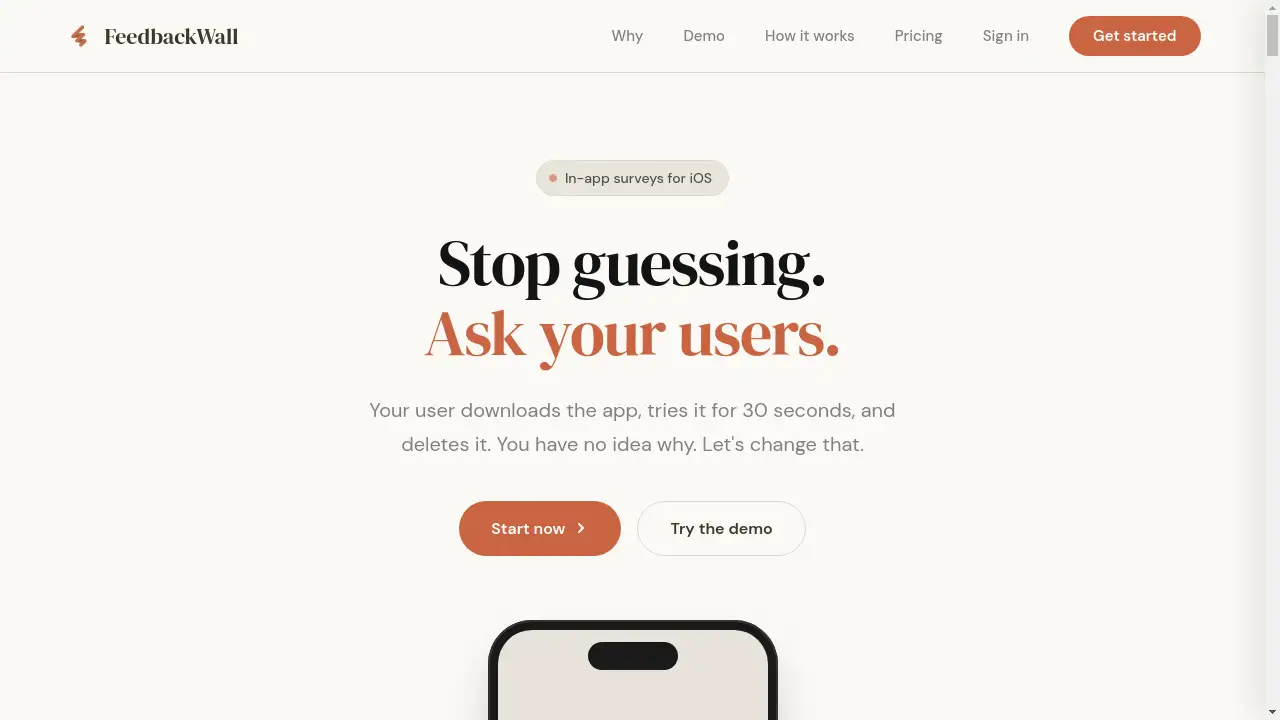
FeedbackWall is an iOS SDK for collecting user feedback through beautiful, customizable in-app surveys.
What is FeedbackWall?
FeedbackWall is an in-app survey platform designed specifically for iOS developers and product teams. It addresses a critical pain point: the inability to understand why users churn silently. Traditional feedback methods like email requests, feedback portals, and app store reviews suffer from abysmal response rates and provide little actionable data. FeedbackWall solves this by embedding lightweight, targeted surveys directly within an app's user experience. The primary goal is to help app creators collect valuable user feedback efficiently, enabling data-driven decisions about features, UX improvements, and product roadmaps. It is suitable for indie developers and established companies alike who want to move beyond guesswork and understand their users' true needs and frustrations.
Key Features of FeedbackWall
5-Minute Swift SDK Integration
The platform offers a native Swift SDK that can be integrated into an iOS app in minutes via Swift Package Manager, requiring minimal code changes.
Real-Time Dashboard with Insights
A centralized dashboard displays survey responses live, including geographic distribution and answer breakdowns, allowing for immediate feedback analysis.
No App Store Resubmission Required
Survey content is fetched dynamically from FeedbackWall's servers, enabling teams to create, edit, or deactivate surveys without submitting app updates to the App Store.
Customizable Survey Design
Surveys can be fully customized to match an app's branding, including colors, fonts, and animations, ensuring a seamless user experience.
Event-Based Triggering
Developers can configure precise triggers to show surveys based on specific user actions or events, such as completing onboarding or using a key feature.
Multiple Question Types
The platform supports various question types, including multiple choice, star ratings (1-5 scale), and open text responses, optimized for mobile interaction.
Use Cases for FeedbackWall
Post-Onboarding Feedback
Trigger a survey immediately after a user completes the onboarding process to understand their initial expectations and identify potential friction points.
Feature Validation
After a user interacts with a new or existing feature, a short survey can gauge its usability and perceived value, providing instant user insights.
Churn Prevention
When user activity drops, a strategically timed survey can ask what would bring them back, helping to reduce churn before the user uninstalls the app.
Roadmap Prioritization
Use quarterly or milestone-based surveys to let users vote on potential new features, ensuring the development roadmap aligns with actual user demand.
How to Use FeedbackWall
- Sign Up and Create an App: Create an account on the FeedbackWall website, add your iOS app, and obtain a unique API key.
- Integrate the SDK: Add the FeedbackWall Swift package to your Xcode project using Swift Package Manager and initialize it with your API key in your app's entry point.
- Design a Survey: Use the web dashboard to create your first survey. Choose a question type, write your copy, and customize the design to fit your app.
- Set a Trigger: Define the event or condition (e.g.,
after_onboarding) that will prompt the survey to appear within your app. - Deploy and Analyze: The survey will now appear for your users based on your trigger. Monitor responses in real-time through the dashboard to gather actionable insights.
Target Audience for FeedbackWall
- iOS App Developers (Indie and Teams) seeking to understand user behavior.
- Product Managers who need data to prioritize features and validate releases.
- UX/UI Designers looking for direct feedback on user experience and interface pain points.
- Startup Founders who must make resource-efficient, user-informed product decisions.
- Growth Marketers focused on improving user retention and reducing churn rates.
Is FeedbackWall Free?
FeedbackWall operates on a subscription model with a 14-day free trial on all plans. The trial is fully featured, allowing users to test integration, survey creation, and response collection. After the trial, paid plans start at $19 per month for the Indie tier, which includes 200 monthly responses. Growth ($49/month) and Scale ($99/month) plans offer higher response limits and additional features like CSV export. This structure provides an accessible entry point for small developers while scaling to meet the needs of larger teams.
Frequently Asked Questions about FeedbackWall
How long does it take to integrate the SDK?
Integration typically takes about five minutes. It involves adding the Swift package via Swift Package Manager, initializing it with your API key, and adding a single line of code to trigger the survey.
Does it work with both SwiftUI and UIKit?
Yes, the FeedbackWall Swift SDK is designed to work seamlessly with apps built using either SwiftUI or UIKit frameworks.
Can I update surveys without an app store update?
Absolutely. All survey content is managed server-side. You can create, edit, or deactivate surveys instantly from your dashboard without any need for an app update or App Store review.
What is the typical response rate for in-app surveys?
When triggered at relevant moments, in-app surveys from FeedbackWall typically see response rates between 15% and 25%, significantly higher than traditional methods like email surveys.
What happens if I exceed my monthly response limit?
If you exceed your plan's response limit, your surveys will continue to function. FeedbackWall will charge a small overage fee per additional response and notify you, with no service interruption.
What data does FeedbackWall collect?
The platform is privacy-focused. It primarily stores survey responses and an optional, anonymous user ID you can provide for segmentation. It does not engage in personal data tracking, cookies, or fingerprinting.
FeedbackWall Tags
in-app surveys, iOS feedback, user feedback SDK, collect user feedback, mobile app surveys, Swift SDK, product feedback, user insights, feedback analysis, churn prevention, app development, question types