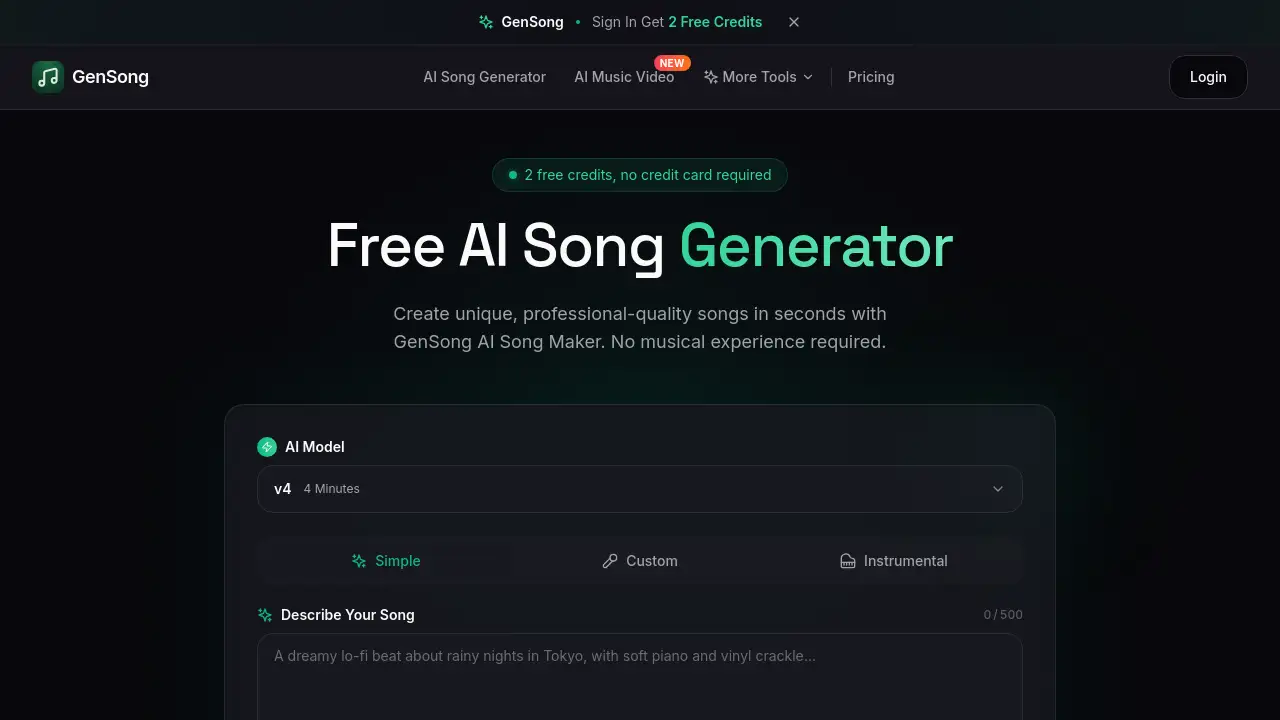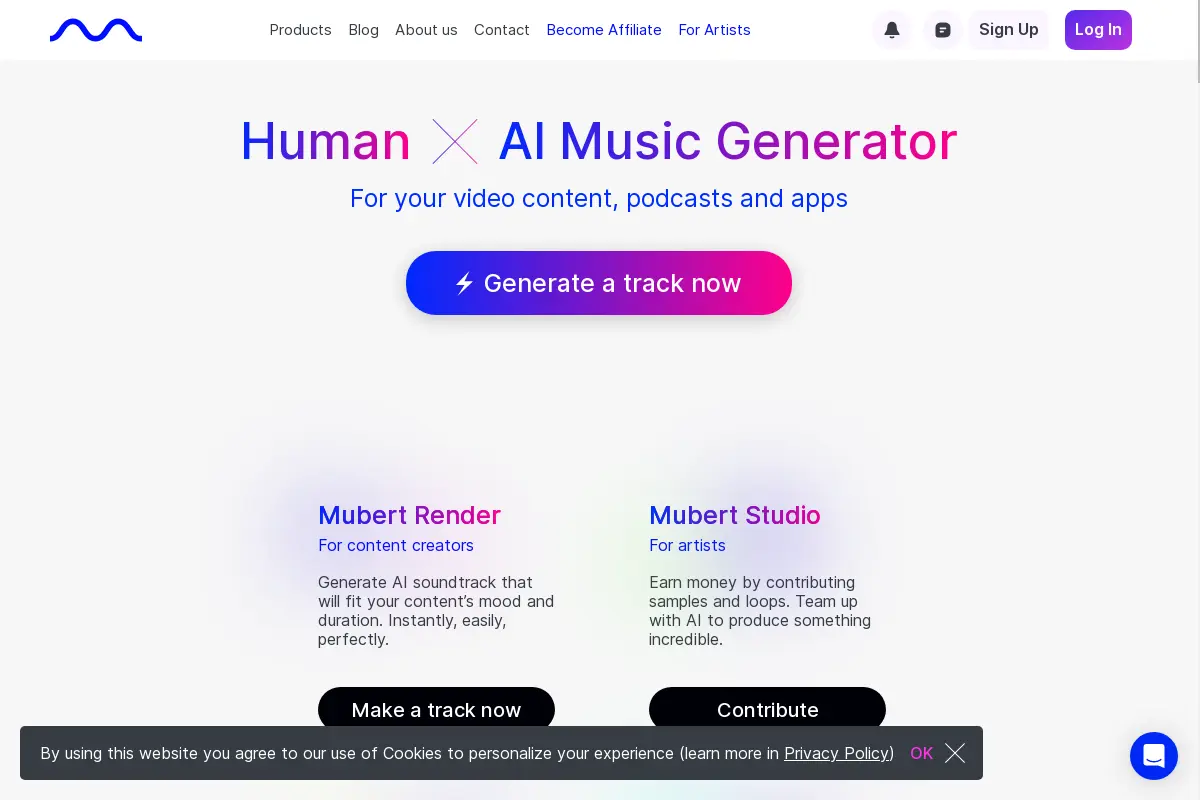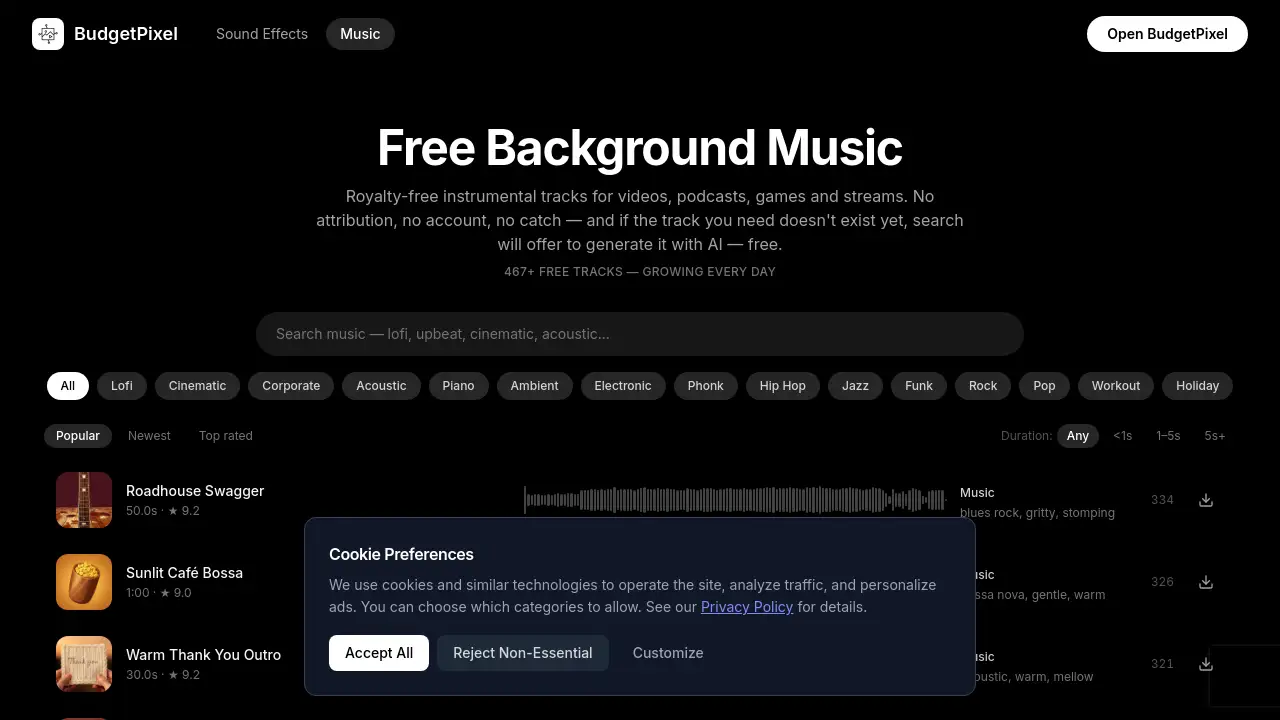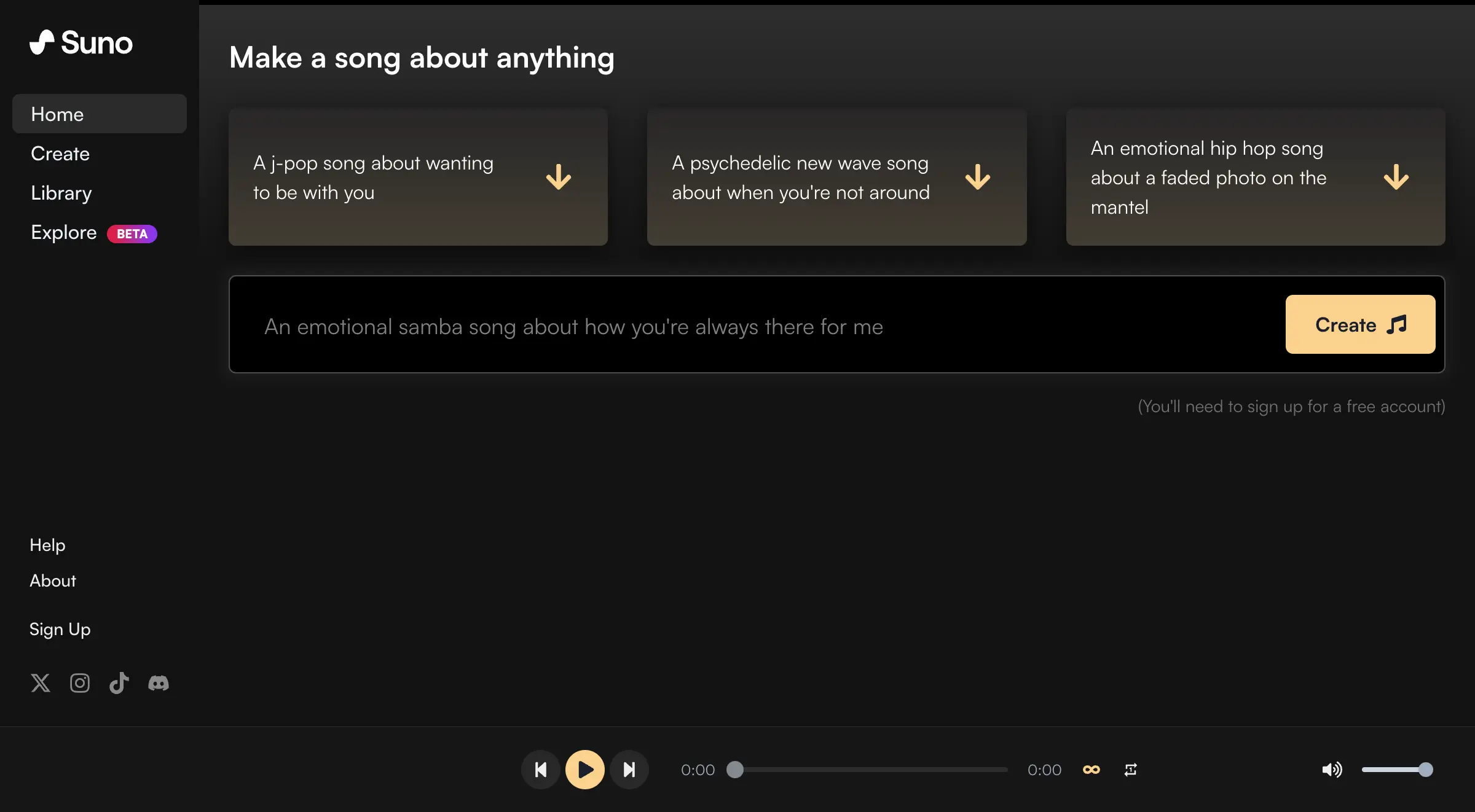
Introduction
Music Generator turns ideas into tracks.
What is Music Generator?
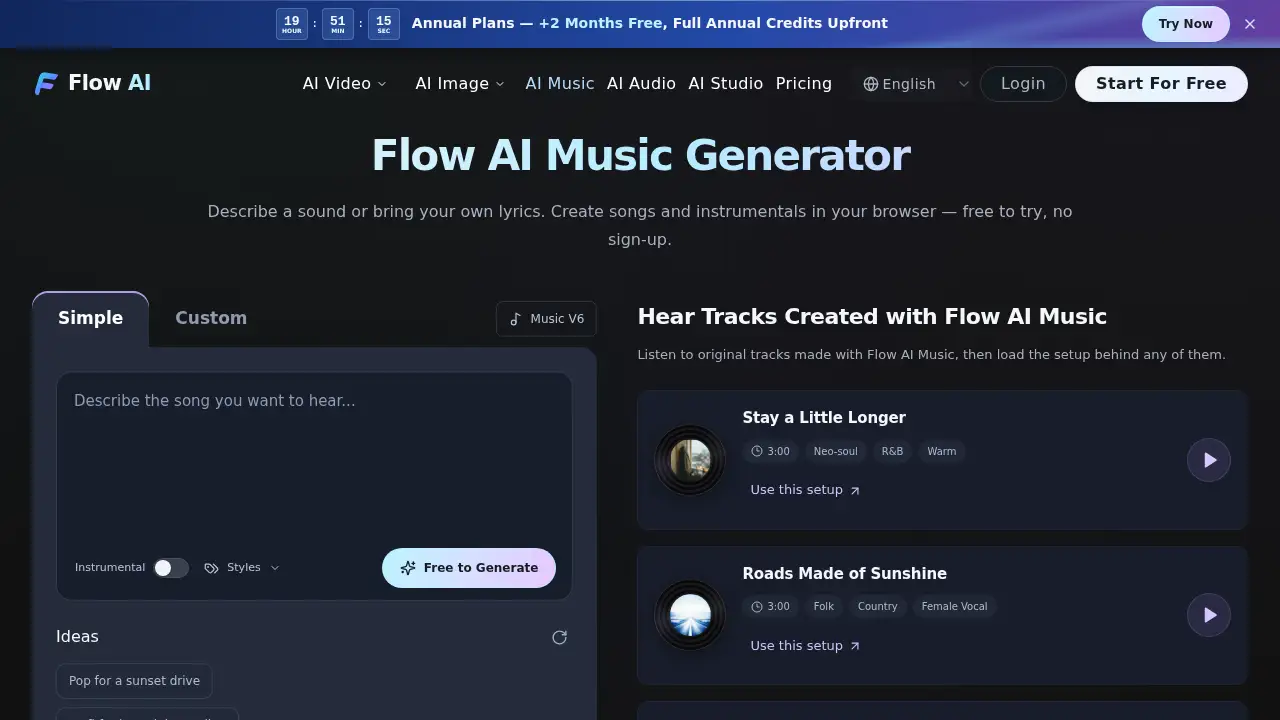
Music Generator, also known as Flow AI Music Generator, is a browser-based AI music generator that turns text descriptions or original lyrics into songs and instrumentals. It is built for people who want a fast musical starting point without complex software. Users can choose styles, set vocal or instrumental output, and see the credit cost before creating. The tool helps songwriters, video creators, podcasters, and game designers move from an idea to a listenable track. Because it runs in the browser, no sign-up is needed to try eligible free tracks. This makes it a practical AI music generator for quick drafts, experiments, and project soundtracks.
Key Features of Music Generator
Text to Music
Use text to music prompts to describe a mood, genre, instruments, and pace. The Music Generator turns those details into a musical direction you can review and refine.
Lyrics to Song
Add your own lyrics and use lyrics to song controls for style, vocals, duration, and title. This AI song generator keeps your words at the center while you test different arrangements.
Instrumental Music
Switch to instrumental music mode to create tracks without vocals. Describe the atmosphere, instruments, and tempo for videos, podcasts, games, or focus sessions.
Reference Audio
Upload audio you have permission to use and describe a new direction. The Music Generator uses reference audio as guidance, not an exact recreation.
Simple and Custom Modes
Start in Simple mode with a description and style tags. Move to Custom mode for lyrics, duration, vocal preference, excluded tags, style strength, creativity, and variation.
Review and Download
Follow the generation task, listen to returned tracks, and download the version worth keeping. Sign in to save useful tracks to your account.
Use Cases for Music Generator
Videos and Social Stories
Create instrumental music or a short song to set the mood for product reveals, travel edits, and social stories. The Music Generator helps match a scene without hiring a composer.
Podcasts and Spoken Stories
Use an understated AI music generator track for intros, transitions, or background beds. Keep the instrumental music light so it leaves space for voices.
Games and Imagined Worlds
Sketch atmosphere for landscapes, discoveries, or dramatic moments with text to music prompts. The Music Generator can produce quick drafts for a game prototype.
Songwriting and Experiments
Turn lyrics to song ideas, test a chorus in a new style, or explore a reference audio direction. This makes the Music Generator useful for creative experiments.
How to Use Music Generator
- Bring an idea: Describe a sound or add your own lyrics in the Music Generator. For reference audio, open the full music workspace.
- Shape your sound: Choose vocals or instrumental music, pick up to 12 styles, and set duration where available. Check the credit cost before you submit.
- Create and follow the task: Start generation and watch the creation session. Listen to the returned tracks.
- Review and download: Keep the version that fits your project. Sign in to save tracks to your account and revisit them later.
Target Audience for Music Generator
- Songwriters and lyricists who want to hear their words in a new style.
- Video creators and social media editors who need background instrumental music.
- Podcasters and storytellers looking for recognizable intros or subtle beds.
- Game designers and worldbuilders who need atmospheric sketches.
- Hobbyists and beginners trying an AI music generator without complex software.
Is Music Generator Free?
| Plan | Price | Features |
|---|---|---|
| Free | $0 | Music V6 Free generates eligible songs and instrumentals with no credits required. Eligible tracks can be listened to and downloaded without an account. Free use is for personal and other non-commercial purposes. |
| Credit-based models | Varies by model | Uses credits, with the cost shown before submission. Sign-in is needed to save tracks to an account and use credit-based models or add credits. |
| Paid plan | Not listed in the reference material | Paid-plan users may use generated tracks commercially, subject to the Terms of Service, applicable law, and the selected model’s rules. Check the official site for current pricing. |
Music Generator's Pros and Cons
| Aspect | Pros | Cons |
|---|---|---|
| Pricing | Free to try with Music V6 Free; no credits required for eligible tracks | Paid pricing is not listed in the reference material; some models use credits |
| Features | Text to music, lyrics to song, instrumental music, and reference audio in one browser-based music tool | Reference audio guides generation but does not guarantee an exact recreation |
| Access | No sign-up needed for eligible free tracks; download is available | Sign-in is needed to save tracks and use credit-based models |
| Controls | Simple and Custom modes; up to 12 styles; duration options in Custom mode | Advanced controls may take a little practice for beginners |
| Usage rights | Paid-plan commercial use is allowed under the Terms and model rules | Free users are limited to personal and non-commercial use; copyright protection is not guaranteed |
Frequently Asked Questions about Music Generator
What is Music Generator?
Music Generator is a browser-based AI music generator from Flow AI. It turns a description or your own lyrics into a song or instrumental. Users can review tracks in a creation session and download eligible versions.
Is Music Generator free to try?
Yes. Music V6 Free generates eligible songs and instrumentals without credits. Other models use credits, and the cost is shown before submission. No account is needed to try and download eligible free tracks.
Can I turn my own lyrics into a song?
Yes. Paste your lyrics in Custom mode, describe the musical style, and keep instrumental mode off. Adjust style strength if the AI song generator drifts too far from your words.
Can I create instrumental music without vocals?
Yes. Switch instrumental mode on in Simple mode or use Custom mode controls. Describe the atmosphere, instruments, and pace for video, podcast, game, or focus use.
How is Flow AI Music Generator different from Google Flow?
Flow AI Music Generator lets users create songs and instrumentals with Music V6 Free without logging in or spending credits. Flow AI is an independent service and is not affiliated with or endorsed by Google.
Can I use tracks commercially?
Paid-plan users may use generated tracks commercially, subject to the Terms of Service, applicable law, and the selected model’s rules. Free users may use tracks for personal and other non-commercial purposes. Copyright protection and rights to third-party material are not guaranteed.
Music Generator Tags
Music Generator, AI music generator, text to music, lyrics to song, instrumental music, AI song generator, browser-based music tool, Flow AI Music Generator, reference audio music, free AI music generator, music workspace, AI music creation