Introduction
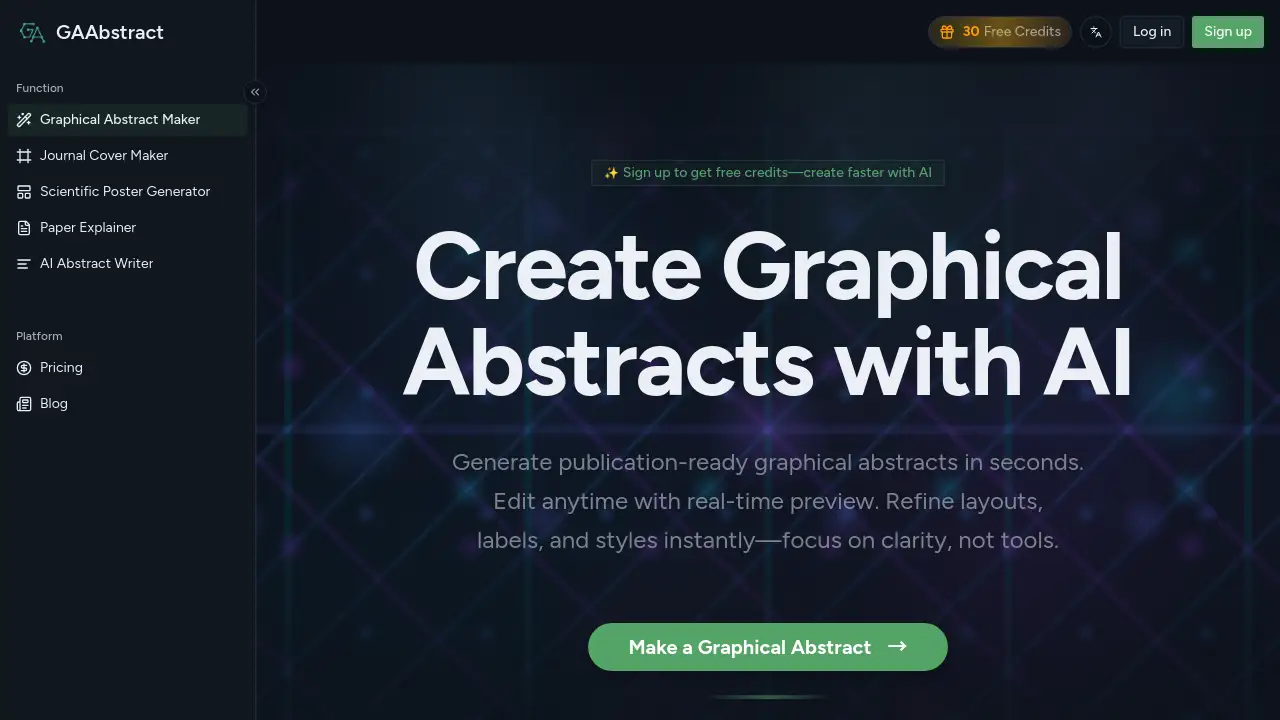
GAAbstract is a web-based graphical abstract maker designed to help researchers and students create clear visual summaries of scientific papers. With this graphical abstract maker, users can paste a research abstract or upload a PDF and receive a structured schematic in seconds. The platform also supports a journal cover maker, a scientific poster generator, a paper explainer, and an AI abstract writer, making it useful across scientific communication tasks.
What is GAAbstract?
GAAbstract is an AI-powered online service that solves the time-consuming problem of designing graphical abstracts manually. In academic publishing, a graphical abstract summarizes the key findings and methods of a study in a single figure. For years, creating one required design software, layout skills, and careful formatting. Now, GAAbstract’s core graphical abstract maker reads the user’s abstract, identifies important elements and relationships, and then creates a publication-ready figure.
The service is suitable for researchers submitting to journals, teams preparing conference materials, and scientists who need to explain their work on social media. Besides the main graphical abstract maker, the same platform includes a journal cover maker, a scientific poster generator, a paper explainer, and an AI abstract writer. This wider toolkit makes GAAbstract more than a simple template site.
Key Features of GAAbstract
The feature set covers the core graphical abstract maker as well as additional research-communication tools.
AI-Driven Abstract Understanding
Users paste text or upload a PDF, and the AI identifies the main methods, results, and steps before suggesting a visual structure. This keeps the first draft aligned with the scientific message and reduces the need for manual reading and summarizing.
Clear Layout Templates
GAAbstract provides seven layout options: Flow, Comparison, Branching, Matrix, Circular, Timeline, and Radial. Each template supports clear hierarchy and helps users present one-glance summaries without advanced design skills.
Editable Output with Real-Time Preview
The generated graphical abstract is not a fixed image. Users can edit labels, refine text, adjust styles, and see changes immediately. This is especially helpful when co-authors ask for revisions or when the key message needs to be more accurate.
High-Resolution Export for Journals
Researchers can export figures at 300 DPI with a default size of 4×2 inches. This export workflow comes directly from the graphical abstract maker, so the final file can be sent to a journal without complicated resizing or additional design work.
Additional Scientific Communication Tools
In addition to the main abstract-to-visual workflow, GAAbstract includes a journal cover maker for cover art, a scientific poster generator for conference posters, a paper explainer for short summary cards, and an AI abstract writer for improving abstracts. This makes the suite useful for multiple points of the research cycle.
Use Cases for GAAbstract
There are several common situations where researchers and students get clear value from this tool.
Preparing Journal Submissions
Many journals now ask authors to provide a visual summary of their paper. Researchers can use the graphical abstract maker to turn a draft manuscript into a submission-ready figure without starting from a blank canvas.
Creating Journal Cover Art
Research teams can use the journal cover maker to adapt a key finding into an eye-catching cover image. The workflow is science-first and still allows enough editing control for branding and layout preferences.
Building Conference Posters
Poster sessions require a logical flow from background to methods to results. With the scientific poster generator, users can build a poster layout from their paper text and then customize the final design with their own content and visuals.
Making Short Paper Explanations
For outreach, teaching, or lab meetings, researchers can use the paper explainer to produce readable cards that explain a study in plain language. This is useful for sharing on social media or within collaborative teams.
Refining Abstracts Before Visual Generation
Authors can use the AI abstract writer to shorten or rewrite their manuscript summary before they generate the final figure. Clearer text tends to produce clearer visuals.
How to Use GAAbstract
Using the graphical abstract maker takes only a few simple steps.
- Paste your abstract into the text box or upload a PDF file.
- Add a style reference image or extra prompt if you want to guide the AI.
- Select a layout template such as Flow, Comparison, Branching, or Timeline.
- Set the target journal image size if needed.
- Click Generate and wait for the AI draft.
- Review the result, edit any text or layout elements, and export the final file.
Because the workflow is straightforward, even researchers without design training can produce a publication-ready visual without spending hours in PowerPoint or Illustrator.
Target Audience for GAAbstract
- Graduate students preparing their first journal submissions
- Postdocs who need graphical abstracts for papers and reviews
- Principal investigators who want consistent visuals across a lab
- Science communicators building outreach materials
- Conference organizers and poster presenters
- Research teams that create journal covers and other academic visuals
Is GAAbstract Free?
The product does not have a permanent unlimited free plan, but it offers free credits after signing up. The homepage also mentions a free trial of 5 credits for quick testing. After that, users can choose a paid subscription plan.
| Plan | Price | Features |
|---|---|---|
| Basic | $8.25/month during limited-time sale | 100 credits/month, 30 paper explainer cards/month, ~20 generations or edits/month, 7 layout templates, high-resolution export |
| Pro | $16.58/month during limited-time sale | 250 credits/month, 30 paper explainer cards/month, ~50 generations or edits/month, priority email support |
| Max | $24.92/month during limited-time sale | 500 credits/month, 30 paper explainer cards/month, ~100 generations or edits/month, priority email support |
All paid plans include watermark-free export, complete privacy, and advanced editing features. Students and teachers can also apply for an education discount. Standard pricing may be higher after the limited-time sale ends.
GAAbstract’s Pros and Cons
| Aspect | Pros | Cons |
|---|---|---|
| Pricing | Low starting cost, education discount available, free credits for new users | No permanent unlimited free plan |
| Ease of Use | No design skills required; AI drafts the layout quickly | Users still need to review scientific accuracy |
| Output Quality | High-resolution export, 300 DPI, clean editable templates | Currently limited to seven layout templates |
| Product Range | Includes journal cover maker, scientific poster generator, and paper explainer | Each tool has separate monthly limits such as 30 explainer cards |
Frequently Asked Questions about GAAbstract
What does a graphical abstract maker like GAAbstract do?
A graphical abstract maker converts a research abstract into a visual diagram. The AI identifies key findings and relationships, then offers a structured layout that users can refine and export.
Can GAAbstract generate journal covers?
Yes. The journal cover maker uses the same science-first approach to adapt a paper’s main idea into cover-style artwork. Users can edit the design and export it at a size suitable for journal cover submission.
Is GAAbstract free to use?
It gives new users free credits and a 5-credit generator trial. There is no free unlimited plan, but the Basic subscription is inexpensive for occasional use.
Which file formats can users upload?
Users can paste research abstracts as plain text or upload a PDF. If they want to copy a visual style, they can also upload a reference image in PNG, JPEG, or WebP format up to 10 MB.
Do users need design experience to create a graphical abstract?
No. The tool is designed to reduce the need for manual design work. The graphical abstract maker produces a first draft, and users can then refine labels, spacing, colors, and layout without starting from scratch.
How are credits used in GAAbstract?
Each generation or edit consumes credits from the user’s account. Higher-tier plans provide more monthly credits, so frequent users can keep the effective cost per graphical abstract low.
GAAbstract Tags
graphical abstract maker, AI graphical abstract maker, journal cover maker, scientific poster generator, paper explainer, AI abstract writer, graphical abstract AI, scientific figure generator, research visual tool, academic poster maker, journal visual abstract tool