Introduction
Gemini Omni Video is an AI-first creative workspace designed for the surging Gemini Omni and video search trend, helping creators craft and test high-quality video content.
What is gemini omni?
Gemini Omni Video is not an official Google product but an independent creative platform built around the anticipated Gemini Omni and Google Omni video ecosystem. It functions as a dedicated AI video workspace where users can draft detailed multimodal prompts, monitor real-time trends, and generate sharp, short-form video clips using today's leading AI video models. This platform solves the problem of preparing for and experimenting within the evolving landscape of generative video technology. It is suitable for creators, marketers, and teams who want to streamline their workflow, test ideas across different AI models, and build a library of optimized prompts ready for future official tools.
Key Features of gemini omni
Multimodal Prompt Crafting
Users can start video generation from text, reference images, storyboard snippets, or predefined scenes, allowing for detailed and flexible creative input for their Gemini Omni Video projects.
Real-Time Model Comparison
The platform enables side-by-side testing of top AI video generation models, helping users compare outputs for motion, quality, and style to inform their creative decisions.
Omni-Optimized Prompt Library
Users can save and organize their best-performing prompts as optimized briefs, creating a reusable asset library specifically tuned for future Gemini Omni and Google Omni video workflows.
High-Resolution Output
The tool supports generating and exporting video clips in up to 2K resolution with multiple aspect ratios, providing social media and platform-ready test content.
Conversational AI Video Agent
A recently launched chat agent allows users to build videos through conversational instructions, removing the need for complex technical settings and simplifying the AI video generation process.
Use Cases for gemini omni
Advertising & Brand Marketing
Teams can transform product concepts and ad scripts into quick test clips, refining visual ideas and saving prompt structures for future campaign production.
Social Media Content Creation
Creators can efficiently produce optimized short-form video content for platforms like TikTok, Instagram Reels, and YouTube Shorts, testing how different AI models handle pacing and trends.
Educational & Training Material
Educators and trainers can draft explainer videos and concept reels using defined scene targets, creating engaging Gemini Omni Video content with reusable templates.
Storyboarding & Pre-Visualization
Filmmakers and producers can visualize story beats, shot lists, and product moments before committing to full-scale production, aiding in pre-production planning.
How to Use gemini omni
- Pick Your Starting Input: Begin your project by entering a text description, uploading a reference image, or selecting a template from the Gemini Omni Video gallery.
- Customize Settings: Choose your desired aspect ratio, clip length, and select from available AI video generation models. You can save this setup as a prompt brief.
- Generate and Refine: Initiate the generation process. Review the resulting clip, compare it with outputs from other models if desired, and refine your prompt for better results.
- Save and Export: Save your top-performing prompt to your library and download the final video clip in MP4 format for your project.
Target Audience for gemini omni
- Digital marketers and advertising agencies
- Social media content creators and influencers
- Video editors and independent filmmakers
- Educators and corporate training teams
- Product managers and e-commerce brands
- Early adopters interested in generative AI video trends
Is gemini omni Free?
Gemini Omni Video operates on a credit-based system. There is no permanent free tier, but users can purchase one-time credit packs or subscribe to monthly plans. The pricing is transparent, with no auto-renewal traps.
| Plan | Price (Monthly) | Key Features for Gemini Omni Video |
|---|---|---|
| Starter | $16/mo (billed annually) | 900 monthly credits, MP4 downloads, access to official templates, community Discord. |
| Pro | $29.95/mo (billed annually) | 3200 monthly credits, priority support, 4K+ output, advanced editing tools, reduced wait times. |
| Scale | $149.5/mo (billed annually) | 17900 monthly credits, instant generation, dedicated account manager, enterprise-grade features. |
One-time credit packs are also available for pay-as-you-go usage. All paid plans include permanent ownership and a commercial usage license for generated content.
gemini omni's Pros and Cons
| Aspect | Pros | Cons |
|---|---|---|
| Workflow & Preparation | Excellent for drafting and testing prompts ahead of official Google Omni tools; streamlined AI video generation process. | Does not provide access to the actual, unreleased Gemini Omni model from Google. |
| Pricing & Value | Transparent pricing with no hidden fees; permanent ownership of generated content. | No free tier available; costs can add up for high-volume users. |
| Features & Output | Supports high-resolution outputs and multiple aspect ratios; includes a helpful conversational AI agent. | Advanced features and faster processing are locked behind higher-tier plans. |
| Ease of Use | The 3-step workflow and new chat agent make AI video creation accessible. | Mastering effective prompt engineering for the best results still requires a learning curve. |
Frequently Asked Questions about gemini omni
What is Gemini Omni?
Gemini Omni refers to the rumored upcoming generative video platform from Google. The Gemini Omni Video website is an independent workspace that helps users prepare for this trend by providing tools for prompt crafting and testing with currently available AI video models.
Can I generate official Omni clips here right now?
No. You cannot generate video clips using the official, unreleased Google Omni model on this platform. You can, however, generate test clips using other live AI video models and save your prompts to use later if and when Google releases its official Omni features.
Are my generated clips eligible for commercial use?
Yes, for clips generated through the platform's paid routes. Paid subscribers and credit pack buyers receive an official commercial use license, granting permanent commercial rights to all video and image content they create using Gemini Omni Video.
What sets Gemini Omni apart from standard AI video generators?
This platform is specifically built around the Gemini Omni Video workflow, emphasizing intentional prompt drafting, cross-model comparison, and building a library of optimized prompts for future use, rather than just being a generic video generator.
Do you support Image-to-Video and audio integration?
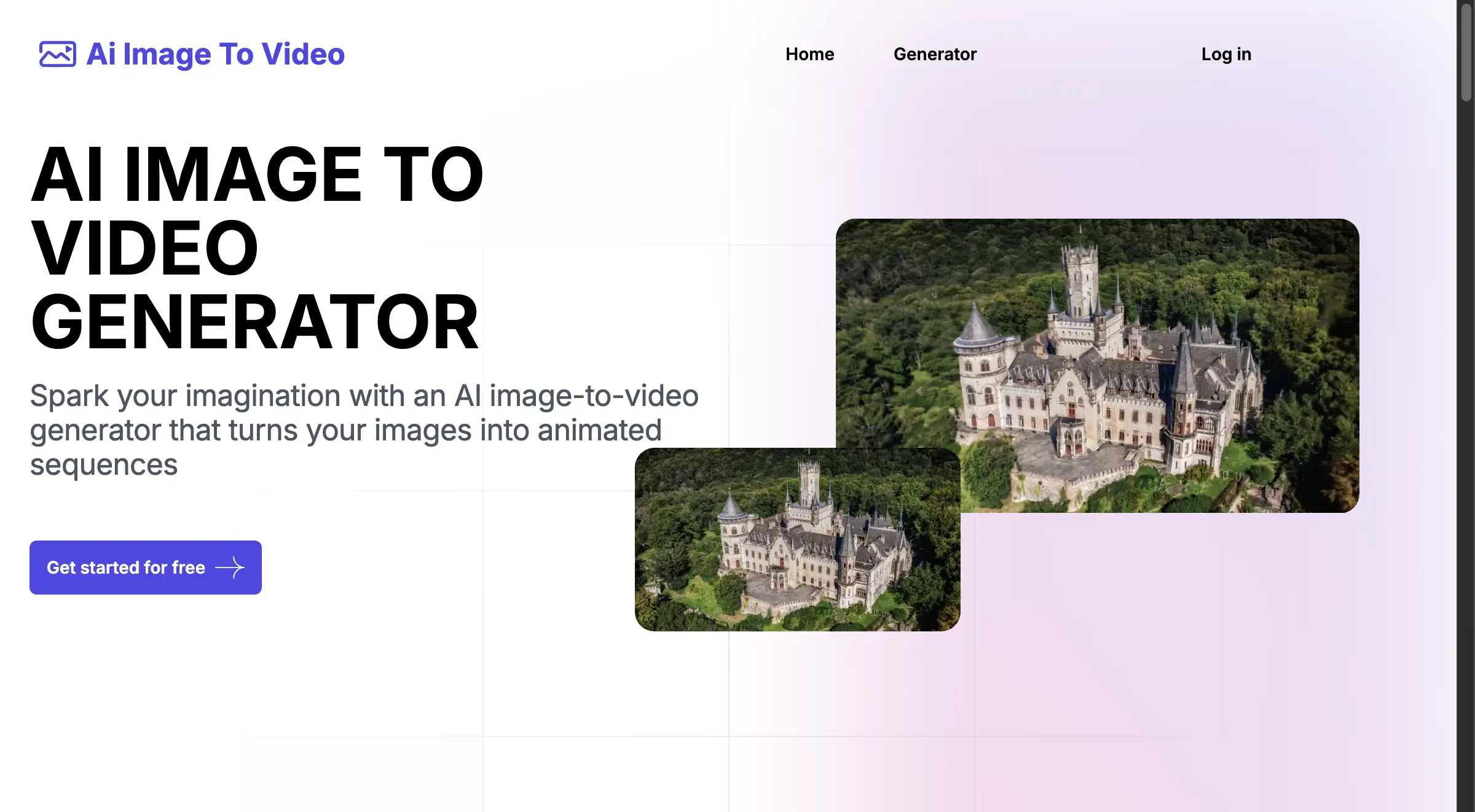
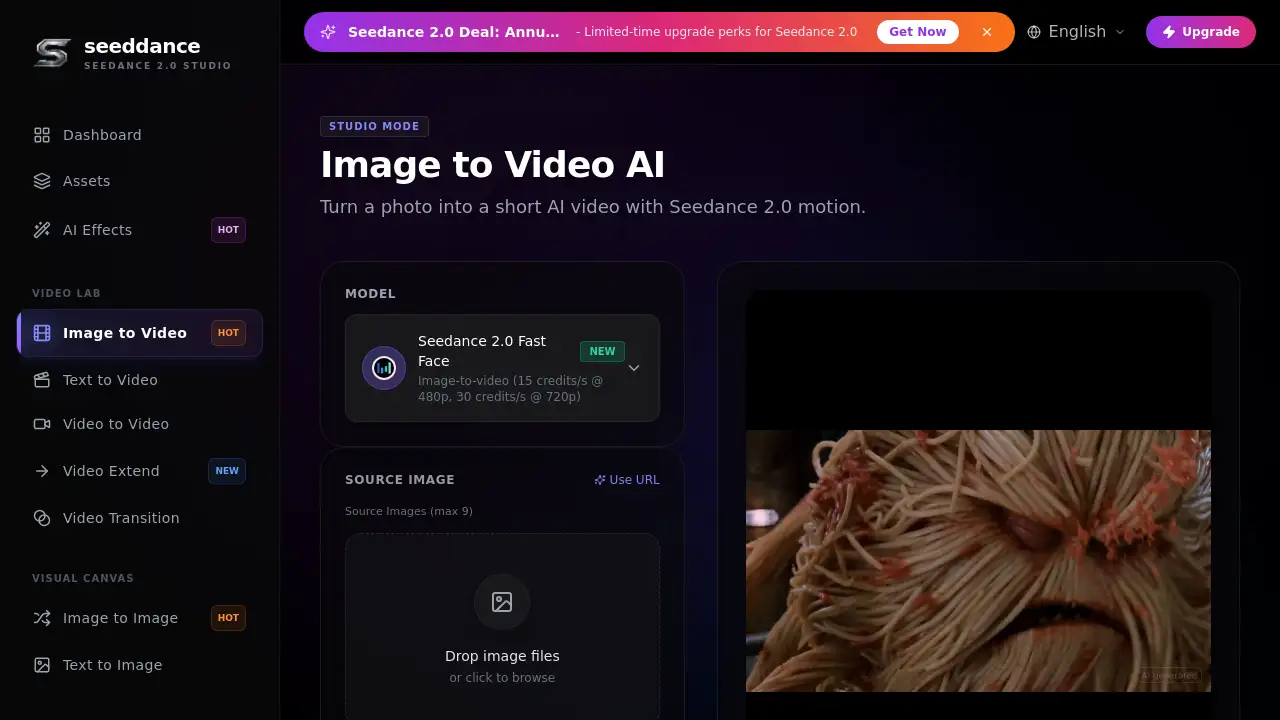
Yes, the platform supports image-to-video workflows by allowing users to upload reference images. Audio integration capabilities, such as adding music or sound effects, vary depending on the specific AI video generation model selected for the task.
What output formats and resolutions do you support?
Generated Gemini Omni Video clips can be downloaded in MP4 format. The platform supports various resolutions, with higher-tier plans offering outputs up to 4K, and multiple aspect ratios like 16:9 for different social media platforms.
gemini omni Tags
Gemini Omni, Gemini Omni Video, Google Omni, AI video generator, AI video workspace, generative video, prompt crafting, video creation, AI content creation, social media video, AI video models, video marketing