Introduction
An AI tool that generates professional speaker notes from PowerPoint presentations.
What is GenPPT - AI Speech Notes from PPT?
GenPPT - AI Speech Notes from PPT is an artificial intelligence-powered service designed to transform any PowerPoint presentation into a detailed, ready-to-deliver speaker script. The core problem it solves is the time-consuming and often stressful process of manually writing presentation notes and talking points. Instead of staring at a blank page, users can upload their PPT file and receive a structured, conversational script in minutes. This product is suitable for anyone who needs to present information clearly and confidently, including business professionals, educators, students, and workshop facilitators. It matters because it allows presenters to focus on delivery and audience engagement rather than the mechanics of scriptwriting, ultimately enhancing the impact and professionalism of their presentations.
Key Features of GenPPT - AI Speech Notes from PPT
Slide-by-Slide Analysis
The AI examines each slide individually, generating tailored talking points that align precisely with your slide content, charts, and visual elements for maximum presentation impact.
Professional Speaking Scripts
The generator creates presentation-ready speech notes written in a natural, conversational tone, helping presenters sound confident and well-prepared throughout their entire PowerPoint presentation.
Smart Timing Recommendations
Each set of generated speaker notes includes suggested speaking duration per slide, aiding in perfect pacing and helping presenters stay within their allotted time for talks or conference sessions.
Smooth Transition Phrases
Transition phrases between slides are automatically generated, ensuring your presentation flows seamlessly from one topic to the next without awkward pauses.
Key Points Highlighting
The AI identifies the most important points on each slide and creates emphasis cues in your speaking notes, ensuring key messages and takeaways are memorable for the audience.
Instant Download & Edit
Users can generate speech notes from their PPT in minutes, then download and freely customize the scripts, adding personal stories or specific data points to make them unique.
Use Cases for GenPPT - AI Speech Notes from PPT
Business Meeting Presentations
Professionals can quickly prepare polished talking points for investor updates, quarterly reviews, or team briefings, ensuring they communicate key business messages effectively.
Academic Conference Talks
Researchers and students can transform dense, data-heavy slides into clear, engaging presentation scripts, helping them explain complex topics with confidence during their conference sessions.
Workshop and Training Facilitation
Trainers and workshop leaders can generate structured speaking cues for each segment of their material, maintaining a smooth flow and keeping participants engaged throughout the session.
Sales Pitch Decks
Sales teams can create compelling, on-brand narratives for their product demos and pitch decks, ensuring every slide contributes to a persuasive and cohesive story.
How to Use GenPPT - AI Speech Notes from PPT
- Upload Your PowerPoint: Visit the GenPPT website and upload your .PPT or .PPTX file.
- Let AI Analyze: The AI Speech Notes from PPT tool will process your slides, performing a slide-by-slide analysis.
- Generate Your Script: Within minutes, the AI will generate a complete set of professional speaker notes and talking points.
- Review and Customize: Download the generated presentation scripts and edit them to add personal anecdotes, specific data, or adjust the tone to your liking.
- Practice and Present: Use your customized speaking notes to rehearse and deliver a confident, well-paced presentation.
Target Audience for GenPPT - AI Speech Notes from PPT
- Business professionals preparing reports, pitches, and internal meetings.
- Educators and academics creating lectures or conference presentations.
- Students working on thesis defenses or class project presentations.
- Trainers, coaches, and workshop facilitators.
- Marketing and sales teams developing client-facing materials.
- Anyone who wants to save time and improve the quality of their presentation delivery.
Is GenPPT - AI Speech Notes from PPT Free?
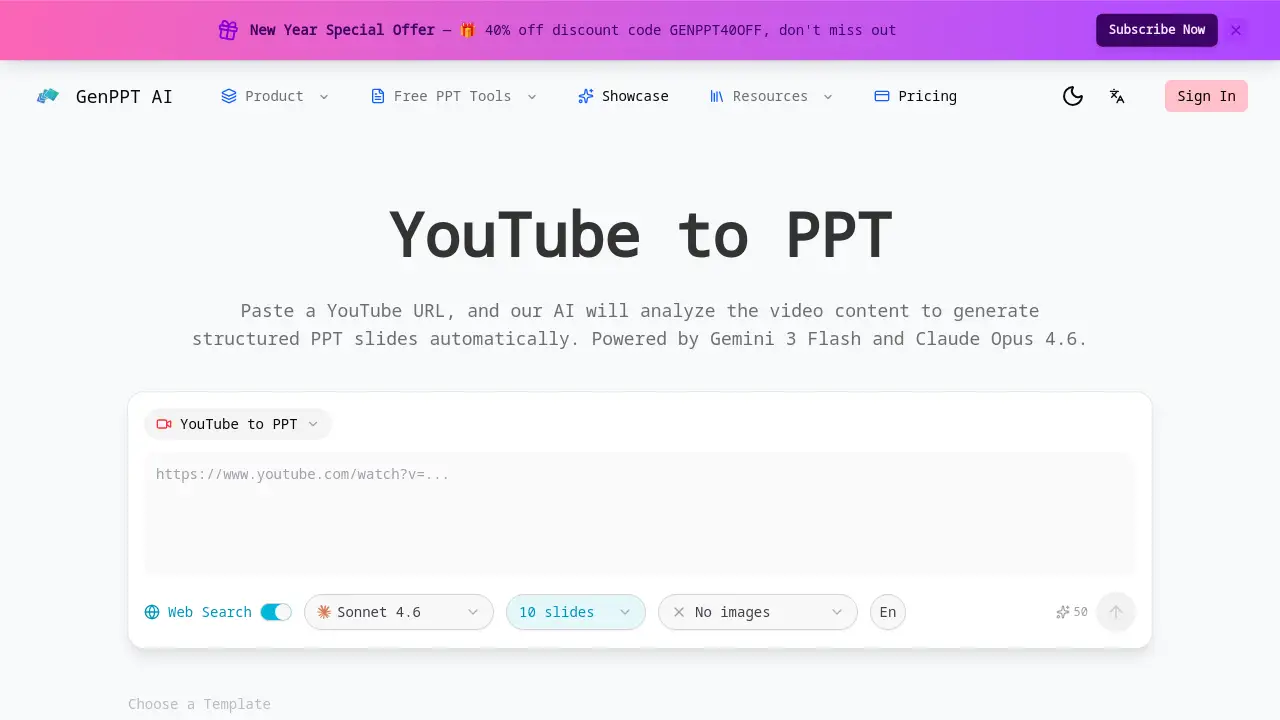
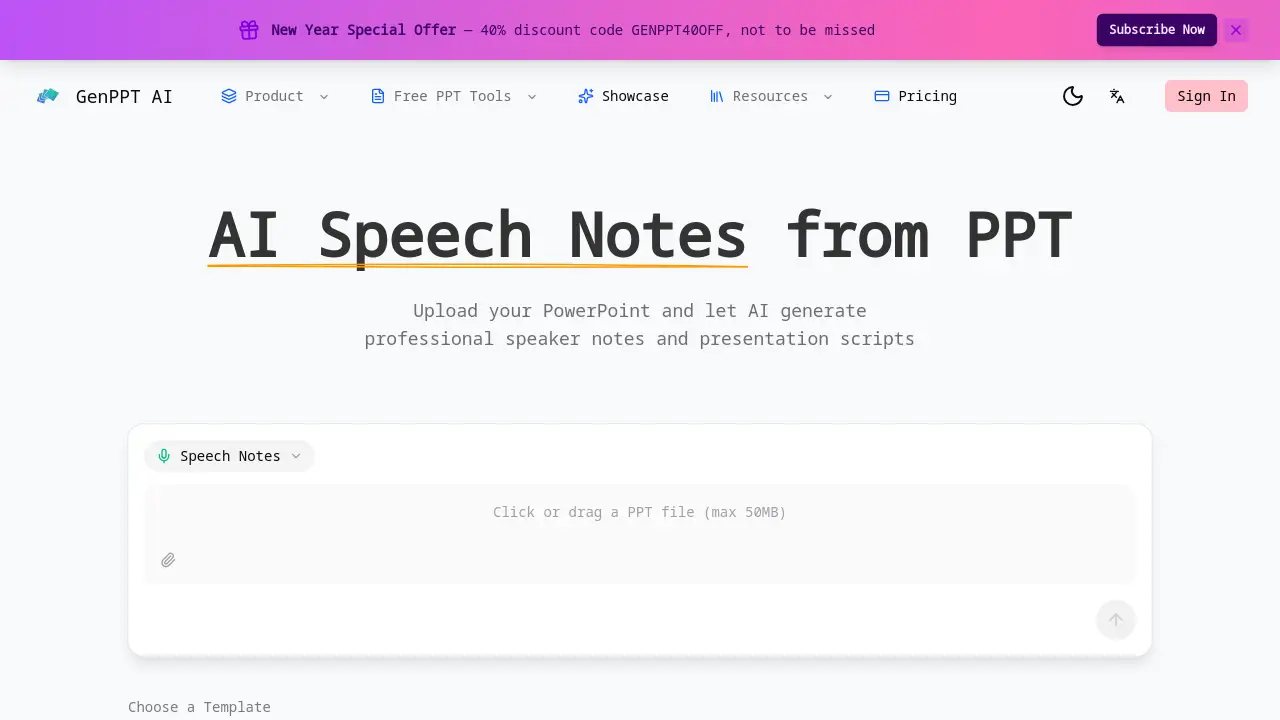
Specific pricing plan details are not explicitly provided on the referenced homepage. The page mentions a "New Year Special Offer—40% discount code GENPPT40OFF," indicating that the service likely operates on a paid subscription model with promotional discounts available. For the most accurate and current information on free trials, subscription tiers, and pricing, users should visit the official GenPPT website.
GenPPT - AI Speech Notes from PPT's Pros and Cons
| Aspect | Pros | Cons |
|---|---|---|
| Efficiency | Saves significant preparation time by generating speaker notes in minutes. | The output may require personalization for highly unique presentation styles. |
| Quality | Produces professional, structured scripts with good flow and timing cues. | The quality is dependent on the clarity and structure of the original PowerPoint slides. |
| Ease of Use | Simple three-step process: upload, generate, download. | Requires an internet connection and upload of the presentation file. |
| Output Control | Allows full editing and customization of the generated talking points. | Limited information on supported languages or advanced customization options. |
Frequently Asked Questions about GenPPT - AI Speech Notes from PPT
What types of PowerPoint files does GenPPT support?
GenPPT supports common PowerPoint file formats, including .PPT and .PPTX. Users simply upload their file through the website interface to begin the analysis.
Can I edit the AI-generated presentation scripts?
Yes, absolutely. A key feature is the ability to instantly download and freely edit the generated speech notes. You can add personal stories, adjust phrasing, or insert specific data points to tailor the script to your needs.
Does the tool provide speaking time estimates?
Yes. The AI includes smart timing recommendations, suggesting how long to spend on each slide. This helps presenters pace their delivery and manage the total time of their talk or conference session effectively.
Is my uploaded presentation data secure?
While the specific security protocols are not detailed on the homepage, reputable AI tools typically employ encryption for file transfers. For detailed information on data handling and privacy, it is recommended to review the official GenPPT privacy policy.
Who is the AI Speech Notes from PPT tool best suited for?
This tool is highly suitable for business professionals, educators, students, and trainers—essentially anyone who needs to create clear, confident, and well-structured speaking notes from their PowerPoint slides quickly.
Are there any templates or styles for the generated notes?
The reference information mentions template options like "Insight Blue," "Clarity Glass," and "Sandstone Pro," suggesting users may be able to choose from different formats or stylistic tones for their generated speaker notes.
GenPPT - AI Speech Notes from PPT Tags
AI presentation notes, PowerPoint speaker notes generator, AI speech script, presentation talking points, create presentation scripts, AI for PowerPoint, professional speaker notes, generate talking points, presentation preparation tool, AI presentation assistant, conference speech notes, business meeting scripts