Introduction
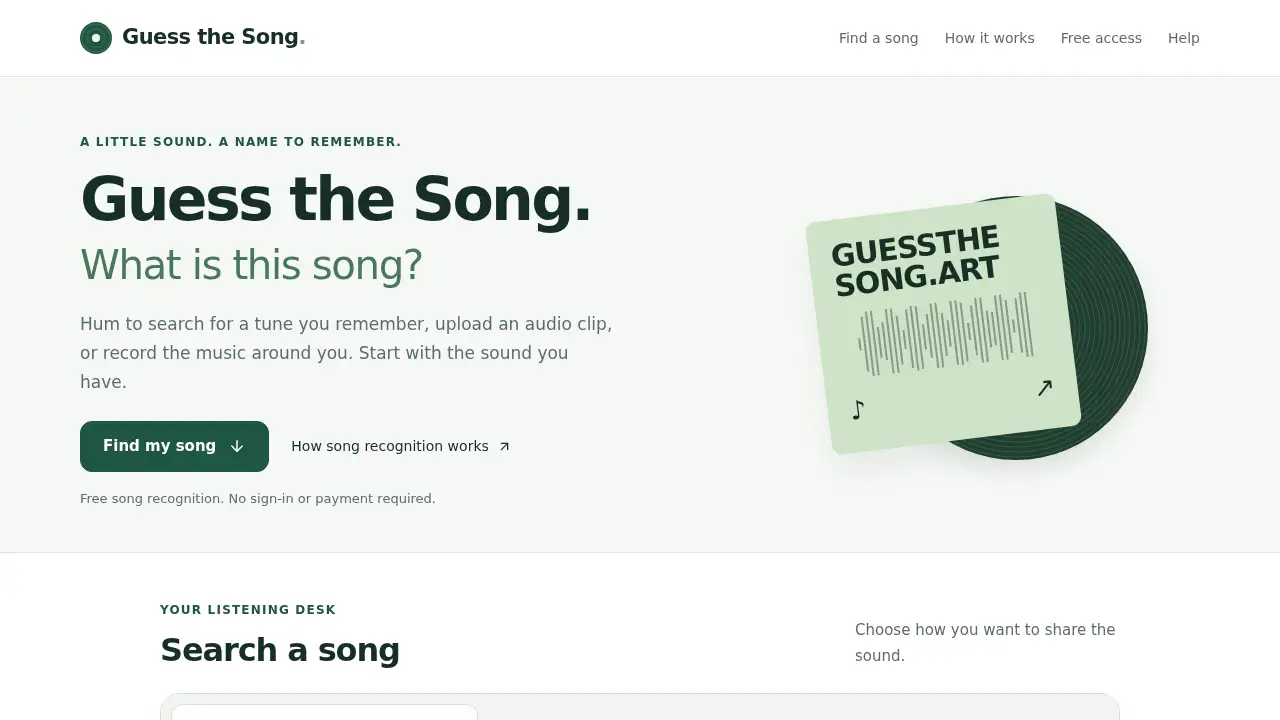
Guess the Song helps users name a mystery track fast.
What is guess the song?
Guess the Song is a free online song finder and song recognizer built to answer a common question: what is this song? It helps users identify a song from an audio clip, a nearby recording, or a melody hummed into a microphone. The tool returns a possible title and artist, with release details and listening links when available. This matters because people often remember a tune but not its name. A song finder that works without lyrics or an account can save time and reduce frustration.
Guess the Song is suitable for casual listeners, commuters, students, content creators, and anyone who hears music and wants to find a song quickly. It also works as an online song identifier on a supported phone or computer browser. Users do not need to sign in or pay to start a search, though usage limits apply. The service focuses on practical music identification rather than complex music production tools. It offers three input paths: upload an audio file, record the music around the user, or hum to search. Each path is matched to the sound the user has.
The product does not promise a match for every clip. A live performance, cover, remix, background noise, or missing catalog entry may affect results. Even so, the site provides a clear way to identify a song and check the answer. For anyone searching “what song is this” after hearing a fragment, Guess the Song acts as a straightforward music finder. It combines free song recognition with a simple interface and useful listening links.
Key Features of guess the song
Three ways to find a song
Guess the Song lets users upload an audio file, record nearby music, or hum a melody. This makes the song finder flexible for different clues and listening situations.
Hum to search for a remembered melody
Users can hum or sing the main melody for about 15 seconds in a quiet place. Hum to search is useful when the title and artist are unknown but the tune is still familiar.
Audio upload for saved clips
The tool accepts audio files under 10 MB with at least 10 seconds of sound. MP3 and WAV are good starting points, and users can mark whether the clip contains original music or humming.
Microphone recording for nearby music
A record option captures music playing in a café, on the radio, or through a speaker. A clear clip with little talking gives the song recognizer more to work with.
Possible title, artist, and listening links
Results can include a song title, artist, and available release details. Users can check a preview or follow a listening link to confirm whether the match is the right song.
Free song recognition without sign-in
Users can search without an account or payment, and microphone permission is requested only when recording. Usage limits apply to keep the online song identifier available for more searches.
Use Cases for guess the song
Identifying a song heard in public
A user may hear a track in a shop, café, or on the radio and want its name. Recording the original music with Guess the Song can help identify a song from the sound around them.
Finding a song from an old recording
A saved voice note or unnamed audio clip can become a useful clue. Users can upload the file, select original music or humming, and let the song finder look for a possible match.
Naming a tune stuck in the head
A chorus may stay in someone’s mind without any lyrics or artist name. Hum to search gives users a way to find a song by humming the part they remember most clearly.
Checking covers and live versions
A live performance or remix may lead to the original recording rather than the exact version. The music finder can still help users check the artist and compare an available preview.
How to Use guess the song
- Open Guess the Song and choose the input that matches the available sound: upload, record, or hum.
- For humming, hum or sing the main melody for about 15 seconds in a quiet place. For recording, move closer to the speaker and avoid extra speech or noise.
- For uploads, choose an audio file under 10 MB with at least 10 seconds of sound. MP3 and WAV are useful starting points.
- Play the sample back before searching, and try a clearer chorus or melody if needed.
- Review the possible title, artist, and listening links. Compare the result with the remembered tune or the original clip before deciding.
Target Audience for guess the song
- Casual listeners who often hear unknown music.
- Commuters, shoppers, and radio listeners who want a quick song finder.
- Students and music fans who remember melodies but not titles.
- Content creators checking music heard in clips or recordings.
- Users who want free song recognition without creating an account.
- People looking for an online song identifier on a phone or computer browser.
Is guess the song Free?
Guess the Song is free to use. The reference content states that no sign-in, credits, or payment are required, and usage limits apply to keep the service available. No paid plan is listed in the provided information.
| Plan | Price | Features |
|---|---|---|
| Free | $0 | Upload audio, record nearby music, hum to search, possible title and artist, listening links when available, no sign-in required, usage limits apply |
guess the song's Pros and Cons
| Aspect | Pros | Cons |
|---|---|---|
| Pricing | Free song recognition with no payment required | Usage limits may require users to wait before another search |
| Input options | Supports audio upload, microphone recording, and humming | Results depend on clear audio and browser or device support |
| Results | Can return song title, artist, release details, and listening links | Some clips may return no match; covers and remixes can be harder |
| Ease of use | Simple three-step flow with no account needed | Users need at least 10 seconds of audio, or about 15 seconds of humming |
| Privacy | No sign-in required; the site says raw search audio is not permanently stored | Audio samples are sent to a third-party recognition service |
Frequently Asked Questions about guess the song
What is guess the song used for?
Guess the Song is used to identify a song from an audio clip, a recording of nearby music, or a hummed melody. It returns a possible title and artist so users can confirm the track.
Can users find a song by humming?
Yes, when humming recognition is available. Users should choose the hum or sing option and hum the main melody for about 15 seconds, then compare any possible matches.
How do users identify a song from an audio clip?
Users can choose upload, select original music or humming, and submit a file under 10 MB with at least 10 seconds of sound. A clear chorus or instrumental phrase is often a useful starting point.
Is Guess the Song free and safe to use without an account?
The service is free and does not require an account for basic searches. The site says the browser prepares a sample and sends it to a third-party recognition service, so users should review the privacy policy for details.
What audio files does the song finder accept?
MP3 and WAV are good starting points, and other formats depend on browser support. The file should be under 10 MB and contain at least 10 seconds of audio.
Why might the song recognizer return no match?
Noise, a changed arrangement, a live version, a remix, or a missing catalog entry can prevent a match. Users can try a clearer section, switch input modes, or submit a new clip for another search.
guess the song Tags
guess the song, song finder, song recognizer, find a song, song recognition, hum to search, identify a song, music finder, what song is this, online song identifier, find a song by humming, identify song from audio