Introduction
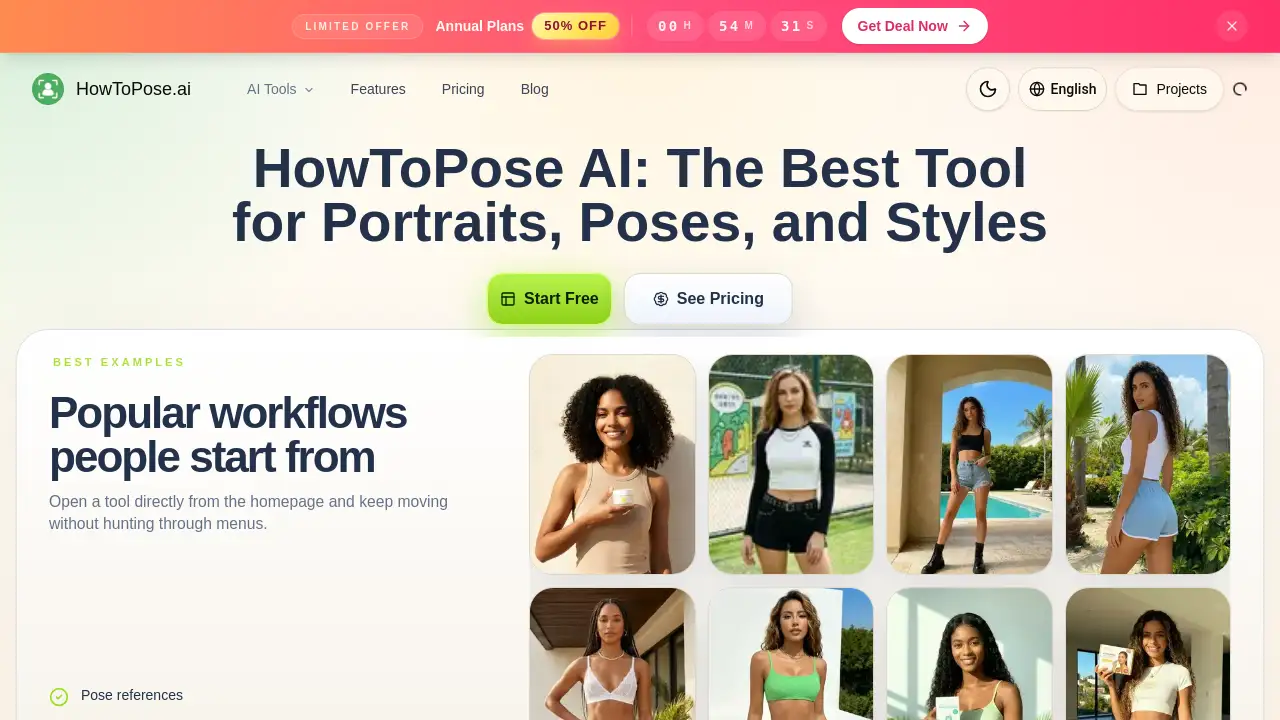
An AI-powered tool for editing and enhancing portrait photos and videos.
What is howtopose.ai?
Howtopose.ai is an AI-powered photo and video editing platform designed to streamline creative workflows. It solves the common problem of needing to reshoot or rebuild images from scratch to achieve different poses, styles, or formats. The tool is suitable for photographers, marketers, designers, social media creators, and e-commerce professionals who need to produce high-quality visual content efficiently. It matters because it drastically reduces production time and costs by allowing users to make significant edits—like adjusting a subject's pose, changing their outfit, or extending a background—directly from a single source image. This approach enables faster ideation and a more connected editing process.
Key Features of howtopose.ai
AI Pose Generator
This feature allows users to adjust a subject's body angle, hand placement, or expression after a photo is taken, enabling cleaner and more expressive poses without a reshoot.
AI Clothes Changer
Users can swap clothing ideas on a person in a photo, testing different outfit directions while keeping the original scene and subject identity intact.
AI Image Editor
The platform provides tools to clean up frames, revise small details, or explore a fresh look from the same source image, offering a comprehensive editing suite.
AI Image Extender
This tool extends a source image into wider or taller compositions, such as for social media cards or hero banners, without rebuilding the entire scene.
Free AI Image Generator
Users can turn a text prompt into polished images for concepting, posters, or product ideas, facilitating creative brainstorming.
AI Photo to Sketch Converter
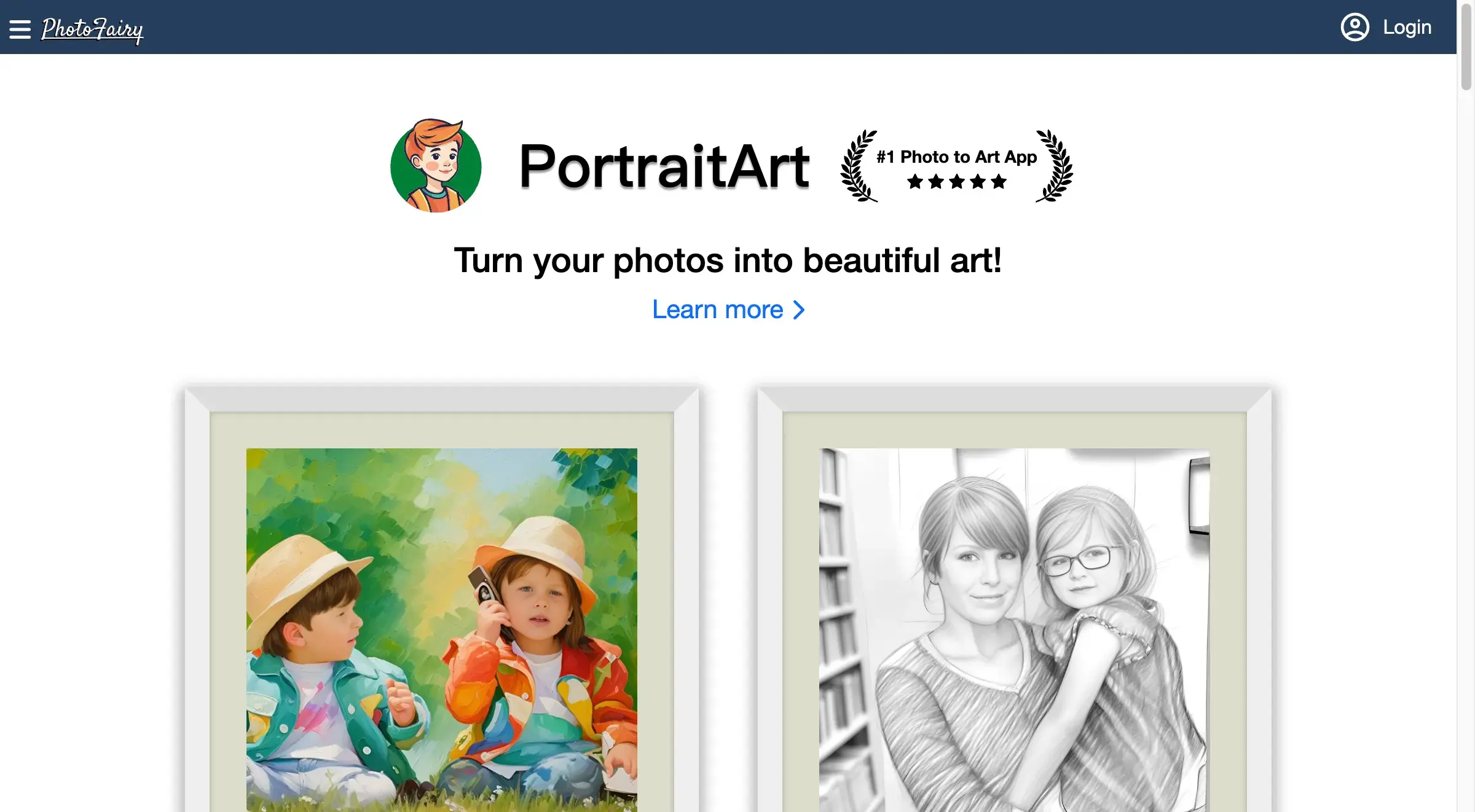
Convert real photos into artistic styles like pencil, ink, or watercolor sketches while preserving the original composition.
Free AI Image Upscaler
This feature helps sharpen and upscale lower-resolution drafts to create cleaner exports suitable for presentations or production handoff.
AI Watermark Remover
Remove unwanted watermarks, clutter, or distracting elements from an image before reusing it in pitches, posts, or mockups.
Use Cases for howtopose.ai
Portrait Photography Refinement
Photographers can use the AI pose generator to perfect a subject's posture, chin line, and eye direction after a shoot, saving time on reshoots.
E-commerce and Fashion Styling
Marketers and stylists can test multiple outfit directions on a single model photo for lookbooks, product pages, or campaign tests.
Social Media Content Creation
Content creators can adapt one strong portrait into multiple crops and formats (square, vertical, wide) for different social media platforms.
Advertising and Campaign Drafts
Art directors and producers can quickly generate and refine visual concepts, clean up rough drafts, and prepare polished assets for client reviews.
Brand Visual Consistency
Teams can maintain a coherent subject and scene while exploring different styling, lighting, and mood options for brand portraits.
How to Use howtopose.ai
The workflow on howtopose.ai is designed to be intuitive and connected.
- Start with a Source: Begin by uploading an existing photo or entering a text prompt to generate a base image.
- Select Your Edit: Choose the appropriate AI tool (e.g., Pose Generator, Clothes Changer, Image Extender) based on the change you want to make.
- Generate and Compare: Use the tool's controls to make adjustments and generate several practical variations to compare.
- Refine and Export: Continue editing with other tools if needed, then use the upscaler or cleanup features before exporting the final, high-quality image.
Target Audience for howtopose.ai
- Photographers and Brand Photographers
- Social Media Managers and Content Creators
- E-commerce Marketers and Retail Visual Merchandisers
- Graphic Designers and Art Directors
- Fashion Stylists and Beauty Brand Founders
- Creative Producers and Performance Marketers
Is howtopose.ai Free?
Based on the homepage content, howtopose.ai offers several free tools, including a Free AI Image Generator and a Free AI Image Upscaler. This suggests a freemium model where basic features are accessible at no cost. For detailed information on premium plans, features, and pricing, users should visit the official howtopose.ai website.
howtopose.ai's Pros and Cons
| Aspect | Pros | Cons |
|---|---|---|
| Workflow | Offers a connected, all-in-one editing lane that reduces tool switching. | May have a learning curve for users new to AI-powered editing. |
| Efficiency | Saves significant time and cost by eliminating the need for frequent reshoots. | Output quality is dependent on the source image input. |
| Versatility | Covers a wide range of edits from pose adjustment to background extension. | Advanced features likely require a paid subscription. |
| Output | Designed for practical, usable outputs for commercial and social use. | As an AI tool, it may not offer the granular control of professional desktop software like Photoshop. |
Frequently Asked Questions about howtopose.ai
Can howtopose.ai generate images from scratch?
Yes, howtopose.ai includes a Free AI Image Generator that can create polished images from text prompts, useful for concepting and drafting ideas.
Do I need photography skills to use the AI pose generator?
Not necessarily. The AI pose generator is designed to be a guided editing workflow, allowing users to adjust poses using simple controls without needing to manually redraw or rebuild the image.
Is the AI clothes changer realistic?
The AI clothes changer is designed to keep the scene and subject readable while swapping outfits. The realism depends on the complexity of the source image and the desired change, but it is built for practical outputs in fashion and e-commerce.
Can I use howtopose.ai to create content for different social media formats?
Absolutely. The AI image extender feature is specifically useful for adapting one portrait into various aspect ratios, such as square, vertical, or wide layouts, perfect for different social media placements.
Does howtopose.ai remove watermarks?
Yes, the platform includes an AI watermark remover tool designed to clean up distractions like logos or text before you reuse an image.
What kind of files can I export from howtopose.ai?
While specific formats are not listed, the tool includes an AI image upscaler to ensure exports are clean and high-resolution, suitable for sharing, decks, or production handoff.
howtopose.ai Tags
AI photo editor, AI pose generator, change clothes AI, free AI image generator, AI image extender, portrait editing tool, AI watermark remover, social media content creation, e-commerce photo editing, AI for photographers, how to pose AI, AI sketch converter, image upscaler free, creative workflow tool