Introduction
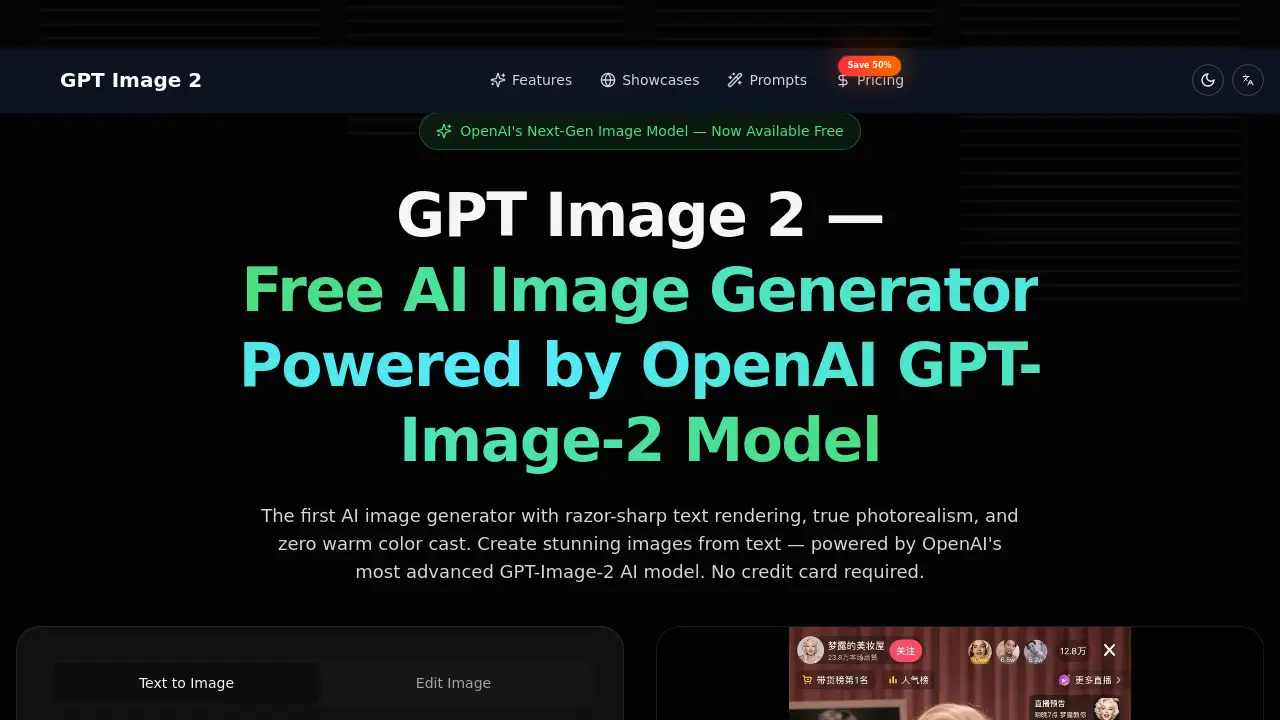
GPT Image 2 is OpenAI's powerful next-generation AI image generator, offering free access to photorealistic image creation with exceptional text rendering.
What is GPT Image 2?
GPT Image 2 is a state-of-the-art AI image generator built on OpenAI's advanced GPT-Image-2 model. It solves a common problem in AI art creation: generating images with accurate text, lifelike detail, and true-to-life color. This tool is suitable for a wide range of users, from marketing professionals and designers to content creators and developers, who need high-quality, production-ready visuals without the overhead of traditional photo shoots. It matters because it represents a significant leap in AI's understanding of language and visual context, delivering results that are both beautiful and contextually accurate.
Key Features of GPT Image 2
Photorealistic Image Generation
GPT Image 2 produces images with true photorealism, featuring natural skin textures, accurate lighting, and realistic material rendering that rivals professional photography.
True Color Accuracy
The model eliminates the warm color cast often seen in earlier AI generators, ensuring colors are rendered with true-to-life fidelity, which is crucial for brand and product work.
Razor-Sharp Text Rendering
This AI image generator excels at rendering legible text within images, from street signs to UI mockups, a breakthrough achieved through its native multimodal understanding of language.
World Knowledge and Context-Awareness
Leveraging deep world knowledge from the GPT family, it generates scenes that are not only visually stunning but also factually and contextually correct.
Multi-Turn Conversational Image Editing
Users can refine images through natural conversation, instructing the model to move objects, change colors, or add elements in an iterative, feedback-driven process.
Use Cases for GPT Image 2
Designers and Creative Professionals
Professionals can use this AI image generator to create photorealistic product shots, brand visuals, and UI prototypes with perfect text rendering for mockups.
Marketing Teams and E-Commerce
Teams can generate complete sets of product photography and social media campaign assets at scale, ensuring consistent lighting and accurate branding.
Content Creators and Social Media
Creators can produce scroll-stopping thumbnails, cover art, and infographics with legible text and character-consistent illustrations for their channels.
Developers and API Integration
Developers can integrate GPT Image 2's capabilities into custom applications and automated content pipelines via the OpenAI API for advanced AI image generation features.
How to Use GPT Image 2
Using the GPT Image 2 online tool is a straightforward process.
- Describe or Upload: On the website, describe your desired image in the text box using natural language. You can be specific about style, composition, and text. Alternatively, upload a reference image for style matching.
- Configure and Generate: Select your preferred model (GPT Image 2), aspect ratio, and other settings. Then, click the generate button to create your image.
- Review and Iterate: Examine the generated image. You can then use the conversational editing feature to request changes. Once satisfied, download the high-resolution final image.
Target Audience for GPT Image 2
- Designers and creative professionals needing high-fidelity visuals.
- Marketing and e-commerce teams requiring scalable asset creation.
- Content creators and social media managers looking for engaging, unique visuals.
- Developers and businesses seeking to integrate advanced AI image generation into their products.
Is GPT Image 2 Free?
Yes, GPT Image 2 offers a free-to-start model. According to the product homepage, users can begin creating images with no credit card required. The platform operates on a credit system, with generation costs listed. For extended use, there are annual subscription plans that offer a discount. For the most current and detailed pricing, users should visit the official GPT Image 2 pricing page.
| Access Type | Cost | Key Detail |
|---|---|---|
| Free Start | $0 | No credit card required to begin. |
| Generation | Credits | Costs ~8 credits per image. |
| Full Access | Subscription | Annual plans are available, often with promotional discounts. |
GPT Image 2's Pros and Cons
| Aspect | Pros | Cons |
|---|---|---|
| Output Quality | Exceptional photorealism and text rendering. | Output quality is dependent on prompt clarity. |
| Color & Accuracy | True color accuracy and strong world knowledge. | As an AI model, it may still have limitations with extremely complex or novel requests. |
| Accessibility | Free to start, lowering the barrier to entry. | High-volume usage requires paid credits or a subscription. |
| Usability | Simple three-step interface and conversational editing. | Advanced features and optimal results may require practice in prompt engineering. |
Frequently Asked Questions about GPT Image 2
What makes GPT Image 2 different from other AI image generators?
GPT Image 2 is distinguished by its breakthrough capability in rendering sharp, legible text within images and its true photorealistic output with accurate color, thanks to being built on OpenAI's advanced multimodal GPT-Image-2 model.
Is there a free trial for GPT Image 2?
Yes, the service is free to start. You can create an account and begin generating images without providing a credit card, using the initial credits provided.
Can I edit an image after it's generated?
Yes, a key feature is multi-turn conversational editing. You can describe the changes you want in natural language, and the AI will adjust the existing image while preserving other elements.
What are the main use cases for this AI image generator?
Primary use cases include creating marketing and social media assets, product photography, design mockups, content creation visuals, and integrating AI generation into applications via API.
How accurate is the text rendering in GPT Image 2?
The text rendering is considered a major advancement, described as "razor-sharp." It handles various languages and typography styles within images with much higher legibility than previous models.
Where can I find inspiration or prompts for GPT Image 2?
The official website features a "Showcases" or "Explore" section with example images and a "Prompts" page offering ideas to help users craft effective instructions for the AI.
GPT Image 2 Tags
GPT Image 2, AI image generator, free AI image generator, OpenAI image generator, photorealistic AI, text rendering AI, GPT-Image-2 model, AI for designers, AI for marketing, create images from text, conversational AI editing, multimodal AI, AI image creator online