Introduction
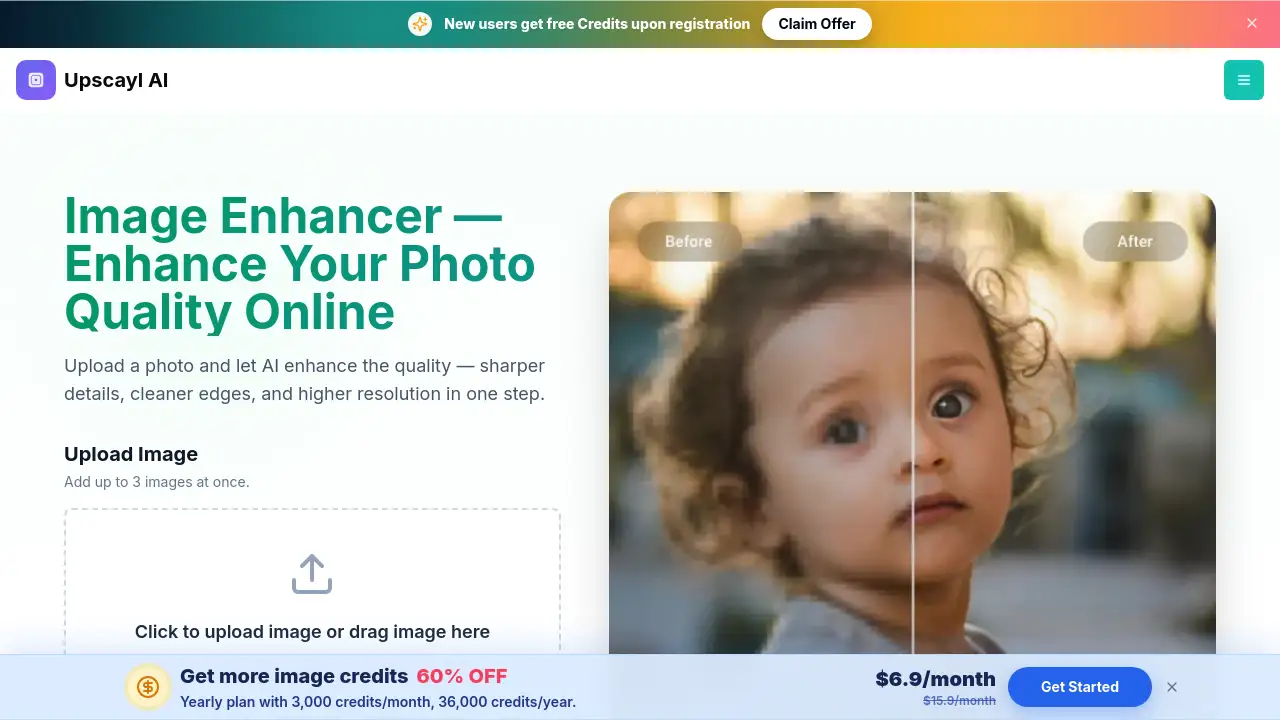
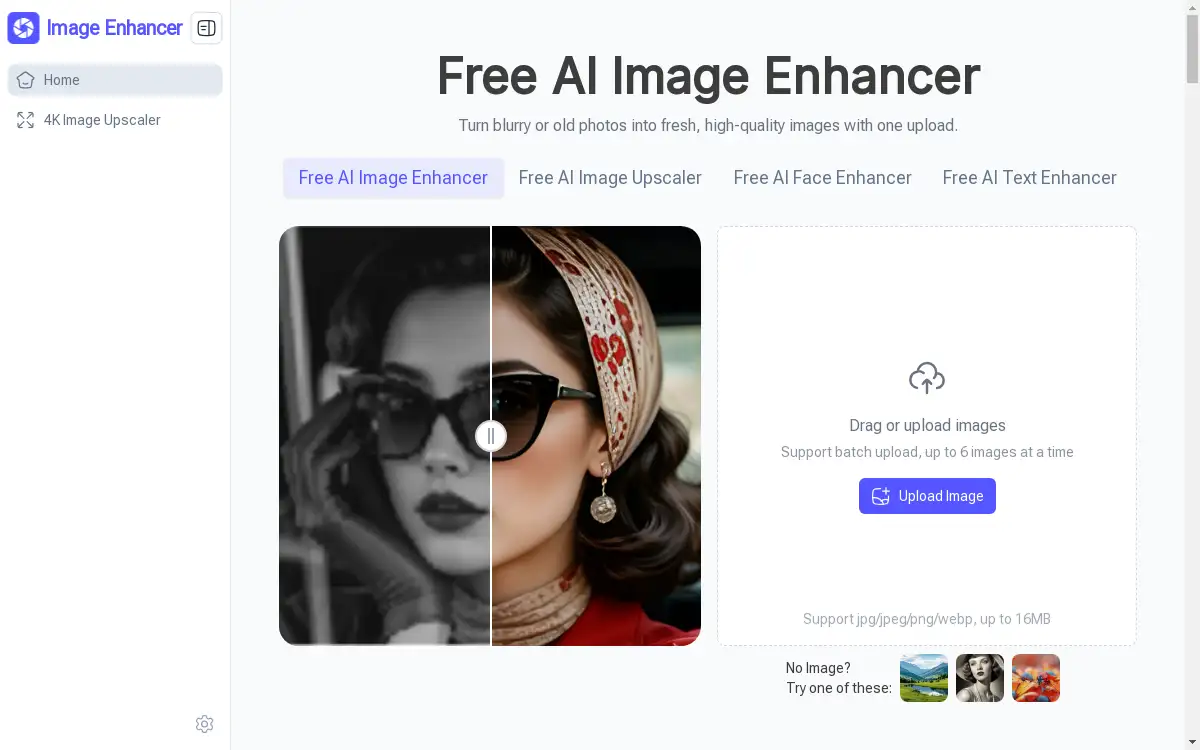
Free AI Image Enhancer for high-quality photo upscaling and restoration.
What is AI Image Enhancer?
An AI Image Enhancer is an online tool that uses artificial intelligence to improve the quality of digital images. This product specifically addresses common problems like blurry photos, low-resolution graphics, and aged or faded pictures. It is designed for anyone needing quick, professional-level image enhancement without the complexity of traditional photo editing software. By offering features such as upscaling up to 6x, detail sharpening, and color restoration, this AI Image Enhancer provides a significant solution for revitalizing visual content. It is particularly suitable for content creators, photographers, and professionals who require high-quality images for digital and print media without investing in expensive software or spending hours on manual edits.
Key Features of AI Image Enhancer
Ultra HD Upscaling up to 6×
This feature enlarges low-resolution images by up to six times their original size, preserving and sharpening natural details for a clearer final result.
Versatile Image Optimization
The platform intelligently optimizes various image types, including portraits, landscapes, and vintage photos, by automatically adjusting elements like light, shadow, and focus.
Batch Processing
Users can upload and enhance multiple images simultaneously, saving considerable time when working with several photos at once.
High-Resolution Downloads
Enhanced images can be downloaded in high-definition or 4K resolution, ensuring the final visuals are suitable for professional applications.
Watermark-Free Export
All processed images are exported without any watermarks, providing clean, professional-quality files ready for immediate use.
Online and No Login Required
The tool operates entirely online in a web browser, requiring no software installation or user registration for immediate access.
Use Cases for AI Image Enhancer
Restoring Old Photos
Revive aged or damaged family photographs by restoring faded colors and repairing lost textures with AI-powered enhancement.
Improving Social Media Graphics
Quickly enhance the visual appeal of images for social media posts, ensuring they are sharp, well-lit, and engaging for audiences.
Upscaling Product Images
E-commerce managers can enlarge product photos for their online stores while maintaining natural detail and clarity for better customer engagement.
Enhancing AI-Generated Art
Optimize and refine images created by AI art generators, improving their resolution and overall visual quality for professional use.
Refining Presentation Materials
Improve the clarity and impact of images used in reports, blogs, and presentations by upscaling and sharpening them effortlessly.
How to Use AI Image Enhancer
Using this AI Image Enhancer is a straightforward process completed in three simple steps.
- Choose the Right Enhancement Mode: Start by selecting an optimization mode that matches your image type, such as portrait or text, for more precise AI enhancement.
- Upload Your Images: Drag and drop the images you wish to enhance. The tool supports batch uploads, allowing you to process up to six images at once.
- Generate and Download: After processing, which can take a few seconds to tens of seconds, you can preview the results and download the enhanced images in HD or 4K resolution.
Target Audience for AI Image Enhancer
- Photographers and hobbyists
- Social Media Managers and Content Creators
- E-commerce Managers and Online Sellers
- Bloggers and Digital Marketers
- Graphic Designers
- Researchers and Analysts working with visual data
Is AI Image Enhancer Free?
Yes, this AI Image Enhancer is free to use. It offers a generous free plan that includes access to all its core features, such as upscaling up to 6x, batch processing, and downloading high-resolution 4K results without any watermarks. There is no requirement to create an account or log in, making it an accessible and cost-effective solution for all users.
Frequently Asked Questions about AI Image Enhancer
What image formats does the AI Image Enhancer support?
The tool supports common image formats including JPG, JPEG, PNG, and WEBP for both upload and download.
Is there a limit to the number of images I can enhance?
You can process up to six images simultaneously using the batch upload feature. There is no stated daily limit on the number of enhancement tasks.
How long does the enhancement process take?
Processing time varies from a few seconds to tens of seconds, depending on the original file size and the selected enhancement precision.
Can I use the enhanced images for commercial purposes?
Yes, the enhanced images are downloaded without watermarks, making them suitable for personal and professional projects, including commercial use.
Does the AI Image Enhancer require an internet connection?
Yes, since it is an online tool, a stable internet connection is required to upload images and process them on the platform's servers.
What is the maximum file size for upload?
The maximum file size for a single image upload is 16MB.
AI Image Enhancer Tags
AI Image Enhancer, free image upscaler, enhance image online, photo restoration, batch image processing, HD upscale, 4K image download, sharpen photo, old photo repair, online photo editor, AI photo enhancer, watermark-free