Introduction
An image translator is a tool designed to extract and translate text directly from images and photos.
What is image translator?
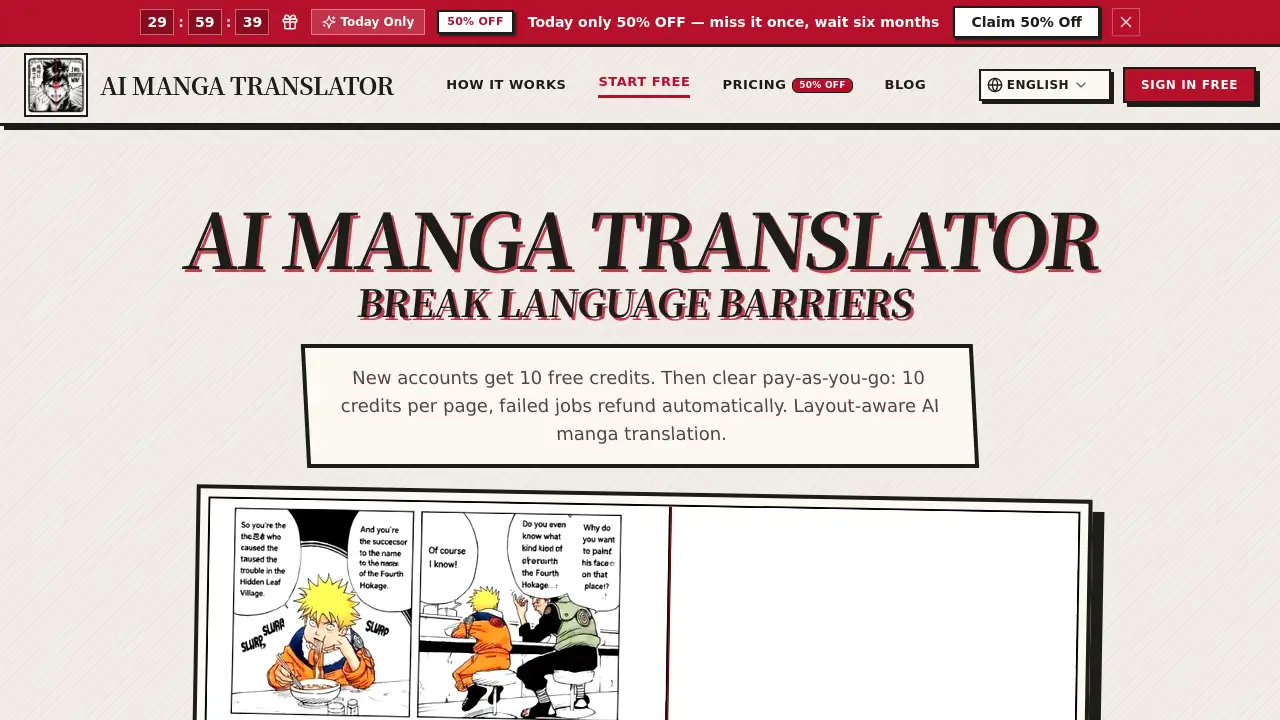
An image translator is a specialized software application that utilizes optical character recognition (OCR) and machine translation technologies to read text embedded within an image file and convert it into another language. This technology solves the common problem of encountering untranslated text in photos, screenshots, digital documents, and real-world signage. It is suitable for travelers deciphering foreign menus or signs, students researching materials in different languages, professionals handling international documents, and content creators adapting visual media for global audiences. The ability to instantly bridge language barriers within visual content makes this tool highly relevant in our increasingly digital and interconnected world, enhancing accessibility and understanding.
Key Features of image translator
Text Extraction via OCR
The core function relies on advanced OCR (Optical Character Recognition) to accurately detect and digitize text from various fonts and backgrounds within an image.
Multi-language Translation
Once text is extracted, the tool integrates translation engines to convert the text into a wide array of target languages, supporting global communication needs.
User-Friendly Interface
These applications typically feature a simple, intuitive design where users can upload an image, select languages, and receive a translated result with minimal steps.
Context-Aware Accuracy
Some advanced image translators consider the context of the text within the image, improving translation accuracy for idiomatic phrases or specialized terminology.
Output Format Options
Translated text can often be provided as editable text, overlaid on the original image, or saved in a new document format for easy sharing and use.
Use Cases for image translator
Travel and Navigation
Tourists can use an image translator to instantly understand street signs, restaurant menus, or public transportation information in a foreign country.
Academic Research
Students and researchers can translate text from scanned books, academic papers, or historical documents in other languages to aid their studies.
Business and Localization
Professionals working with international contracts, marketing materials, or product manuals can quickly translate text within graphics and diagrams.
Social Media and Content Creation
Content creators can translate memes, infographics, or screenshots to share with a broader, multilingual audience or understand foreign viral content.
Everyday Accessibility
Individuals can translate text from product packaging, instruction manuals, or letters received in another language, making daily life more convenient.
How to Use image translator
Using an image translator is generally a straightforward process. Here is a typical workflow:
- Access the Tool: Navigate to the image translator's website or open the mobile application.
- Upload Your Image: Use the upload button to select an image file from your device. Some tools also support taking a photo directly with your camera.
- Select Languages: Specify the source language (if not auto-detected) and choose your desired target language for the translation.
- Initiate Processing: Click the "Translate" or equivalent button. The tool will then process the image, extract the text, and perform the translation.
- Review and Use: The translated text will be displayed. You can typically copy it, download a new image with the translated text overlaid, or share the result directly.
Target Audience for image translator
- International travelers and expatriates
- Students and academics in multilingual research
- Business professionals dealing with global documents
- Content creators, social media managers, and marketers
- Immigrants and language learners
- General consumers dealing with foreign products or information
Is image translator Free?
Many image translation tools offer a free tier with basic functionality, often limited by the number of images processed per day or the resolution of images. For higher volume, faster processing, or access to premium features like more accurate OCR for handwritten text or specialized domain translation, paid subscription plans (Pro, Business) are typically available. As specific pricing details for the tool at the referenced URL are not currently available, users are advised to check the official website for the most up-to-date information on free limits and premium plans.
image translator's Pros and Cons
| Aspect | Pros | Cons |
|---|---|---|
| Convenience | Provides instant translation without manual typing, saving significant time and effort. | Accuracy can vary depending on image quality, font complexity, and language pair. |
| Accessibility | Makes visual information in foreign languages immediately understandable to a wider audience. | May struggle with stylized fonts, handwritten text, or text on complex, cluttered backgrounds. |
| Versatility | Useful across a wide range of scenarios from travel to professional work and education. | Often requires an internet connection for processing, limiting offline usability. |
| Integration | Many tools are available as easy-to-use web apps or mobile applications for on-the-go use. | Free versions usually have usage limitations, requiring an upgrade for heavy users. |
Frequently Asked Questions about image translator
How accurate is an image translator?
The accuracy depends on the quality of the underlying OCR and translation engines. For clear, printed text on a simple background, accuracy is generally high. However, results can be less reliable for poor-quality images, decorative fonts, or languages with complex grammatical structures.
What image formats are supported?
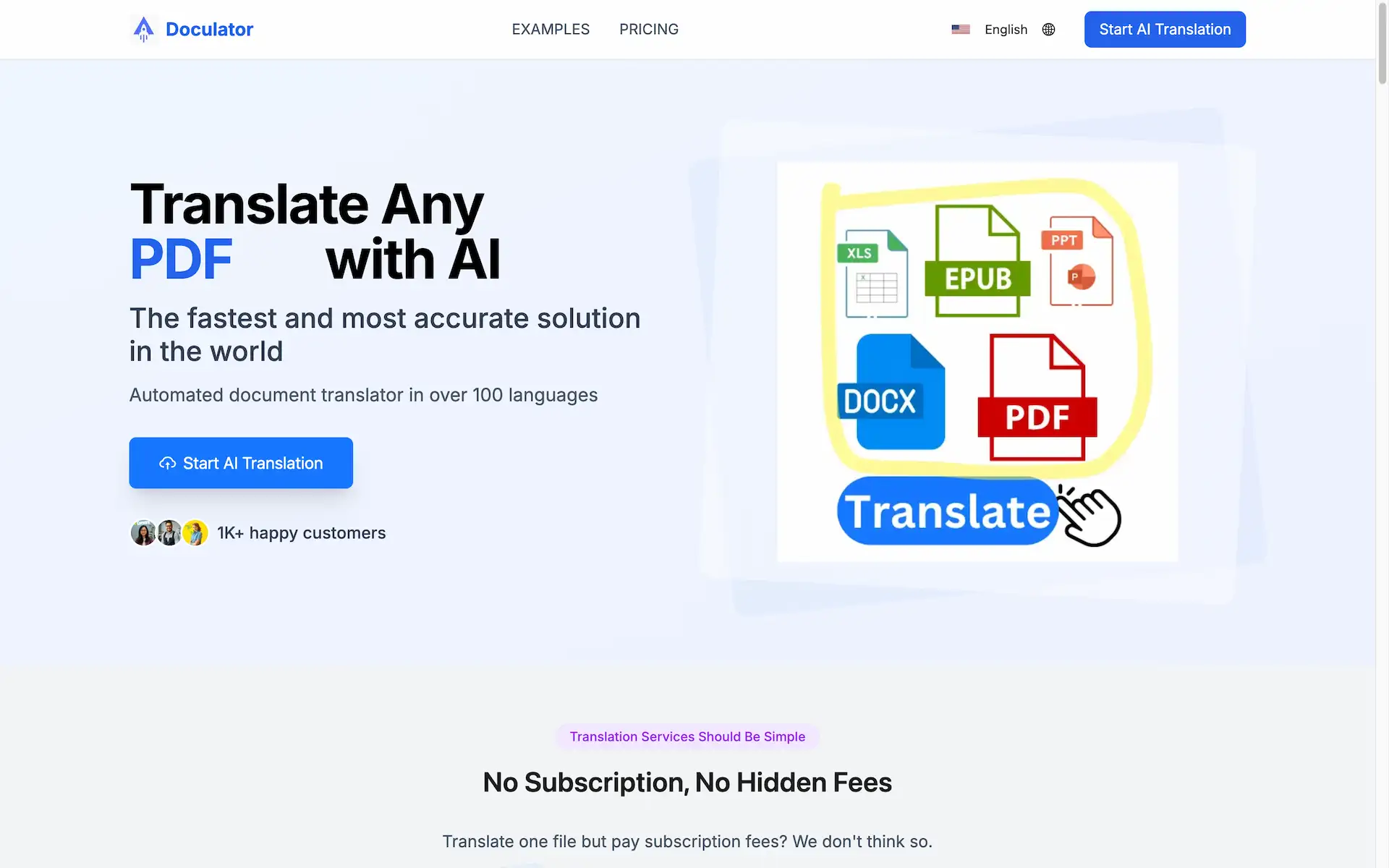
Most online image translators support common formats like JPG, PNG, BMP, and TIFF. Some advanced tools may also support PDF files, treating each page as an image.
Can it translate handwritten text?
Some advanced image translators with specialized OCR models can attempt to translate handwritten text, but this is a challenging task and accuracy is typically lower than with printed text. It is not a standard feature in all basic tools.
Is my uploaded image data secure?
Reputable image translator services should state their privacy policy clearly. Many process images temporarily solely for translation and do not store them permanently. For sensitive documents, it is crucial to review the service's privacy terms.
Does it work offline?
Most web-based and many app-based image translators require an active internet connection to process the image on remote servers. A few dedicated mobile apps may offer limited offline functionality by bundling smaller translation models.
What languages are supported?
The range of supported languages varies by tool. Most popular services cover dozens of major world languages, including English, Spanish, Chinese, French, Arabic, Japanese, and many more. The specific list should be checked on the tool's official website.
image translator Tags
image translator, translate text from image, OCR translation, photo translator, multilingual tool, text extraction, language translation app, translate screenshot, document translation, travel translator, online translation tool, image to text