Introduction
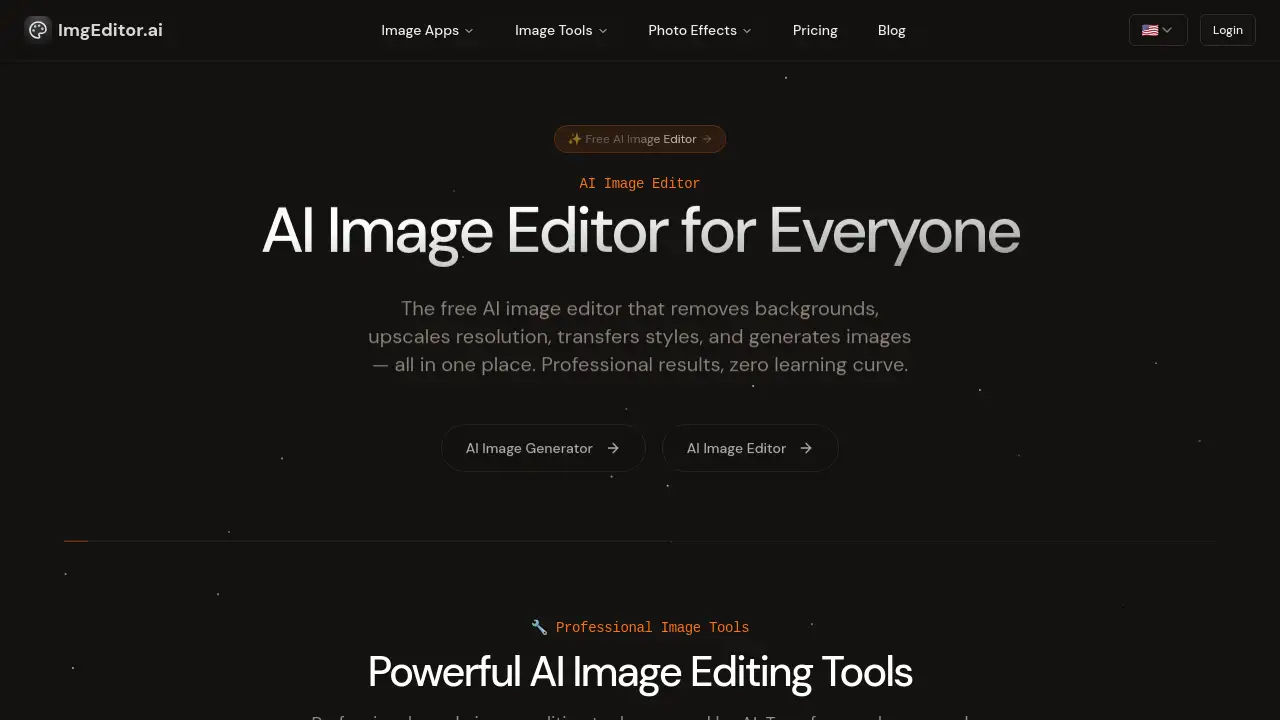
AI Image Editor offers free, professional-grade photo editing powered by artificial intelligence.
What is Image Editor AI?
Image Editor AI is a browser-based, AI-powered photo editing platform designed to simplify complex editing tasks. It solves the problem of time-consuming manual editing by automating processes like background removal, image upscaling, and style transfer. This tool is suitable for designers, photographers, marketers, and content creators who need high-quality results quickly, without mastering complex software. Its importance lies in making professional-level image editing accessible to everyone, regardless of technical skill, with results delivered in seconds.
Key Features of Image Editor AI
AI Background Removal
The tool can instantly and precisely remove backgrounds from any image, ideal for creating product photos or profile pictures.
AI Image Upscaling
Enhance image resolution and quality using AI, perfect for enlarging low-resolution photos without losing detail.
AI Style Transfer
Transform ordinary photos into different artistic styles, such as Studio Ghibli anime or Pixar animation, with a single click.
Object Removal
Easily remove unwanted objects or blemishes from images using intelligent AI detection and editing.
Face Enhancement & Effects
Apply effects like changing hair color or creating professional headshots, and enhance facial details automatically.
Smart Resize & Crop
Resize and reframe images with AI-powered smart cropping tools for optimal composition.
Use Cases for Image Editor AI
E-commerce Product Listings
Quickly remove backgrounds from product photos to create clean, professional images for online stores.
Social Media Content Creation
Generate eye-catching images with artistic filters and enhancements to boost engagement on platforms like Instagram.
Professional Photography Retouching
Enhance portrait photos, improve image quality, and apply professional edits without extensive manual work.
Personal Photo Projects
Transform personal photos into anime art, restore old pictures by upscaling resolution, or create fun avatar effects.
How to Use Image Editor AI
Using Image Editor AI is straightforward and requires no technical expertise:
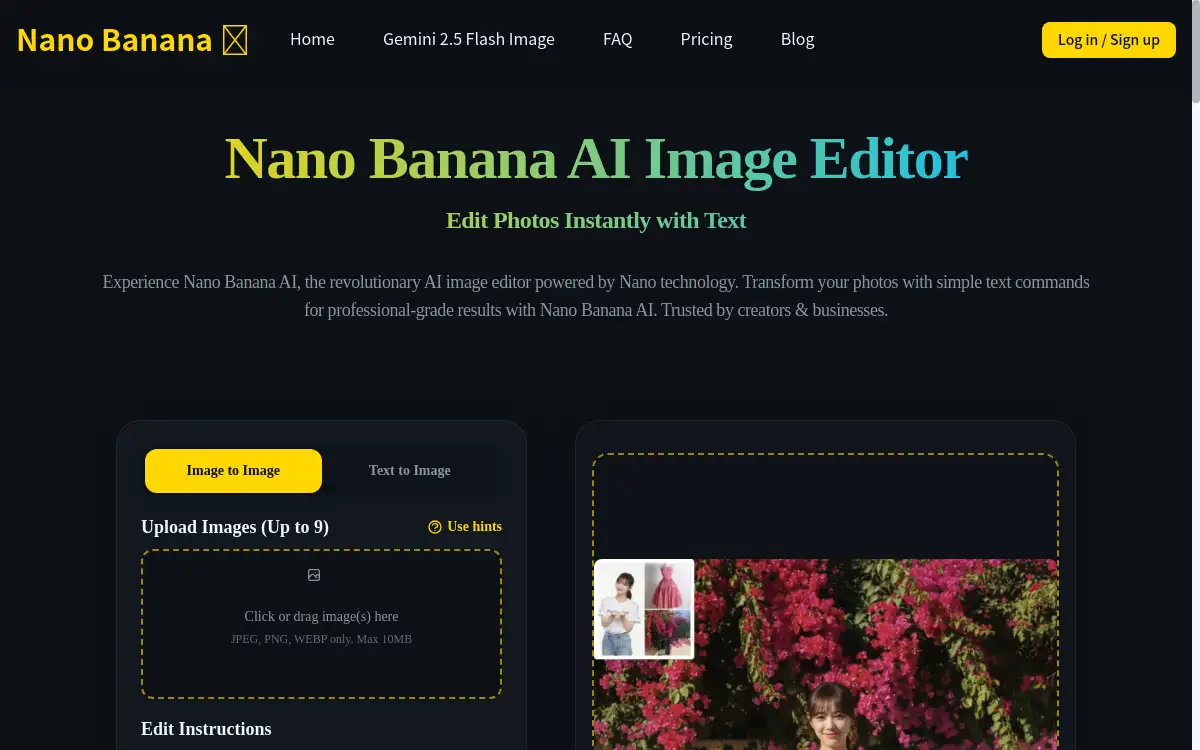
- Upload Your Image: Visit the website and drag-and-drop or click to upload a JPG, PNG, or WebP file.
- Choose an AI Tool: Select from over 15 specialized tools, such as background remover, upscaler, or style transfer.
- Process and Download: Let the AI process your image (usually under 30 seconds) and download the high-quality, edited result immediately.
Target Audience for Image Editor AI
- Graphic Designers and Digital Artists
- Photographers and Photo Editors
- E-commerce Store Owners and Marketers
- Social Media Managers and Content Creators
- Bloggers and Website Owners
- Individuals working on personal projects or hobbies
Is Image Editor AI Free?
Image Editor AI offers a free-to-try model. Users can access its AI tools without signing up or providing credit card information. The platform supports high-resolution output up to 4K. For detailed information on any potential premium plans or extended features, users should refer to the official website's pricing page.
Image Editor AI's Pros and Cons
| Aspect | Pros | Cons |
|---|---|---|
| Ease of Use | Intuitive, browser-based interface with zero learning curve. | Advanced creative control may be limited compared to manual editors like Photoshop. |
| Speed & Efficiency | Delivers professional results in seconds, often under 30 seconds per edit. | Processing speed may vary slightly based on internet connection and server load. |
| Accessibility | Completely free to try with no signup required; works on any device. | The long-term feature set and pricing for continued free use are not explicitly detailed. |
| Feature Set | Offers a focused suite of powerful AI tools for common editing tasks. | Lacks the comprehensive toolset of full desktop editing suites for complex, multi-layer projects. |
Frequently Asked Questions about Image Editor AI
Is Image Editor AI really free?
Yes, Image Editor AI is free to try. Users can access its AI image editing tools, including background removal and style transfer, without any cost or required signup.
What image formats does it support?
The platform supports common image formats including JPG, PNG, and WebP for upload. Processed images can be downloaded in high-quality formats.
How does the AI background remover work?
The AI background remover uses advanced machine learning models to automatically detect the main subject in an image and precisely separate it from the background, delivering a clean cutout in seconds.
Can I use Image Editor AI on my phone?
Yes. Image Editor AI is fully browser-based and works on desktops, tablets, and mobile devices without requiring any app installation.
Is there a limit to image resolution?
The tool supports high-resolution output, with a maximum resolution of 4K, ensuring your edited images are suitable for both digital use and print.
Are my uploaded images stored or shared?
According to the provided information, images are processed securely, and the platform states it does not store or share user photos.
Image Editor AI Tags
AI image editor, free photo editor, remove background AI, AI image upscaler, style transfer AI, online image editor, AI photo enhancer, professional photo editing, AI tools for designers, edit photos online, AI background remover, image quality improvement