Introduction
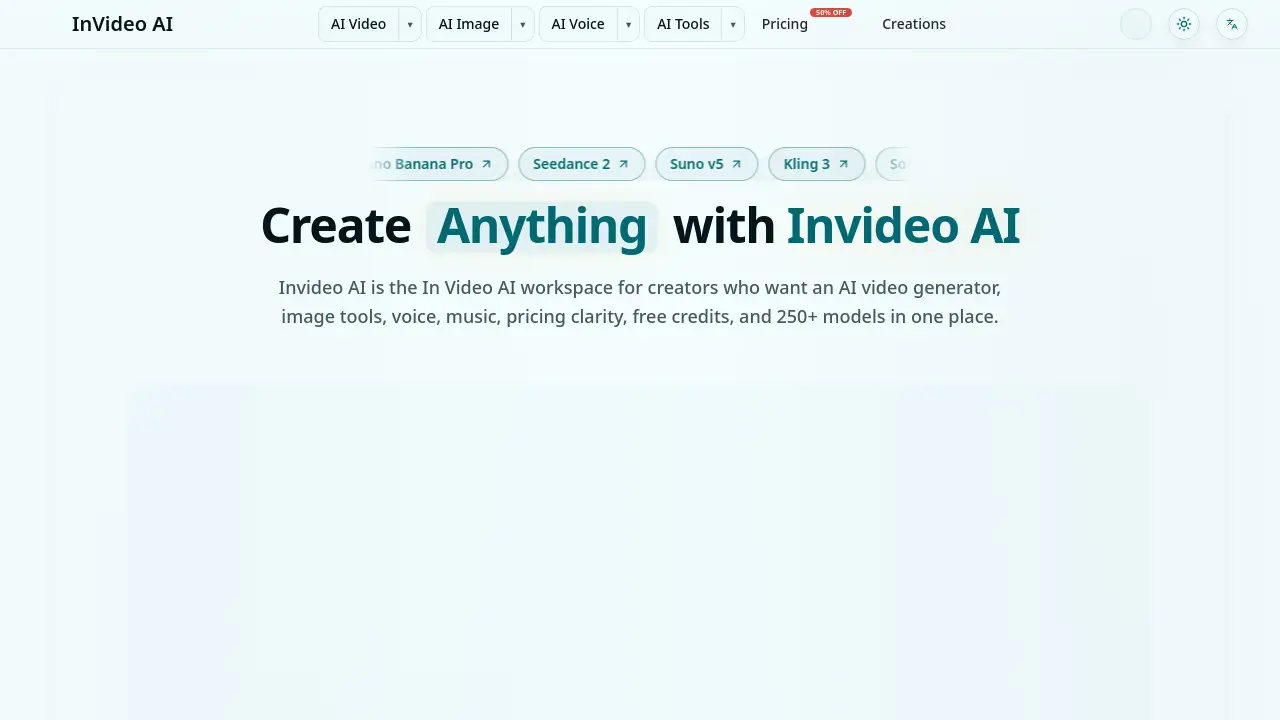
Invideo AI is a versatile workspace for creators, combining an AI video generator, image tools, voice, music, and 250+ models in one platform. Start free with no credit card required.
What is Invideo AI?
Invideo AI (also referred to as In Video AI) is an all-in-one production platform that lets users generate videos, images, audio, and avatars without switching between separate tools. Instead of juggling multiple subscriptions or apps, creators can test prompts, compare model outputs side by side, refine assets, and export polished content for publishing. The platform is built for repeat creation: draft a prompt, review results, and move the output to the next step—whether that’s video editing, voiceover, upscaling, or captioning.
The core value of Invideo AI lies in its aggregation of 250+ AI models covering video, image, voice, music, and avatar workflows. Users can browse models by use case, quality, speed, and credit cost, making it easier to choose the right tool for the job. The workspace also helps teams document winning prompts, reuse style notes, and keep campaign assets consistent across launches. For anyone looking for a free AI video generator with professional output, Invideo AI offers a practical starting point with free credits, transparent pricing, and a commercial license included.
Key Features of Invideo AI
250+ AI Models in One Workspace
Invideo AI brings together models like Seedance, Nano Banana, GPT Image 2, and Google Gemini for video, image, voice, music, and avatar generation. Users can compare results without leaving the platform.
Workflow-First Design
The platform is structured for sequential production: create one asset (image or video), review it, then extend it to audio, voice, cleanup, upscaling, or avatar. The prompt context carries over across steps.
Free Credits and Transparent Pricing
New users start with free credits—no credit card required. Pricing is clear per model and per export, with free, monthly, yearly, and one-time pack options available.
Side-by-Side Model Comparison
Before committing to a model, users can compare output quality, speed, and credit cost. This helps in selecting the best AI video generator model for each specific use case.
Commercial License Included
All AI-generated content created in Invideo AI is commercially licensed and safe to use for client work, ads, social media, and marketing campaigns.
4K Image and HD Video Output
Professional-grade output quality, with support for 4K images and high-definition videos across multiple models.
Use Cases for Invideo AI
Social Media Content Creation
Generate short video clips, promotional posts, and image assets for platforms like Instagram, TikTok, YouTube Shorts, and LinkedIn. Use the Invideo AI workspace to keep brand styles consistent across campaigns.
Client Campaign Production
Agencies and freelancers can draft a campaign hook, compare model outputs, add voiceover or music, and export commercial-ready assets in one workflow.
Rapid Prototyping for Video Ideas
Test multiple prompt ideas quickly with free credits. Iterate on scenes, compare quality, then scale up to full production when the direction works.
Voiceover and Avatar Content
Add voice, music, or avatar narrations to videos without external tools. The integrated audio and avatar models streamline the entire production chain.
Educational and Tutorial Videos
Create explainer videos with voiceovers, captions, and background music using the AI video generator. The workflow helps educators produce consistent, polished content.
How to Use Invideo AI
- Start on the homepage with a small prompt describing the scene or idea. Use the home generator to test one clear concept before browsing models.
- Compare outputs – review the generated asset, and if needed, switch to a different model by quality, speed, or credit cost.
- Extend the workflow – take a good image and turn it into a video, add voice, clean up artifacts, add captions, or upscale the resolution. The next step stays visible on the same interface.
- Budget before batch – use free credits to validate quality. Once the workflow is clear, reserve credits for final renders and scale up only after the direction is approved.
- Export and publish – export the finished asset with the included commercial license, ready for use on websites, social media, or client projects.
Target Audience for Invideo AI
- Content creators – social media influencers, YouTubers, and TikTokers who need fast, high-quality video and image generation.
- Marketing teams – agencies and in-house marketers producing ad creatives, campaign assets, and branded content at scale.
- Freelancers – videographers, graphic designers, and voiceover artists looking to streamline their production pipeline.
- Small business owners – entrepreneurs who want to create promotional videos and images without hiring a production crew.
- Educators and trainers – teachers and course creators who need explainer videos and visual aids quickly.
Is Invideo AI Free?
Yes, Invideo AI offers a free tier that includes free credits for generating images and videos—no credit card required. Beyond the free trial, users can choose from monthly plans, yearly discounts, or one-time credit packs. For detailed pricing, visit the official Invideo AI pricing page.
| Plan | Price | Features |
|---|---|---|
| Free | $0 | Limited free credits, access to many models, commercial license |
| Monthly | Starting around $20–$30/month | More credits, faster generation, priority support |
| Yearly | Discounted annual billing | Same as monthly with lower per-month cost |
| One-Time Packs | Variable | Buy credits upfront, no recurring billing |
Note: Exact prices may vary. See invideoai.ai/pricing for current rates.
Invideo AI's Pros and Cons
| Aspect | Pros | Cons |
|---|---|---|
| Model Variety | 250+ AI models in one place | Some models may be unfamiliar to new users |
| Workflow | Seamless multi-step production; prompt context preserved | Can be overwhelming for absolute beginners |
| Pricing | Free to start; transparent credit costs; commercial license included | Paid plans required for heavy usage |
| Output Quality | 4K images and HD videos | Quality varies by chosen model; some models slower than others |
| Ease of Use | Minimal setup; no app switching | Side-by-side comparison may require initial trial and error |
Frequently Asked Questions about Invideo AI
Is Invideo AI really free?
Yes, users can start with free credits without entering a credit card. The free tier allows testing prompts and exporting low-resolution or limited outputs. For higher volumes and 4K output, a paid plan is needed.
What models does Invideo AI support?
Invideo AI includes 250+ models such as Seedance, Nano Banana, GPT Image 2, and Google Gemini for video, image, voice, music, and avatar generation. New models are added regularly.
Can I use Invideo AI for commercial projects?
Yes. All AI-generated content created in Invideo AI comes with a commercial license, making it safe for client work, ads, and marketing campaigns.
How do credits work in Invideo AI?
Each model has a credit cost per generation, displayed before running the prompt. Free credits are given at sign-up. Once exhausted, users can buy more credits via monthly, yearly, or one-time packs.
Does Invideo AI offer a money-back guarantee?
The platform does not explicitly mention a refund policy for credit packs. Users are advised to review the terms on the pricing page before purchasing.
Is Invideo AI suitable for teams?
Yes. The workspace allows saving prompt patterns, style notes, and campaign assets, making it easy for multiple team members to collaborate and maintain consistency.
Invideo AI Tags
Invideo AI, AI video generator, free AI video generator, In Video AI, AI image generator, AI voiceover, AI music generator, 250+ AI models, Invideo AI pricing, commercial license AI, side-by-side model comparison, AI production workflow