Introduction
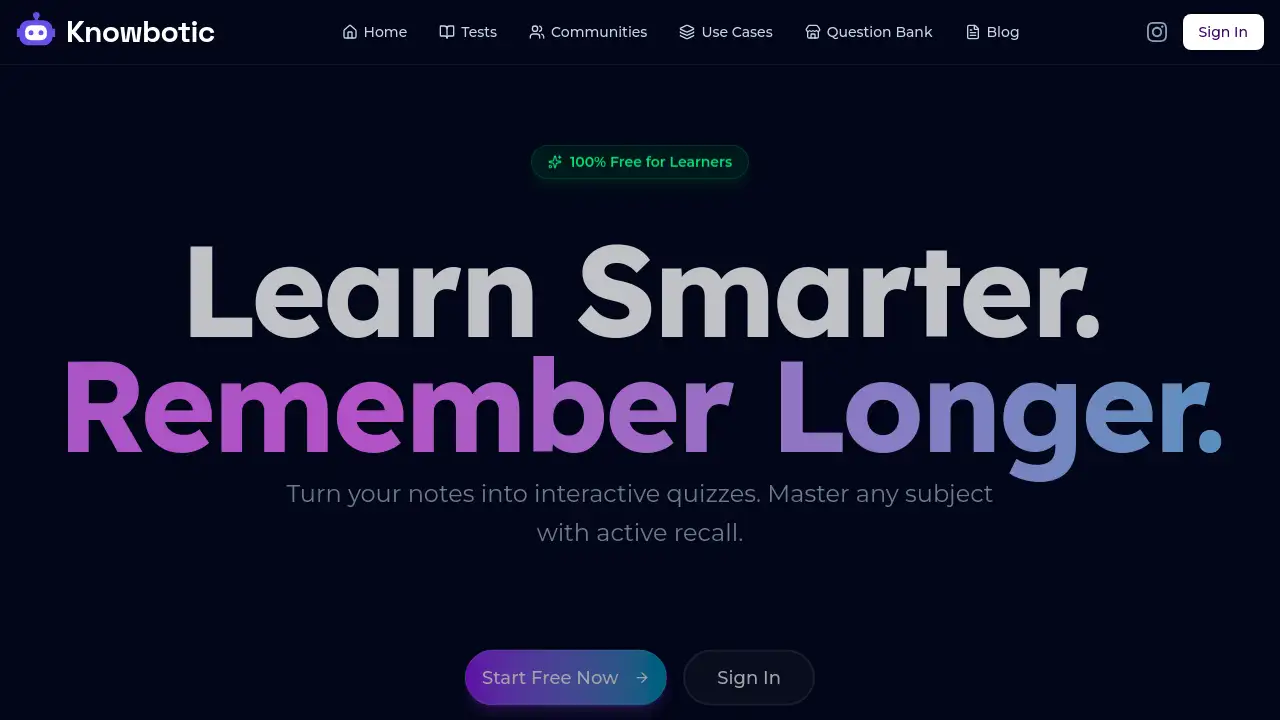
Knowbotic is an AI-powered platform that transforms study materials into interactive quizzes to enhance learning through active recall.
What is Knowbotic?
Knowbotic is an AI study tool designed to combat the inefficiency of passive studying. It solves the common problem of low knowledge retention from simply re-reading notes by automatically generating practice questions from a user's own materials. This process leverages the proven learning technique of active recall, which forces the brain to retrieve information, significantly improving memory and understanding. The platform is suitable for a wide range of learners, including students preparing for exams, professionals studying for certifications, and anyone looking to master a new subject efficiently. Its core value lies in making active, effective studying accessible, personalized, and completely free for learners.
Key Features of Knowbotic
Instant Question Generation
Upload any PDF, image, or text document, and the AI will analyze the content to create relevant practice questions in just seconds, saving hours of manual quiz creation.
Adaptive Difficulty
The platform intelligently adjusts the difficulty level of questions based on your performance, ensuring you are challenged appropriately to master concepts without feeling overwhelmed.
Multiple Input Formats
Knowbotic supports a versatile range of inputs, including uploaded PDFs and Word documents, images of textbooks or handwritten notes, and direct text entry for any learning material.
Spaced Repetition System
To combat forgetting, the tool uses spaced repetition algorithms, scheduling review sessions at optimal intervals to promote long-term retention of knowledge.
Progress Tracking & Analytics
A detailed dashboard provides visual progress tracking, showing streaks, activity levels, and mastery percentages to highlight strengths and areas needing more focus.
Social & Community Learning
Users can join subject-specific study groups, share their generated quizzes, and participate in friendly challenges, making the learning process more collaborative and engaging.
Use Cases for Knowbotic
Exam Preparation for Students
Students can upload lecture notes and textbook chapters to create custom practice questions for finals, midterms, or standardized tests, transforming passive review into an active study session.
Professional Certification Study
Professionals in fields like medicine, law, and finance can use Knowbotic to master dense materials for exams like the USMLE, Bar Exam, or CFA, utilizing active recall for more efficient prep.
Classroom Enhancement for Teachers
Educators can quickly generate quizzes from their teaching materials to assign to students, providing immediate, tailored practice that reinforces key lesson concepts.
Self-Directed Skill Learning
Individuals learning a new language, software, or hobby can input their study resources to build a personalized learning path with quizzes that test their growing knowledge.
How to Use Knowbotic
Using Knowbotic to enhance your studying is a straightforward, three-step process focused on active recall.
- Upload Your Material: Sign up for a free account and provide your learning material. You can upload a PDF or image, paste text directly, or simply type a topic you want to study.
- Generate Your Quiz: Configure your preferences, such as the number of questions and difficulty, then let the AI analyze the content. It will instantly create a set of practice questions.
- Practice and Review: Start answering the generated questions. The platform provides instant feedback, adapts future questions based on your performance, and uses spaced repetition to schedule reviews for maximum long-term retention.
Target Audience for Knowbotic
- High School, College, and University Students preparing for exams.
- Medical, Law, and Graduate Students tackling complex certification exams.
- Professionals upskilling or studying for industry certifications (e.g., CPA, PMP).
- Teachers and Tutors looking to create interactive assessments quickly.
- Lifelong Learners and hobbyists mastering new subjects or languages.
Is Knowbotic Free?
Yes, Knowbotic is completely free for learners. According to the homepage, it is "100% Free for Learners" with no credit card required and no trial periods. The platform mentions that free accounts can generate up to 100 questions per day. There is no indication of a paid "Pro" plan in the provided reference material.
| Plan | Price | Key Features |
|---|---|---|
| Free | $0 | Generate up to 100 questions daily from PDFs, images, and text. Access to all core features like adaptive difficulty and progress tracking. |
Knowbotic's Pros and Cons
| Aspect | Pros | Cons |
|---|---|---|
| Pricing & Accessibility | Completely free for students and learners; no paywalls for core features. | Daily question limit may be restrictive for extremely heavy users. |
| Learning Effectiveness | Promotes active recall and spaced repetition, proven methods for long-term retention. | Relies on user-provided learning material; output quality depends on input clarity. |
| Usability & Features | Very easy to start; supports multiple formats (PDF, image, text); includes social study groups. | Advanced customization options for question types may be limited compared to some manual tools. |
| Data Privacy | States that user data is private, encrypted, and not used to train AI models. | As with any cloud-based tool, users must trust the provider's security policies. |
Frequently Asked Questions about Knowbotic
How does Knowbotic generate questions?
The AI analyzes the content of your uploaded PDFs, images, or pasted text. It identifies key concepts, facts, and relationships within your learning material and formulates them into relevant practice questions, focusing on testable knowledge.
Is my data and study material private?
Yes. Knowbotic states that uploaded documents are encrypted, never shared with third parties, and are never used to train public AI models. Users can delete their data at any time from their account settings.
What types of questions can it create?
The platform generates multiple-choice, true/false, and short-answer questions. The difficulty level (Easy, Medium, Hard) can be set manually or left on "Auto" for the AI to determine based on the content.
Can I use Knowbotic for any subject or topic?
Absolutely. The AI is designed to work with any subject, from academic disciplines like history and biology to professional fields like medicine and law, as well as personal skill development.
Is Knowbotic really free to use?
Yes, Knowbotic is 100% free for learners. There is no credit card requirement, hidden fees, or limited-time trial. You can sign up and start generating practice questions immediately.
Are there limits on question generation?
Free accounts have a generous limit of 100 questions generated per day, which is sufficient for most study sessions. The platform invites users who need more to contact them for a potential limit increase at no charge.
Knowbotic Tags
AI study tool, active recall, practice questions, study app, free quiz generator, spaced repetition, learning material, exam prep, study groups, long-term retention, adaptive learning, student tool