Introduction
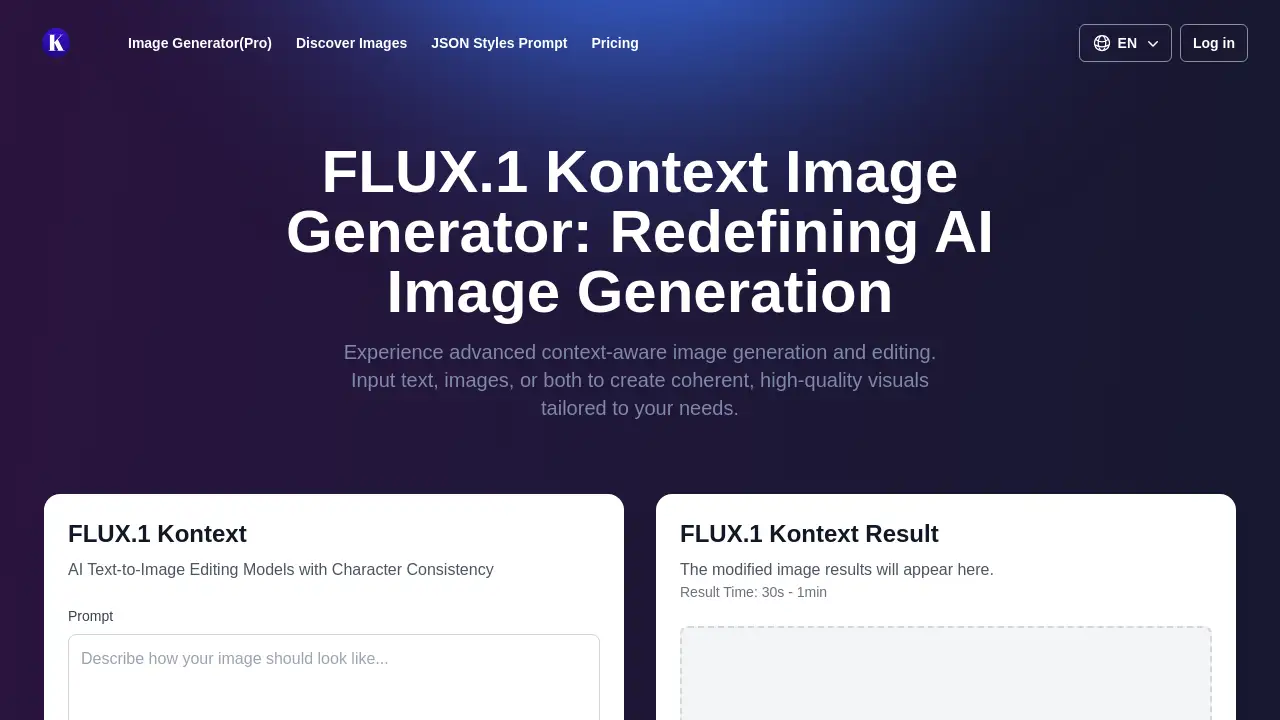
Flux AI, specifically the FLUX.1 Kontext model, represents a significant leap in context-aware image generation, offering users unprecedented control over AI-powered visual creation and editing.
What is Flux AI?
Flux AI, through its flagship FLUX.1 Kontext model, is an advanced multimodal AI system designed for context-aware image generation and editing. It solves a common problem in AI art: the inability to make precise, localized changes to an image without regenerating the entire scene or losing crucial elements like character identity. Unlike standard text-to-image models, FLUX.1 Kontext accepts both text prompts and reference images as input. This allows it to understand the context of an existing image and execute specific editing instructions with remarkable accuracy. It is suitable for anyone who needs to create, refine, or iterate on visual content while maintaining strict consistency, from professional artists and designers to marketers and content creators. Its ability to perform targeted edits makes it a powerful tool for creative workflows that demand both flexibility and precision.
Key Features of Flux AI
Consistent Character Editing
This feature excels at maintaining the unique visual identity of a character or object across multiple generated scenes, allowing for the creation of coherent visual narratives from a single reference.
Precise Subject Tweaks
Users can modify individual elements within an image, such as changing an object's color or repositioning it, without altering the rest of the composition, enabling fine-tuned AI image editing.
Intelligent Style Transfer
The model can apply the distinct artistic style from a reference image to a completely new scene described by a text prompt, blending content and aesthetics seamlessly.
Accurate Text Editing
FLUX.1 Kontext handles in-image text like a professional editor, allowing users to swap out signs, labels, or posters by simply instructing the AI on what text to change.
Lightning-Fast Processing
Edits and generations are processed quickly, with results often delivered in seconds, facilitating an interactive and iterative creative process.
High-Quality Outputs
The model is engineered to produce coherent, high-quality visuals with strong adherence to both the provided image context and textual instructions.
Use Cases for Flux AI
Creative Storyboarding and Comics
Artists can generate a series of panels featuring the same character in different environments and poses, ensuring character consistency throughout a story.
Product Visualization and Mockups
Designers can place a product image into various settings or change its color and features to visualize different options for client presentations.
Marketing and Brand Asset Adaptation
Marketers can quickly adjust promotional images for different campaigns or platforms, editing text on banners or adapting styles while keeping core brand elements intact.
Iterative Design Exploration
Architects or interior designers can upload a base concept image and experiment with different materials, layouts, or environmental elements through targeted AI image editing.
Educational Content Creation
Educators can modify diagrams, historical photos, or scientific illustrations to highlight specific elements or adapt them for different learning levels.
How to Use Flux AI
Using FLUX.1 Kontext for context-aware image generation is a straightforward process designed for accessibility.
- Access the Platform: Visit a platform that hosts the FLUX.1 Kontext model, such as KreaAI, LeonardoAI, or others mentioned by the developer.
- Provide Input: Start by uploading a reference image (optional but recommended for editing). Then, enter a clear text prompt in the provided field describing what you want to create or change.
- Craft Your Prompt: For edits, use specific action verbs like "change," "add," or "remove." Be explicit about what to modify and what to keep. For text edits, use quotation marks.
- Generate and Refine: Initiate the process. The AI will process your multimodal input and generate a new image. You can then use the output as a new reference for further iterative edits.
Target Audience for Flux AI
- Digital Artists and Illustrators
- Graphic and UX/UI Designers
- Marketing Professionals and Content Creators
- Product Designers and Visualizers
- Educators and Researchers
- Hobbyists and AI Art Enthusiasts
Is Flux AI Free?
FLUX.1 Kontext offers a free-to-use tier, making advanced AI image editing accessible for experimentation. For higher-volume or commercial needs, paid variants with enhanced capabilities are available. The specific pricing for these tiers is best obtained from the official provider platforms.
| Variant | Target Use | Key Attributes |
|---|---|---|
| FLUX.1 Kontext (Base) | General use, often free-tier | Core context-aware image generation and editing. |
| FLUX.1 Kontext [pro] | Professional/Commercial | High-speed, precise generation and editing. |
| FLUX.1 Kontext [max] | Maximum Performance | Best prompt adherence, advanced typography. |
Flux AI's Pros and Cons
| Aspect | Pros | Cons |
|---|---|---|
| Editing Precision | Enables targeted, element-level edits without full regeneration. | May require practice to write optimal instructions for complex edits. |
| Consistency | Unmatched character consistency across multiple image generations. | Effectiveness can depend on the quality and clarity of the source image. |
| Speed & Workflow | Fast processing times support an iterative, creative workflow. | Access is through third-party platforms; experience may vary. |
| Versatility | Combines text-to-image generation with powerful image-to-image editing. | Advanced features and higher limits are gated behind paid variants. |
Frequently Asked Questions about Flux AI
What is FLUX.1 Kontext?
FLUX.1 Kontext is an advanced multimodal model developed by Black Forest Labs for context-aware image generation and editing. It uniquely allows users to guide the AI using both text prompts and reference images to create or modify visuals with high coherence.
How does FLUX.1 Kontext differ from other AI image generators?
Unlike models that only create from scratch, FLUX.1 Kontext specializes in understanding an existing image's context and making precise edits to specific parts of it. This allows for character consistency and localized changes that other tools struggle with.
Is FLUX.1 Kontext free to use?
Yes, a free version of FLUX.1 Kontext is available, typically offering a limited number of credits or generations. For sustained professional use, paid variants like [pro] and [max] offer higher quality, faster speeds, and greater capacity.
What are the best practices for writing prompts for FLUX.1 Kontext?
Use clear, specific language with action verbs ("change the car to blue"). For edits, state what to modify and what to preserve. Use quotation marks for direct text changes. Starting with simple, single-instruction prompts and building complexity step-by-step yields the best results.
What image formats work with FLUX.1 Kontext?
The model works with common formats like PNG, JPG, and WEBP. For optimal AI image editing results, source images should be clear, well-lit, and sufficiently detailed.
Can FLUX.1 Kontext edit text within images?
Yes, this is one of its standout features. It can accurately swap text on signs, labels, or posters within an image by following textual instructions, making it a powerful tool for graphic design and localization.
Flux AI Tags
Flux AI, FLUX.1 Kontext, context-aware image generation, AI image editing, character consistency, multimodal model, text-to-image, AI art generator, style transfer, precise editing, AI design tool, creative AI