Introduction
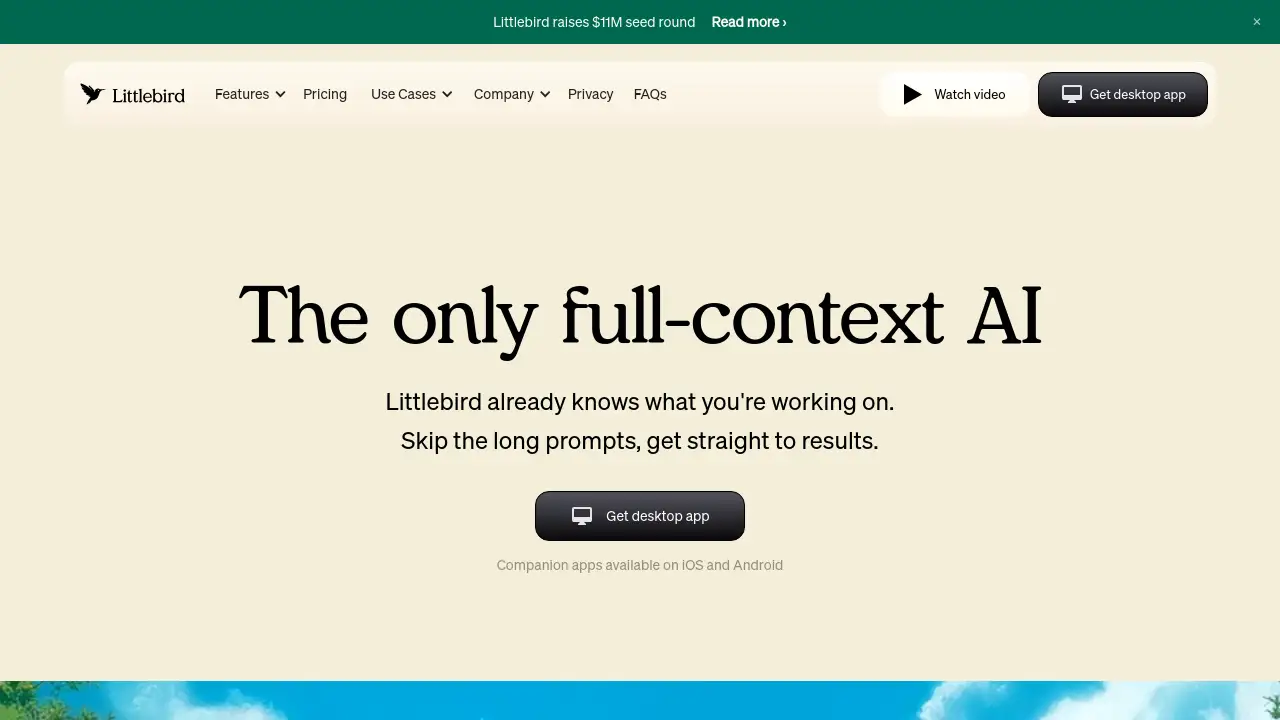
Littlebird is an AI assistant that works from your full context.
What is Littlebird?
Littlebird is a unique full-context AI assistant designed to help professionals get more done by eliminating the need for repetitive prompts. Unlike standard AI chatbots or general AI assistants, Littlebird learns continuously and automatically from your daily work across applications and meetings. It builds a secure, private memory of your activities, allowing you to recall information, create content, and get summaries from an AI that already understands your projects and conversations. This makes it a powerful tool for anyone who needs to manage information overload, stay organized, and boost personal productivity without manual data entry.
Key Features of Littlebird
Recall Everything You’ve Seen
Find any piece of information you've encountered on your screen or in a meeting in seconds, acting as a reliable second brain for your work.
See the Full Picture
Littlebird connects the dots between conversations in Slack, decisions from calls, and documents you're editing, providing a holistic view of your projects.
Create Without Starting from Scratch
The AI drafts emails, documents, and plans using the real context of your work, so the output is relevant and sounds like you, not a generic chatbot.
Proactive Insights with Routines
Littlebird delivers personalized updates and insights on your schedule, helping you prepare for your day without having to ask.
Intelligent Meeting Notes
It transcribes and summarizes your meetings in real-time, allowing you to stay focused on the conversation while having accurate notes to reference later.
Secure and Private by Design
Your data is protected with enterprise-grade encryption, and you retain full control over what Littlebird sees and can delete your data at any time.
Use Cases for Littlebird
Business Leadership
Executives and managers can use Littlebird to track decisions across meetings, quickly prepare for reviews, and manage strategic communications without losing context.
Creative Professionals
Marketers, designers, and freelancers can leverage it to gather inspiration, draft content based on past projects, and keep all creative briefs and feedback organized.
Client-facing Professionals
Salespeople, consultants, and account managers can instantly recall client history and meeting details to build stronger, more personalized relationships.
Technical & Product Teams
Developers and product managers can use it to switch between tasks seamlessly, surface relevant code snippets or Slack discussions, and document processes effortlessly.
How to Use Littlebird
- Download and Install: Visit the official website to download the Littlebird app for Mac (with a Windows waitlist available). Companion apps are also available for iOS and Android.
- Let It Learn: Once installed, Littlebird starts working immediately in the background. It securely observes your active applications and meetings to build context.
- Interact Naturally: Use the chat interface to ask questions about your work, request summaries, or ask it to draft content. It will respond using the full context it has gathered.
- Customize Your Experience: Adjust settings to control which apps are visible, set up proactive routines, or manage your privacy preferences directly within the app.
Target Audience for Littlebird
- Founders, executives, and business managers
- Marketers, designers, and freelancers
- Sales professionals, consultants, and account managers
- Developers, engineers, and product managers
- Researchers, academics, and students
- Individuals seeking better personal organization and productivity
Is Littlebird Free?
Based on the homepage content, Littlebird offers a free download to get started. For detailed information on premium plans, features, and pricing tiers, users should visit the official Littlebird pricing page.
Littlebird's Pros and Cons
| Aspect | Pros | Cons |
|---|---|---|
| Context & Usability | Eliminates manual context-setting; works automatically across apps. | Currently only fully available on Mac (Windows is in waitlist). |
| Productivity | Acts as a true second brain for recall and creation, saving significant time. | Requires trust in the AI's background processing of your work data. |
| Privacy & Security | Strong commitment with encryption, user control, and SOC 2 certification. | Data is stored in the cloud (AWS), which may be a concern for some. |
| Integration | Works without requiring app connections, offering a unified view. | Deep, automated integrations with specific apps may be limited. |
Frequently Asked Questions about Littlebird
How does Littlebird understand my work?
Littlebird learns by securely processing the text and elements from your active application window and meeting audio. It does not record your screen, see minimized apps, private browsers, or passwords. You can pause collection or delete data at any time.
Do I need to connect all my apps for Littlebird to work?
No, that's a key advantage. Littlebird works automatically by seeing what's on your screen, providing a unified memory without setup. Optional integrations (like with Google Calendar) are available for enhanced functionality.
Why use Littlebird instead of a general AI assistant?
General AI assistants have no inherent context about your work, forcing you to copy-paste information manually. Littlebird already understands your documents and conversations, providing faster, more relevant, and personalized assistance.
Is my data secure with Littlebird?
Yes. Littlebird uses enterprise-grade encryption for data at rest and in transit, is SOC 2 certified, and complies with GDPR and CCPA. You have full control to delete your data entirely or from specific timeframes.
Do you use my data to train AI models?
No. Littlebird does not use your personal data to train its AI models and will never sell your data to third parties or advertisers.
What platforms is Littlebird available on?
Littlebird is currently available for Mac desktop, with a companion app for iOS and Android. Support for Windows is in development, and users can join the waitlist to be notified upon release.
Littlebird Tags
AI assistant, full-context AI, personal productivity, second brain, meeting notes, AI chatbot, productivity tool, context-aware AI, digital memory, work organization, intelligent assistant, privacy-focused AI