Introduction
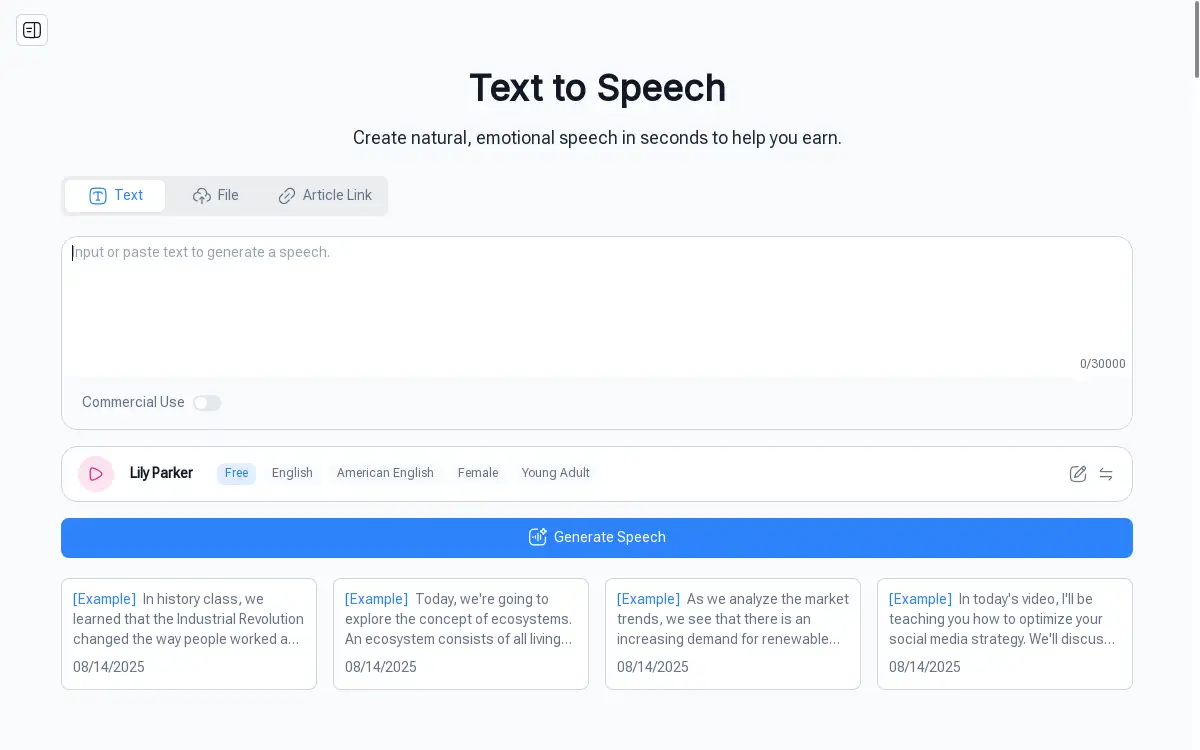
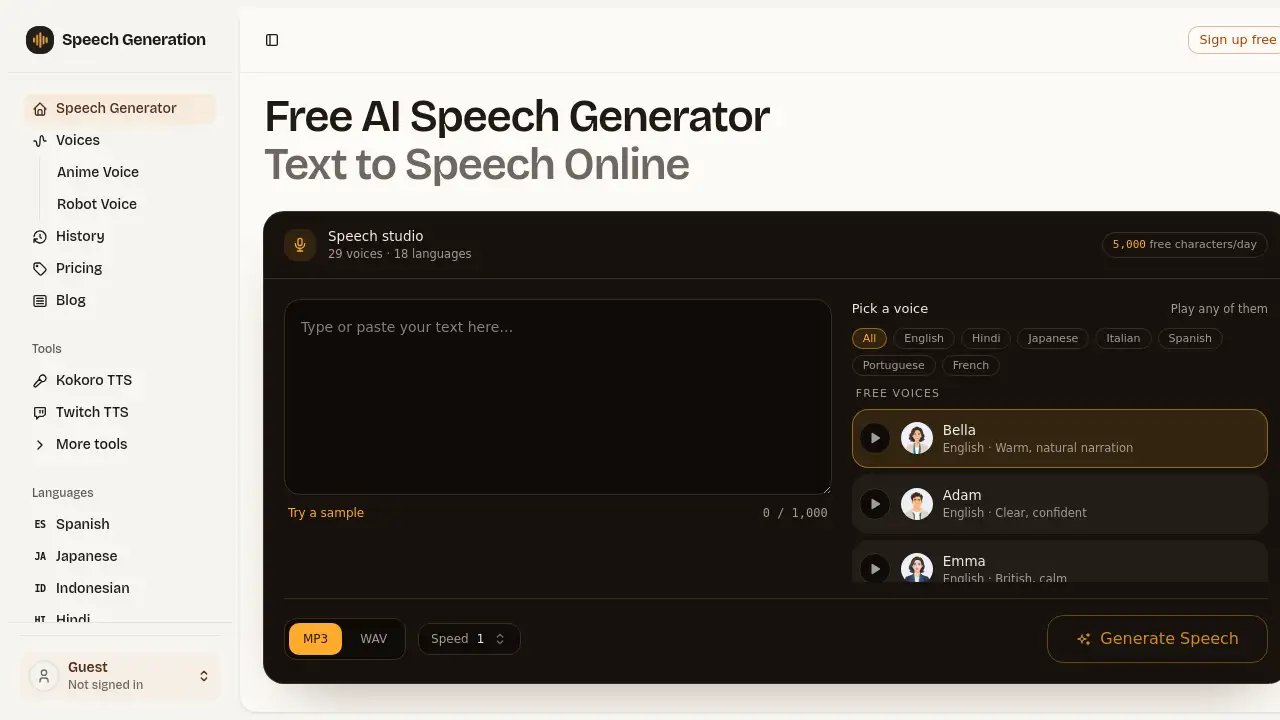
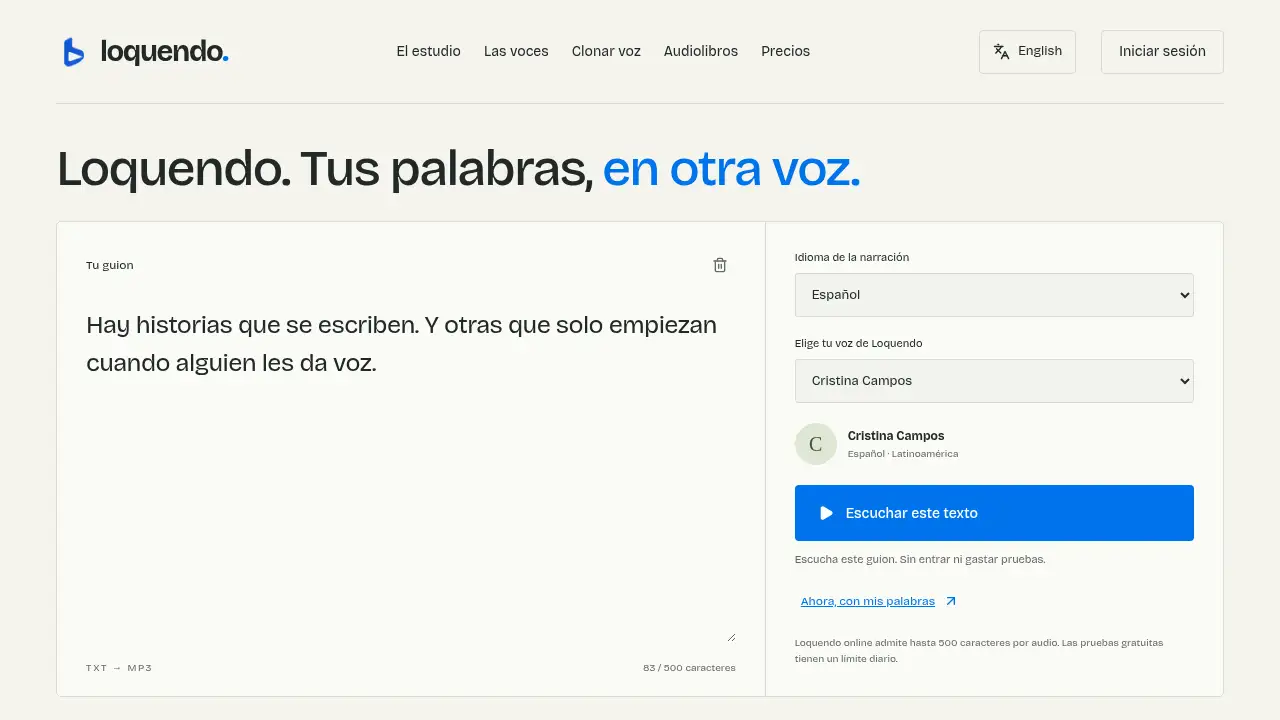
Loquendo online is a browser-based text-to-speech studio that turns written scripts into natural-sounding audio. It supports Spanish and English, lets users choose a narrator, and downloads MP3 files.
What is Loquendo?
Loquendo is an online voice studio that converts text into speech. It solves the problem of needing professional narration without recording equipment. The platform is suitable for content creators, educators, and anyone who wants to hear their text. It matters because it offers a simple way to produce audio in Spanish and English directly from a browser. Loquendo is not affiliated with the classic Loquendo software; it provides current AI voices from its catalog. Users can type a script, select a Loquendo voz (voice), and generate audio. The tool is also known as Loquendo online or Loquendo voz, and it focuses on making text-to-speech accessible without installation.
Key Features of Loquendo
Online Text-to-Speech Studio
Loquendo online runs entirely in a web browser, so users can convert text to audio without installing software. The studio accepts scripts and generates speech in seconds.
Spanish and English Voice Options
The platform offers a catalog of voices in Spanish and English. Users can preview samples to find a Loquendo voz that matches their project’s tone.
Voice Selection and Preview
Before generating a full audio file, users can listen to short samples of each narrator. This helps them choose a voice based on character, accent, and clarity.
MP3 Download
After generation, Loquendo provides an MP3 file for download. Users can save the audio to their device and use it in videos, podcasts, or other projects.
Browser-Based Access
No installation is required. Loquendo online works on desktop and mobile browsers with an internet connection, making it a convenient voice generator for quick tasks.
Character Limit for Free Trials
Free trials allow up to 500 characters per audio and are subject to a daily limit. This lets users test the service without entering a credit card.
Use Cases for Loquendo
Video Narration
Content creators can use Loquendo to generate voiceovers for tutorials, explainers, or storytelling videos. The MP3 output can be imported into video editing software.
Podcast and Audio Content
Podcasters can convert scripts into narration using Loquendo voz. This is useful for intros, ads, or full episodes that need a consistent voice.
Language Learning and Accessibility
Learners can listen to Spanish or English text read aloud to improve pronunciation. The tool also helps make written content accessible to people who prefer audio.
Script Proofreading by Listening
Writers can paste drafts into Loquendo online and listen to them. Hearing the text helps identify long sentences, repetitions, and awkward phrasing.
Social Media Content
Short-form videos and social posts often need quick voiceovers. Loquendo provides a fast way to generate Spanish or English narration and download it as MP3.
How to Use Loquendo
- Open the Loquendo online studio in a web browser. No installation is needed.
- Type or paste a script into the text box. The free trial supports up to 500 characters per audio.
- Choose the narration language (Spanish or English) and select a Loquendo voz from the catalog. Users can preview samples first.
- Generate the audio and listen to the result. Adjust the script or voice if needed.
- Download the final audio as an MP3 file and save it to the device.
Target Audience for Loquendo
- Content creators who need voiceovers for videos or social media
- Podcasters and audio producers looking for quick narration
- Educators and language learners who want to hear text in Spanish or English
- Writers and editors who proofread by listening
- Small businesses that need affordable audio for presentations or ads
- Accessibility advocates creating audio versions of written content
Is Loquendo Free?
Loquendo offers a free trial that allows users to generate audio up to 500 characters per file without entering a credit card. The free tier is subject to a daily limit per visitor. The reference content does not list detailed paid plans or prices. For current pricing and subscription options, users should visit the official Loquendo website. The free trial is useful for testing voices and the text-to-speech workflow before committing to a paid plan.
Loquendo's Pros and Cons
| Aspect | Pros | Cons |
|---|---|---|
| Accessibility | Browser-based, no installation required | Requires internet connection |
| Language Support | Offers Spanish and English voices | Voice catalog may be limited compared to some competitors |
| Output | Downloads MP3 files for easy use | Free trial has 500-character limit per audio |
| Pricing | Free trial available without a credit card | Paid plans and pricing are not clearly published |
| Ease of Use | Simple interface for text-to-speech | No advanced editing features like pitch or speed control mentioned |
Frequently Asked Questions about Loquendo
What can I do with Loquendo online?
Loquendo online is a text-to-speech studio. Users can write a script in Spanish or English, choose a narrator, generate audio, and download it as an MP3. It is not affiliated with the old Loquendo software and does not offer its classic voices.
Can I try Loquendo without paying?
Yes. Loquendo voz allows free trials of up to 500 characters per audio without entering a credit card. The free generation is subject to a daily limit per visitor. Listening to voice samples does not consume the text-to-speech allowance.
How do I get a Spanish Loquendo voice?
In the voice selector, users filter by Spanish, listen to samples, and choose a Loquendo voz. They then write the script and set Spanish as the narration language. The accent depends on the selected voice; trying different narrators can help.
Does Loquendo let me download the audio?
Yes. When Loquendo online finishes generating, a player appears for review, along with a link to download the MP3. Users should save the file before closing or reloading the page because the browser result is temporary.
Can I use Loquendo for videos and social media?
Users can incorporate the MP3 into any video editor. Before publishing, they should check the rights to the script, music, and other materials, as well as the terms for the chosen narrator. Synthetic narration should not be used to impersonate a person or mislead listeners.
Do I need to install a program to use Loquendo?
No. Loquendo online works in a modern browser on desktop and mobile. An internet connection is needed to load voices and generate audio. The MP3 download saves to the user’s device.
Loquendo Tags
Loquendo, Loquendo online, Loquendo voz, text to speech, voice generator, AI voice, Spanish text to speech, English text to speech, MP3 download, online voice studio, text to audio, browser-based TTS