Introduction
Mailtwine is an AI email triage tool for busy inboxes.
What is Mailtwine?
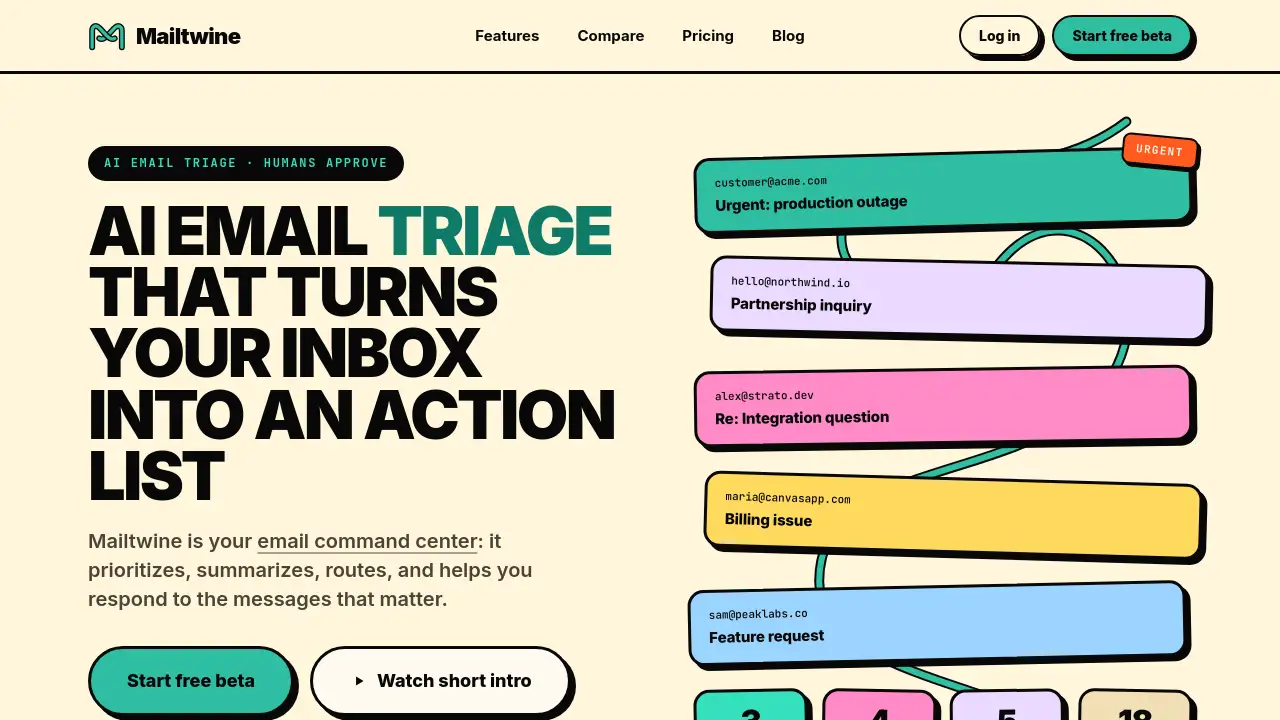
Mailtwine is an AI email triage platform that helps teams move from a crowded inbox to a clear action list. It acts as an email command center for support, sales, founders, and operations teams. Instead of replacing a mailbox, Mailtwine sits on top of it and organizes messages by urgency, customer, mailbox, owner, and next step.
The product solves a common problem: important email gets buried, response times slow down, and no one knows who owns what. Mailtwine changes that with AI email triage. It summarizes long threads, surfaces relevant emails, suggests replies, and routes messages to the right person. Because humans approve every send, it also works as an AI email assistant that stays under human control. As an email triage software, it is designed for the work between reading and replying.
The Mailtwine command center displays queues such as Review, Human-Do, Waiting, and Done. This gives teams a shared view of email work and makes it easier to see what needs attention.
Key Features of Mailtwine
AI Email Triage Queue
Mailtwine turns scattered messages into a prioritized action list. This AI email triage queue handles email prioritization by classifying incoming mail according to urgency, customer, mailbox, owner, and rule. Important messages rise to the top while less urgent mail waits.
Thread Summaries
Each conversation gets a concise briefing with a summary, intent, and suggested next step. The summary appears beside the thread in the Chrome extension, so reviewers get context before replying.
Reply Suggestions
Mailtwine generates draft replies grounded in the open thread and connected context, such as knowledge from Streamient. The suggested drafts stay consistent with company policy and past conversations, and users can refine them before sending.
Routing Rules
Plain-language rules move email to the right teammate or queue. This email triage software helps ensure the right person handles each message without manual forwarding. Routing can happen automatically or after a human reviews the thread.
Draft Approvals
AI prepares responses, but nothing sends without sign-off. This approval step keeps the human in control and protects against mistakes. Approvals can be reviewed in the Mailtwine command center or inside webmail through the Chrome extension.
Native Mail Integrations
Mailtwine connects with Google Workspace, Outlook.com, Microsoft 365, Fastmail, Helpmonks, IMAP, SMTP, and MCP clients. The Chrome extension brings context into Gmail, Outlook, Fastmail, and Helpmonks. This flexibility lets teams keep their existing email systems and still get AI email triage.
Use Cases for Mailtwine
Support
Support teams can sort urgent customer issues, summarize problems, and prepare grounded replies for review. This reduces resolution time and prevents important tickets from being missed. Agents can spend less time sorting and more time solving.
Sales
Sales teams can route renewals, objections, procurement threads, and follow-ups to the right owner. AI email triage helps keep deals moving and follow-ups consistent. The queue shows which conversations need attention before they stall.
Founders
Founders juggle investor, customer, partner, and hiring mail. Using Mailtwine as an email command center helps them keep communication organized and respond faster. A shared inbox view helps avoid lost messages across different roles.
Operations
Operations teams can track vendor, finance, legal, and internal approval loops. The queue gives end-to-end visibility into who is responsible for each email. The approval step keeps compliance-sensitive mail under control.
How to Use Mailtwine
- Connect your mailbox using Google Workspace, Microsoft 365, Outlook.com, Fastmail, Helpmonks, or IMAP. Each connection has a native setup path.
- Let Mailtwine triage incoming mail into a prioritized AI email triage queue.
- Review summaries, draft replies, and routing suggestions in the email command center.
- Approve or edit outputs before anything is sent. Nothing goes out without sign-off.
- Use the Chrome extension inside webmail for inline context while working in Gmail, Outlook, Fastmail, or Helpmonks.
Target Audience for Mailtwine
- Customer support teams
- Sales teams and revenue operations
- Founders and startup leaders
- Operations and finance teams
- High-volume inbox users who need an AI email assistant
- Teams that want an email command center
- Teams that want email triage software for high-volume inboxes
- Groups using Google Workspace, Microsoft 365, Outlook, Fastmail, or Helpmonks
Is Mailtwine Free?
Mailtwine is currently free during beta. The beta pricing page says "Every feature. No plan limits. $0." Users get unlimited access to all features, including AI email triage features and AI email assistant tools, and can secure beta-user early-bird pricing for launch. No official paid plan price is listed yet.
| Plan | Price | Features |
|---|---|---|
| Beta | $0 | Unlimited access, all features, early-bird pricing after launch |
Mailtwine's Pros and Cons
| Aspect | Pros | Cons |
|---|---|---|
| Pricing | Free during beta with unlimited access | Future pricing not publicly listed |
| Human control | Nothing sends without approval | Requires manual approval before sending |
| Integrations | Works with major email providers and IMAP | Setup may require admin or OAuth configuration |
| AI email triage | Prioritizes, summarizes, routes, and drafts email | Team adoption takes time |
| Browser extension | Adds context inside Gmail, Outlook, Fastmail, Helpmonks | Some features may depend on supported webmail |
Frequently Asked Questions about Mailtwine
Does Mailtwine send emails without approval?
No. The default behavior is draft and route. Users choose which actions can run automatically, but nothing sends without a human sign-off.
Does Mailtwine replace my email inbox?
No. Mailtwine is an operational surface for email work. Your existing email accounts stay where they are, and Mailtwine connects through native integrations.
Where does Mailtwine get email context?
Mailtwine uses local mail context and stored knowledge from Streamient when connected. This allows the AI email assistant to ground replies in previous conversations and company knowledge.
Which email systems does Mailtwine support?
Mailtwine supports Google Workspace, Outlook.com, Microsoft 365, Fastmail, Helpmonks, and standard IMAP with SMTP. The Chrome extension works inside Gmail, Outlook, Fastmail, and Helpmonks.
Is Mailtwine just an AI email writer?
No. Mailtwine is an email triage software. It prioritizes, summarizes, routes, and queues email for approval, taking care of the work between reading and replying.
What happens during beta pricing?
During beta, users get unlimited access to every feature for $0. They also secure early-bird pricing for launch.
Mailtwine Tags
AI email triage, email command center, email triage software, AI email assistant, email prioritization, draft approvals, routing rules, email summarization, email routing, inbox management, Google Workspace email triage, Microsoft Outlook email triage