Introduction
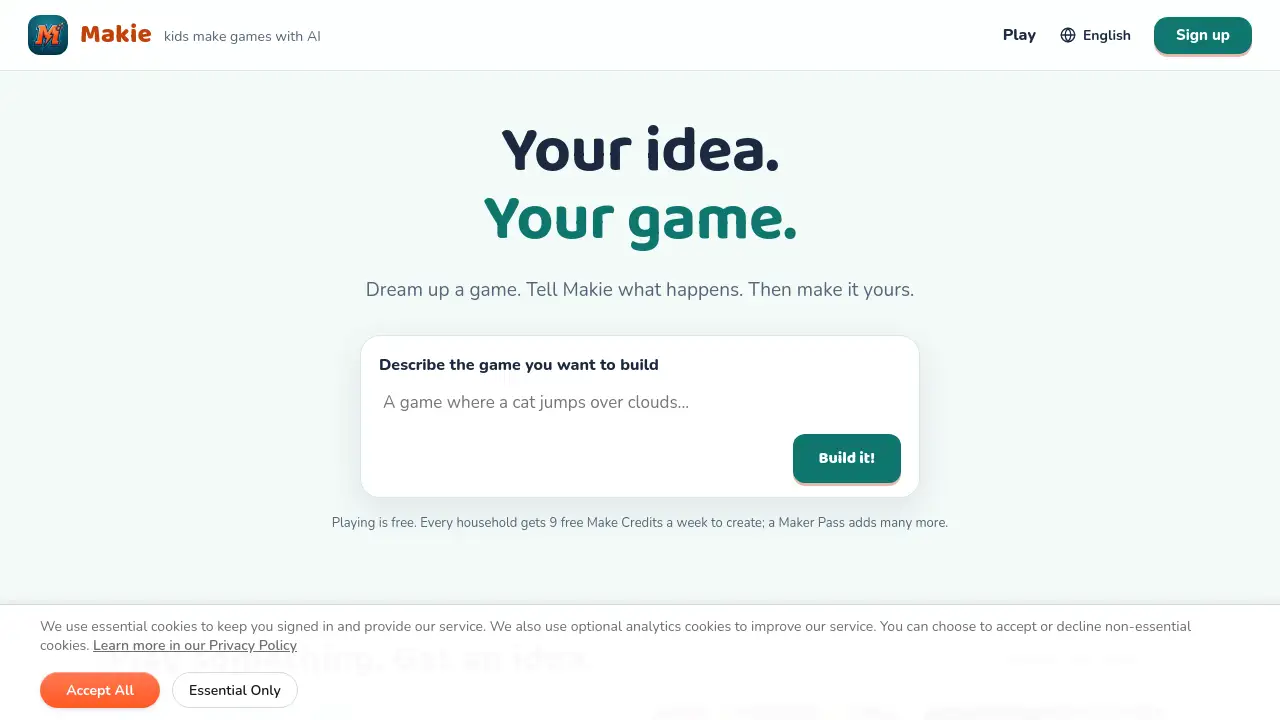
Makie: AI Game Maker for Kids turns ideas into playable games. Young creators describe what they want, and the app builds a game they can play, remix, and share.
What is Makie: AI Game Maker for Kids?
Makie: AI Game Maker for Kids is an AI game creator for kids ages 7–15. It lets children build and share their own games by describing them in plain language. Instead of starting with a blank screen or a coding class, young makers describe an idea like “a dragon that catches falling stars,” and Makie turns it into a real, playable game. The product comes from the makers of Askie, an AI learning companion for kids.
This kids game maker solves a common creative problem: many children have game ideas but lack the tools, patience, or technical skills to build them. Makie gives them a fast way to see an idea become interactive. It also keeps safety central with filtered content, no ads, no stranger chat, and household controls. For parents, it offers a creative screen-time option that encourages making rather than passive watching. For kids, it feels like play, but it also introduces real code and game logic in a simple way.
Key Features of Makie: AI Game Maker for Kids
Say It, Play It
Kids describe a game in their own words, and Makie turns it into a real, playable game in about a minute. This AI game creator for kids removes setup, coding class requirements, and the fear of a blank screen.
Remix Everything
Young makers can change the hero, rules, levels, and whole world with a single sentence. Every remix keeps the game creation process fast and experimental.
Safe by Design
Makie is built for ages 7–15 with filtered content, no ads, no stranger chat, and no data selling. Weekly Make Credits also set healthy limits and make costs clear.
Share with a Play-Link
One tap publishes a play-link for friends and family. No accounts are needed to play, so sharing a homemade game is simple and low-friction.
Learn Real Code
Kids can peek at the real code behind their game and see how it works. This turns screen time into a gentle introduction to coding for kids.
Household Controls
Adults manage household access, maker emails, credits, and billing. This helps families support multiple young makers under one account.
Use Cases for Makie: AI Game Maker for Kids
First Game Creation
A child who has never made a game can start with a starter game or a blank canvas and describe what should happen. Makie handles the build, so the first game feels achievable.
Creative Storytelling
Kids can turn stories into interactive games by adding characters, goals, and rules. A simple idea like a space cat collecting planets becomes a playable world.
Coding Curiosity
Children who ask how games work can read the real code and learn basic logic. This makes Makie a friendly bridge between playing games and understanding them.
Family Playtime
Parents and siblings can create, remix, and play games together. The household setup lets more than one child make games while adults manage credits and access.
Quick Remixing
When a child wants a new challenge, they can remix an existing game instead of starting over. Changing one sentence can alter the hero, rules, or difficulty.
How to Use Makie: AI Game Maker for Kids
- Choose a starter game or a blank canvas.
- Describe the game you want in your own words.
- Watch Makie write real code and build a playable game.
- Play it, then change the hero, rules, or world with one sentence.
- Publish a play-link and share it with friends or family.
Free households get 9 Make Credits each week to create. Paid Maker and Studio plans add many more credits for frequent game making.
Target Audience for Makie: AI Game Maker for Kids
- Kids ages 7–15 who want to make games
- Parents looking for safe, creative screen time
- Families with multiple young makers
- Beginner coders curious about how games work
- Creative kids who enjoy storytelling and world-building
- Adults who want an AI game maker for kids without ads or stranger chat
Is Makie: AI Game Maker for Kids Free?
Makie offers a free plan and two paid plans. Prices are in USD, and tax is added at checkout where required.
| Plan | Price | Features |
|---|---|---|
| Free | $0 | 9 Make Credits every week; create, change, remix, publish, and play; no card needed |
| Maker | $19.99/month; first month $9.99; or $99.99/year | 40 Make Credits every week; create, edit, remix, and publish games for every child in the household |
| Studio | $79.99/month or $399/year | 150 Make Credits every week; create, edit, remix, and publish games for every child in the household |
Maker and Studio households can add 10 credits for $15 at any time. Top-up credits never expire.
Makie: AI Game Maker for Kids's Pros and Cons
| Aspect | Pros | Cons |
|---|---|---|
| Pricing | Free weekly credits; paid plans add more credits; top-ups never expire | Heavy creators may need a paid plan or top-ups |
| Features | No coding setup; one-sentence changes; real code visible; one-tap sharing | Free plan has limited weekly Make Credits |
| Safety | Filtered content; no ads; no stranger chat; household controls | Parents should still review games and sharing settings |
| Learning | Encourages creativity and basic coding curiosity | Younger kids may need adult help with reading or account setup |
| Access | Simple idea-to-game flow; play-links need no account to play | Not a full professional game engine for advanced developers |
Frequently Asked Questions about Makie: AI Game Maker for Kids
What is Makie: AI Game Maker for Kids?
Makie: AI Game Maker for Kids is an AI game creator that lets children ages 7–15 describe a game and turn it into a real, playable game. It is designed for safe, creative making rather than passive play.
Is Makie safe for kids?
Yes. The product states that every idea passes through kid-safe content filters. It has no ads, no chat with strangers, and no data sold. Adults also manage household access, maker emails, credits, and billing.
Does my child need coding experience?
No. Kids can start by describing their idea in plain language. If they are curious, they can also peek at the real code and learn how the game works.
How much does Makie cost?
The Free plan costs $0 and gives 9 Make Credits every week. Maker costs $19.99/month after a $9.99 first month, or $99.99/year. Studio costs $79.99/month or $399/year. Maker and Studio include more weekly credits.
What are Make Credits?
Make Credits are the weekly creation units used to build, change, remix, and publish games. Every household gets 9 free credits per week, and paid plans add more.
Can kids share the games they make?
Yes. Makie lets young makers publish a play-link in one tap. Friends and family can play the shared game without needing an account.
Makie: AI Game Maker for Kids Tags
Makie, AI game maker for kids, kids game maker, AI game creator for kids, make games with AI, safe game creation for kids, coding for kids, game making app for kids, Makie app, Maker Pass, Make Credits, kids coding games