Introduction
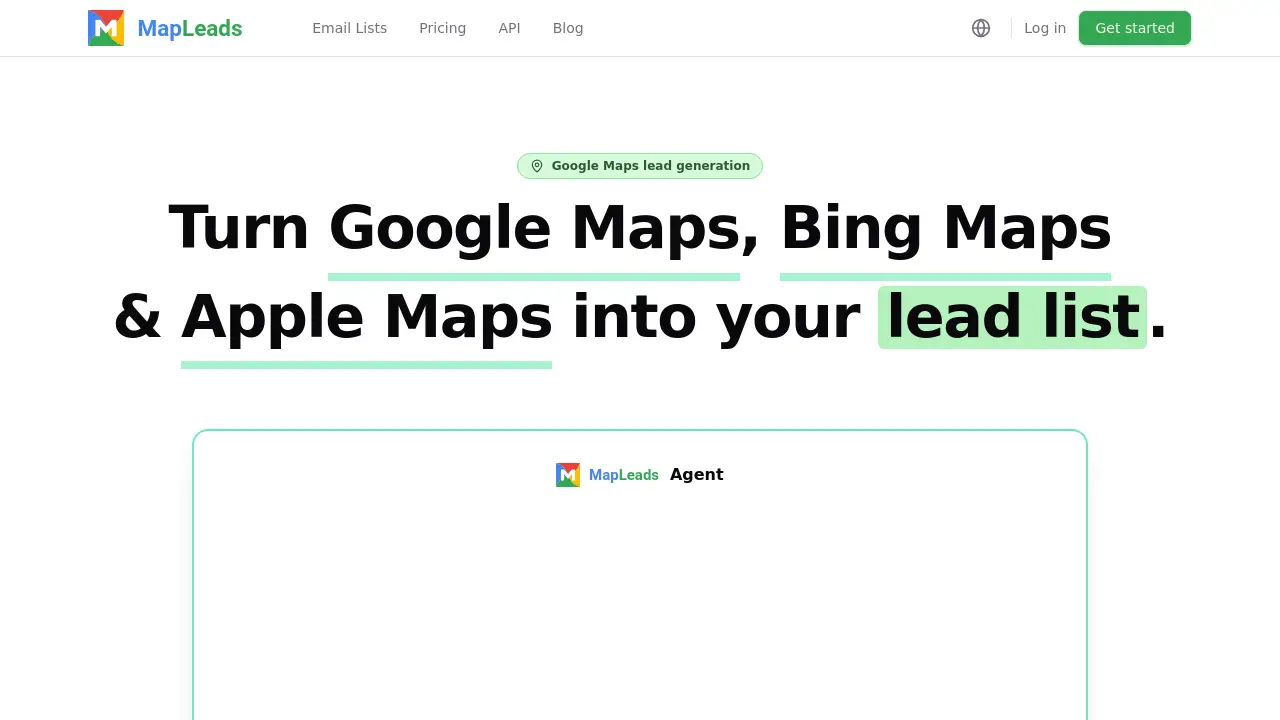
MapLeads.ai is a Google Maps lead generation tool that turns map searches into business leads. It extracts names, phones, verified emails, and websites from Google Maps, Bing Maps, and Apple Maps, covering 195 countries with no result caps. This review explains how the platform works, what it costs, and who can use it.
What is MapLeads.ai?
MapLeads.ai is a cloud-based lead generation platform built around a Google Maps scraper, an Apple Maps scraper, and a Bing Maps scraper. It helps users turn public map listings into structured email lists and lead lists that include company names, categories, addresses, phone numbers, websites, ratings, review counts, and verified emails when available.
The platform addresses a common problem with official map APIs: data caching and licensing rules can limit how long a list can be kept. A list built through the official Google Places API may be rented rather than owned. MapLeads.ai runs its own extraction and maintains its own dataset, so exported business leads are files users can keep, filter, re-download, and integrate into their own workflows.
It is designed for teams that need local business leads without managing proxies, browsers, or scraping infrastructure. A search runs on MapLeads.ai infrastructure, not the user's machine. Users can start a job, close the tab, and receive a webhook when it finishes.
Key Features of MapLeads.ai
Multi-Source Map Scraping
Extract local businesses from Google Maps, Apple Maps, and Bing Maps using one platform. Each source is a separate index, so a business found in two sources is kept as two rows with two identifiers rather than collapsed.
Verified Email Enrichment
Visit business websites and collect published email addresses, then check each one and label it deliverable, role-based, catch-all, or dead. This gives users clearer verified emails for a lead list while keeping every result visible.
Cloud-Based Search Runs
Start a Google Maps lead generation search and let it run on MapLeads.ai infrastructure. There are no proxies to rotate and no browser to keep open, and users can cancel a search while it is running.
Webhook Notifications
Receive a webhook when a search completes or fails, so downstream tools can pick up results without polling. This supports automated lead generation workflows and reduces manual checking.
Unlimited Exports
Filter, sort, and export every unlocked lead as CSV, Excel, or JSON. Exports are not charged per download, and previously unlocked leads remain available in one table.
REST API and Key Management
Use 24 API operations to list, filter, and export leads, start searches, and register webhooks. API keys are managed by the user, which helps teams connect MapLeads.ai to a CRM or outreach stack.
Business Update Flags
When MapLeads.ai picks up newer details for a business a user already owns, the lead is flagged. Users can pull the update instead of being stuck with the record from the day it was purchased.
Use Cases for MapLeads.ai
Local Prospecting
Sales teams can search for dentists in Austin, plumbers in Miami, or agencies in London and build a targeted local business leads list. Filters can show only rows with an email, phone, or website.
Agency Lead Generation
Marketing and lead generation agencies can create email lists for multiple clients and markets. The same platform supports Google Maps scraper, Bing Maps scraper, and Apple Maps scraper workflows across 195 countries.
Outbound Sales Workflows
Outbound teams can export business leads to CSV, Excel, or JSON, then load them into a CRM. Webhooks and the REST API help teams automate handoffs after a search completes.
Market Research
Researchers can compare business coverage across map sources, study categories by city or country, and review ratings and review counts. Because sources differ, MapLeads.ai can reveal listings that exist in one index but not another.
How to Use MapLeads.ai
- Create a MapLeads.ai account and choose a plan that matches the expected lead volume.
- Enter a map search, such as a category and city, or browse the business database by category, city, rating, or contact availability.
- Filter the matching results by whether a phone, website, or email exists.
- Start the search on the cloud. Users can close the tab and let MapLeads.ai run the Google Maps lead generation job.
- Unlock the leads, review each email verdict, and export the final list as CSV, Excel, or JSON. For repeat workflows, connect the REST API or a webhook.
Target Audience for MapLeads.ai
- Sales teams focused on local and regional prospecting
- Lead generation and marketing agencies
- Outbound and cold email teams
- SaaS companies selling to local businesses
- Recruiters and market researchers
- Small business consultants and franchise developers
- Developers who need map lead data through an API
Is MapLeads.ai Free?
MapLeads.ai does not list a permanent free plan on its public pricing page. Browsing and filtering the business database is described as free, but unlocking a lead uses a credit. Paid plans start at $50 per month.
| Plan | Price | Features |
|---|---|---|
| Lite | $50/mo | 15,000 leads/month; email and social enrichment; API keys; customer portal; webhook endpoints; 30-day activity history |
| Pro | $100/mo | 40,000 leads/month; everything in Lite; higher rate limits; more concurrent work; billing invoice history; 60-day activity history |
| Max | $200/mo | 100,000 leads/month; everything in Pro; highest rate limits; highest concurrency; priority support; 90-day activity history |
Annual billing and full plan details are available on the official pricing page. Plans are billed when a user subscribes, and cancellation is available at any time.
MapLeads.ai's Pros and Cons
| Aspect | Pros | Cons |
|---|---|---|
| Pricing | Tiered plans scale from focused prospecting to high-volume lead operations | No permanent free plan listed; ongoing use requires a paid subscription |
| Features | Multi-source scraping, verified email labels, cloud runs, webhooks, REST API, unlimited exports | Advanced automation requires familiarity with APIs or webhooks |
| Data | Covers 195 countries, no result caps, keeps its own dataset, flags business updates | Email availability depends on what businesses publish on their own websites |
| Usability | No installation, no proxy management, searches run after the tab is closed | Country-wide searches can take longer than neighborhood-level searches |
| Workflow | Exports to CSV, Excel, and JSON; integrates with CRMs through API | Users remain responsible for outreach compliance and email regulations |
Frequently Asked Questions about MapLeads.ai
Is it legal to scrape Google Maps?
MapLeads.ai collects business listing information that is already public, such as company name, category, address, phone, website, rating, and review count, plus contact details published on a business's own site. What users may do with that list is separate and depends on location and recipient rules, including GDPR in the EU and CAN-SPAM in the US. Public data does not remove those obligations.
Why not just use the Google Places API?
The official Google Places API licenses data for display, not for keeping. Google's terms allow a place ID to be stored indefinitely, but other content, including latitude and longitude, may only be cached for 30 consecutive calendar days. MapLeads.ai maintains its own dataset instead, so exported business leads can be kept and re-downloaded.
Do Google Maps, Apple Maps, and Bing Maps list the same businesses?
No. Each is a separate index fed by its own submissions: Google Business Profile, Apple Business Connect, and Bing Places for Business. A business that claimed one may never have claimed the others. MapLeads.ai keeps a business found in two sources as two rows, which can reveal coverage that a single source would miss.
Where do the email addresses come from?
No map source shows an email address. MapLeads.ai visits the business's own website, collects what is published there, and checks every address before it reaches the user. Each email is labeled deliverable, role-based, catch-all, or dead, and none are dropped, because info@ may be the only contact door for some small local businesses.
What does one credit buy?
One credit unlocks one lead. Browsing and filtering the database is free, and a credit is spent when a row is unlocked to take its contact details. A cloud search is priced per lead it returns. Exports are not metered, so every owned lead can be downloaded as CSV, Excel, or JSON as many times as needed.
Can one search cover a whole country?
Yes. MapLeads.ai has no cap on how many results a search may return. A country-wide Google Maps lead generation run takes longer than a single neighborhood search, but it produces the same shaped file and runs on MapLeads.ai infrastructure rather than the user's machine.
MapLeads.ai Tags
MapLeads.ai, Google Maps lead generation, Google Maps scraper, Bing Maps scraper, Apple Maps scraper, business leads, email lists, verified emails, local business leads, lead list, lead generation tool, map scraper API