Introduction
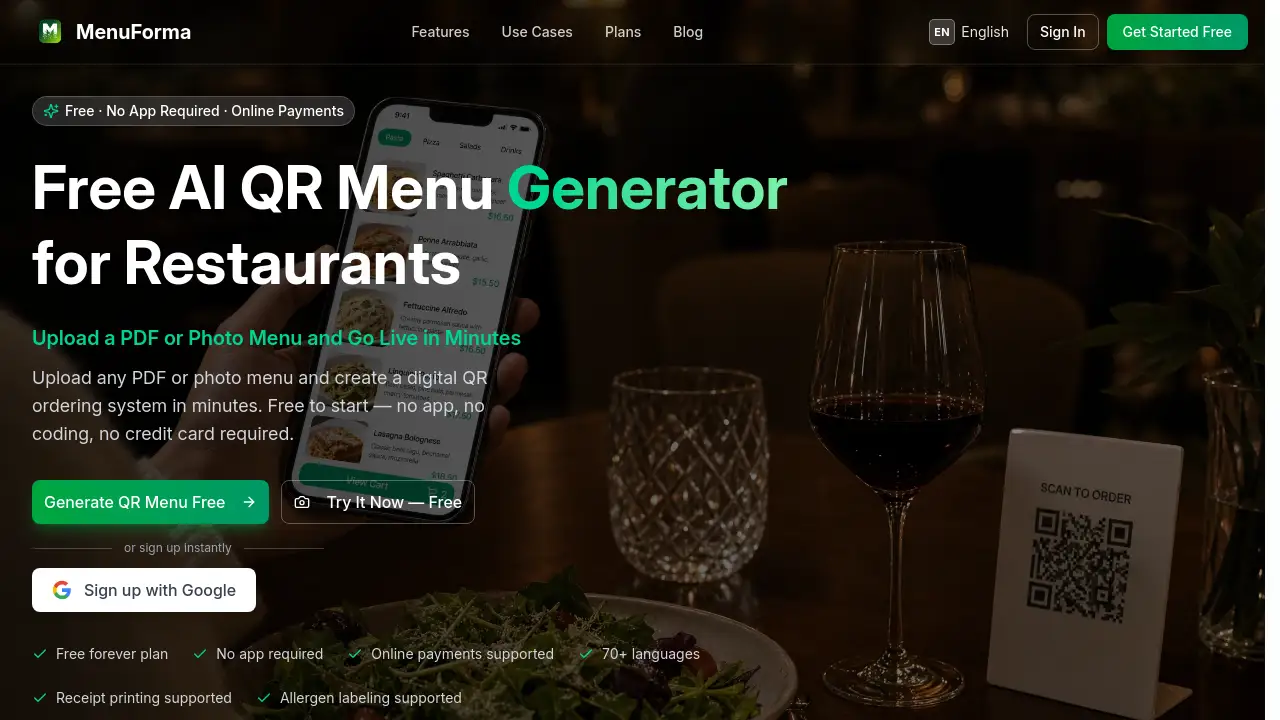
A free, AI-powered QR menu generator that creates digital menus for restaurants in minutes.
What is QR Menu Generator?
QR Menu Generator is a digital platform designed to help food service businesses create interactive, scannable menus. This tool solves common industry problems like the high cost and waste of printed menus, the need for multi-language support, and the slow pace of traditional ordering. By allowing customers to scan a QR code with their smartphone, restaurants can offer a contactless, efficient ordering experience without requiring diners to download a separate app. It is suitable for a wide range of establishments, from fine dining restaurants and cafes to food trucks and hotel room service. The platform's importance lies in its ability to streamline operations, reduce costs, and enhance the customer experience through features like online payments and real-time order notifications.
Key Features of QR Menu Generator
AI Menu Scanner
Upload a photo or PDF of your existing menu, and the AI technology automatically extracts items, prices, and descriptions, saving significant setup time.
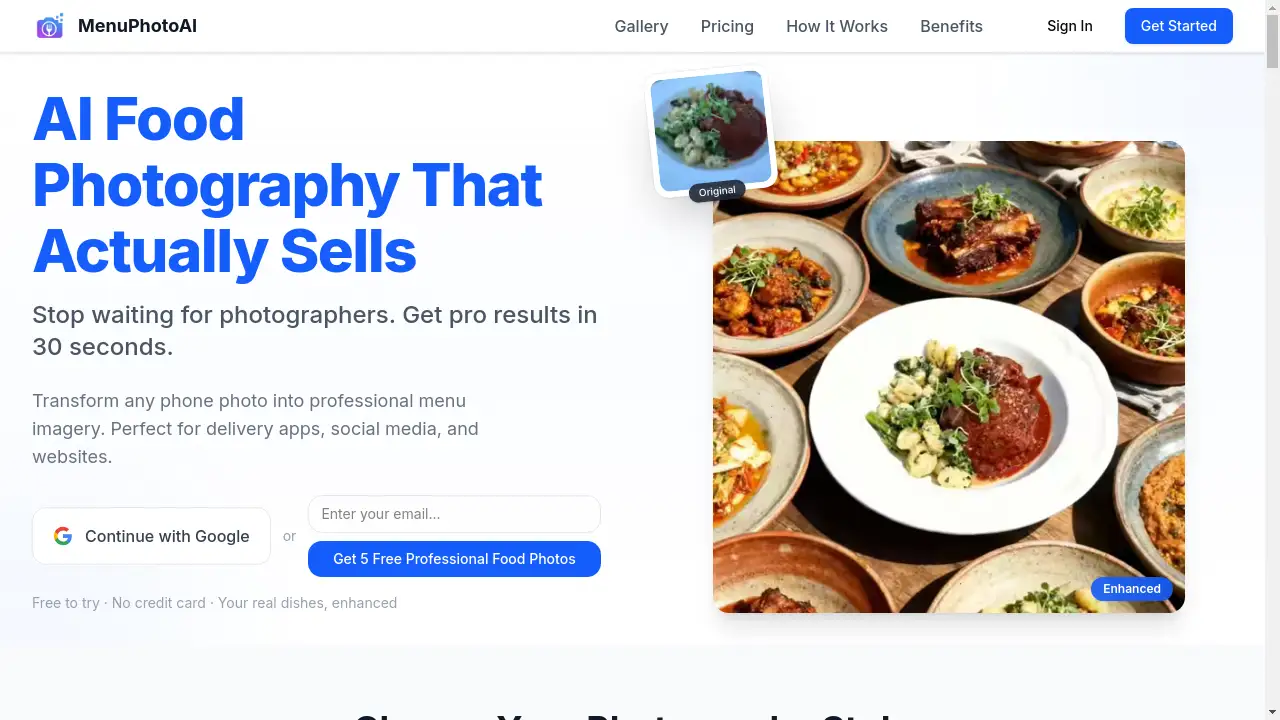
AI Food Images
Generate professional-looking and appetizing food photos and descriptions for your dishes with a single click, improving your menu's visual appeal.
Smart QR Codes
Create fully customizable QR codes with your logo and brand colors, and track customer scans and engagement through an integrated analytics dashboard.
70+ Languages
Automatically translate your entire menu into over 70 languages, making it easy to serve international guests and tourists.
Real-Time Notifications
Receive instant browser notifications with custom sounds when a new order is placed, ensuring staff can respond promptly.
Online Ordering
Enable customers to browse your menu and place orders directly from their phone, with no app download required for them.
Multi-Restaurant Management
Manage multiple restaurant locations or venues from a single, centralized account, switching between them instantly.
Role-Based Access
Add staff members to your account with custom permissions, controlling who can view orders, revenue data, or change settings.
Use Cases for QR Menu Generator
Per-Table Ordering in Restaurants
Assign a unique QR code to each table, so orders are automatically tagged with the table number for accurate and efficient service.
Counter Service for Cafes
Use a single, unified QR code for the entire venue, where customers order and receive a ticket number for pickup at the counter.
Hotel Room Service
Implement QR codes linked to specific room numbers, allowing hotel guests to order room service directly and even schedule delivery times.
Dynamic Menus for Food Trucks
Update your digital menu on the fly from a mobile device to reflect sold-out items or daily specials, keeping customers informed.
How to Use QR Menu Generator
Using the QR Menu Generator is a straightforward three-step process designed for speed and ease.
- Upload Your Menu: Sign up for a free account and upload your existing menu. You can use a PDF, a photo, or even a URL. The AI menu scanner will process it.
- Customize and Enhance: Use the editor to choose a template, adjust layouts, and add AI-generated food photos or translations. Set up your ordering and payment preferences.
- Share and Go Live: Download your custom-branded QR code and unique short link. Print the QR code for tables or display it, and start receiving orders immediately.
Target Audience for QR Menu Generator
- Full-service restaurants and fine dining establishments
- Cafes, bakeries, and coffee shops
- Hotels and resorts offering room service
- Food trucks and street food vendors
- Bars, pubs, and fast-casual eateries
- Catering services and pop-up dining events
Is QR Menu Generator Free?
Yes, QR Menu Generator offers a free forever plan to get started. The platform uses a simple, transparent pricing model where you can upgrade for more advanced features.
| Plan | Price | Key Features |
|---|---|---|
| Free | $0 / month | Basic QR menu, online ordering, receipt printing, allergen labeling. |
| Pro | Custom Pricing | Advanced features like AI food images, multi-restaurant management, role-based access, and premium analytics. Upgrades are based on order volume. |
QR Menu Generator's Pros and Cons
| Aspect | Pros | Cons |
|---|---|---|
| Setup & Ease of Use | Extremely fast setup (minutes); no coding or technical skills required. | Customization may be limited compared to a fully custom-coded solution. |
| Cost | Free plan available to start; can lead to significant cost savings on printed menus. | Advanced features require a paid Pro plan, priced based on order volume. |
| Features | Powerful AI tools (scanner, photos), multi-language support, and versatile QR code types. | The range of professionally designed menu templates is currently limited to four. |
| Customer Experience | Enables contactless ordering and payments; improves order accuracy and speed. | Relies on customers having a smartphone and being comfortable with QR codes. |
Frequently Asked Questions about QR Menu Generator
Is there a mobile app for customers to download?
No, customers do not need to download any app. They simply scan the QR code with their phone's camera, which opens the digital menu directly in their mobile web browser for browsing and ordering.
How does the AI menu scanner work?
You can upload a photo, PDF, Word, or Excel file of your menu. The AI technology then reads the document and automatically populates your digital menu with items, categories, and prices, which you can then edit and refine.
Can I accept online payments with the free plan?
Yes, the free plan supports online payments. Transactions are securely processed through Stripe, a trusted global payment platform, allowing you to accept card payments from customers.
What types of QR codes are available?
The platform offers several QR code modes, including Per-Table for restaurants, Unified for cafes, Hotel/Room Service codes, and even a View-Only mode for simple menu display without ordering functionality.
How do I get notified when a new order comes in?
The system sends real-time browser notifications to your computer or device. You can also enable custom sounds for alerts, so your kitchen or service staff is informed instantly of a new order.
Can I manage more than one restaurant location?
Yes, with the Pro plan, you can manage multiple restaurants or venues from a single account dashboard, switching between locations and their respective menus and orders instantly.
QR Menu Generator Tags
QR code menu, digital menu, restaurant QR code, online ordering system, contactless menu, free QR menu generator, AI menu scanner, food truck ordering, hotel room service QR code, Stripe payments, multi-language menu, restaurant management software