Introduction
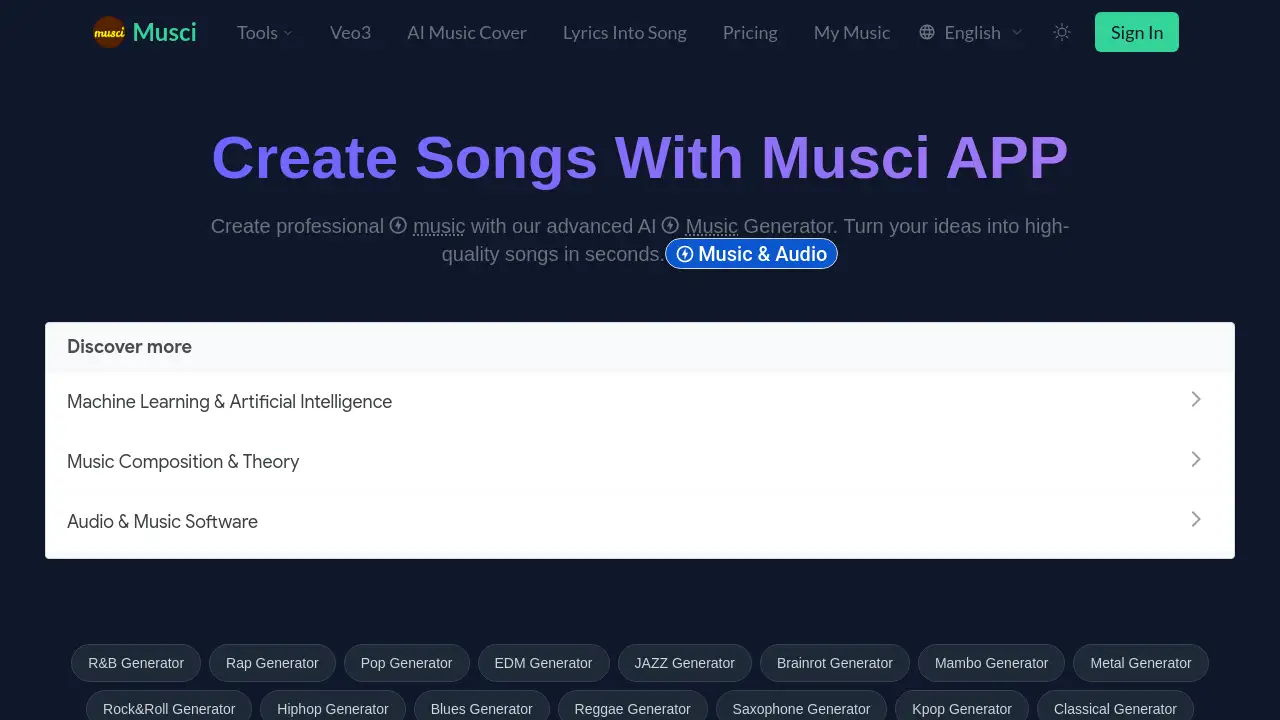
Musci is an advanced AI-powered platform for generating, remixing, and transforming professional-quality music and audio.
What is Musci?
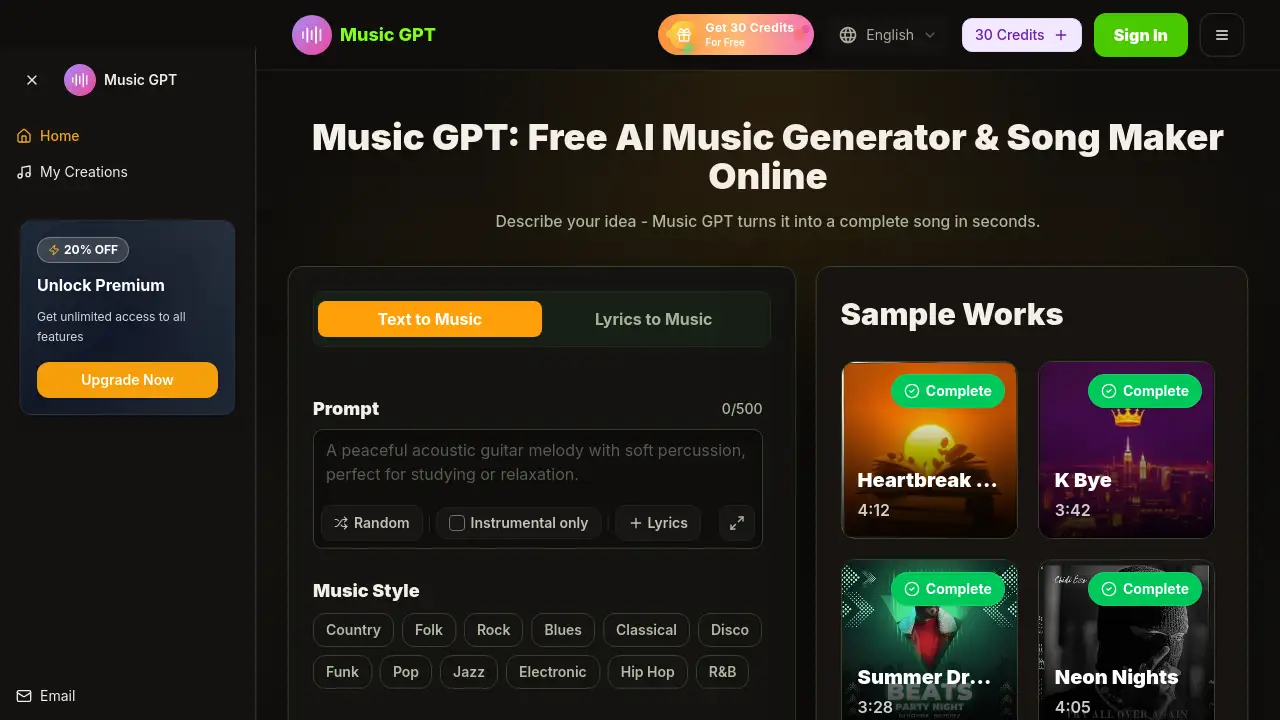
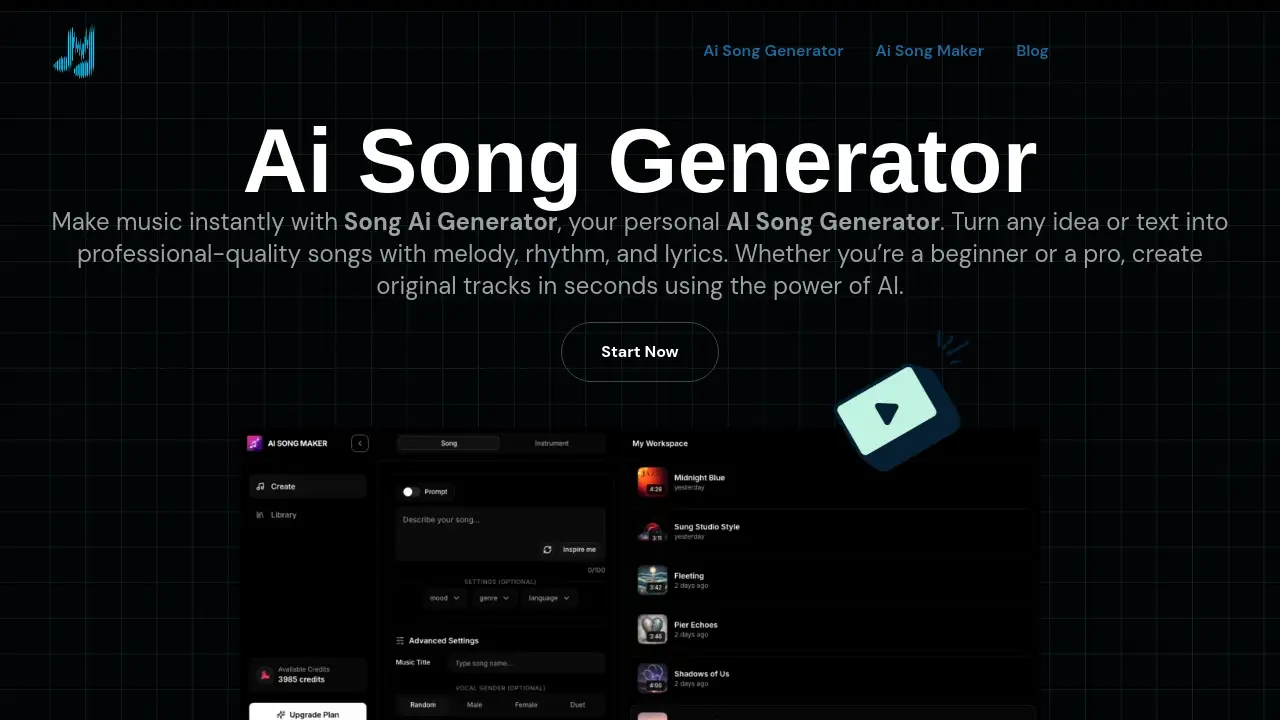
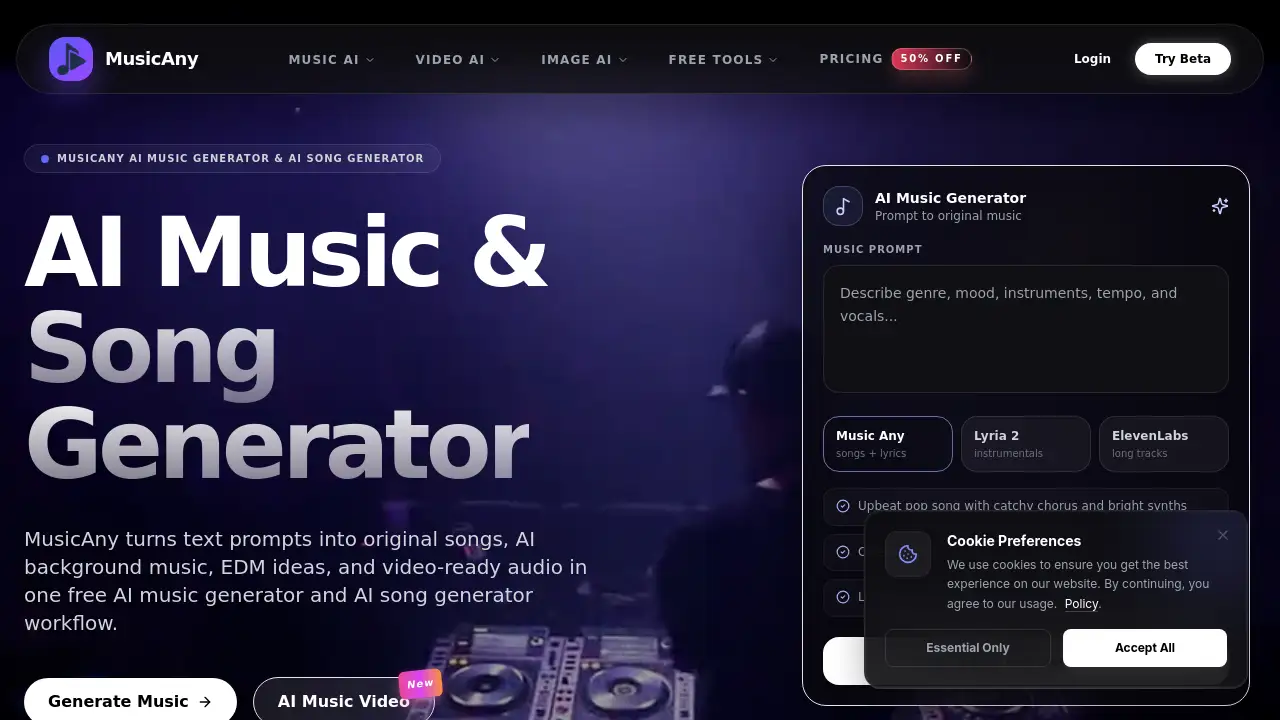
Musci is an integrated suite of AI audio tools designed to assist anyone in creating and manipulating music. It solves common creative hurdles like writer's block, complex production, and time-consuming audio editing. Users can generate original songs from text, create lyrics, remix existing tracks into new genres, isolate vocals, and extend audio length. This makes Musci suitable for a wide range of users, from hobbyists and content creators to professional musicians and producers. By leveraging AI Music Generator and AI Lyrics Generator technology, the platform enables rapid prototyping and high-quality music creation without requiring extensive technical expertise.
Key Features of Musci
AI Music Generator
This core feature transforms simple text prompts into complete, royalty-free songs, offering complete musical composition with melodies, harmonies, and rhythms tailored to any genre or mood.
AI Lyrics Generator
Overcome creative blocks with an AI Lyrics Generator that crafts original, genre-specific verses and choruses based on themes or keywords, providing immediate creative lyrical inspiration.
AI Music Remixer
Reimagine any audio file by using the AI Music Remixer to apply powerful style transfer technology, transforming a track's genre while preserving its core musical identity.
AI Vocal Isolator
Achieve professional-grade audio separation with the AI Vocal Isolator, which cleanly extracts pristine multi-stem extraction of vocals, drums, bass, and other instruments from mixed tracks.
Music Extension Tool
Intelligently lengthen audio loops or tracks for custom durations using the Music Extension tool, which maintains seamless musical coherence and style throughout the new sections.
Lyrics-to-Song Converter
Directly transform written lyrics into fully-produced songs with vocals and instrumentation, effectively bridging the gap from written words to performed songs.
Use Cases for Musci
Content Creation for Videos & Podcasts
Quickly generate unique, royalty-free background music or soundscapes for YouTube videos, social media content, and podcasts using the AI Music Generator.
Music Production & Songwriting Aid
Use the AI Lyrics Generator and Lyrics-to-Song Converter to spark new ideas, overcome writer's block, and rapidly prototype complete song arrangements.
DJing & Remix Production
Create unique remixes, mashups, and genre-crossing versions of tracks for live sets or releases by utilizing the AI Music Remixer and AI Vocal Isolator for acapellas and stems.
Audio Editing & Sampling
Extract clean vocal or instrumental stems from existing songs for sampling, karaoke tracks, or educational purposes with the precise AI Vocal Isolator.
Game & App Development
Produce custom, extended background music loops and adaptive soundtracks for games and applications with the intelligent Music Extension tool.
How to Use Musci
The platform offers a straightforward workflow for its various tools.
- Define Your Project: Start by selecting your goal, such as generating a new song, writing lyrics, or remixing a track. Provide the necessary input, like a text prompt, uploaded audio file, or lyrics.
- Configure Your Tool: Choose specific parameters for your selected tool. For the AI Music Generator, this includes genre, mood, and instruments. For the AI Music Remixer, select the target style.
- Generate Your Audio: Click the generate button. Musci's AI engine will process your request and create the output, such as a new song, lyrics, or a remixed track.
- Preview and Refine: Listen to the generated result. You can often tweak the settings or prompts and regenerate to fine-tune the output to your liking.
- Download Your File: Once satisfied, download the high-quality audio file for use in your projects, ready for sharing or further production.
Target Audience for Musci
- Aspiring Musicians & Songwriters: Individuals looking to create music without knowing how to play instruments or compose.
- Content Creators & Marketers: Video producers, podcasters, and social media managers needing original, copyright-safe audio.
- Music Producers & DJs: Professionals seeking tools for remixing, sampling, and generating creative ideas quickly.
- Game & App Developers: Creators requiring custom, loopable soundtracks and sound effects.
- Educators & Students: Those teaching or learning about music composition and audio production.
Is Musci Free?
Musci offers tiered subscription plans. Based on the reference information, here is a summary of the available plans:
| Plan | Price (USD) | Key Features |
|---|---|---|
| Enhanced | $4.99 (one-time) | 60 songs/month, HD audio, all genres, private generations, commercial license. |
| Premium | $9.99 (one-time) | 160 songs/month, all Enhanced features. |
| Professional | $29.99 (one-time) | 600 songs/month, all Premium features. |
The reference information mentions a "Free" tier in the plan comparisons but does not detail its limitations. Users should visit the official Musci website for the most current free tier details and pricing.
Musci's Pros and Cons
| Aspect | Pros | Cons |
|---|---|---|
| Features & Capability | Comprehensive, integrated suite of AI audio tools (generator, remixer, isolator). | Output quality and creativity may vary depending on the input prompt and complexity. |
| Usability | Streamlined workflow makes advanced music creation accessible to non-musicians. | Requires a clear creative vision for best results; vague prompts may lead to less satisfactory output. |
| Output & Licensing | Generates royalty-free music with commercial licenses available, ideal for professional projects. | Subscription is required for full feature access and higher generation limits. |
| Speed & Efficiency | Dramatically speeds up the music creation and audio editing process from idea to finished track. | The AI-driven process offers less manual, sample-level control compared to a traditional Digital Audio Workstation (DAW). |
Frequently Asked Questions about Musci
What kind of music can the AI Music Generator create?
The AI Music Generator can create music across a vast range of genres, moods, and styles. You guide it with text prompts describing the desired genre (e.g., synthwave, orchestral, lo-fi hip hop), instruments, tempo, and emotional feel.
Do I own the music I create with Musci?
According to the provided information, subscribers own the rights to the music they create. Paid plans include a commercial license, meaning you can use the generated royalty-free music in commercial projects like videos, podcasts, and games without additional licensing fees.
How does the AI Vocal Isolator work?
The AI Vocal Isolator uses advanced machine learning models to analyze an audio file and identify the distinct sonic components, such as vocals, drums, bass, and other instruments. It then separates these elements into individual stems with high fidelity and minimal audio artifacts.
Can I extend a 30-second clip into a 3-minute song?
Yes, the Music Extension tool is designed for this purpose. You upload your short audio clip, specify the desired length, and the AI analyzes the track's harmony and rhythm to generate new, coherent content that seamlessly extends the original while preserving its musical character.
Is Musci suitable for professional music production?
Musci is a powerful tool for professional workflows, particularly for ideation, prototyping, and specific tasks like stem separation or quick remixes. Professionals can use it to generate ideas, create backing tracks, or isolate samples, which can then be refined in a traditional DAW.
What's the difference between the AI Lyrics Generator and the Lyrics-to-Song Converter?
The AI Lyrics Generator creates original lyrics from a theme. The Lyrics-to-Song Converter takes existing lyrics (written by you or the AI) and turns them into a complete song with melody, instrumentation, and structure. They are often used together in a workflow.
Musci Tags
AI music generator, AI lyrics generator, create music online, royalty-free music, AI vocal remover, music remix AI, AI song maker, text to song, audio stem separator, AI music production, generate background music, AI audio tools