Introduction
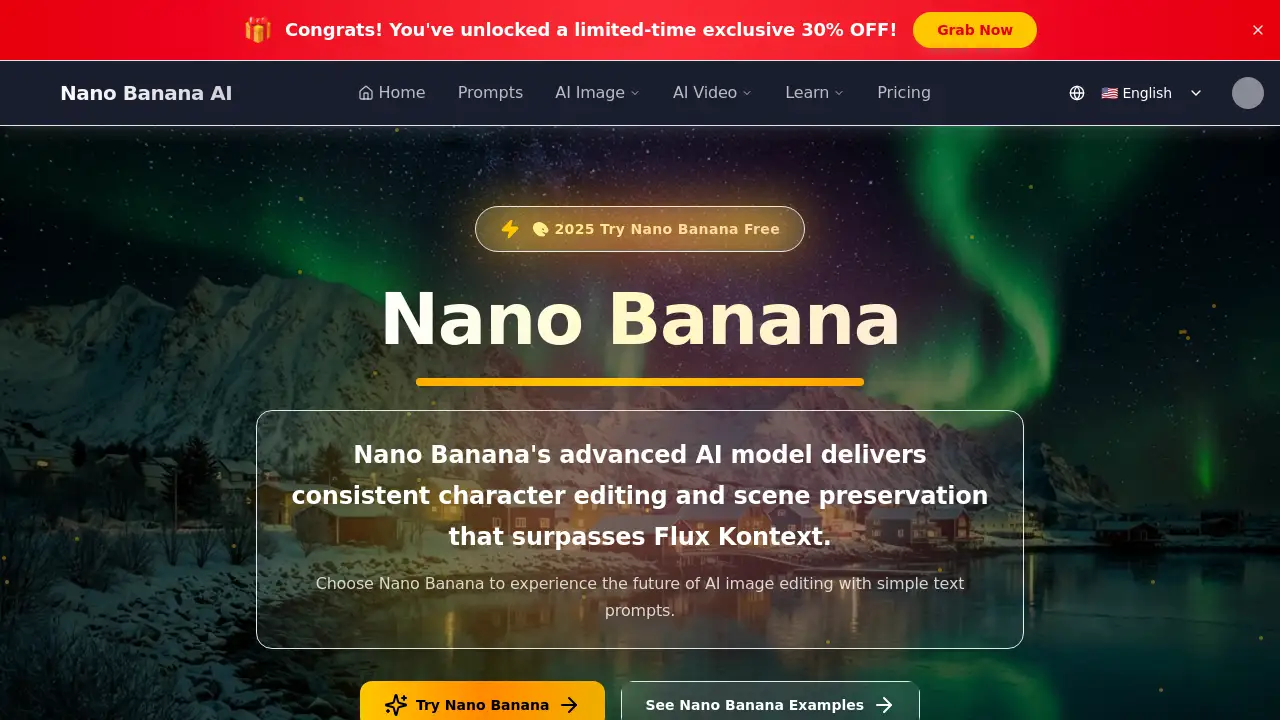
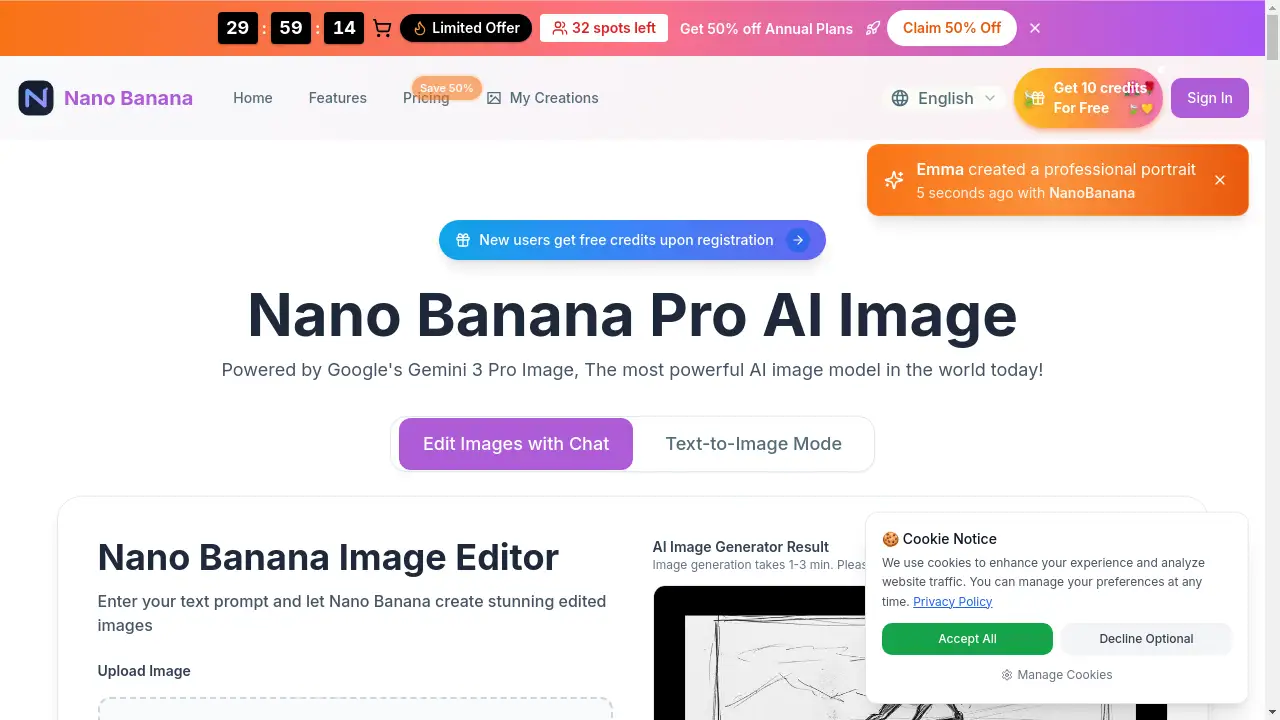
Nano Banana is a free AI image editor that transforms images using simple text prompts, powered by Google's Gemini 3 Pro Image model for fast, high-quality results.
What is Nano banana?
Nano Banana is a web-based AI image editor that allows users to generate and edit images using natural language descriptions. It addresses the common challenge of needing advanced design skills or complex software to make precise image alterations. By simply uploading an image and typing a request—such as "change the background to a beach" or "make this look like an oil painting"—users can achieve professional-looking edits in seconds. This tool is suitable for a wide range of users, from content creators and social media managers to small business owners and hobbyists. Its significance lies in democratizing AI image editing, making sophisticated visual transformations accessible, fast, and completely free to start without requiring an account.
Key Features of Nano banana
In-Context Image Generation
This feature enables seamless background changes and object additions by intelligently analyzing the original image's lighting, perspective, and composition for a natural-looking result.
Character Consistency
When editing portraits or characters, Nano Banana excels at making precise modifications to objects or styles while meticulously preserving the subject's core appearance and the original composition.
Local Editing Precision
Users can target specific parts of an image for edits, allowing for creative style transfers and detailed object changes without affecting the entire scene.
Natural Language Interface
The platform uses intuitive text prompts, eliminating the need for complex tools or technical knowledge, making AI image generation accessible to everyone.
High-Quality 2K Output
All edited images are generated natively in high 2K resolution, ensuring detailed and crisp results suitable for both digital use and print.
Lightning-Fast Generation
Leveraging innovative acceleration technology, the AI image editor completes most editing tasks in approximately three seconds.
Diverse Artistic Styles
Users can transform images into various aesthetics, including photorealistic, anime, and oil painting styles, directly from their text prompt.
Privacy-First Approach
All creations are private by default and only visible to the user, requiring no sign-up to begin editing.
Use Cases for Nano banana
Social Media Content Creation
Quickly refresh old photos, create engaging visuals with new backgrounds, or apply trendy art styles to stand out on platforms like Instagram and TikTok.
E-commerce and Product Photography
Easily remove or change backgrounds for product listings, create consistent styling across a catalog, or generate lifestyle scenes without expensive photoshoots.
Character Design and Concept Art
Iterate on character designs, adjust outfits or accessories, and explore different artistic styles while maintaining a consistent character look.
Marketing and Advertising Material
Generate unique visuals for blog posts, ads, and presentations by editing stock photos or original assets to perfectly match campaign themes.
Personal Photo Enhancement
Transform personal photos by improving landscapes, altering weather conditions, or applying fun artistic filters, all through simple text instructions.
How to Use Nano banana
Using the Nano Banana AI image editor is a straightforward three-step process:
- Upload an Image: Navigate to the website and upload the image you wish to edit. The tool supports JPG, PNG, and WEBP formats, with a maximum size of 10MB per image.
- Enter Your Text Prompt: In the provided text box, describe the changes you want. Be specific about elements like colors, style, objects to add/remove, or the new background. For example, "Change the background to a misty forest at dawn" or "Make this portrait in the style of a vintage comic book."
- Generate and Download: Click to generate. After a short processing time, your edited image will be ready. You can then download the high-resolution result.
Target Audience for Nano banana
- Content Creators and Social Media Influencers
- Digital Marketers and Small Business Owners
- Graphic Designers and Artists seeking rapid prototyping
- E-commerce Store Managers and Product Photographers
- Hobbyists and Individuals with no prior design experience
Is Nano banana Free?
Nano Banana offers a free-to-start model with optional paid plans for higher volume usage. The free tier provides initial credits to try the service. For ongoing needs, subscription plans offer monthly credit packs.
| Plan | Price (Billed Annually) | Key Features & Credits |
|---|---|---|
| Starter | $4.9/month ($58.8/year) | 50 credits/month, advanced features, HD downloads, commercial rights. |
| Professional (Best Value) | $9.9/month ($118.8/year) | 200 credits/month, all Starter features. |
| Agency | $19.9/month ($238.8/year) | 600 credits/month, all Professional features. |
All plans include high-resolution 2K output, multiple style variations, and priority email support. You can begin using the free AI image editor without any payment or sign-up.
Nano banana's Pros and Cons
| Aspect | Pros | Cons |
|---|---|---|
| Cost & Access | Free to start; no sign-up required. | Heavy users will need a paid plan due to the credit system. |
| Ease of Use | Extremely simple, natural language interface; no learning curve. | Output quality heavily depends on the user's ability to write clear prompts. |
| Speed & Quality | Very fast generation (~3 seconds); high-quality 2K native output. | The free tier has limited credits, restricting the number of edits. |
| Features | Powerful in-context editing and style transfer capabilities. | Currently focused on editing; lacks a standalone text-to-image generator from scratch. |
Frequently Asked Questions about Nano banana
Is Nano Banana really free to use?
Yes, Nano Banana is a free AI image editor at its core. You can start editing immediately without creating an account or providing payment details. The service provides initial free credits. For extensive, regular use, affordable paid plans with larger credit packs are available.
What image formats does it support?
The editor supports common image formats including JPG, PNG, and WEBP. Each uploaded image must be under 10MB in size.
How long does it take to generate an edited image?
Generation is typically very fast, with most edits completed in about three seconds. The interface indicates that results may take 1-3 minutes in some cases, but the technology is optimized for speed.
Can Nano Banana maintain consistency in a character's face across edits?
Yes, character consistency is one of its key features. When editing portraits, the AI is designed to make the requested changes while preserving the core identity and features of the subject in the original image.
What are credits, and how are they used?
Credits are the unit of consumption for using Nano Banana's AI processing. Each image generation or edit operation consumes one credit. The free tier offers a limited number, while subscription plans provide a monthly refresh of credits.
Do I have commercial rights to the images I create?
Yes, according to the pricing plan details, paid subscriptions include commercial usage rights for the images created and edited using the platform.
Nano banana Tags
Nano Banana, AI image editor, free AI image editor, AI image generation, edit images with AI, background change AI, character consistency AI, natural language image editing, Google Gemini AI, online photo editor, AI photo editor, text to image editor, fast image generation