Introduction
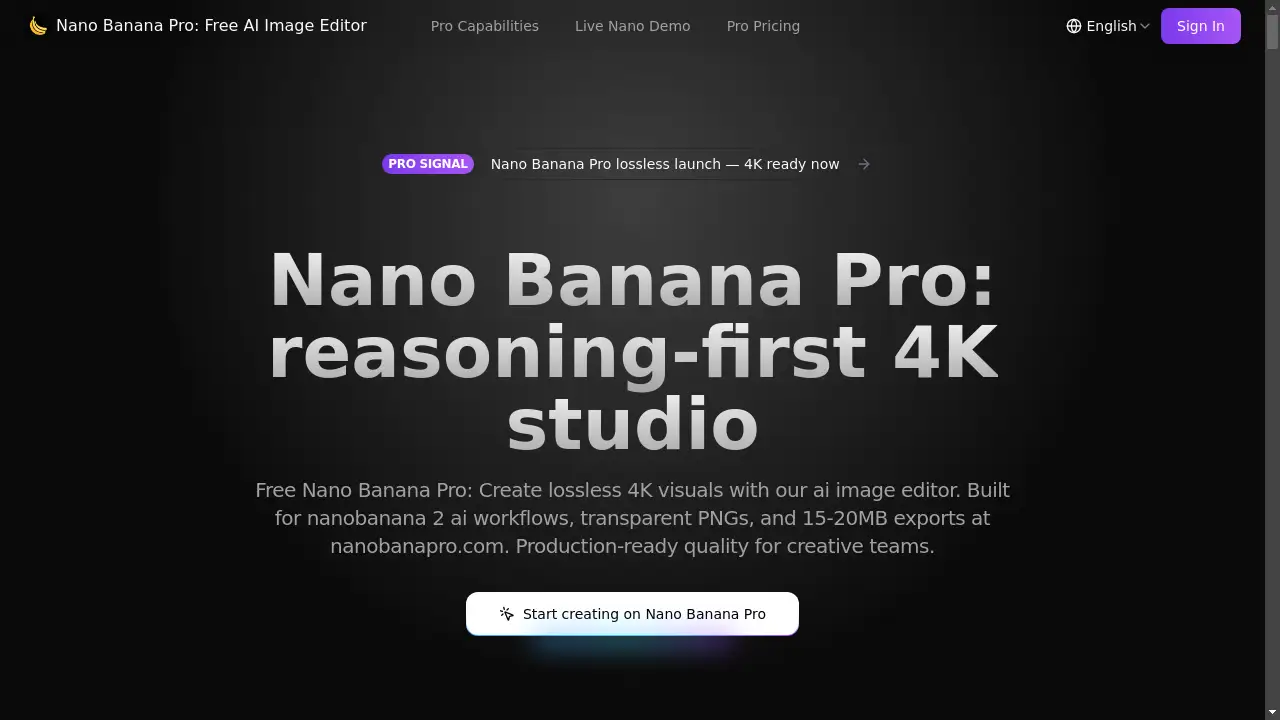
Create stunning 4K visuals in seconds with the Nano Banana Pro AI image editor.
What is Nano Banana Pro?
Nano Banana Pro is an advanced AI-powered image editing platform designed for creative teams and professionals. It addresses the common challenges in digital content creation, such as maintaining high-quality, lossless 4K resolution, ensuring brand consistency across multiple assets, and streamlining complex production workflows. The platform leverages its proprietary nanobanana 2 AI technology to provide a reasoning-first approach to image generation and editing. This means the AI doesn't just generate images; it plans, evaluates, and refines them to meet precise creative direction. It is particularly suitable for agencies, marketing teams, e-commerce businesses, and any regulated environments where predictable, high-fidelity, and auditable visual outputs are required. The core value of Nano Banana Pro lies in its ability to merge creative freedom with production-ready reliability, offering features like transparent PNG exports, typographic accuracy, and batch collaboration directly within its AI image editor.
Key Features of Nano Banana Pro
Lossless 4K Birth
Generate native 2K images with an automatic uplift to pristine 4K resolution, ensuring file sizes between 15-20MB are maintained for high-quality print and digital use, all while preserving transparency.
Prompt Fidelity Engine
Translate detailed creative prompts into pixel-perfect executions by parsing lens metadata, light cues, and color palettes, powered by the advanced interpretation of nanobanana 2 AI.
Typographic Accuracy
Render legible, production-ready text on various surfaces like curved packaging or UI panels, with vector-aware precision and perspective correction handled by the AI.
Consistency Choreographer
Maintain character DNA, scene memory, and lighting directions across dozens of image variants, with automated quality checks to flag inconsistencies.
Translation + OCR Lab
Convert and translate text within images or screenshots while preserving the original layout, kerning, and design integrity for multilingual projects.
Camera Grid + Lightbox
Design and adjust lighting states and camera angles interactively with real-time previews, allowing for on-the-fly creative adjustments without regenerating from scratch.
Smart Crop Intelligence
Automatically generate adaptive crops for different aspect ratios while protecting key subjects like logos and faces, using composition rules and subject priority detection.
Self-Correcting Pipeline
Each render undergoes an automated plan-generate-review-improve loop to fix common issues like anatomy errors or perspective mistakes before final export.
Batch Collaboration Hub
Invite team members to annotate, comment, and sync prompts on projects in real-time, with role-based access and a clear version history for streamlined teamwork.
Speed + Rate Limit Shield
Deliver results in under 10 seconds on average through intelligent edge caching and load balancing, preventing workflow interruptions from rate limits.
Watermark + Provenance
Every export includes SynthID for provenance tracking and optional overlay logos, providing compliance-ready documentation for enterprise audits.
Use Cases for Nano Banana Pro
Marketing Campaign Asset Creation
Quickly generate a cohesive suite of lossless 4K visuals for social media, ads, and media decks, ensuring brand consistency across all campaign materials.
E-commerce Product Visuals
Create high-quality, transparent PNG cutouts of products for online stores and catalogs, with accurate shading and detail for a professional presentation.
UI/UX Design Mockups
Produce precise visuals for app interfaces and website layouts, utilizing the typographic accuracy and perspective grid features for realistic mockups.
Multilingual Packaging Design
Efficiently adapt product packaging for different international markets by swapping text languages without breaking the original design layout.
Character and Scene Consistency for Media
Maintain consistent character appearances and scene lighting across a series of images for storyboards, animations, or game assets.
How to Use Nano Banana Pro
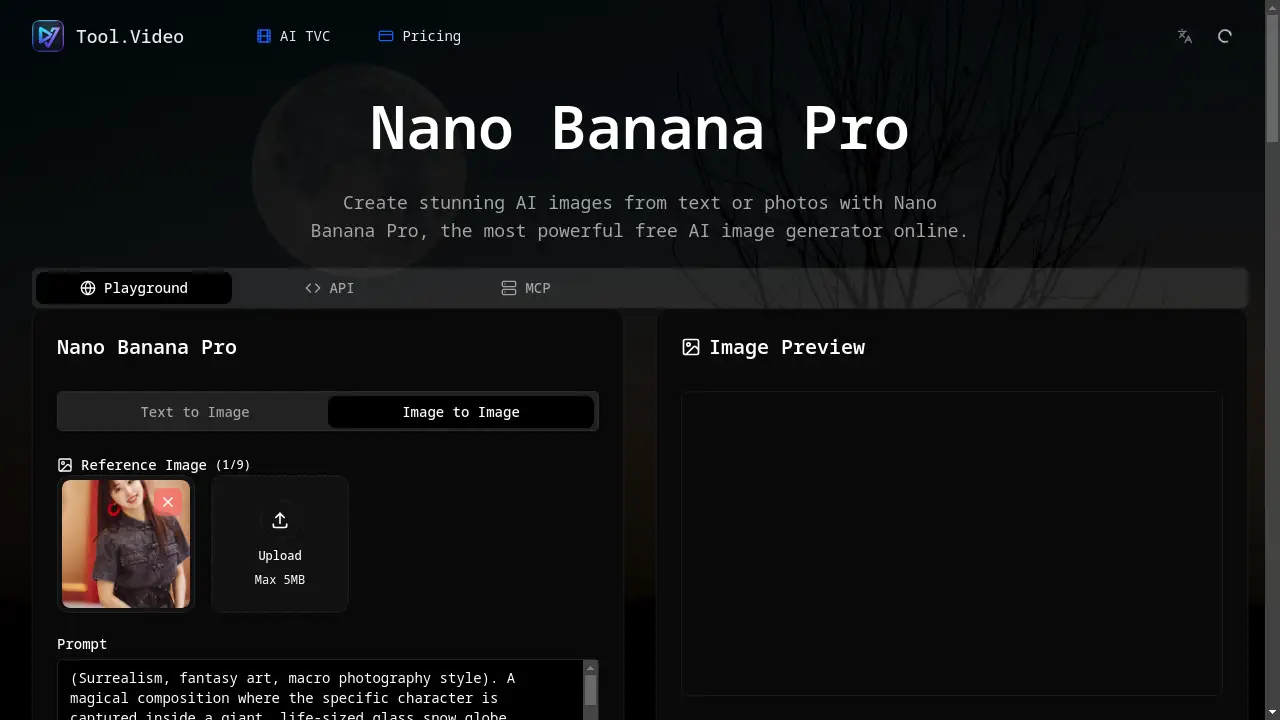
- Upload Your Image: Start by clicking to upload an image or dragging and dropping it into the Nano Banana Pro interface.
- Craft Your Prompt: In the prompt field, provide a detailed description of the desired edit, including subject, style, lighting, mood, and composition for best results.
- Configure Settings: Select your desired image dimensions and any specific features you wish to utilize, such as style locking or aspect presets.
- Generate and Review: The AI image editor, powered by nanobanana 2 AI, will process your request and deliver a production-ready, lossless 4K visual, often in under 10 seconds.
Target Audience for Nano Banana Pro
- Creative Agencies and Design Teams
- E-commerce Businesses and Product Marketers
- UI/UX Designers and Developers
- Social Media Content Creators and Managers
- Enterprise Teams in Regulated Industries (e.g., finance, healthcare)
- Marketing Professionals and Brand Managers
Is Nano Banana Pro Free?
Nano Banana Pro offers a free plan that allows users to create visuals without any sign-up, providing immediate access to its core AI image editor. For users requiring higher volume and advanced features, there are affordable premium options. These paid tiers, such as the "Basic" plan, offer a commercial license, priority queue, no watermark, and a generous monthly credit allowance for extended project work, making it a cost-effective solution for professional and team use.
Frequently Asked Questions about Nano Banana Pro
What kind of image quality does Nano Banana Pro output?
Nano Banana Pro specializes in creating lossless 4K visuals. It generates native 2K images with an automatic 4K uplift, resulting in high-fidelity files between 15-20MB, suitable for both digital and print media.
Can I use Nano Banana Pro for commercial projects?
Yes, the premium plans of Nano Banana Pro include a commercial license, allowing you to use the generated images for commercial purposes, such as client work, marketing campaigns, and product listings.
How does the nanobanana 2 AI technology improve image editing?
The nanobanana 2 AI is a reasoning-first engine that powers the platform. It goes beyond simple generation by planning, evaluating, and correcting images. This results in higher prompt fidelity, consistent character and scene generation, and automated quality checks for more reliable and production-ready outputs.
Does Nano Banana Pro support transparent backgrounds?
Absolutely. A key feature is its ability to export images, particularly product cutouts, as transparent PNGs with zero halo effect, which is essential for e-commerce and UI design workflows.
Is there a collaboration feature for teams?
Yes, Nano Banana Pro includes a batch collaboration hub. Teams can invite members, annotate renders in real-time, sync prompts, and manage version histories, making it ideal for creative teams and agencies.
What is the typical generation speed?
The platform is optimized for speed, with an average delivery time of under 10 seconds for most prompts, even complex ones, thanks to its edge caching and load-balancing infrastructure.
Nano Banana Pro Tags
Nano Banana Pro, AI image editor, nanobanana 2 AI, lossless 4K, create 4K visuals, free AI editor, transparent PNG, image generation, creative teams, marketing assets, e-commerce visuals, production-ready AI, batch image editing, prompt fidelity