Introduction
Nano Photo is a professional AI video and photo editor platform for creators.
What is Nano Photo?
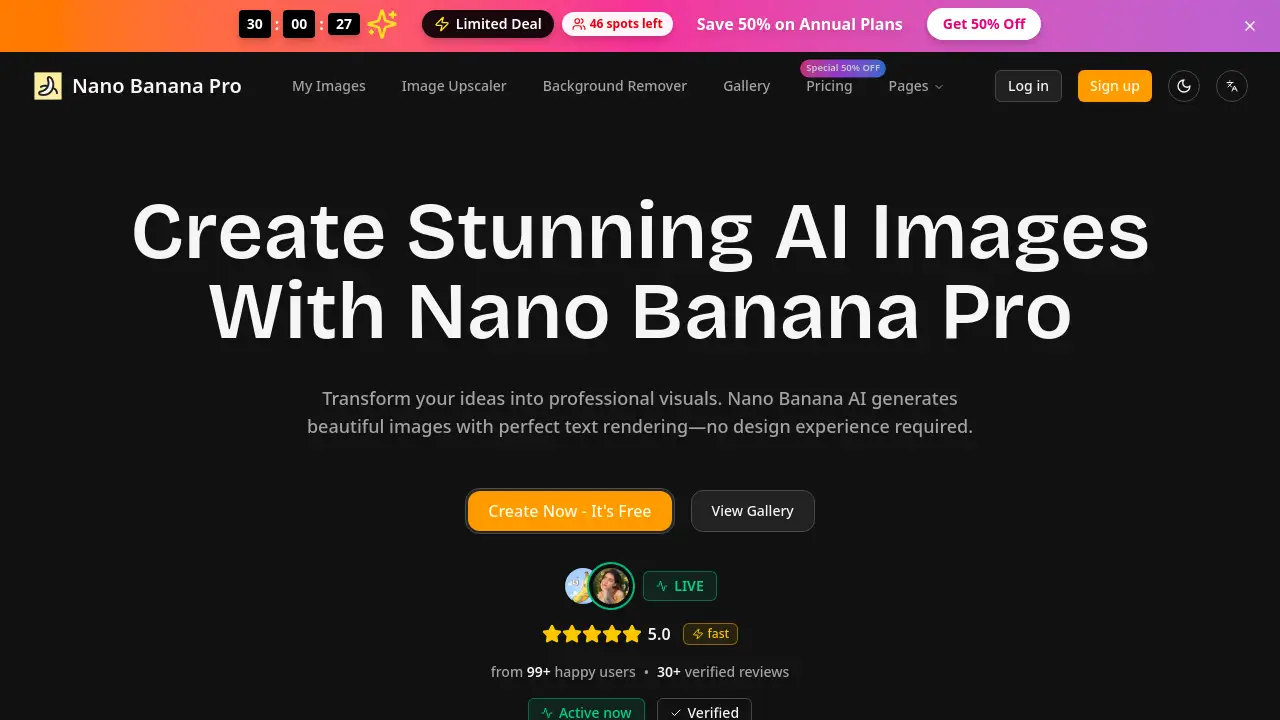
Nano Photo, also known as NanoPhoto.AI, is a comprehensive online platform that provides professional-grade AI video and photo editing tools. This platform solves the problem of complex and time-consuming digital media editing by leveraging advanced artificial intelligence to automate and enhance creative processes. It is suitable for a wide range of users, from individual content creators and photographers to professional studios and marketing teams. The platform's significance lies in its ability to make high-quality video and photo editing accessible and efficient, eliminating the need for extensive technical skills or expensive software. By integrating powerful AI models like OpenAI's Sora for video and Google's GEMINI for images, Nano Photo offers a streamlined solution for turning creative ideas into polished visual content.
Key Features of Nano Photo
AI Video Editing
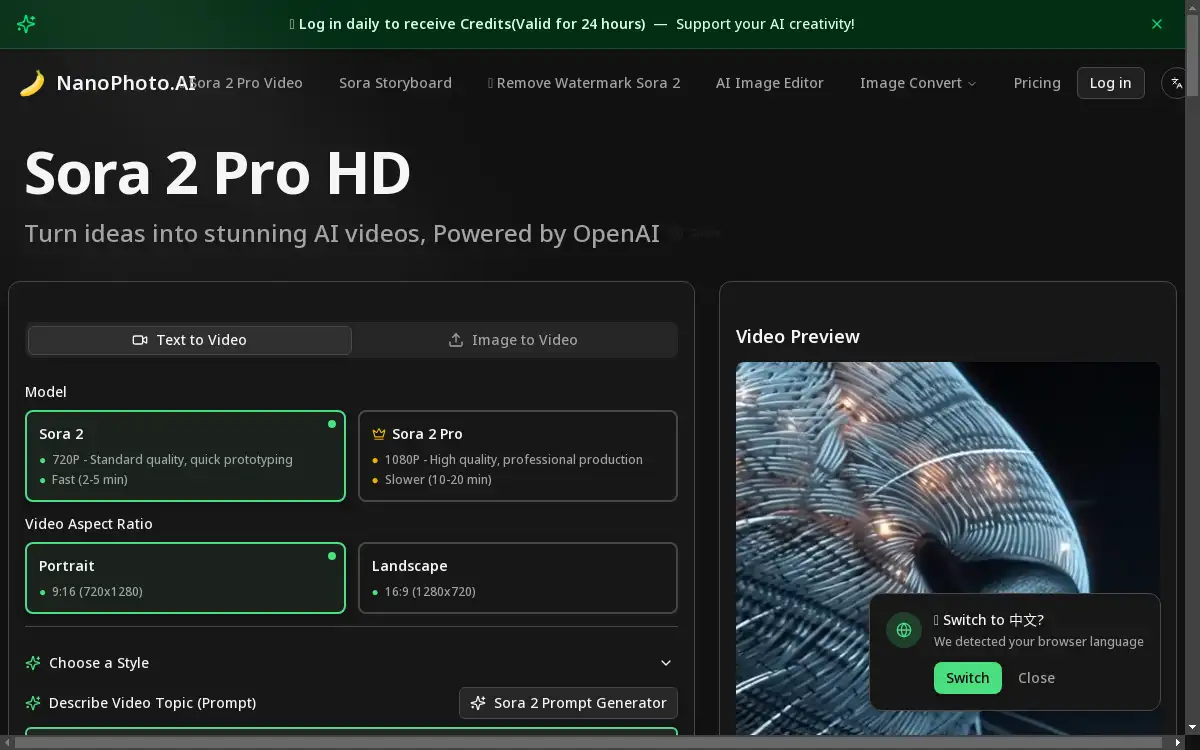
Nano Photo offers advanced AI video editing capabilities, including Sora 2 and Sora 2 Pro models, which allow users to generate high-definition videos from text prompts or images, supporting both standard and professional production needs.
AI Photo Editor
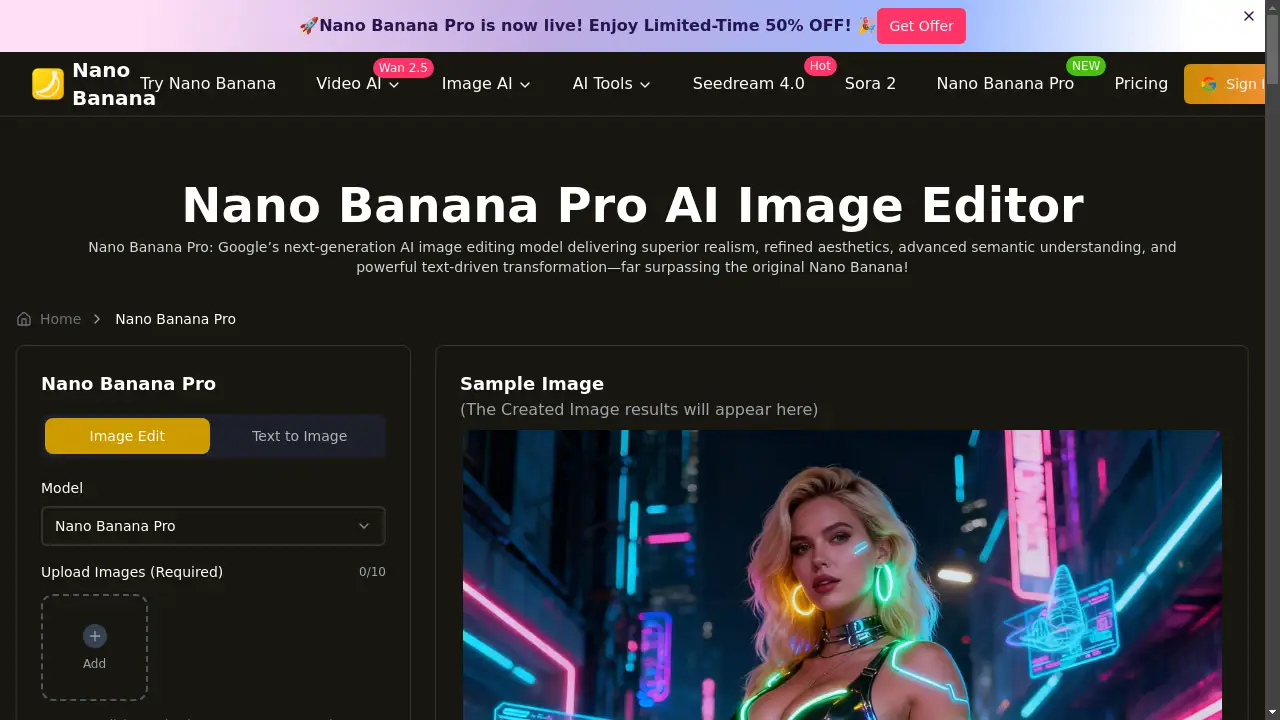
The platform includes a robust AI photo editor with 11 professional editing styles, such as removing people, changing hairstyles and hair colors, performing photo restoration, and applying creative effects like miniature figures and special effects halos.
AI Image Generation
Using the Google GEMINI model, Nano Photo enables users to generate entirely new images from textual descriptions, providing a powerful tool for brainstorming and creating unique visual assets from scratch.
Free Image Conversion
Users can convert images between various formats like JPG, PNG, WebP, and HEIC at no cost, ensuring compatibility across different platforms and use cases without requiring additional software.
Free Image Compression
The platform provides free image compression tools that reduce file sizes while maintaining visual quality, helping to optimize website loading speeds and save storage space.
AI Costume Change
This unique feature allows for virtual costume changes, applying a variety of cultural and historical outfits like Hanfu, Qipao, Kimono, and Victorian style to portraits with AI precision.
ID Photo Generation
Nano Photo can generate compliant ID photos for various official purposes, such as Singapore visa applications, with specific background colors and dimensions.
Remove Watermark Sora 2
A dedicated tool enables the removal of watermarks from Sora 2-generated videos, allowing for cleaner, professional-looking final products.
Use Cases for Nano Photo
Social Media Content Creation
Content creators can use the AI video and photo editing tools to quickly produce engaging, high-quality visuals for platforms like Instagram, TikTok, and YouTube, enhancing their online presence.
Professional Photography Workflow
Photographers can integrate the AI photo editor into their post-processing workflow to efficiently perform tasks like portrait retouching, background changes, and creative stylization for client deliverables.
E-commerce Product Listings
Online store owners can utilize the image editing and generation features to create attractive product images, restore old product photos, and compress images for faster website loading.
Marketing and Advertising
Marketing teams can leverage the AI video generation to create promotional videos from text ideas and use the creative design features to produce eye-catching advertising materials.
Personal Photo Enhancement
Individuals can use the platform to restore old family photos, experiment with new looks using the hairstyle and costume change features, and create personalized ID photos from home.
How to Use Nano Photo
Using Nano Photo is a straightforward process designed for user convenience. First, visit the NanoPhoto.AI website and create an account to get started; users can log in daily to receive free credits. For AI video creation, select either the Sora 2 or Sora 2 Pro model, choose your desired aspect ratio and style, then input your text prompt or upload an image to generate your video. For photo editing, upload your image, select from the various editing styles like portrait sketch or magazine cover, and apply the desired effect. Finally, preview the results, make any necessary adjustments, and download your final video or edited image to your device.
Target Audience for Nano Photo
- Content creators and social media influencers
- Professional photographers and photo retouchers
- Graphic designers and digital artists
- E-commerce business owners and managers
- Marketing professionals and advertising agencies
- Individuals seeking easy-to-use photo enhancement tools
Is Nano Photo Free?
Nano Photo operates on a credit-based system but offers ways to use the platform for free. Users can log in daily to receive credits that are valid for 24 hours, supporting ongoing AI creativity without immediate payment. For more consistent usage, the platform provides several affordable premium options. The Basic plan starts at $15 per month, offering 150 credits. The Popular Pro plan is $39 monthly with 800 credits, while the Max plan at $80 per month provides 1600 credits for heavy users and enterprises. All paid plans include access to all style templates, with higher tiers offering priority generation queues and dedicated support, presenting good value for professional users.
Frequently Asked Questions about Nano Photo
What is Nano Banana Photo AI?
Nano Banana Photo AI is another name for the NanoPhoto.AI platform, a professional online service that provides AI-powered video and photo editing tools, including video generation, image editing, and creative design features.
What features does Nano AI photo editor support?
The Nano AI photo editor supports numerous features including 11 professional editing styles such as changing hairstyles, removing people, altering hair colors, photo restoration, creating magazine covers, generating miniature figures, and applying creative doodles and special effects.
How does Photo Banana AI ensure image quality?
Photo Banana AI utilizes advanced AI models like Google GEMINI to process images, maintaining high quality through sophisticated algorithms that preserve details while applying edits, and offers different resolution options for various use cases.
What image formats does Banana Photo AI support?
The platform supports common image formats including JPG, PNG, WebP, and HEIC, with a maximum file size of 50MB and the ability to upload up to 3 images at once for processing.
How to get started with Nano Banana AI?
To get started, simply visit the NanoPhoto.AI website, create an account, and explore the various AI editing tools; new users can begin with the daily free credits to experiment with different features before committing to a subscription.
What is the difference between Sora 2 and Sora 2 Pro video generation?
Sora 2 generates 720P standard quality videos quickly in 2-5 minutes, ideal for prototyping, while Sora 2 Pro creates 1080P high-quality videos in 10-20 minutes, suitable for professional production requiring higher resolution and detail.
Nano Photo Tags
Nano Photo, NanoPhoto.AI, AI video editor, AI photo editor, Sora 2 Pro, Sora Storyboard, remove watermark, AI image generation, photo editing online, free image conversion, AI costume change, professional photo processing, content creation tools