Introduction
A self-hosted, open-source personal AI assistant for controlling your computer.
What is openclaw ai?
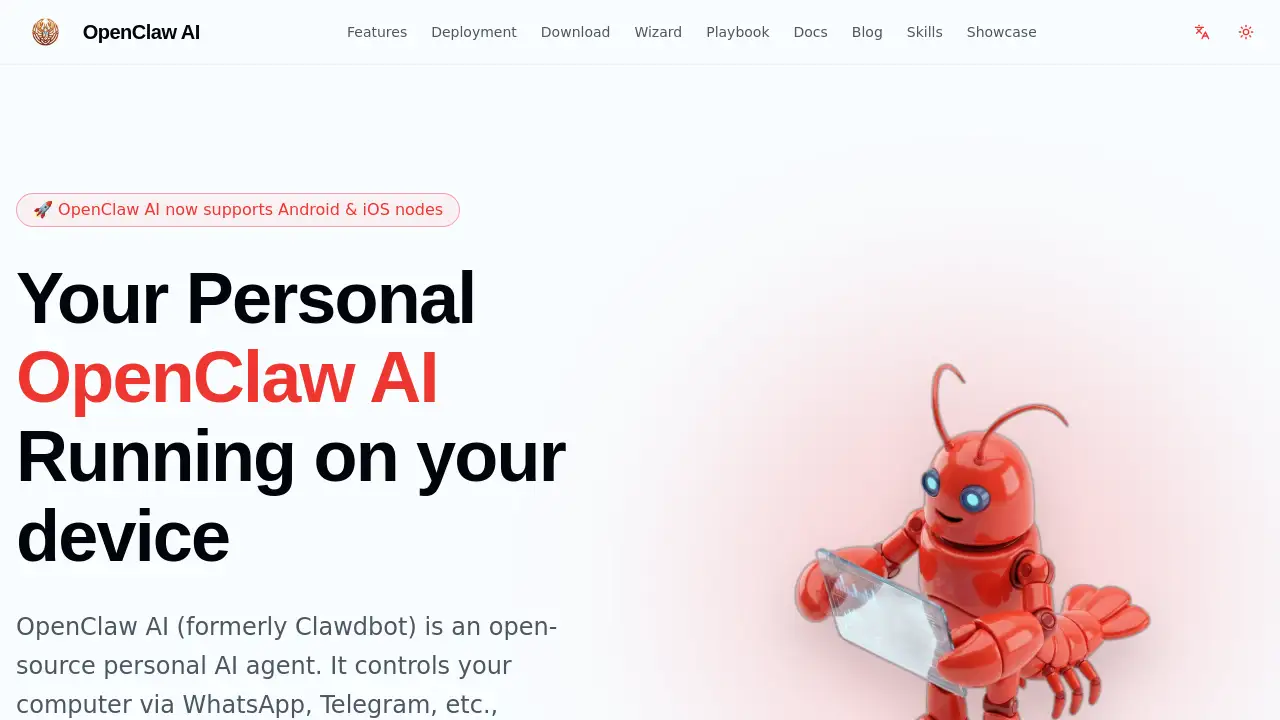
OpenClaw AI is an open-source personal AI agent designed to act as a self-hosted AI assistant. It solves the problem of privacy and control in AI automation by allowing users to run the assistant directly on their own devices or private servers. This privacy-first AI enables users to control their computer and perform tasks through popular messaging channels like WhatsApp and Telegram, with all data remaining under their complete control. It is suitable for tech-savvy individuals, developers, and privacy-conscious users who want powerful automation without relying on cloud services. The platform has evolved from its predecessor, Clawdbot, into a more robust AI agent runtime environment capable of handling complex workflows.
Key Features of openclaw ai
Open Source and Self-Hosted
As an open-source project, it provides full transparency and allows users to host the personal AI assistant on their own machine or private server, ensuring data sovereignty.
Privacy-First Architecture
All user data and task execution remain local, adhering to a "your machine, your rules" principle for a truly private AI experience.
Omnichannel Integration
The assistant can be accessed and controlled through over 50 different channels, including WhatsApp, Telegram, Discord, and Slack, making it highly accessible.
Powerful Task Execution
Beyond simple chat, it offers built-in browser control, file operations, and code execution capabilities to automate and complete complex digital tasks.
Interactive Configuration Wizard
A user-friendly wizard helps generate the complete configuration file by answering simple questions, lowering the barrier to entry for setup.
Extensible Agent Skills
Users can discover, install, and manage custom skills from a dedicated marketplace to extend the core functionality of their OpenClaw AI agent.
Core Gateway and Multi-Agent Support
The local-first WebSocket control plane supports multi-agent routing and permission management, forming the backbone of its infrastructure.
Mobile Device Nodes
It can turn iOS and Android devices into nodes, granting the AI assistant access to hardware features like the camera, location, and voice wake-up.
Use Cases for openclaw ai
Automated Web Research and Summarization
Users can instruct their self-hosted AI assistant to open a browser, visit specific websites, extract information, and summarize the findings directly into a document.
Personal File Management and Organization
The assistant can be tasked with sorting downloads, renaming batches of files, or moving documents to specific folders based on content, all via a simple chat command.
Cross-Platform Notification and Task Management
By integrating with channels like Slack or Telegram, it can serve as a unified command center to receive alerts and trigger automated workflows across different devices.
Development and Coding Assistance
Developers can use the agent to execute code snippets, run tests, or manage version control operations directly from a messaging app, streamlining their workflow.
Smart Home and IoT Control via Mobile
Using an Android or iOS device as a node, OpenClaw AI can interact with local network APIs to control smart lights, thermostats, or other connected devices through voice or chat.
How to Use openclaw ai
- Installation: Begin by installing OpenClaw AI globally using Node Package Manager with the command:
npm install -g openclaw@latest. - Configuration: Use the interactive online configuration wizard on the official website to generate a custom JSON config file by answering a few questions about your preferred channels and API keys.
- Setup and Connection: Run the OpenClaw AI application with your configuration file. Then, link your desired messaging channel (e.g., WhatsApp) by following the authentication steps provided by the agent.
- Start Automating: Once connected, you can start sending commands to your personal OpenClaw AI assistant via the linked chat app to control your computer and automate tasks.
Target Audience for openclaw ai
- Developers and engineers seeking to automate their development environment and workflows.
- Privacy-conscious users and professionals who require AI assistance without sending data to third-party clouds.
- Tech enthusiasts and hobbyists interested in experimenting with open-source AI and home automation.
- Small teams or individuals looking for a customizable, self-hosted alternative to cloud-based AI assistants.
Is openclaw ai Free?
Based on the available reference information, OpenClaw AI is presented as an open-source project. The installation command and core features are accessible without mention of a paid tier. Users should check the official GitHub repository or website for the most current details regarding licensing, potential premium features, or support plans.
openclaw ai's Pros and Cons
| Aspect | Pros | Cons |
|---|---|---|
| Privacy & Control | Complete data sovereignty; everything runs locally on your machine. | Requires user to manage their own server/device hosting and security. |
| Flexibility | Highly customizable and extensible through open-source code and skills. | Setup and configuration have a technical learning curve for non-developers. |
| Accessibility | Available through dozens of familiar messaging apps (WhatsApp, Telegram, etc.). | Initial setup for some channels may require technical steps. |
| Cost | The core software is free and open-source. | Potential indirect costs for hosting on a private server or using paid AI APIs. |
Frequently Asked Questions about openclaw ai
Is OpenClaw AI really free to use?
Yes, the core OpenClaw AI software is free and open-source. You can download, install, and use it without a subscription fee. Costs may only be incurred if you choose to use it with paid third-party AI APIs or host it on a cloud server.
What messaging apps does this AI assistant support?
OpenClaw AI supports omnichannel integration with over 50 platforms. This includes popular apps like WhatsApp, Telegram, Discord, and Slack, allowing you to control your assistant from virtually anywhere.
Do I need to be a programmer to set up OpenClaw AI?
While technical knowledge is beneficial, the interactive configuration wizard significantly simplifies the process. The wizard guides you through generating the necessary files by answering questions, making the initial setup more accessible.
How does the "self-hosted" aspect protect my privacy?
As a self-hosted AI assistant, OpenClaw AI runs entirely on your own computer or a server you control. This means all data processed by the AI, your files, and your commands never leave your private environment, offering a privacy-first solution.
Can OpenClaw AI control my mobile phone?
Yes, with its device nodes feature, you can configure OpenClaw AI to use an iOS or Android device as a node. This allows the assistant to access certain phone features like the camera or location, and respond to voice wake-up commands.
What kind of tasks can this personal AI agent perform?
The agent can perform a wide range of tasks via its built-in skills, including controlling a web browser, managing files, executing code, and integrating with other services. Its capabilities can be further expanded by installing additional skills from the marketplace.
openclaw ai Tags
openclaw ai, self-hosted AI assistant, open source AI agent, personal AI assistant, privacy-first AI, automate computer tasks, WhatsApp AI control, Telegram bot, AI agent runtime, local AI automation, omnichannel AI, AI browser control, mobile AI node, AI home automation, Clawdbot alternative