Introduction
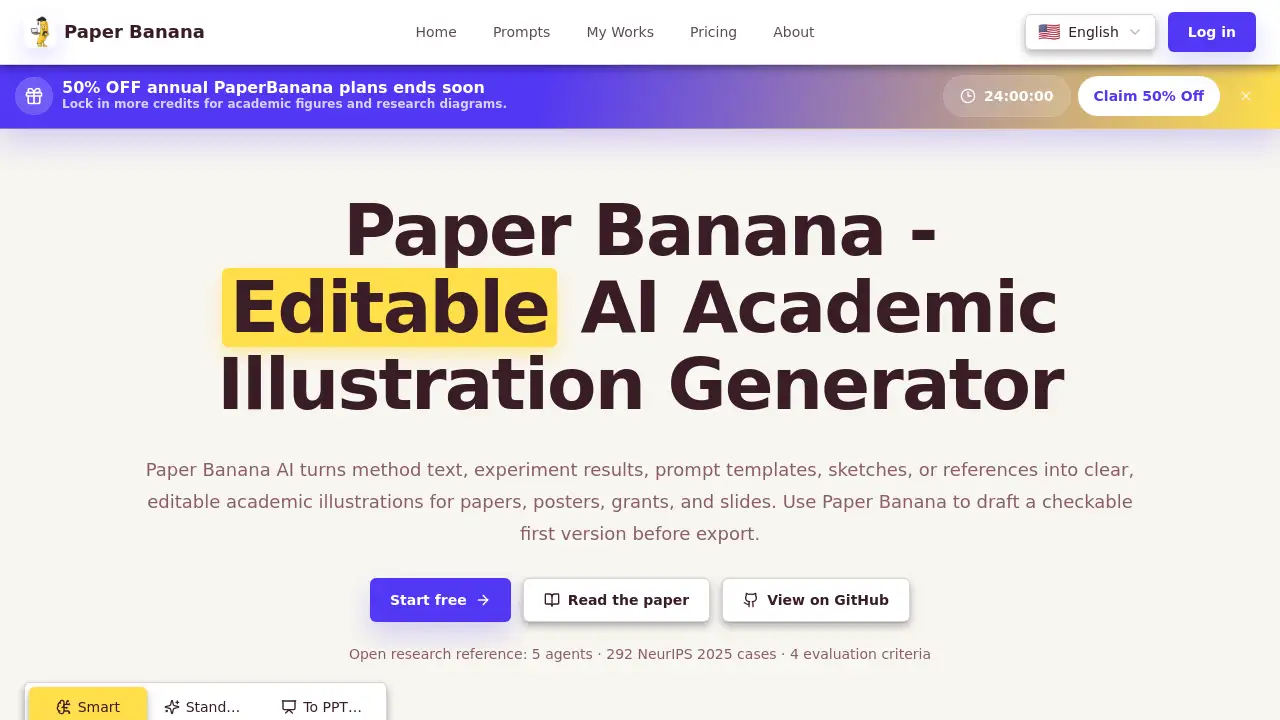
Paper Banana is an AI academic illustration generator that turns method text, experiment results, sketches, and prompt templates into editable academic illustrations for papers, posters, grants, and slides. Paper Banana AI produces a checkable first draft quickly, so researchers can review labels and refine the final version before publication. With built-in prompt templates and a free starter credit system, this AI academic illustration generator makes scientific diagram creation faster and more accessible for students, researchers, and academic teams.
What is Paper Banana?
Paper Banana is a web-based AI academic illustration generator designed to help researchers create clear scientific diagrams without manual drawing. The tool converts method paragraphs, experimental results, rough sketches, and prompt templates into editable academic illustrations for papers, posters, grants, and slides.
The main problem Paper Banana solves is time. Creating publication-quality figures with general design tools is slow and requires visual skills. Paper Banana AI removes that barrier by generating a structured first version from plain text. The model architectures, workflow diagrams, comparison charts, and evaluation panels it produces are clean, vector-style, and consistent with modern academic writing. This makes the academic illustration generator especially useful for researchers who are not confident in visual design.
What makes Paper Banana different from typical image generators is editability. Many AI tools create static images, but Paper Banana supports export to editable PPT and draw.io files. This lets users adjust labels, colors, and layout in familiar editing programs. The project also shares open research references, including 292 NeurIPS 2025 cases and four evaluation criteria, showing that this academic illustration generator is grounded in real research needs.
Key Features of Paper Banana
Plain-Text Figure Generation
Paper Banana AI reads method text, prompt templates, or experiment summaries and generates a first version of an academic illustration. Users can input up to 32,000 characters of paper context and figure requests.
Fully Editable Academic Illustrations
Paper Banana does not lock users into static images. The generated diagrams can be exported as editable academic illustrations in PPT or draw.io format, so labels, colors, and arrows can be adjusted after generation.
Prompt Template Library
Paper Banana includes ready-to-use prompt templates for transformer encoder-decoder architectures, RAG pipelines, multi-agent collaboration frameworks, decision trees, positioning matrices, and comparison maps.
Style, Language, and Context Control
Paper Banana lets users set a style model, figure language, and paper context before generation. This helps the academic illustration generator match the visual tone of a manuscript, poster, or slide deck.
Smart Preview and Iteration
Paper Banana generates a preview in the browser, allowing researchers to review labels and structure before exporting. This check-and-refine loop is valuable for accurate research figure creation.
Flexible Export Options
Paper Banana offers PNG, editable PPT, and draw.io exports. PNG costs 8 credits, while editable formats cost 16 credits each, giving researchers control over cost and reuse.
Use Cases for Paper Banana
Model Architecture Diagrams
Researchers use Paper Banana AI to visualize transformer encoder-decoder architectures, RAG pipelines, and multi-agent collaboration frameworks in their papers.
Method Workflow Figures
Method sections can be converted into step-by-step workflow diagrams that help reviewers understand complex experimental designs.
Comparison Charts and Matrices
Researchers rely on this academic illustration generator for four-quadrant matrices, radar charts, and pros-and-cons mind maps in related-work sections and survey papers.
Poster and Slide Visuals
Because exports include editable PPT files, researchers can reuse academic illustrations directly in conference posters and presentation slides.
Grant Proposal Illustrations
Grant writers use Paper Banana to generate clear diagrams that explain proposed methods, system components, and project timelines in funding applications.
How to Use Paper Banana
- Visit paper-banana.studio and sign in with an account.
- Claim the 15 free starter credits or choose a 50% off annual plan.
- Paste method text or pick a prompt template from the library.
- Adjust paper context, figure language, style model, aspect ratio, and quality.
- Click generate, then review the preview and refine labels with the academic illustration generator.
- Export the editable academic illustrations as PNG, PPT, or draw.io files.
Target Audience for Paper Banana
- Academic researchers and professors
- Graduate students writing theses and papers
- Postdoctoral researchers preparing publications
- Research labs and university groups
- Scientific illustrators and visual communicators
- Grant writers and research development teams
Is Paper Banana Free?
Paper Banana offers 15 starter credits after sign-in, so new users can test the AI academic illustration generator without paying. For heavier workloads, annual plans are available and currently offered at 50% off for a limited time.
| Plan | Price | Features |
|---|---|---|
| Free | $0 | 15 starter credits, AI academic illustration generator access, PNG export |
| Annual | 50% off (limited time) | More credits, editable PPT and draw.io export, full template access |
Pricing details can change, so it is best to check the official Paper Banana pricing page for current rates.
Paper Banana's Pros and Cons
| Aspect | Pros | Cons |
|---|---|---|
| Ease of use | Generates polished draft figures from plain text | Complex figures may still need manual refinement |
| Editability | Exports to editable PPT and draw.io | Editable exports cost more credits |
| Templates | Helpful prompt templates for common academic figures | Template styles may look similar across projects |
| Research backing | Open reference includes NeurIPS 2025 cases | Project is still relatively new |
| Pricing | Free starter credits available | Credit system may limit heavy users |
Frequently Asked Questions about Paper Banana
What is Paper Banana used for?
Paper Banana is used to create editable academic illustrations for research papers, posters, grants, and slides. It converts method text, prompt templates, and sketches into structured diagrams such as model architectures, workflows, and comparison charts.
Does Paper Banana generate editable figures?
Yes. The platform exports editable academic illustrations in PPT and draw.io formats. Users can open these files in PowerPoint or diagram editors to adjust labels, colors, and shapes after the AI generates the draft.
Is Paper Banana free to use?
Paper Banana gives 15 free starter credits after sign-in. Additional generation and export work requires credits. Annual plans are available at 50% off for a limited period.
What types of academic illustrations can Paper Banana create?
This AI academic illustration generator can produce model architecture diagrams, method pipelines, decision trees, radar charts, positioning matrices, mind maps, and infographics commonly used in academic papers.
Do I need design skills to use Paper Banana?
No. The tool is designed for researchers and students without design experience. Users describe the figure in natural language, and the AI academic illustration generator builds the first version automatically.
How many credits does exporting cost?
PNG export costs 8 credits, while editable PPT and draw.io exports cost 16 credits each. Users can preview generated figures before deciding which export format to choose.
Paper Banana Tags
Paper Banana, AI academic illustration generator, editable academic illustrations, research figure generator, scientific diagram AI, AI illustration tool, academic paper figures, model architecture diagrams, method workflow diagrams, poster figures for researchers, draw.io export, prompt templates for academics