Introduction
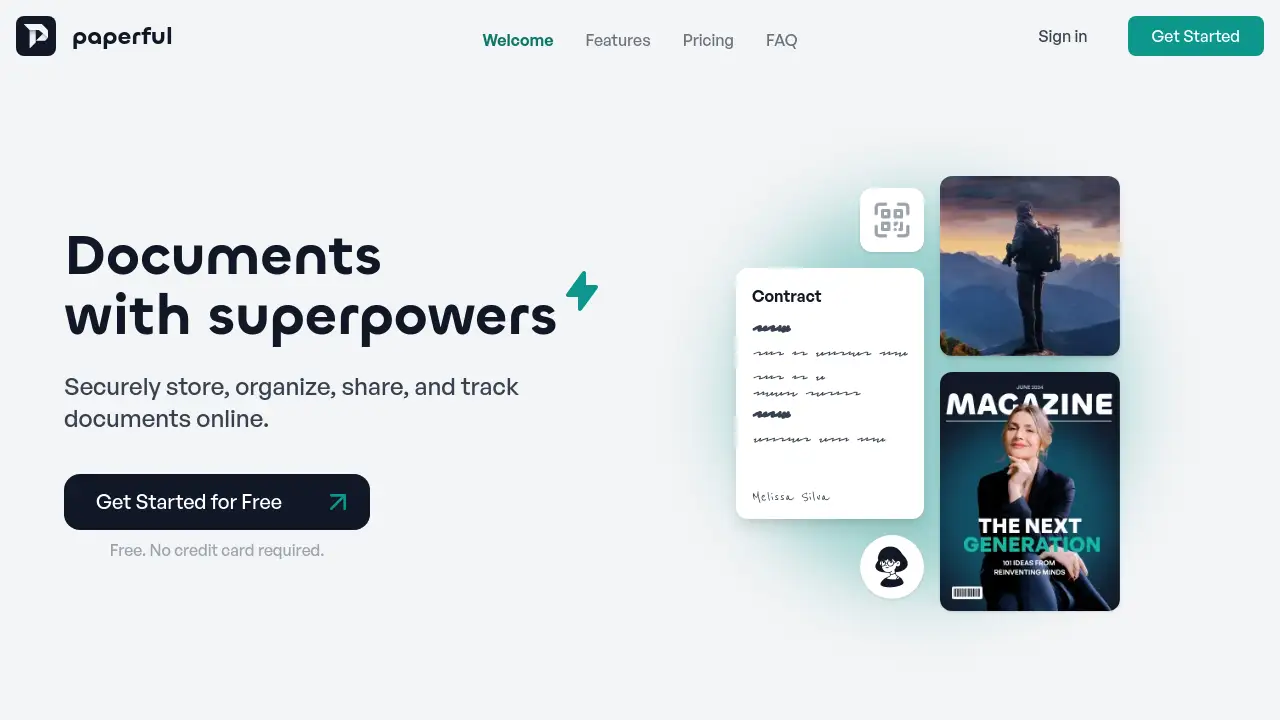
Paperful is an online tool to securely store, organize, share, and track documents.
What is Paperful?
Paperful is a secure document management platform designed to simplify how individuals and teams handle digital files. It solves the common problems of scattered documents, insecure sharing, and lack of visibility into what happens after a file is sent. The platform allows users to store various file types in one centralized location, organize them logically, share them with internal or external parties, and crucially, track engagement in real-time from the first view to the final page. This is particularly valuable for professionals who need to manage contracts, proposals, reports, or any document where knowing if and when it was opened, viewed, or downloaded matters. By providing a clear audit trail, Paperful helps improve accountability, speed up workflows, and enhance collaboration without compromising on security.
Key Features of Paperful
Centralized Secure Storage
Paperful provides a single, secure repository for all your important documents, supporting common formats like PDFs, JPGs, and PNGs, so everything is kept in one safe place.
Intuitive Document Organization
Users can efficiently organize documents within personal or team workspaces, making it easy to categorize, find, and manage files without clutter.
Flexible Sharing Options
Share documents instantly via public links, internally with team members, or externally with clients, all without requiring the viewer to have an account.
Advanced Tracking and Analytics
Gain insights into document engagement with real-time tracking that shows when a document is opened, viewed, and for how long, providing valuable analytics on viewer interaction.
Team Collaboration Tools
The platform supports team collaboration with features like advanced permissions and shared workspaces, enabling seamless cooperation on projects and documents.
Custom Branding
For professional presentations, users can apply custom branding to shared documents and collections, ensuring a consistent and polished look for external communications.
Use Cases for Paperful
Managing Contracts and Proposals
Professionals can send contracts or sales proposals and track exactly when they are opened and reviewed, allowing for timely follow-ups and reducing deal cycle times.
Sharing Client Reports and Portfolios
Agencies and freelancers can share project reports or design portfolios with clients and receive analytics on which pages or sections received the most attention.
Organizing Internal Company Documents
Teams can use Paperful as a secure internal hub for storing and organizing important company policies, training materials, and project documentation.
Distributing Educational Materials
Educators and trainers can share course materials or handouts and track student engagement to see which resources are being utilized most effectively.
How to Use Paperful
Getting started with Paperful is a straightforward process designed for ease of use.
- Sign Up: Create a free account on the Paperful website. No credit card is required to begin.
- Upload Documents: Start by uploading your documents, such as PDFs or images, into your secure personal or team workspace.
- Organize and Share: Arrange your files into logical collections. To share, simply generate a secure link for the document or folder you wish to distribute.
- Track Engagement: Once shared, use the dashboard to monitor real-time analytics on who has viewed your documents and their engagement level.
- Collaborate: Invite team members to your workspace, set permissions, and work together on documents, upgrading to a Pro plan for advanced team features.
Target Audience for Paperful
- Freelancers and Consultants: Who need to share proposals, contracts, and deliverables professionally and track client engagement.
- Small to Medium Business Teams: Especially in sales, legal, HR, or marketing, requiring organized document sharing and collaboration.
- Agencies and Creative Professionals: Such as designers, marketers, and lawyers who share portfolios, reports, and legal documents with clients.
- Educators and Trainers: Looking to distribute materials and gain insights into how students or trainees are interacting with the content.
Is Paperful Free?
Paperful offers a free Starter plan with the option to upgrade for more advanced features.
| Plan | Price | Key Features |
|---|---|---|
| Starter | Free | Securely store & organize documents, up to 10 shared documents, basic tracking (7-day history), personal workspace. |
| Pro | $12 per user/month | Everything in Starter, plus real-time engagement tracking, team collaboration, internal & external sharing, advanced permissions, and custom branding. |
The free plan allows users to test core functionalities, and upgrading to Pro unlocks full team collaboration and advanced document tracking capabilities.
Paperful's Pros and Cons
| Aspect | Pros | Cons |
|---|---|---|
| Pricing & Accessibility | Generous free Starter plan; clear, simple Pro pricing per user. | Advanced features like extended analytics and team tools require a paid subscription. |
| Ease of Use | Intuitive interface; viewers need no account to access shared links. | Some organizational features for large document libraries may have a learning curve. |
| Features & Functionality | Strong core features for secure storage, sharing, and essential document tracking. | Currently supports static files (PDFs, images); may not handle live/editable documents like Google Docs. |
| Security & Privacy | Uses industry-standard encryption and secure data transmission protocols. | As a cloud-based service, it relies on the provider's infrastructure and security practices. |
Frequently Asked Questions about Paperful
Is my data secure with Paperful?
Yes. Paperful employs industry-standard encryption for data at rest and in transit, along with secure data transmission protocols and role-based access controls to protect your documents and workspace information.
Is there a free plan available?
Yes. Paperful offers a free Starter plan that includes essential document storage, basic sharing for up to 10 documents, and fundamental tracking analytics, allowing anyone to start using the platform at no cost.
What file types does Paperful support?
Paperful supports common static document formats. This includes PDF files and various image types such as .jpg, .png, .heic, and static .gif files.
Can I share documents publicly with anyone?
Yes. You can instantly generate public links to share individual documents or entire collections. Recipients can view the shared content without needing to create or sign into a Paperful account.
Can I cancel my subscription anytime?
Yes. You can cancel your Pro subscription at any time directly from your account settings. Upon cancellation, your account will revert to the free Starter plan, and you will retain access to your stored documents and data.
Do the people I share with need an account?
No. Viewers, clients, or customers do not need a Paperful account to access documents you share with them. You are only billed for team members who actively collaborate within your workspace.
Paperful Tags
document management, secure document sharing, track document views, PDF tracker, online document storage, team collaboration tools, contract management software, document analytics, share documents online, Paperful review, digital workspace, file organization