Introduction
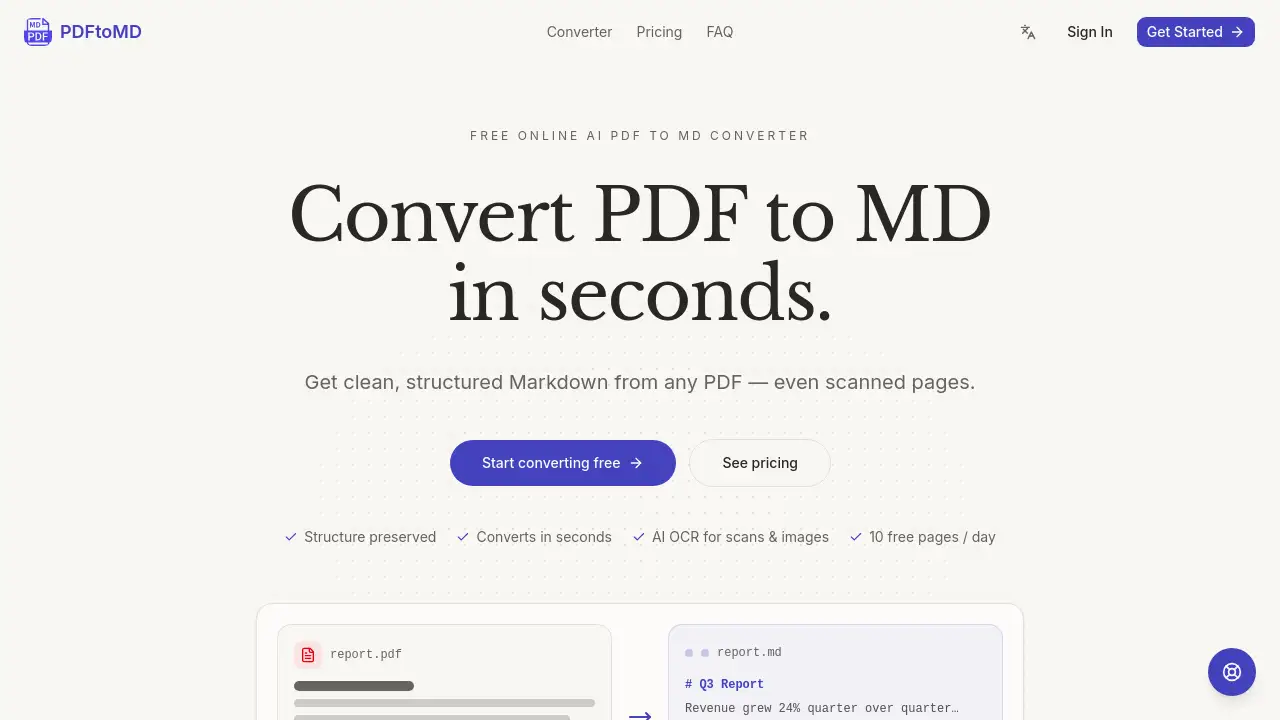
Convert any PDF to MD in seconds with PDFtoMD, a free online AI PDF to MD converter that turns PDF files into clean, structured Markdown.
What is PDFtoMD?
PDFtoMD is a free online AI PDF to MD converter designed to solve a common problem: extracting text from PDF files without losing structure. PDFs are great for printing but difficult to edit or reuse. This tool transforms static PDF content into portable, structured Markdown. It handles both digital PDFs and scanned pages using AI-powered OCR. The PDF to MD conversion preserves headings, lists, and paragraphs, making the output ready for note-taking apps, documentation tools, and AI workflows. It is suitable for students, developers, content creators, and anyone who regularly works with PDF content and needs a reliable PDF to MD converter. By automating the process, it eliminates the tedious manual work of copy-pasting and reformatting.
Key Features of PDFtoMD
Accurate Extraction
The PDF to MD engine reads the text layer in digital PDFs, ensuring correct reading order and no OCR noise. This gives users a clean Markdown copy that matches the original source.
Structure Preserved
When you convert PDF to MD, the tool detects headings, paragraphs, and lists and writes them as proper Markdown syntax. The result is real document structure, not a block of unformatted text.
Built for Speed
Most documents go from PDF to MD in seconds. Users can copy the result straight into their editor and continue working without delay.
AI Reads Scans & Images
Scanned pages and image-based PDFs are supported using AI-powered OCR. A vision model can reconstruct tables, formulas, and seals as structured Markdown, expanding the PDF to MD converter's utility.
Conversion History
Every PDF to MD conversion is saved to the user's account. This allows users to re-copy or re-download the Markdown output anytime, from any device.
SOTA OCR Models
State-of-the-art OCR and vision models read scanned pages. Options range from fast plain-text recognition to full structural reconstruction of complex elements.
Use Cases for PDFtoMD
Note-Taking in Obsidian or Notion
Users can convert PDF to MD to import research papers, reports, or meeting notes directly into their note-taking apps, keeping the structure intact for easy editing.
Documentation and Git Workflows
Developers and technical writers can convert PDF to MD to add content to Git repositories, static-site generators, or documentation tools, where Markdown is the standard format.
AI and RAG Pipelines
The PDF to MD conversion serves as a preprocessing step for large language models. Clean Markdown provides better input for RAG pipelines, chatbots, and summarizers than raw PDF text.
How to Use PDFtoMD
- Upload your PDF: Drag and drop a PDF file onto the converter page, or click to browse for a file. Files can be up to 10 pages on the free plan.
- Convert to MD: The PDF to MD engine extracts text, headings, and lists. For scanned pages, AI-powered OCR reads the content. The conversion happens in seconds.
- Copy or download: After the PDF to MD conversion, grab the .md file or copy the Markdown to your clipboard. The result is also saved to your account history for later use.
Target Audience for PDFtoMD
- Students: For converting lecture notes, papers, and study materials into editable Markdown.
- Developers: For importing documentation or code snippets into Git and development environments.
- Content Creators: For repurposing PDF materials into blog posts, wikis, or online guides.
- Researchers: For extracting text from academic papers and reports for analysis or note-taking.
- Business Professionals: For converting contracts, reports, and proposals into searchable Markdown files.
Is PDFtoMD Free?
PDFtoMD offers a free plan and several paid options to suit different usage levels. Here is a summary of the pricing plans based on the product's website:
| Plan | Price | Features |
|---|---|---|
| Basic (Free) | $0 | 10 pages free per day, up to 10 pages per file, standard OCR mode, vision mode, conversion history |
| Starter | $15.9/month | 1,000 pages per month, up to 20 pages per file, standard OCR mode, vision mode, conversion history, email support |
| Professional | $19.9/month | 3,000 pages per month, up to 100 pages per file, standard OCR mode, vision mode, conversion history, priority support |
| Enterprise | $99.9/month | 30,000 pages per month, up to 200 pages per file, standard OCR mode, vision mode, conversion history, dedicated support |
PDFtoMD's Pros and Cons
| Aspect | Pros | Cons |
|---|---|---|
| Pricing | Free tier available with daily pages; affordable paid plans for regular users | Daily page limit on free plan may be restrictive for heavy users |
| Features | Supports digital and scanned PDFs; preserves structure; AI OCR | Vision mode (for complex elements) is only available on paid plans |
| Ease of Use | No sign-up required for basic use; simple three-step process | Requires account for conversion history and higher page limits |
| Speed | Most conversions complete in seconds | Larger files or complex scanned pages may take longer |
| Integration | Output works in Obsidian, Notion, Git, and many other tools | No direct integration with external apps beyond copy/download |
Frequently Asked Questions about PDFtoMD
What does "PDF to MD" mean?
MD is the file extension for Markdown, a lightweight plain-text format. When you convert PDF to MD, the tool extracts the text from a PDF document and rewrites it as Markdown, turning headings into # headings, bullet points into list items, and paragraphs into clean text.
How many pages can I convert for free?
Every account gets 10 pages of PDF to MD conversion per day. This is counted per PDF page and resets at midnight UTC. No credit card is needed to start converting.
Is the free plan enough for regular use?
The free plan offers 10 pages per day, which works well for occasional use. If a user regularly converts longer documents, upgrading to a paid plan provides a monthly page allowance, larger file limits, and access to Vision mode.
Can PDFtoMD handle scanned documents?
Yes. Scanned and image-based PDFs are fully supported. The free plan uses fast line-level OCR for plain text, while paid plans use an AI vision model that can reconstruct tables, formulas, and charts as structured Markdown.
What types of PDFs work best with this PDF to MD converter?
Digitally-created PDFs, such as exports from Word, Google Docs, or LaTeX, convert with the highest fidelity. Scanned PDFs are supported but may have different accuracy levels depending on the chosen OCR mode.
Where can I use the Markdown output from PDFtoMD?
The Markdown output can be used in any tool that supports Markdown, including Obsidian, Notion, Logseq, VS Code, GitHub wikis, Hugo, and Jekyll. Users can paste the result directly or download the .md file.
PDFtoMD Tags
PDF to MD, PDF to Markdown, online PDF converter, PDF converter, free PDF to MD, AI PDF converter, convert PDF to MD, PDF to MD converter, Markdown from PDF, OCR PDF, PDF extraction tool, structured Markdown