Introduction
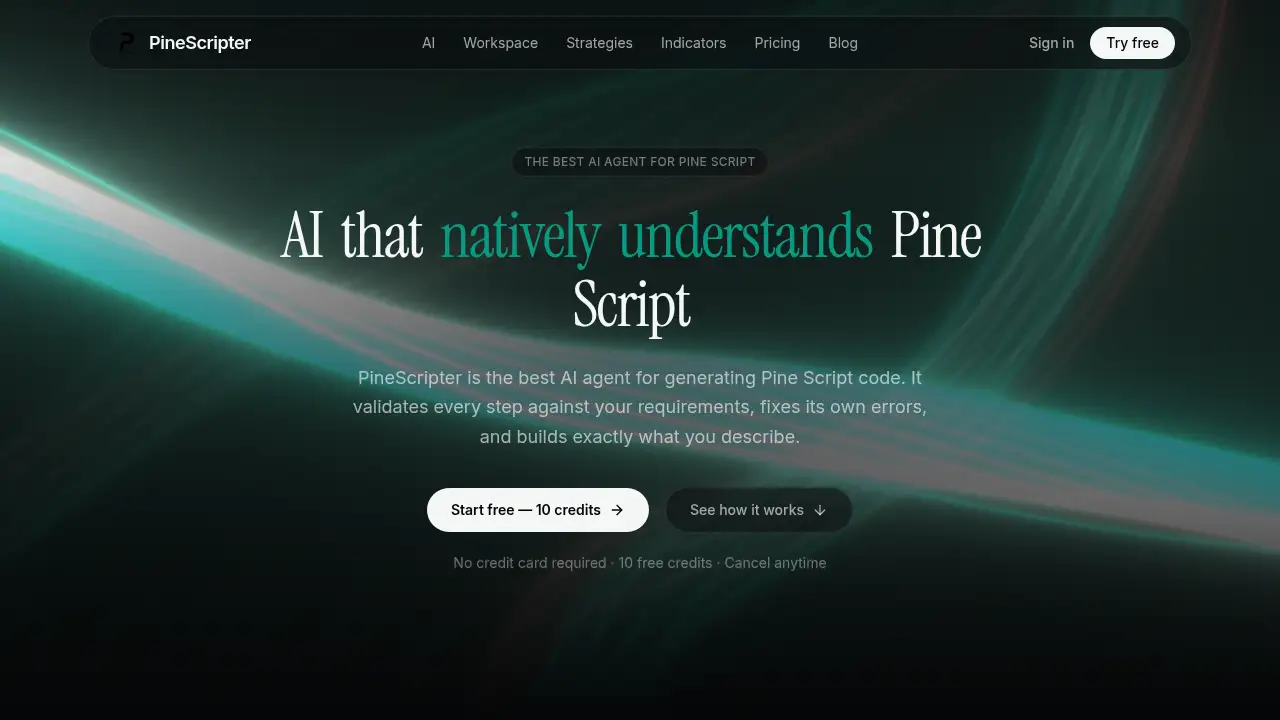
PineScripter is a Pine Script AI that turns plain-English descriptions into Pine Script v6 code, checks the result, and fixes errors before the code is pasted into TradingView. It is designed for traders who want faster indicator and strategy creation without manually debugging every line.
What is PineScripter?
PineScripter is an AI agent focused on generating Pine Script code for TradingView. It is built around Pine Script v6 and is designed to solve a common problem: general-purpose chatbots often produce code that looks plausible but fails to compile. PineScripter plans a script from a written description, turns that description into requirements, writes code, checks it with a built-in lint process, and attempts to fix its own errors before showing the result.
The product is suitable for traders, developers, and analysts who work with TradingView Pine Script but do not want to spend hours debugging syntax, function names, or version-specific changes. It works as a Pine Script AI editor, a testing workspace, and a strategy analysis tool in one place. Users can describe an indicator or strategy in plain English, attach a screenshot or file, review the generated Pine Script v6, and test it on supported market data. For people searching for a Pine Script code generator that understands TradingView’s language, PineScripter is positioned as a focused alternative to general AI chat tools.
Key Features of PineScripter
Plain-English Pine Script AI Editor
Describe an indicator or strategy in everyday language and let the Pine Script AI turn it into a structured checklist, ask clarifying questions, and generate Pine Script v6 code. The editor explains what it built in plain English, which helps users review the logic before using it on TradingView.
Self-Checking Compile Validation
Run each draft through a built-in lint engine that checks the script in a way similar to TradingView. When an error appears, the AI reads the issue, edits the affected code, and checks again, reducing the copy-paste cycle between a chatbot and the TradingView Pine Script editor.
Line-Level Edits and Version History
Request a trend filter, a new input, or a small logic change, and the AI edits only the lines that need to change instead of rewriting the whole script. A side-by-side diff shows what moved, and saved versions make it easier to compare or restore earlier work.
Chart, Bar Replay, and Indicator Analysis
View generated scripts on a chart with real market data, step through history with bar replay, and study how triggers cluster by time and what price did afterward. This helps users evaluate a Pine Script indicator or strategy before adding it to a TradingView chart.
Strategy Reports and Strategy Screener
Simulate a trading strategy with capital, commission, and slippage settings, then review a detailed report covering cumulative P&L, long versus short results, CAGR, profit factor, Sharpe, Sortino, monthly returns, Monte Carlo drawdown range, and individual trades. The strategy screener also provides ready-made Pine Script v6 strategies simulated across supported crypto markets.
Alert Log and Paper Trading
Connect a script’s webhook address to a TradingView alert and record each firing with its name, price, and time. A simulated paper-trading account also lets users practise with market, limit, and stop orders on a live chart using simulated money, not real funds.
Indicator Library
Open original Pine Script v6 volume indicators such as Liquidity Sweeps, Anchored VWAP Engine, Volume Pulse, Delta Flow, and Volume Profile Suite. Each indicator can be opened in the editor and changed with the AI, giving users a working starting point instead of a blank page.
Use Cases for PineScripter
Building Custom TradingView Indicators
Use the Pine Script AI to turn an idea for a volume, trend, or liquidity indicator into Pine Script v6 code that can be reviewed, edited, and tested. This is useful for traders who know what they want visually but are not confident writing TradingView Pine Script from scratch.
Prototyping Trading Strategies
Create a Pine Script strategy from a plain-English rule set, then simulate it with fees and slippage to see how the logic behaves on historical data. The strategy report helps users compare long and short performance, drawdown, and trade-level results.
Testing Trigger Behavior
Run a script on supported charts, use bar replay to inspect specific bars, and review indicator analysis to see how often signals fired and what price did afterward. This supports a more evidence-based review of a Pine Script indicator or alert logic.
Practising with Paper Trading
Use simulated paper trading to test a strategy by hand on a live chart without risking real money. This is helpful for traders who want to understand order flow and execution behavior before connecting any strategy to real alerts.
Learning and Refining Pine Script
Ask the AI to explain what a script does, request line-level changes, and compare versions. The combination of a Pine Script editor, built-in manual context, and plain-English explanations makes it easier to learn how Pine Script v6 code is structured.
How to Use PineScripter
- Create a free account and use the available free credits to open the workspace.
- Describe the indicator or strategy in plain English. Add a screenshot or file if the idea is easier to show than explain.
- Review the AI’s requirement checklist and answer any clarifying questions before the Pine Script code generator writes the script.
- Check the compile status, inspect the generated Pine Script v6, and request line-level edits if something needs to change.
- Run the script on a supported chart, use bar replay or indicator analysis, and export or copy the final code to TradingView when ready.
Target Audience for PineScripter
- Traders who use TradingView Pine Script but want faster code generation
- Algorithmic traders prototyping indicators and strategies
- Developers who need a focused Pine Script AI editor
- Analysts who want to test trigger behavior and strategy reports
- Beginners learning Pine Script v6 with plain-English explanations
- Teams that need a shared workspace for script testing and review
Is PineScripter Free?
PineScripter offers a free start with 10 credits and no credit card required. Paid plans add more credits, larger context windows, more live alerts, and access to multiple AI models. The product states that every paid plan can use the PineScripter fine-tuned model as well as models from OpenAI, Anthropic, xAI, Google, and Alibaba, with stronger models using credits faster.
| Plan | Price | Features |
|---|---|---|
| Free | $0 | 10 free credits, no credit card required |
| Pro | $19.99/month | 1,000 credits, PineScripter fine-tuned model, major third-party models, Pine Script v6 manual context, priority support, 10K input / 100K chat context, indicator analysis, up to 10 live alerts |
| Ultra | $39.99/month | 2,000 credits, same model access, priority support, 100K input / 1M chat context, indicator analysis, up to 100 live alerts |
| Power | $99.99/month | 5,000 credits, model access, priority support, larger context, indicator analysis, and higher alert capacity for teams and power users |
PineScripter's Pros and Cons
| Aspect | Pros | Cons |
|---|---|---|
| Focus | Built specifically for Pine Script v6 and TradingView Pine Script workflows | Less useful for general programming outside Pine Script |
| Code Quality | Self-checking lint process and automatic error fixing reduce common compile issues | Users still need to review logic and requirements carefully |
| Editing | Line-level edits and version history support precise changes | Credit-based usage may matter for heavy iteration |
| Testing | Includes chart, bar replay, indicator analysis, strategy reports, and paper trading | In-app chart testing focuses on supported crypto markets |
| Accessibility | Free credits lower the entry barrier and paid plans are transparent | Advanced usage may require a paid plan and some Pine Script understanding |
Frequently Asked Questions about PineScripter
What is PineScripter?
PineScripter is a Pine Script AI agent that generates Pine Script v6 code from plain-English descriptions. It is designed to check its own output, fix compile errors, and provide a workspace for testing scripts.
Does PineScripter write Pine Script v6?
Yes. The product is built specifically for Pine Script v6 and uses the Pine Script v6 manual as context. It is intended to generate code that follows TradingView’s current Pine Script version.
Can PineScripter fix compile errors automatically?
PineScripter includes a self-checking lint process that reviews drafts and attempts to fix errors before the user sees them. It does not guarantee perfect code, but it is designed to reduce the common back-and-forth between a chatbot and TradingView.
Does PineScripter support TradingView alerts?
Yes. Each script can receive its own webhook address, which can be pasted into a TradingView alert. The alert log records firings with names, prices, and times so users can see when a Pine Script alert fired.
Is PineScripter suitable for beginners?
It can be useful for beginners because it explains what it builds in plain English and allows line-level follow-up edits. However, users should still learn basic Pine Script concepts to review logic and understand strategy results.
Is there a free plan for PineScripter?
Yes. New users can start with 10 free credits and no credit card. Paid plans are available for users who need more credits, larger context, more alerts, and additional workspace features.
PineScripter Tags
PineScripter, Pine Script AI, AI Pine Script generator, Pine Script code generator, Pine Script v6, TradingView Pine Script, Pine Script editor, AI trading strategy generator, Pine Script strategy, Pine Script indicator, TradingView alerts, paper trading