Introduction
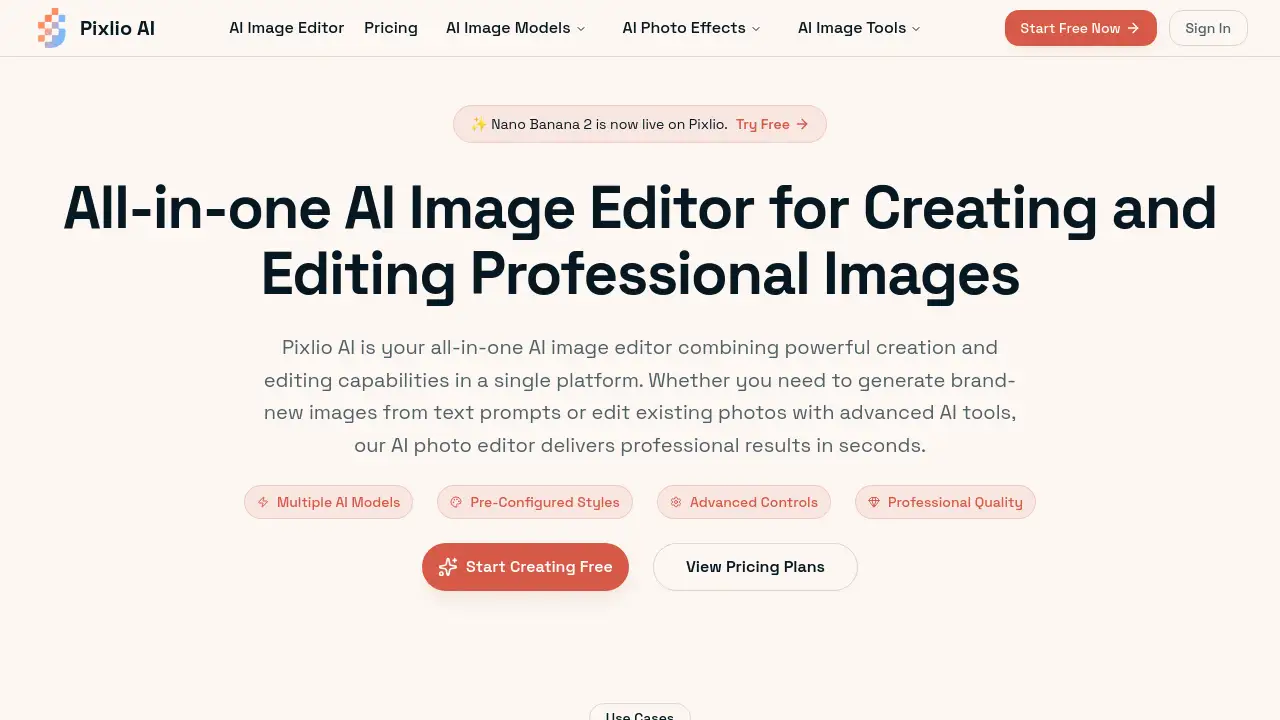
Pixlio AI is a comprehensive AI image editor that combines powerful creation and editing tools in one platform.
What is Pixlio AI?
Pixlio AI is an all-in-one AI image editor designed to simplify professional visual creation. It solves the common problem of needing separate tools for generating new images and editing existing photos. This platform is suitable for a wide range of users, from e-commerce sellers and content creators to marketing teams and designers. By integrating cutting-edge AI models like Nano Banana and Seedream 5, Pixlio AI delivers high-quality results quickly, making advanced image manipulation accessible without requiring expert skills. Its importance lies in streamlining the creative workflow, allowing users to generate, edit, and finalize professional visuals entirely within a single, intuitive AI photo editor.
Key Features of Pixlio AI
Multiple AI Models
Access a variety of cutting-edge models, including Flux and Qwen Image, for generating original images from text prompts within the AI image editor.
Pre-Configured Styles
Apply professional styles like Studio Ghibli anime or Pixar 3D animation instantly during creation or use the AI photo editor to transform existing photos.
Advanced Editing Controls
Edit images with intelligent tools for background removal, object manipulation, and text addition or removal, all powered by context-aware AI.
Professional Quality Output
Export high-resolution images suitable for print, web, and commercial projects, maintaining exceptional detail from the AI photo editor.
Fast Processing Speeds
Complete most generation and editing operations in under 20 seconds, ensuring a smooth and efficient image editor experience.
Web-Based Accessibility
Use the platform from any device with a browser, requiring no software installation or complex system updates for the AI image editor.
Use Cases for Pixlio AI
Add or Remove Text from Images
Effortlessly add captions to social media graphics or cleanly remove unwanted text and watermarks from photos using the intelligent AI photo editor.
Change and Remove Backgrounds
Achieve pixel-perfect background removal for product photos or replace scenes to create eye-catching thumbnails and marketing materials with this image editor.
Create Professional Product Images
Generate high-quality lifestyle and product showcase images for e-commerce, eliminating the need for expensive photoshoots with the AI image editor.
Generate Custom Marketing Graphics
Produce original hero images, social media creatives, and ad banners at scale by combining AI generation and editing features in one platform.
Enhance and Retouch Photos
Improve image quality, adjust lighting, and apply artistic filters to existing photos using the advanced tools in the AI photo editor.
How to Use Pixlio AI
- Sign Up and Explore: Create a free account on the Pixlio AI website to receive complimentary credits for trying both creation and editing features in the AI image editor.
- Choose Your Workflow: Select to either generate a new image from a text description using available AI models or upload an existing photo to edit with AI-powered tools.
- Apply Adjustments: Use pre-configured styles, adjust parameters like aspect ratio and seed values, or apply specific edits like background replacement.
- Export Your Result: Download the final image in your preferred format (PNG or JPG) and resolution. Images created or edited with paid credits are ready for commercial use.
Target Audience for Pixlio AI
- E-commerce business owners and product photographers
- Social media managers and content creators
- Digital marketing teams and advertising professionals
- Graphic designers and illustrators seeking AI assistance
- Bloggers and website owners needing custom visuals
- Hobbyists and artists exploring AI-powered creativity
Is Pixlio AI Free?
New users receive complimentary credits to explore the platform. For ongoing use, Pixlio AI offers subscription plans. The available plans, as per the website, are:
| Plan | Monthly Price (Discounted) | Credits/Month | Key Features |
|---|---|---|---|
| Basic | $16.20 (10% off) | 750 | All editing tools & styles, no watermark, 6-month storage, commercial use. |
| Pro | $28.80 (20% off) | 2,000 | Includes Basic features, plus 1-year storage, unlimited image-to-prompt tools, and pro-tier models. |
| Max | $50.40 (30% off) | 5,500 | Includes Pro features, with top-priority email support. |
Credit packs are also available for project-based work. Users should check the official pricing page for the most current details.
Pixlio AI's Pros and Cons
| Aspect | Pros | Cons |
|---|---|---|
| Platform & Workflow | Combines AI generation and editing in a single, seamless AI image editor. | Workflow is credit-based, which may require planning for high-volume users. |
| Usability | Intuitive controls and plain-language prompts lower the barrier to professional results. | Advanced controls (like seed values) might have a slight learning curve for complete beginners. |
| Output & Rights | Delivers high-quality, commercially usable images suitable for professional projects. | Output style is ultimately guided and limited by the available AI models and pre-sets. |
| Accessibility | Fully web-based, requiring no software installation and accessible from any device. | Requires a consistent internet connection to use the AI photo editor. |
Frequently Asked Questions about Pixlio AI
What is an AI image editor?
An AI image editor is a tool that uses artificial intelligence to perform tasks like creating new images from text and intelligently editing existing photos. Pixlio AI is an example that bundles both capabilities into one platform.
Can I both create and edit images with Pixlio AI?
Yes. Pixlio AI is designed as an all-in-one AI photo editor. Users can generate original visuals from text prompts and also upload their own photos to use advanced AI-powered editing tools like background removal and object manipulation.
What editing features does your AI image editor include?
The image editor includes AI-powered features for background removal and replacement, adding or removing text and objects, enhancing image quality, adjusting colors, and applying style transfers to photos.
Do I get free credits when I sign up?
Yes. New users receive complimentary credits to try both the image generation and editing features of the AI image editor without requiring a credit card.
How is Pixlio AI different from Photoshop or Canva?
Unlike traditional tools that require manual skill, Pixlio AI uses artificial intelligence to understand user intent, executing complex edits based on simple instructions. It also includes integrated AI image generation, which standard editors lack.
Can I use images edited with Pixlio AI commercially?
Images created or edited using paid credits on Pixlio AI come with full commercial usage rights, meaning they can be used in business projects, marketing materials, and for resale.
What AI models power the image editor?
Pixlio AI integrates various state-of-the-art models, including options like Flux for generation and Qwen Image Edit for intelligent photo manipulation, giving users choice based on their needs.
How fast is the Pixlio AI photo editor?
Most operations, whether generating a new image or performing an edit like background removal, are completed within seconds, offering a fast and efficient workflow.
Pixlio AI Tags
AI image editor, Pixlio AI, AI photo editor, generate AI images, edit photos with AI, background remover, commercial use images, AI design tool, online image editor, AI graphics generator, e-commerce product images, marketing visual creator