Introduction
Playwriter is a unique browser automation tool that allows AI agents to control an existing, logged-in Chrome session directly, bypassing common bot detection and avoiding the need for headless instances.
What is Playwriter?
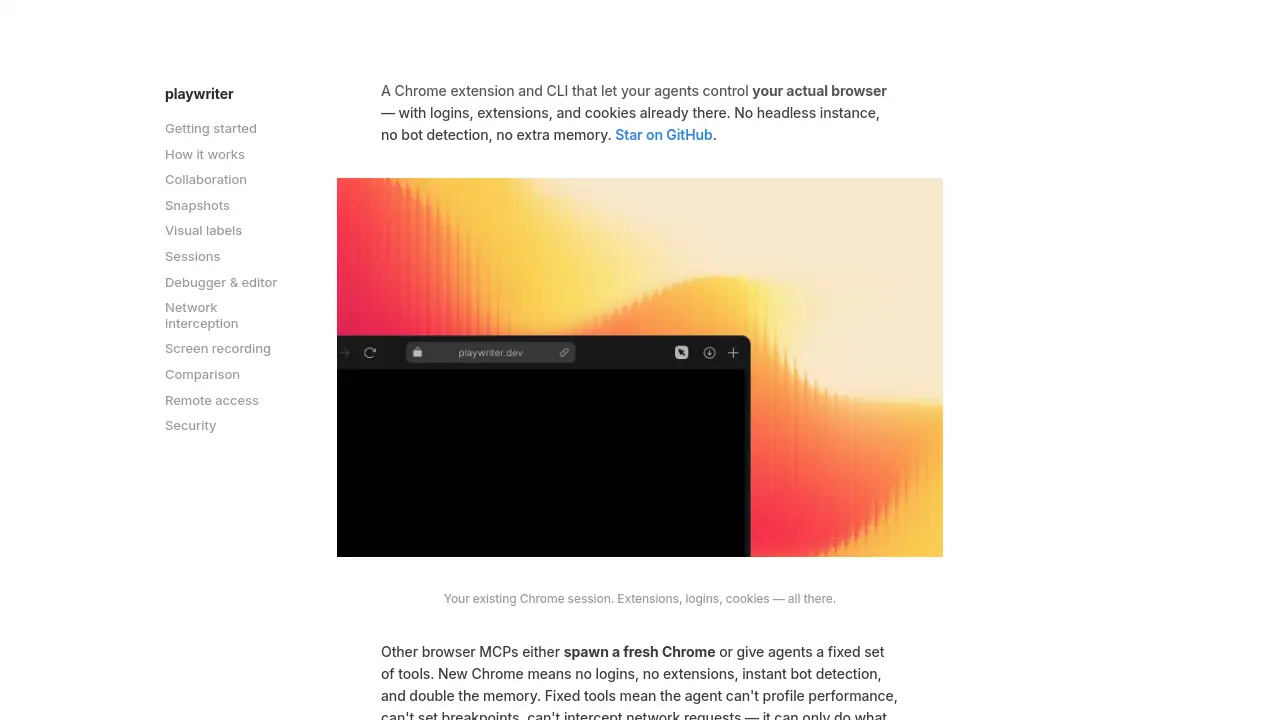
Playwriter is a Chrome extension and Command Line Interface (CLI) tool that enables AI agents or automation scripts to interact with a user's actual, open Chrome browser. It solves a critical problem in browser automation: the lack of real user context. Traditional automation tools like standard Playwright launch a fresh, "clean" browser instance. This new browser has no login sessions, no installed extensions, and no cookies, which often triggers bot detection systems and prevents automation of tasks that require a logged-in state. Playwriter is suitable for developers, QA engineers, and power users who need to automate complex workflows on websites where authentication, personal settings, or specific browser extensions are essential. It matters because it provides a more realistic, efficient, and stealthy approach to browser automation and AI agent interaction by leveraging the user's genuine browser environment.
Key Features of Playwriter
Control Your Actual Browser
The core feature of Playwriter is its ability to let an agent control your existing Chrome window. This means all your active logins, cookies, and browser extensions are immediately available to the automation, eliminating setup time and bypassing many bot detection mechanisms.
Full Playwright API Access
Instead of limiting agents to a fixed set of pre-defined tools, Playwriter provides a single execute command that grants access to the entire Playwright API. This allows for complex interactions like setting breakpoints, intercepting network requests, and live-editing page scripts.
Real-Time Collaboration and Oversight
Because the agent operates in your visible browser, you can watch its actions in real time and intervene when necessary. You can solve CAPTCHAs, click through consent dialogs, or manually correct its course, creating a collaborative human-agent workflow.
Efficient Accessibility Snapshots
To understand a page, the agent uses lightweight text-based accessibility snapshots instead of large screenshots. These snapshots list every interactive element with its corresponding Playwright locator, drastically reducing data size and cost while improving parseability.
Vimium-Style Visual Labels
For tasks requiring spatial understanding, Playwriter can generate screenshots with overlaid, color-coded labels on each interactive element (similar to the Vimium extension). The agent can then reference these labels to perform precise clicks and interactions.
Isolated Multi-Agent Sessions
Playwriter supports multiple concurrent automation sessions in the same browser. Each session operates in an isolated sandbox with its own persistent state object, preventing agents from interfering with each other while sharing the same browser tabs.
Advanced Debugging and Live Editing
It offers deep integration with the Chrome DevTools Protocol (CDP), allowing agents to set JavaScript breakpoints, step through code, inspect runtime variables, and even live-edit page CSS and scripts without reloading the page.
Network Traffic Interception
Agents can monitor and intercept network requests and responses. This is invaluable for reverse-engineering APIs, scraping data delivered via JavaScript, or debugging web application calls directly from the CLI.
Use Cases for Playwriter
Automated Testing with Real User Data
QA engineers can create and run automated tests that require specific user accounts, complex multi-step login processes, or personalized settings, all within a real browser session.
Web Scraping Behind Logins
Data professionals can automate the collection of data from websites that require authentication, such as private dashboards, social media platforms, or subscription-based services, without dealing with headless browser detection.
AI Agent Task Automation
Developers building AI agents can use Playwriter to give their agents the ability to perform complex, multi-step tasks on the web, such as booking appointments, managing social media, or researching topics, using the agent's existing browser context.
Debugging and Development
Front-end developers can use Playwriter's CLI to programmatically interact with their web application, set breakpoints, edit code on the fly, and inspect network traffic from the terminal, speeding up the debugging process.
Repetitive Workflow Automation
Power users can automate tedious, repetitive browser tasks like daily report generation, form filling, or monitoring website changes, all while maintaining their customized browser environment.
How to Use Playwriter
Getting started with Playwriter involves a straightforward setup process to connect your browser to the automation CLI.
- Install the Chrome Extension: Add the "Playwriter MCP" extension from the Chrome Web Store to your browser.
- Activate on a Tab: Click the Playwriter extension icon on any browser tab you wish to control. The icon will turn green, indicating it's attached and ready.
- Install the CLI Tool: Open your terminal and install the Playwriter CLI globally using npm:
npm i -g playwriter. - Add the Agent Skill: Install the companion skill that teaches AI agents how to use Playwriter effectively:
npx -y skills add remorses/playwriter. - Execute Commands: Start controlling your browser by sending Playwright commands through the CLI. For example, to navigate to a site, you would run:
playwriter -e "page.goto('https://example.com')".
Target Audience for Playwriter
- Developers and Engineers building AI agents or automation scripts that require realistic browser interaction.
- QA Automation Engineers needing to test web applications in authenticated states or with specific browser extensions.
- Data Scientists and Analysts who scrape data from websites that require login credentials.
- DevOps and SRE Professionals automating monitoring, diagnostics, or administrative tasks in web consoles.
- Power Users and Productivity Enthusiasts looking to automate repetitive web-based tasks in their personal browser.
Is Playwriter Free?
Based on the available reference information, Playwriter appears to be a free, open-source tool. The project is hosted on GitHub, and the installation instructions use free package managers (npm) without mention of licensing fees or subscription plans. Users should check the official GitHub repository for the most current licensing information.
| Plan | Price | Features |
|---|---|---|
| Available Version | Free | Chrome extension, CLI, full Playwright API access, local WebSocket relay. |
Playwriter's Pros and Cons
| Aspect | Pros | Cons |
|---|---|---|
| Browser Context | Uses real Chrome with logins & extensions; bypasses bot detection. | Requires Chrome and user to be logged in; not a standalone service. |
| Capability | Grants full Playwright API and CDP access for maximum control. | Potentially complex for beginners; powerful tools require knowledge to use safely. |
| Efficiency | No extra memory from spawning new browsers; lightweight snapshots. | Automation is tied to the user's machine and active browser session. |
| Collaboration | Enables real-time human oversight and intervention. | Not designed for fully unattended, "lights-out" automation on servers. |
| Setup | Relatively simple install process; works with existing browser. | Requires installation of both an extension and a CLI tool. |
Frequently Asked Questions about Playwriter
How is Playwriter different from the standard Playwright library?
The standard Playwright library launches a new, isolated browser instance. Playwriter, in contrast, connects to and controls your already-open Chrome browser. This key difference means Playwriter sessions have access to your existing cookies, logins, and extensions, which standard Playwright does not.
Is my browsing data secure when using Playwriter?
Yes. According to the provided information, all communication happens via a WebSocket relay running on your local machine (localhost:19988). No browsing data, credentials, or automation commands are sent to remote servers; everything stays on your computer.
Can I use Playwriter with browsers other than Chrome?
The current description specifically mentions a Chrome extension and controlling your Chrome session. Therefore, it is designed explicitly for the Chrome/Chromium ecosystem and likely does not support Firefox or Safari.
What happens if the agent gets stuck on a CAPTCHA or consent pop-up?
This is a primary strength of Playwriter's collaborative model. Since you are sharing the browser, you can see the pop-up appear in real time. You can manually solve the CAPTCHA or click the consent button, and then the agent can continue its automated task from where it left off.
Can multiple AI agents use Playwriter at the same time?
Yes. Playwriter's local relay supports session multiplexing. This allows multiple CLI instances or AI agents to create isolated sandbox sessions and control the same browser simultaneously without interfering with each other's state.
Do I need to know how to code to use Playwriter?
Basic usage through pre-configured AI agents might require minimal coding. However, to fully leverage its power by writing custom Playwright scripts for the execute command, a working knowledge of JavaScript and the Playwright API is necessary.
Playwriter Tags
Playwriter, Chrome automation, browser automation, Playwright API, headless browser, bot detection bypass, AI agent tools, MCP, web scraping, automated testing, Chrome extension, CLI tool, network interception, live debugging, open-source automation