Introduction
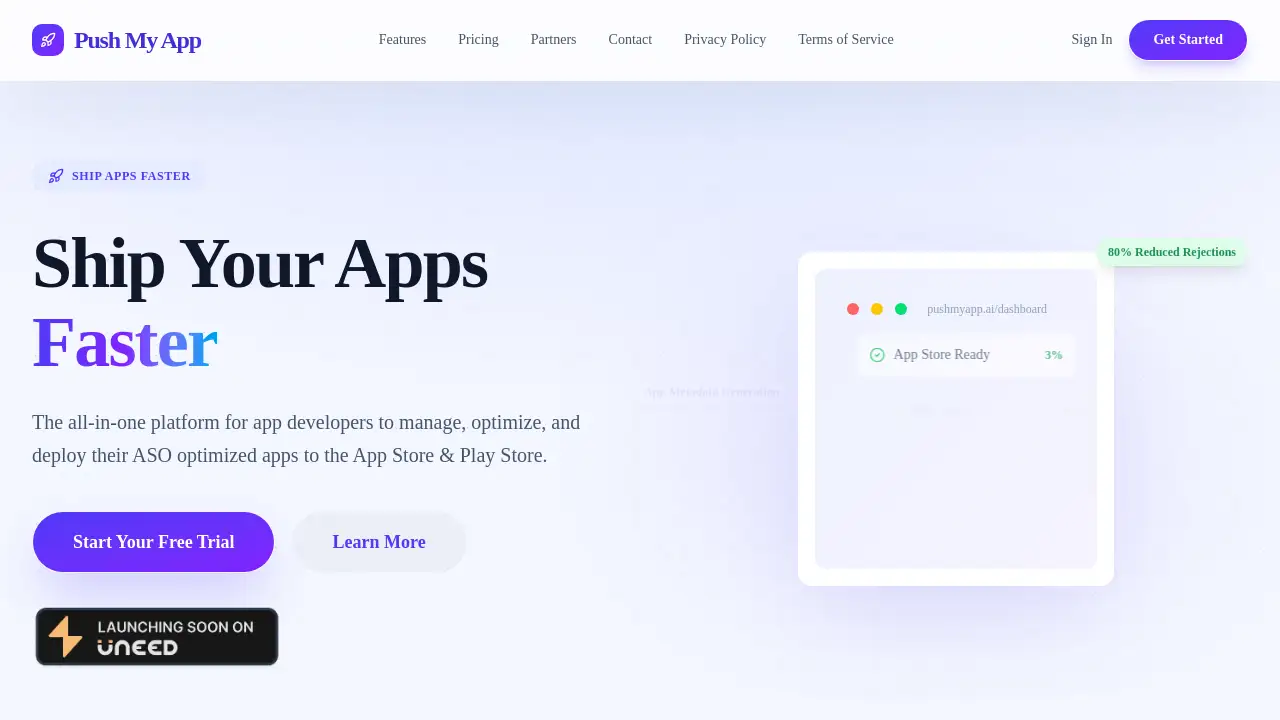
An AI-powered platform that helps developers ship app store listings faster by automating metadata creation and store submission.
What is Push My App?
Push My App is an all-in-one platform designed to streamline the process of publishing and updating mobile applications. It tackles the time-consuming and often complex tasks associated with preparing app store submissions for both the Apple App Store and Google Play Store. The platform is built for app developers and development teams who want to accelerate their launch cycles, reduce manual effort, and improve their app store optimization (ASO). By centralizing management and leveraging AI tools, it removes guesswork and helps developers scale their operations more efficiently. This matters because faster, optimized releases can directly impact an app's visibility and success in crowded marketplaces.
Key Features of Push My App
App Profile Dashboard
This centralized command center provides an overview of all app versions, metadata, and status updates across multiple platforms, keeping project management organized.
AI-Powered Metadata Generation
The tool generates high-conversion descriptions, keywords, and release notes tuned for App Store and Play Store growth, significantly cutting down writing time.
Automated Screenshot Tools
It automates the creation of localized store assets by resizing screenshots into required dimensions and adding device frames or marketing text overlays instantly.
Direct Store Submission
Users can submit their fully prepared app store listings directly to App Store Connect or Google Play Console with a single click, eliminating manual uploads.
Pre-Flight Rejection Checker
The platform scans metadata against a database of 80+ common rejection rules from Apple and Google to help prevent submission delays before sending.
Automated Version History
All changes and submissions are tracked automatically within the platform, replacing the need for manual spreadsheets to maintain a history of updates.
Use Cases for Push My App
Accelerating New App Launches
Development teams can drastically reduce the pre-launch workload by using AI to generate core app store optimization copy and automate asset preparation.
Managing Frequent App Updates
For apps that require regular updates with new features, the platform simplifies the process of modifying metadata and resubmitting to stores quickly.
Scaling to Multiple App Versions
Developers managing several apps or different platform versions (iOS and Android) benefit from a single dashboard to oversee all app store submissions.
Improving ASO Efficiency
Teams focused on improving their search ranking and conversion rates can use the AI tools to test and optimize keywords and descriptions for better App Store performance.
How to Use Push My App
- Create an App Profile: Start by adding a new app project to your dashboard within the Push My App platform.
- Generate and Input Metadata: Use the AI tools to create or refine your app's title, description, keywords, and release notes. Upload your app file and screenshots.
- Prepare Store Assets: Utilize the screenshot tools to automatically generate all required sizes and formats for your app store listings.
- Review and Submit: The platform will run a pre-flight check against common rejection rules. Once satisfied, submit directly to the chosen app store with one click.
Target Audience for Push My App
- Independent mobile app developers and solo founders.
- Small to medium-sized mobile app development agencies.
- In-house development and marketing teams at tech companies.
- Product managers responsible for app launches and updates.
- ASO (App Store Optimization) specialists and marketers.
Is Push My App Free?
The product offers a 30-day free trial, allowing users to test its full feature set. Specific pricing details for paid plans are not listed on the provided homepage content. For current pricing tiers and features after the trial, it is best to visit the official Push My App website.
Push My App's Pros and Cons
| Aspect | Pros | Cons |
|---|---|---|
| Efficiency & Time | Can save over 10 hours per launch week by automating manual tasks like metadata writing and screenshot resizing. | The value is most apparent for teams with frequent releases; solo developers with very infrequent updates may not utilize it fully. |
| Features & Tools | Offers a powerful, integrated suite including AI generation, direct submission, and ASO assistance in one dashboard. | The focus is purely on store submission and ASO; it does not handle other development lifecycle stages like building or testing. |
| Ease of Use | Guided, step-by-step process and pre-flight checks simplify the complex submission workflow for both major app stores. | Requires initial setup and understanding of one's own app metadata and assets to guide the AI tools effectively. |
| Platform Support | Supports both major platforms (Apple App Store and Google Play Store) from a single interface. | Submissions are handled for one platform at a time, not simultaneously, which is typical for store operations. |
Frequently Asked Questions about Push My App
What app stores does Push My App support?
Push My App currently supports direct submission to the two largest mobile app marketplaces: the Apple App Store (via App Store Connect) and the Google Play Store (via Google Play Console).
How does the AI metadata generator work?
The AI-powered tool analyzes your app's purpose and features to generate suggestions for descriptions, keywords, and release notes. These suggestions are designed to be effective for app store optimization and can be edited and refined by the user before submission.
Does Push My App handle the entire app submission process?
Push My App handles the preparation and upload of app store listings, including metadata, screenshots, and the binary file. However, final review and approval are still conducted by the respective app store (Apple or Google), and the developer must have an active developer account with those stores.
Is there a free trial available?
Yes, Push My App offers a 30-day free trial. This allows developers to test the platform's full range of features, including AI metadata generation and direct store submission, before committing to a paid plan.
Can I use it for multiple apps or platforms?
Yes, the App Profile Dashboard is designed to manage multiple apps and their respective iOS and Android versions from a single, centralized location, making it suitable for developers with a portfolio of applications.
What happens if my app submission gets rejected?
The platform includes a pre-flight checker that scans your metadata against over 80 common rejection rules to minimize this risk. If a rejection occurs, you can make the necessary adjustments within Push My App and resubmit directly through the platform.
Push My App Tags
app store submission, ASO tool, app store optimization, AI metadata generator, App Store Connect, Google Play Console, screenshot resizing tool, app launch platform, app developer tools, mobile app marketing, app store listing, app submission software