Introduction
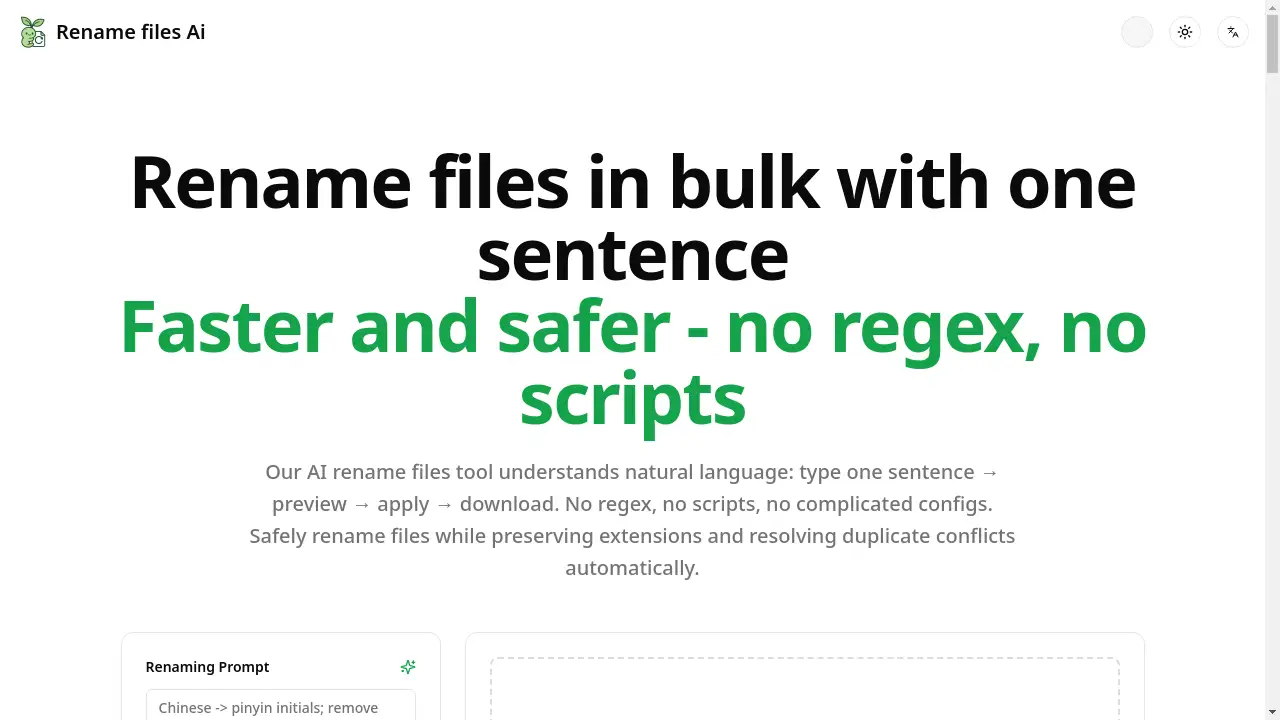
An AI-powered tool to rename files in bulk using simple, plain-English instructions.
What is Rename files Ai?
Rename files Ai is a web-based application that automates the tedious task of batch renaming files. It eliminates the need for complex command-line scripts or learning intricate regular expressions (regex). Users simply describe how they want their files renamed using natural language, such as "lowercase and replace spaces with hyphens." The tool then generates a preview of all changes, ensuring file extensions are preserved and duplicate name conflicts are automatically resolved, before applying the new names in seconds. It's designed for anyone who needs to organize digital assets—from photographers and designers managing portfolios to office workers sorting invoices or developers tidying code resources—making it a faster, safer, and more intuitive way to rename files compared to traditional methods.
Key Features of Rename files Ai
Natural Language Processing
Describe your desired filename format in plain English, and the AI translates your sentence into precise renaming rules, removing the need to write scripts or regex patterns.
Full Preview Before Applying
See a complete side-by-side comparison of original and new filenames before any changes are made, allowing for verification and adjustment to safely rename files.
Extension Preservation and Conflict Resolution
The tool automatically keeps original file extensions intact and resolves duplicate filenames by appending numbers (e.g., -1, -2), ensuring no data is overwritten.
One-Click Standardization Recipes
Apply common transformations instantly with pre-configured rules for actions like converting to lowercase, zero-padding numbers, adding prefixes, or converting Chinese characters to Pinyin.
Browser-Based and Lightweight
The entire process runs securely in your web browser without requiring software installation, enabling you to rename files from any device.
Detailed Change Control
Fine-tune results with controls for case (upper/lower/title), delimiters (hyphens/underscores), token order, length trimming, and special character removal.
Use Cases for Rename files Ai
Organizing Photo Libraries
Photographers can quickly rename files from cameras by standardizing them to a format like YYYY-MM-DD-description-001.jpg for chronological sorting.
Preparing Assets for Web Development
Web designers and developers can rename files by converting them to consistent, lowercase kebab-case (e.g., home-page-banner.png) for SEO-friendly URLs and clean codebases.
Managing Business Documents
Administrative teams can batch rename files like invoices or reports to include dates and client names at the front (e.g., 2025-10-01-acme-invoice.pdf) for easy archiving and retrieval.
Cleaning Up Downloaded Content
Individuals can organize cluttered download folders by removing emojis, brackets, and redundant spaces from filenames in one bulk operation.
Standardizing Code and Design Resources
Software and design teams can enforce consistent naming conventions across projects, converting between snake_case, camelCase, or kebab-case to rename files for better collaboration.
How to Use Rename files Ai
Using the tool involves a simple, four-step workflow directly in your browser.
- Upload Your Files: Drag and drop the files or an entire folder you wish to rename into the web application.
- Describe Your Rule: In the provided text box, type a natural language instruction describing how you want the files renamed (e.g., "lowercase, spaces to hyphens, zero-pad numbers").
- Preview the Changes: Review the generated preview table showing the original filenames alongside the proposed new names. Adjust the rule if necessary.
- Apply and Download: Once satisfied, click the "Apply" button. The tool will process the batch rename files operation and provide a download link for the newly named files, often with an optional CSV change log.
Target Audience for Rename files Ai
- Photographers and Videographers: Individuals managing large libraries of media files from cameras.
- Digital Designers and Web Developers: Professionals needing clean, standardized asset names for projects.
- Office Administrators and Students: Anyone handling batches of documents, reports, or research papers.
- Content Creators and Marketers: Users organizing digital content for blogs, social media, or campaigns.
- Software Engineers and Data Analysts: Technical users looking to rename files in code repositories or datasets without scripting.
Is Rename files Ai Free?
The product offers a generous free plan that allows users to rename files using its core AI-powered functionality. This typically includes a substantial number of files per session and access to basic transformation features. For high-volume users or teams requiring advanced controls and priority processing, affordable premium options are available. The pricing model is designed to provide significant value for casual users while offering scalable plans for power users.
Frequently Asked Questions about Rename files Ai
Is my data safe when using this tool?
Yes. The renaming process happens entirely within your web browser. Files are not uploaded to a remote server for processing, ensuring your data remains private and secure on your local machine.
What file types are supported?
The tool supports all common file types, including images (.jpg, .png), documents (.pdf, .docx), videos (.mp4, .mov), and code files (.js, .css). It works by reading filenames only and does not alter or need to read the actual file contents.
Can I undo a batch rename operation?
The tool is designed as a preview-first system. You must review and confirm all changes before they are applied. Once applied and files are downloaded, the original files remain unchanged in your source folder. For safety, it is recommended to work on a copy of your files.
How does the AI understand my instructions?
The AI is trained to recognize common renaming intents and keywords related to case changes, delimiters, prefixes, suffixes, and formatting. You can use phrases like "add prefix 'report_'," "convert to snake_case," or "remove everything in parentheses."
What happens if two files end up with the same new name?
The tool has a built-in duplicate conflict resolution system. If a renaming rule would create identical filenames, it automatically appends a sequential number (like -1, -2) to differentiate them, preventing any file from being accidentally overwritten.
Does it work on folders and subfolders?
Currently, you can upload an entire folder's contents for batch processing. The tool renames all selected files in a flat structure. For complex nested folder renaming, you would need to process each folder separately.
Rename files Ai Tags
rename files, batch rename, AI file renamer, bulk rename, rename files online, file organizer, natural language rename, no regex rename, safe file rename, photo organizer, document renaming, kebab-case converter, file extension keeper