Introduction
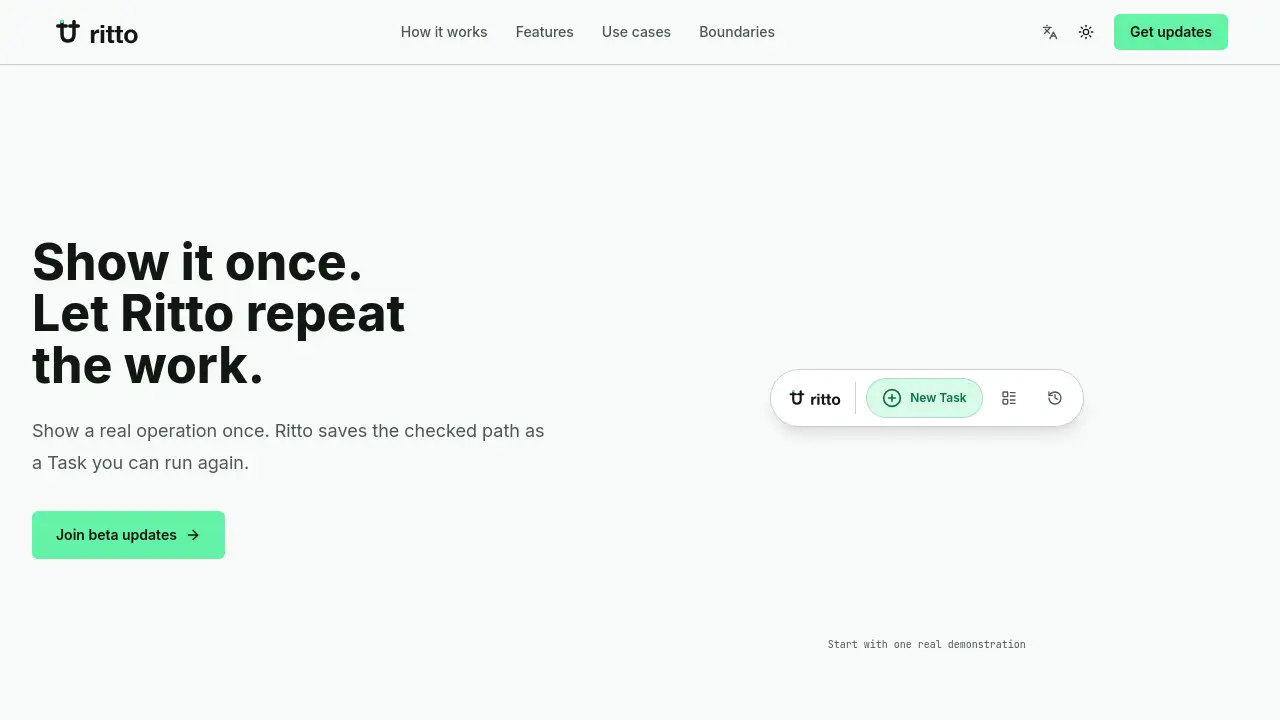
Ritto records a repeated workflow once, then turns it into a reviewable Task you can run again.
What is Ritto?
Ritto is a tool that learns a workflow by watching you perform it once. Instead of asking an AI to generate steps from scratch, you simply show the normal path—opening pages, applying filters, copying fields, writing drafts—and Ritto captures those repeatable steps. Once captured, it creates a reusable Task that you can review, save, and rerun later without re-teaching the process.
The product solves the problem of repetitive digital work like daily recruiting checks, outreach sequences, or order reviews. Unlike open‑ended AI agents or complex macro editors, Ritto focuses on known, repeated paths where the goal, scope, and result can be reviewed. End users don’t need technical skills; they just demonstrate the operation once. Ritto then clarifies missing details, asks for review before each run, and pauses for judgment on high‑risk or uncertain actions. This makes it suitable for recruiters, sales teams, e‑commerce operations, and anyone who follows the same multi‑step routine daily. By turning a demonstration into a reusable Task, Ritto reduces small misses that compound into follow‑up work and helps users regain time spent on repetitive browser‑based tasks.
Key Features of Ritto
Show Once
Perform the repeated operation in your usual way. Ritto captures the page path and repeated steps without requiring any macro or workflow editor.
Clarify Missing Details
After the demonstration, Ritto asks for any missing information it learned from the path—such as field names or pause rules—to complete the Task.
Review Before Run
Before each execution, Ritto shows the scope, pause rules, and Skill pack readiness. High‑risk actions wait for your judgment, so you stay in control.
Preflight Checks
Ritto earns trust by revealing exactly what pages it will touch, which Skill packs it will use, and where it will pause. You know the outcome before the Task runs.
One Path In, One Reusable Task
No complicated configuration. The captured path becomes a saved Task in My Tasks. Next time, review the difference and run again without re‑teaching.
Skill Packs Ready
Ritto bundles pre‑built Skill packs (e.g., page reading, sheet writing, draft drafting) that activate during the run. Users do not need to understand low‑level technical logs.
Use Cases for Ritto
Recruiting and Resume Review
Show the page path once—applying filters, copying candidate fields, and drafting outreach. Ritto creates a Candidate scan Task that checks missing contact fields and pauses for mismatches.
Private‑Domain Outreach
Demonstrate the outreach path: finding new contacts, applying a standard message pattern, and recording next actions. Ritto learns the steps and drafts notes, waiting for confirmation before sending.
Commerce Order Checks
Review order exceptions, item status, inventory fields, and handling notes by showing the order review path once. Ritto flags exceptions and pauses high‑risk handling for your approval.
Files and Table Batches
Summarize, mark, export, or review many files or sheets by showing the cleanup path across one sample file. Ritto produces a sheet cleanup Task with reviewable marks and summaries.
How to Use Ritto
- Demonstrate the repeated operation – Perform the workflow as you normally would on your browser. Ritto records the pages you visit and the actions you take.
- Let Ritto ask for missing details – After the demonstration, Ritto prompts you for any information it couldn’t capture, such as which filters to apply or where to pause.
- Review the scope and risks – Before the first run, check the preflight summary: which pages will be touched, which Skill packs are used, and where the Task will pause for judgment.
- Run the Task once – Execute the demonstration as a Run. Ritto follows the recorded path, pauses for any flagged decisions, and completes the steps.
- Save as a reusable Task – After a successful run, the path is saved in My Tasks. Next time, review the difference from the previous run, then rerun without re‑teaching.
Target Audience for Ritto
- Recruiters and HR professionals – Who screen candidates daily using the same job boards and filters.
- Sales and outreach teams – Who send repeated personalized messages and track follow‑ups.
- E‑commerce operations staff – Who process order exceptions and inventory checks regularly.
- Data analysts and administrators – Who clean, mark, or export files and sheets by the same rules.
- Small business owners – Who perform routine online tasks manually and want automation without coding.
Is Ritto Free?
Ritto is currently in a beta phase. The website offers a subscription for beta updates, but no official pricing tiers have been announced. Users can join the beta for free via the sign‑up form on the homepage. Since the product is still being developed, there is no guarantee of how pricing will be structured after the beta period. For the latest information, visit the Ritto beta updates page.
| Plan | Price | Features |
|---|---|---|
| Beta access | Free (during beta) | Join beta updates, early access to product, no sales qualification |
Ritto's Pros and Cons
| Aspect | Pros | Cons |
|---|---|---|
| Ease of use | No workflow editor or macro required; just show the path | Only works for repeated, reviewable paths; not a general AI agent |
| Trust and control | Preflight checks show scope and risks; pauses for human judgment | High‑risk or uncertain actions still need user oversight; not fully autonomous |
| Skill complexity | Skill packs are pre‑built; no technical configuration needed | Limited to the Skill packs provided; cannot customize low‑level behavior |
| Availability | Free beta sign‑up; no sales funnel | No public launch date or confirmed pricing; beta may have limited scalability |
Frequently Asked Questions about Ritto
Is Ritto an AI agent that can decide what to do next?
No. Ritto is not an open‑ended multi‑turn chat agent. It only follows the path you demonstrated and pauses for judgment when uncertain. It does not decide who to contact, hire, or evaluate.
Can I use Ritto for any type of workflow?
Ritto works best for repeated, reviewable workflows where the goal, scope, and result can be checked. It is not designed for one‑off tasks, creative work, or workflows that change every time.
Do I need to understand Skill packs or technical logs to use Ritto?
No. End users do not need to touch low‑level configuration files or logs. Skill packs are pre‑built and ready to use after the demonstration. Ritto handles the technical details.
How does Ritto handle my data during a Run?
The site does not specify data handling details yet. However, preflight checks let you see exactly which pages the Task will access. For sensitive data, use caution and review the scope before each run. More details may come with the public release.
When will Ritto be publicly available?
Ritto is currently in a beta phase with limited sign‑ups. The website only offers a beta update subscription; there is no public release date. Join the mailing list to receive early product updates.
Can I share a saved Task with my team?
The current reference information does not mention team sharing or collaboration features. The product appears focused on individual use. Future updates may add sharing capabilities.
Ritto Tags
Ritto, workflow automation, repeated tasks, recruiting automation, outreach automation, no-code automation, task recording, preflight checks, skill packs, business automation, robotic process automation, demo-to-reuse