Introduction
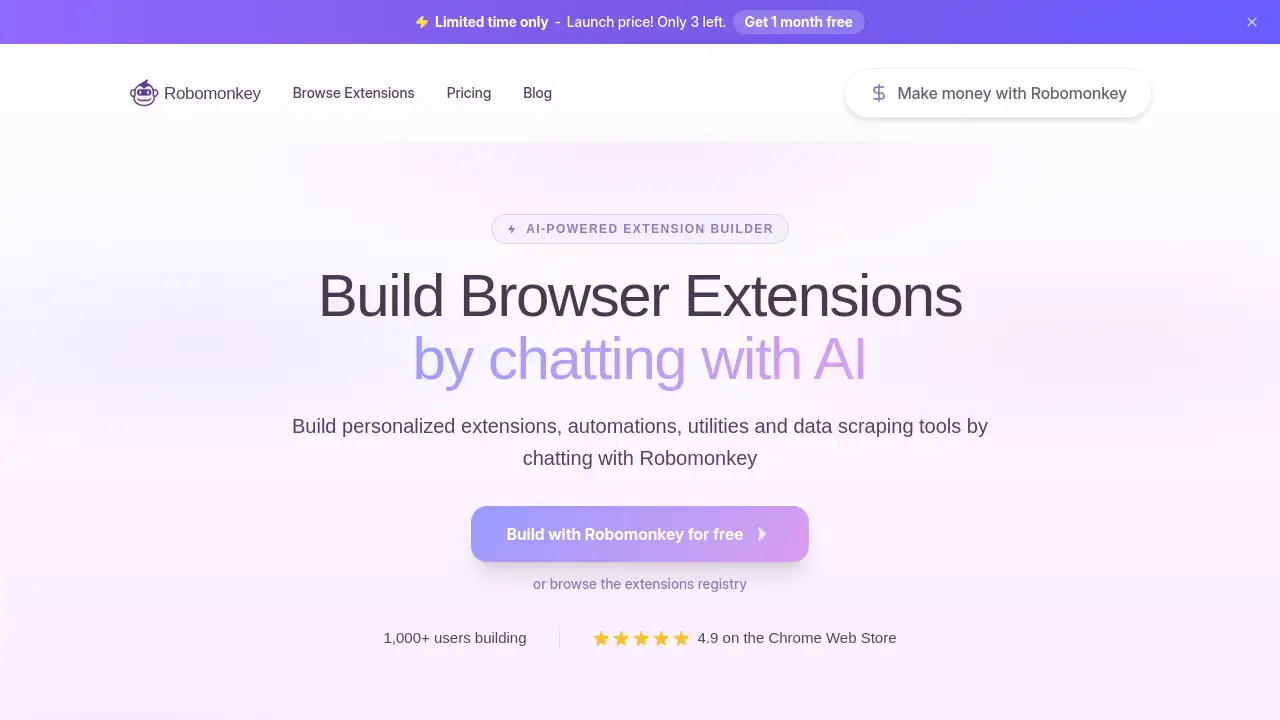
Robomonkey is an AI-powered platform that lets anyone build custom Chrome extensions by simply chatting with an AI. This innovative tool removes the need for coding, enabling users to create browser extensions, automations, and data scraping tools quickly and easily. With a growing community and a 4.9 rating on the Chrome Web Store, Robomonkey is changing how people approach extension development.
What is Robomonkey?
Robomonkey is a Chrome extension builder that uses artificial intelligence to generate browser extensions based on natural language prompts. Instead of writing complex JavaScript, CSS, or HTML, users describe what they want the extension to do, and Robomonkey produces a working extension in minutes.
The tool solves a major problem: building custom Chrome extensions traditionally requires programming knowledge and hours of debugging. Robomonkey makes this process accessible to anyone – marketers, product managers, designers, analysts, and everyday power users who need tailored browser tools but lack coding skills.
By leveraging AI, Robomonkey allows users to create extensions for specific websites, automate repetitive tasks, scrape data, and even build utilities like schedulers and price trackers. The platform also includes an Extensions Registry where the community shares their creations, making it easy to discover pre-built solutions for popular sites like WhatsApp, Quizlet, ChatGPT, YouTube, and more.
For those interested in browser extension automation or data scraping tools, Robomonkey provides a practical, no-code alternative to traditional development. Whether you need a WhatsApp message scheduler, a price tracker with alerts, or a custom utility for any website, this tool delivers results fast.
Key Features of Robomonkey
AI-Powered Extension Builder
Describe your extension in plain English – Robomonkey’s AI interprets the request and builds a working Chrome extension. No coding knowledge is required.
Extensions Registry
Browse hundreds of community-built extensions for popular websites like web.whatsapp.com, quizlet.com, youtube.com, and more. Install pre-made tools instantly or use them as starting points.
Web Scraping & Automation
Create extensions that extract data from web pages, monitor prices, track stock, or automate repetitive clicks and form fills – all without writing a single line of code.
Cross-Website Compatibility
Build extensions that work on any website. Specify a domain (e.g., amazon.com, eBay, Booking.com) and Robomonkey tailors the extension to interact with that site’s elements.
Real-Time Preview & Demo
Watch a live demo of Robomonkey building an extension from a single prompt in under two minutes. This feature helps users understand the workflow before committing to a project.
Credit-Based Usage
Users purchase credits to build and run extensions. Unused credits can roll over, and plans are flexible – upgrade or downgrade anytime.
Use Cases for Robomonkey
Automating WhatsApp Messages
Create a custom extension to schedule and auto-send WhatsApp messages on web.whatsapp.com, including options to start new chats by phone number.
Tracking Product Prices with Alerts
Build a data scraping tool for e-commerce sites like Amazon, eBay, or AliExpress. Monitor price drops and receive WhatsApp notifications automatically.
Stock Monitoring for Fashion Retailers
Design an extension that checks inventory for specific items on Zara, Bershka, H&M, or Nike. Get alerts when sizes are back in stock, and even auto-add items to the cart.
Scraping Data for Market Research
Generate a Chrome extension that extracts product listings, reviews, or competitor information from multiple websites, saving hours of manual copy-pasting.
Custom Utilities for Productivity
Create small browser tools like a website-specific note taker, a grammar checker, or a dark mode toggle – all built through conversation with the AI.
How to Use Robomonkey
- Install the Robomonkey extension from the Chrome Web Store (link provided on the homepage). It’s only available on desktop.
- Describe your extension – open Robomonkey and type what you want, e.g., “Build an extension that tracks stock on Zara and sends WhatsApp alerts.”
- Review and test – the AI generates the extension. You can refine it with additional prompts or use it immediately.
- Install or share – once satisfied, install the extension directly in your browser or publish it to the Extensions Registry for others to use.
- Manage your credits – each build or run consumes credits. Check your plan balance and upgrade if needed.
No technical skills are required; the entire process revolves around natural language input.
Target Audience for Robomonkey
- Product Managers – Quickly prototype Chrome extensions to test product ideas without developer resources.
- Marketers & SEO Specialists – Build data scraping tools to gather competitor information or monitor keyword rankings.
- Designers – Create browser utilities that enhance design workflows (e.g., color pickers, layout inspectors).
- Superusers & Power Users – Automate repetitive online tasks like form filling, price monitoring, or content scheduling.
- Analysts – Extract structured data from websites for reports and dashboards.
- Students & Hobbyists – Learn how extensions work by building them with AI, no coding required.
- Freelancers & Small Businesses – Offer custom browser extensions as added services to clients.
Is Robomonkey Free?
Robomonkey offers a free tier that lets users build and test extensions with a limited number of credits. The homepage mentions a launch promotion: Get 1 month free with coupon code ROBOFREE1MONTH. For full details, users are directed to the official pricing page.
| Plan | Price | Key Features |
|---|---|---|
| Free | $0 | Limited credits, access to Extensions Registry, basic builds |
| Pro | From $X/month | More credits, priority support, advanced features (exact pricing on site) |
Note: Exact Pro pricing is not displayed in the reference; users should visit robomonkey.io/pricing for current rates.
Robomonkey's Pros and Cons
| Aspect | Pros | Cons |
|---|---|---|
| Ease of Use | Build extensions by chatting – no coding required | Some complex features may need prompt refinement |
| Speed | Extensions ready in minutes, not hours/days | AI may not handle edge cases perfectly |
| Community | Rich Extensions Registry with pre-built tools | Free tier credit limits may be restrictive for heavy users |
| Automation | Supports scraping, scheduling, alerts | Works best on explicitly supported websites |
| Pricing | Free tier available; flexible credit rollover | Pro plans cost per credit; high-volume users may find it expensive |
| Ownership | User retains full ownership of code/projects | – |
Frequently Asked Questions about Robomonkey
Can I build extensions for free?
Yes, Robomonkey has a free plan that provides a limited number of credits to start building. Users can create and test basic extensions without paying. The current promotion also offers one month free with code ROBOFREE1MONTH.
What types of extensions can I build with Robomonkey?
You can build almost any Chrome extension, including automation tools, data scrapers, schedulers, price trackers, utilities, and site-specific enhancements. The AI handles prompts for both simple and complex functionality.
Who owns the projects and code?
All extensions and code built with Robomonkey are owned by the user. There is no claim by the platform, and you can freely use, modify, or sell your creations.
What are credits and how do they work?
Credits are the currency used to build and run extensions. Each action (creating or executing an extension) consumes a certain number of credits. Credits are non-reusable unless rolled over per plan terms.
Can I change my plan anytime?
Yes, plans are flexible. You can upgrade or downgrade at any moment, and changes take effect immediately or at the next billing cycle depending on the plan.
What happens if I spend all my credits?
If you run out of credits, you cannot build or run new extensions until you purchase more or wait for a monthly reset (if applicable). Your existing extensions continue to work in your browser.
Do unused credits roll over?
According to the reference, unused credits do roll over, but exact terms depend on the plan. Check the pricing page for specifics.
Robomonkey Tags
build custom Chrome extensions, AI Chrome extension builder, browser extension automation, no-code Chrome extensions, data scraping tools, Chrome extension without coding, AI-powered extension builder, WhatsApp automation extension, price tracker Chrome extension, stock monitor extension, Robomonkey review, Chrome extension builder AI