Introduction
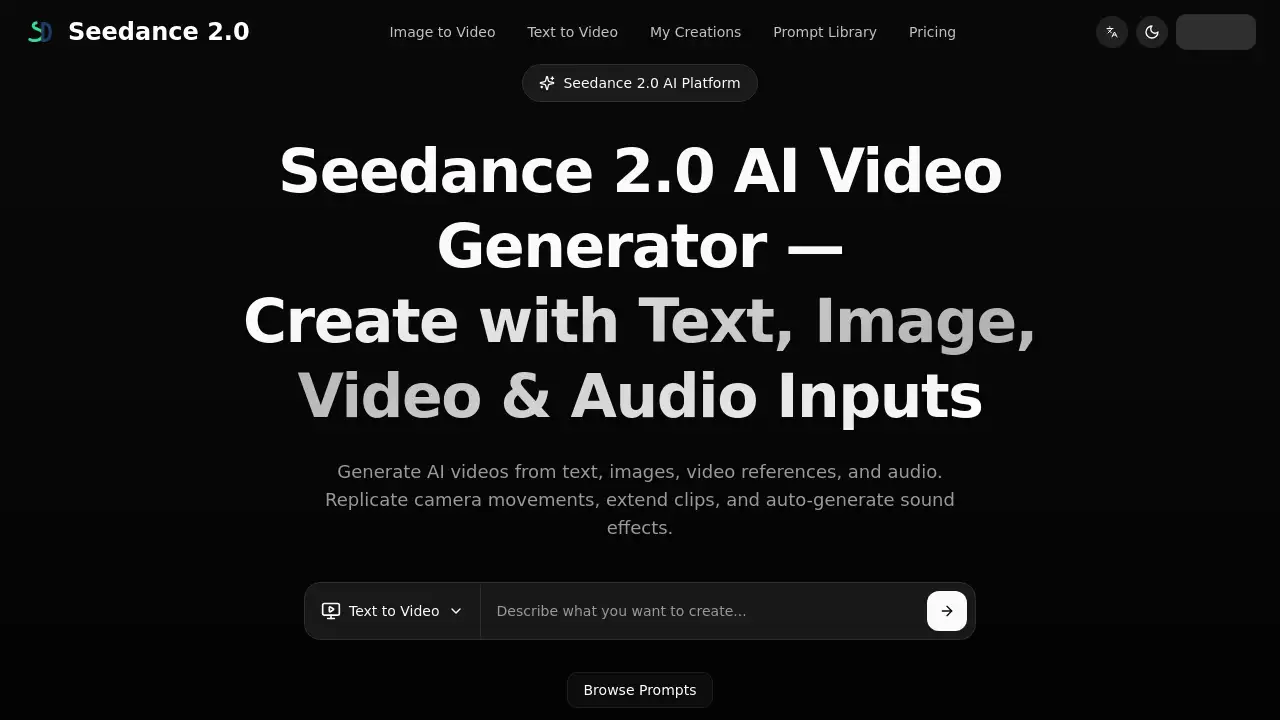
Seedance 2.0 is a multimodal AI video generator for creators.
What is seedance 2.0?
Seedance 2.0 is an AI video generator that transforms ideas into video drafts. It solves the challenge of creating professional-looking videos without extensive editing skills or production resources. The platform stands out by accepting multimodal inputs—allowing users to combine text, images, video clips, and audio in a single workflow. This is significant because it provides precise creative control over elements like camera movement, character appearance, and scene pacing. It is suitable for marketers, content creators, filmmakers, e-commerce businesses, and educators who need to quickly prototype AI videos for social media, product demos, storyboards, or presentations. By enabling video generation from diverse references, Seedance 2.0 helps users iterate on concepts efficiently before moving to final production.
Key Features of seedance 2.0
Multimodal Input Support
Seedance 2.0 accepts and combines up to 12 files, including text prompts, images, video references, and audio clips, in a single generation for comprehensive creative control.
Camera Movement & Motion Replication
By uploading a reference video, the platform can replicate specific camera trajectories, action pacing, and visual effects in newly generated content.
Video Extension and Continuation
The tool can seamlessly extend existing video clips forward or backward, maintaining visual consistency in characters, lighting, and perspective.
Character Replacement and Scene Editing
Users can swap characters or objects within an existing video while preserving the original scene's background and motion.
Automatic Sound Effects & Music
Seedance 2.0 auto-generates sound effects and background music timed to the on-screen action and supports MP3 uploads for audio references.
One-Take Long Shots & Multi-Segment Generation
It supports generating consistent, long-duration shots and can create multi-segment videos that merge with continuity for narrative projects.
Precise Generation Settings
Each generation can be configured with specific parameters like aspect ratio, duration (4-15 seconds), and model selection, with costs displayed upfront.
Use Cases for seedance 2.0
Social Media Marketing
Draft and iterate on short-form video concepts for platforms like TikTok, Instagram Reels, and YouTube Shorts with consistent creative direction.
E-commerce Product Videos
Quickly turn product images into engaging video drafts to explore different visual angles and promotional styles.
Video Production & Filmmaking
Create storyboards and concept visualizations during pre-production to experiment with scenes and creative directions.
Business Presentations
Generate video drafts for decks, training materials, and internal updates to turn ideas into compelling visual stories.
Creative & Artistic Projects
Explore video art, music visualizations, and experimental concepts by using AI as a collaborative creative partner.
Educational Content
Draft explainer videos to illustrate abstract concepts visually and create variants for different audiences.
How to Use seedance 2.0
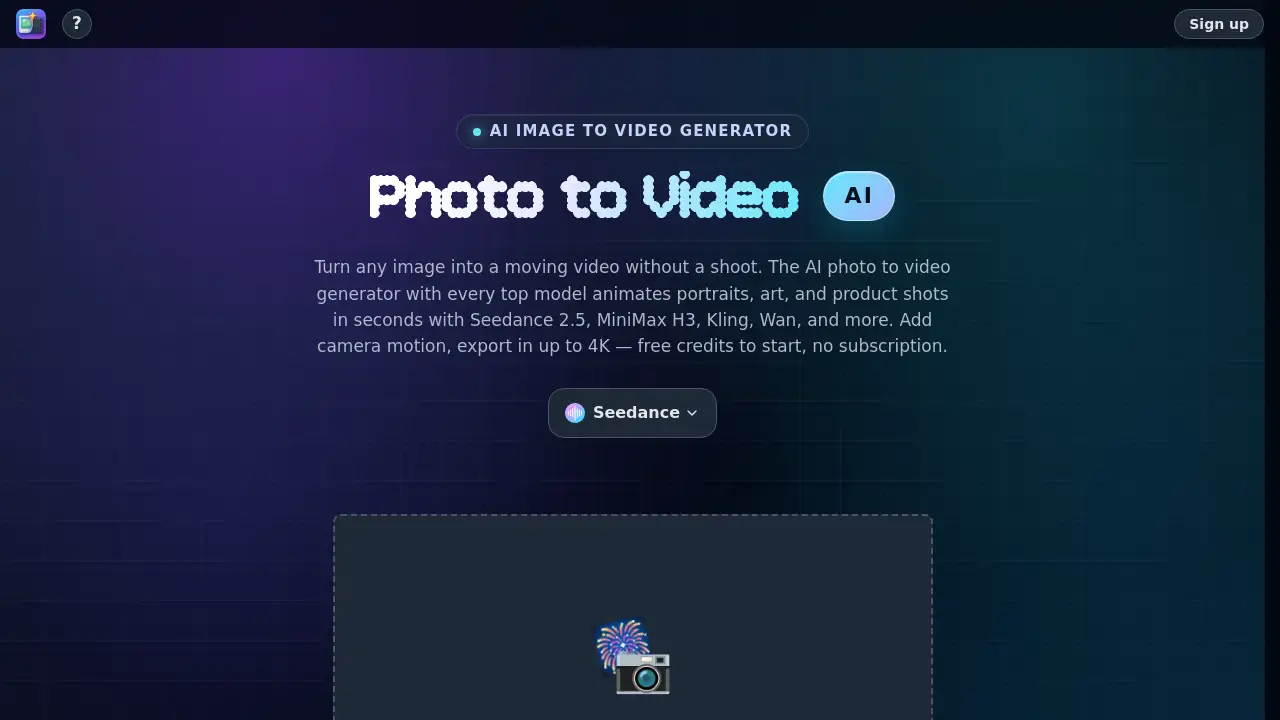
- Choose Your Inputs: Select your creation method (text-to-video or image-to-video) and upload your materials. You can combine text prompts with reference images, videos, and audio files.
- Configure Settings: Set your desired parameters, such as the AI model, aspect ratio, video duration, and assign specific roles to uploaded files using the @ symbol in your prompt.
- Generate Your Video: Start the generation process. The platform will create a video draft based on your combined inputs and settings.
- Refine and Iterate: Review the output and make small adjustments to your prompts or settings to converge on your desired result.
- Export Your Final Draft: Once satisfied, export the video based on the options available in your selected plan.
Target Audience for seedance 2.0
- Social Media Managers and Content Creators
- E-commerce Store Owners and Marketers
- Independent Filmmakers and Video Producers
- Marketing and Advertising Agencies
- Corporate Teams for Internal Communications
- Educators and Online Course Creators
- Artists and Digital Creatives
Is seedance 2.0 Free?
Seedance 2.0 operates on a credit-based subscription model. Users should check the official pricing page for the most current plan details and any trial availability. Based on available information, the plans include:
| Plan | Price (Monthly) | Key Features |
|---|---|---|
| Mini | $9.00 | 500 monthly credits, 720p output, Text & Image-to-Video, Commercial rights |
| Standard | $30.00 | 1000 monthly credits, 720p output, Fast generation queue, Commercial rights |
| Plus | $60.00 | 2500 monthly credits, 720p output, Fast queue, Commercial rights, Priority Support |
seedance 2.0's Pros and Cons
| Aspect | Pros | Cons |
|---|---|---|
| Workflow & Control | Unique multimodal input combines text, image, video, and audio for precise control. | Output quality and consistency can vary depending on the input and configuration. |
| Features | Advanced features like motion replication and video extension offer professional-grade tools. | Maximum video duration is currently limited to 15 seconds per generation. |
| Ease of Use | Designed for a practical workflow, allowing iteration without deep editing skills. | Achieving desired results may require experimentation and prompt refinement. |
| Pricing | Transparent credit-based system with costs shown before generation. | Higher-tier plans may be necessary for extensive commercial project needs. |
Frequently Asked Questions about seedance 2.0
What is Seedance 2.0?
Seedance 2.0 is a multimodal AI video creation platform that generates videos from text, images, video references, and audio inputs, offering users precise control over camera movement, style, and motion.
What types of input does it accept?
The AI video generator supports text prompts, images, video clips (for motion reference), and audio files (MP3). You can combine up to 12 of these multimodal inputs in a single generation.
Can I use it for commercial projects?
Commercial usage rights are granted based on your subscription plan. The specific terms are displayed at checkout, so users should confirm details according to their selected plan.
Does Seedance 2.0 add sound to videos?
Yes, the platform can auto-generate sound effects and background music that match the on-screen action. You can also upload your own MP3 files to guide the audio tone and rhythm.
How do I get the best results?
For optimal AI video generation, use detailed prompts, provide clear reference images or videos for style and motion, and iteratively refine your settings based on previous outputs.
What is the output video resolution?
The standard output resolution is 720p. Available resolution options may depend on the selected generation mode and the user's subscription plan.
seedance 2.0 Tags
AI video generator, multimodal AI, video from text, AI video creation, text-to-video, image-to-video, video generation, motion replication, camera control, AI video editor, video extension, automatic sound effects, content creation tool, video marketing