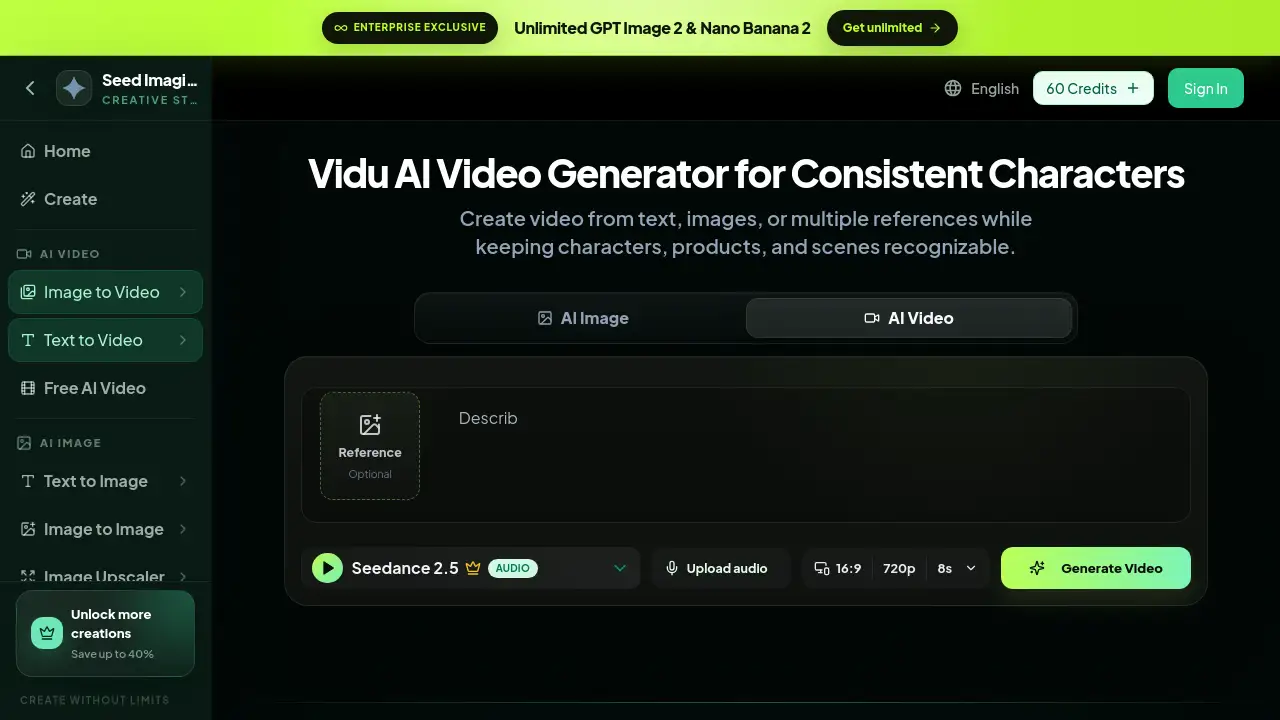
Introduction
DreamFace AI Video Generator is an online AI video generator that turns a single photo into a moving video clip. It supports image-to-video animation for talking portraits, singing characters, and lip-sync video effects. Users do not need a camera or a studio. With a reference image and a text prompt, DreamFace AI Video Generator makes the photo feel alive. This tool is designed for content creators, marketers, and anyone curious about AI video generation.
What is DreamFace AI Video Generator?
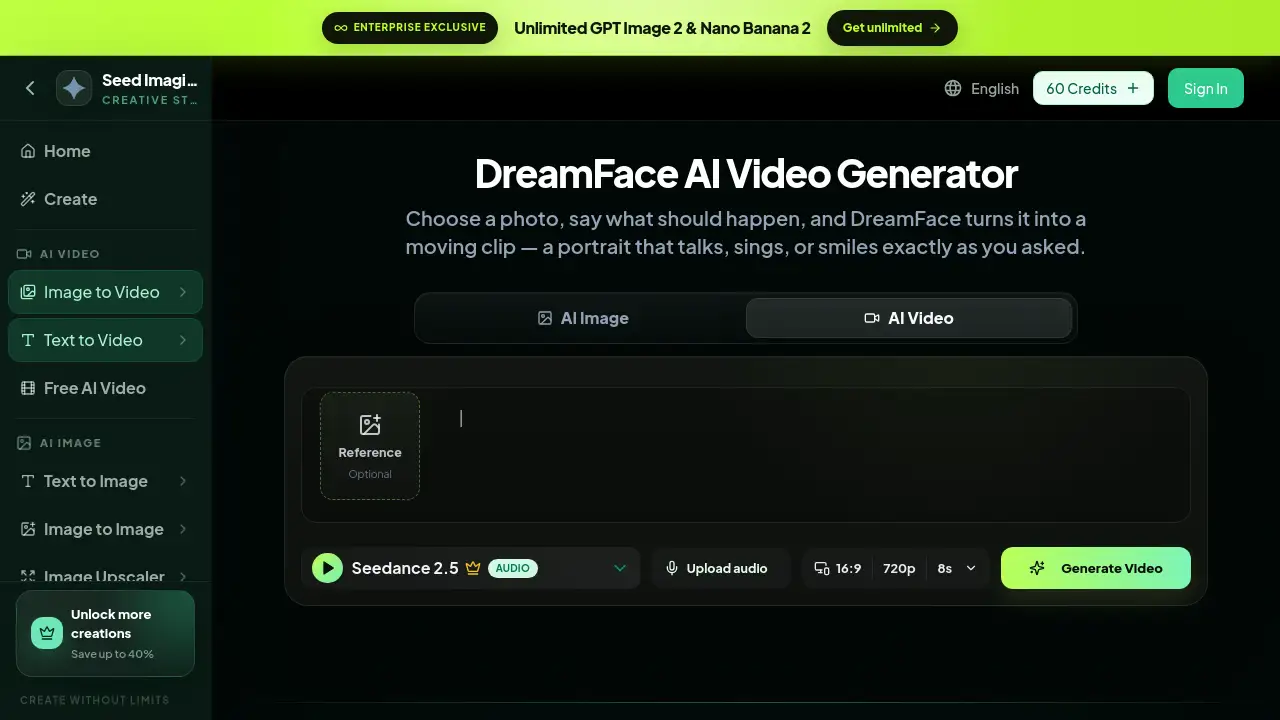
DreamFace AI Video Generator is a web-based tool built for photo animation. The core idea is simple: upload a photo, describe the motion, and let the AI video generator create a short clip. It solves the problem of producing engaging visual content without traditional filming. Instead, users get image-to-video animation from a single picture. DreamFace AI Video Generator also supports text-to-video prompts and optional audio upload, so a portrait can talk, sing, or perform a simple action. This matters because AI video generator tools are changing the way short videos are made. DreamFace AI Video Generator makes video creation faster and accessible from a browser.
Key Features of DreamFace AI Video Generator
Photo to Video Animation
DreamFace AI Video Generator turns an uploaded reference image into an animated video clip. It is a practical AI video generator choice for quick photo-based content.
Talking Photo and Lip Sync
With DreamFace AI Video Generator, users can create a talking photo or a lip sync video. The face motion is driven by either a prompt or an uploaded audio file.
Singing Photo Effects
DreamFace AI Video Generator supports singing photo clips. This feature works well for playful videos where the person in the image appears to perform a song.
Online Image-to-Video Workflow
The entire workflow is online. DreamFace AI Video Generator uses an image-to-video animation engine, so there is no need to install complicated software.
Prompt-Based Movement Control
Users control the animation with text. DreamFace AI Video Generator reads the prompt and adds matching movement, expression, or action to the photo.
Optional Audio Upload
For lip sync video and singing photo projects, DreamFace AI Video Generator lets users upload audio. This helps the generated character match the voice or music.
Use Cases for DreamFace AI Video Generator
Talking Portrait for Social Media
DreamFace AI Video Generator can turn a still portrait into a talking photo for Instagram, TikTok, or Facebook posts. This makes the AI video generator a popular choice for profile engagement.
Singing Baby or Character Clip
Users can make a baby photo sing with DreamFace AI Video Generator. These playful clips are popular for family sharing and casual entertainment.
Music Performance Video
By uploading a face photo and an audio track, DreamFace AI Video Generator creates a lip sync video that looks like a music performance. This is useful for fan content and parody clips.
Photo Transformation Video
DreamFace AI Video Generator can animate transformations such as a growth transition or beauty change. The AI video generator turns a static image into a short visual story.
How to Use DreamFace AI Video Generator
Using DreamFace AI Video Generator is straightforward. Here are the steps:
- Open the DreamFace AI Video Generator page.
- Upload a reference photo. A clear face or portrait works best.
- Write a prompt that tells the AI what should happen.
- Upload audio if the goal is a singing photo or lip sync video.
- Click generate and wait for the video preview.
DreamFace AI Video Generator will then process the photo and return a preview. After the AI video generator finishes, users can review the clip and decide whether to keep it or adjust the prompt.
Target Audience for DreamFace AI Video Generator
- Social media creators who need quick photo-to-video content
- Marketers testing personalized video ads
- Entertainment fans who enjoy talking photo edits
- Educators creating animated visual examples
- Business owners producing product or brand videos
- Casual users who want to animate family photos with DreamFace AI Video Generator
- Anyone who wants to try DreamFace AI Video Generator for creative projects
Is DreamFace AI Video Generator Free?
DreamFace AI Video Generator appears to use a credit-based system. The page shows a “60 Credits” value near the sign-in area, which suggests new users may receive some credits after signing in. However, the public page does not clearly state whether there is a permanent free plan. For accurate details, users should check the official SeedImagine pricing page. This AI video generator uses credits for each generation.
| Plan | Price | Features |
|---|---|---|
| Free / Starter | Credit-based, exact terms unclear | Access to DreamFace AI Video Generator and other AI tools |
| Paid / Enterprise | See official pricing | Unlimited or higher-volume generation options |
DreamFace AI Video Generator's Pros and Cons
| Aspect | Pros | Cons |
|---|---|---|
| Ease of use | Simple online image-to-video animation workflow | Requires a stable internet connection |
| Creative features | Supports talking photo, singing photo, and lip sync video | Output quality depends on the photo and prompt |
| Cost | Credit-based access makes it flexible | Exact pricing is not transparent before signing in |
| Platform | Browser-based AI video generator, no installs | Credits are needed for full generation |
Frequently Asked Questions about DreamFace AI Video Generator
What is DreamFace AI Video Generator?
DreamFace AI Video Generator is an online AI video generator that uses image-to-video animation to make photos move, talk, sing, or perform actions.
Does DreamFace AI Video Generator make a photo talk?
Yes. The tool can create a talking photo. Users upload a photo, write a prompt, and DreamFace AI Video Generator produces a video clip with natural-looking face motion.
Can DreamFace AI Video Generator create singing videos?
Yes. DreamFace AI Video Generator supports singing photo effects. Users can upload an audio file, and this AI video generator creates a lip sync video that matches the song.
Do users need to install software?
No. DreamFace AI Video Generator runs entirely online. Users access the tool from the SeedImagine website and use the image-to-video animation features directly in a browser.
What can I do with a DreamFace AI Video Generator clip?
The AI video generator can be used to create talking portraits, singing baby clips, transformation videos, and short music-style clips. These videos work well for social media profiles, stories, and entertainment pages.
Is DreamFace AI Video Generator free?
The public page does not clearly describe a free plan. DreamFace AI Video Generator seems to run on credits, and users should check the official pricing page for updated plans.
DreamFace AI Video Generator Tags
DreamFace AI Video Generator, AI video generator, photo to video, talking photo, lip sync video, singing photo, image-to-video animation, online AI video tool, text to video, portrait animation, DreamFace AI review, AI singing video